
Monitor Arm Review: Desk Clamp depth and Footprint tested
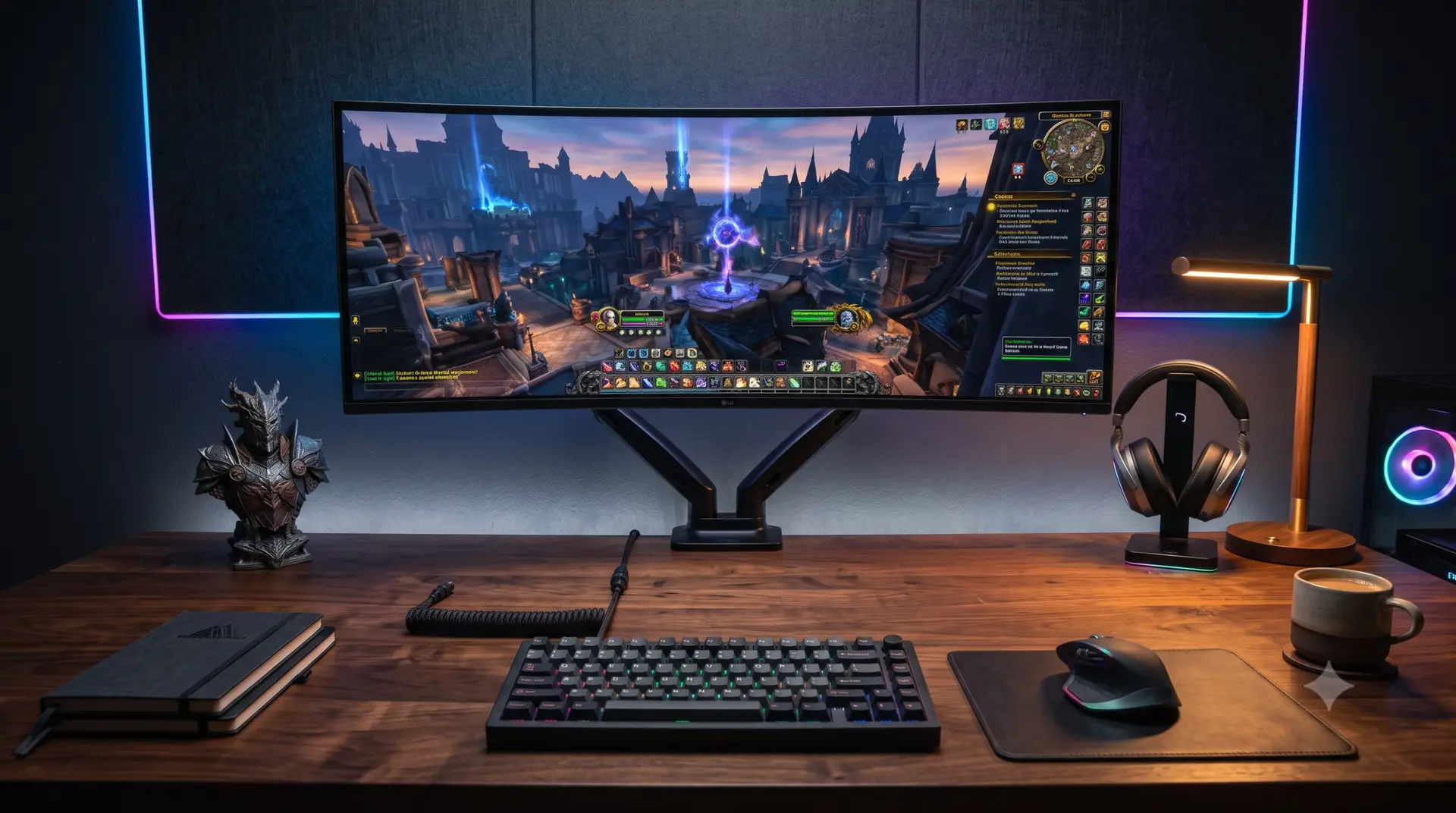
Your monitor stand is eating six inches of desk space you don’t have, and your keyboard is already pushed against the edge. This review tests four popular monitor arms on a 24-inch deep desk to find out which ones actually clear the back edge without hitting a wall, a shelf, or your gaming chair. Mount is the one that came out ahead on our depth and stability tests, and we’ll show you exactly why below.
What we Tested and Why Monitor Arm Clamp Depth Matters More Than Weight Capacity
Most monitor arm reviews focus on weight capacity and cable management, which matters. But on a shallow desk, the real constraint : how far back the mounting hardware sits, and how far forward the arm’s folded resting position pushes when you’re not using it. A 32-inch monitor on a 42-inch-wide, 24-inch-deep desk leaves almost no margin for error. We measured four arms end-to-end: clamp footprint, folded depth, extended reach, and how much desk space each one gave back compared to the stock stand it replaced.
See the Space difference for yourself
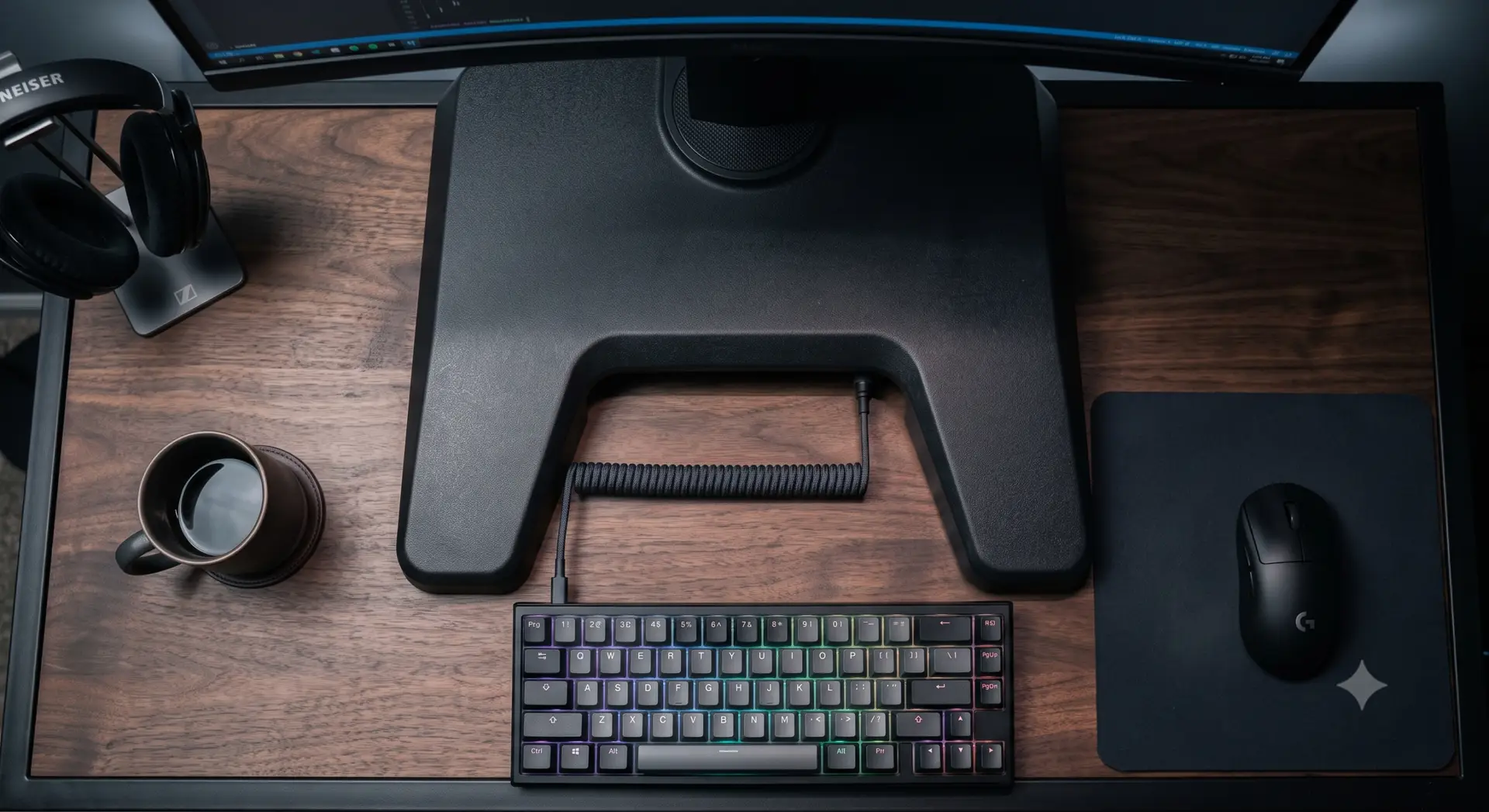
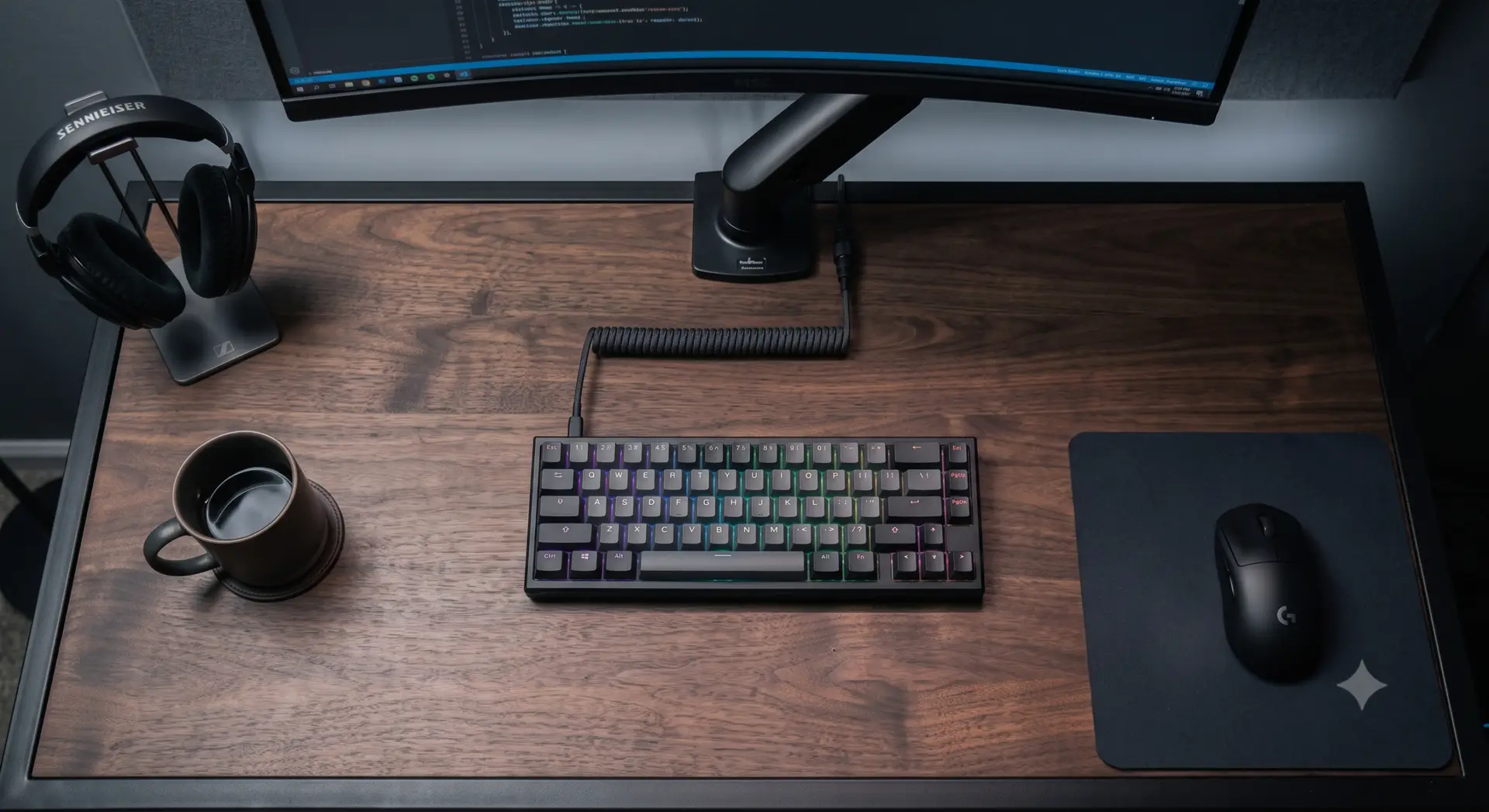
Specs Comparison
| Arm | Clamp depth | Folded depth | Max extension | Weight capacity | VESA compatibility | Tilt range | Max screen size | Price |
|---|---|---|---|---|---|---|---|---|
| VIVO Dual Monitor Desk Mount | 3.2 in | 4.1 in | 19.5 in | 8–17.6 lbs | 75×75, 100×100 | -15° to +15° | 32 in | $54 |
| Ergotron LX Single Arm | 4.5 in | 5.8 in | 25 in | 5–24 lbs | 75×75, 100×100 | -25° to +85° | 34 in | $178 |
| HUANUO Single Monitor Mount | 3.0 in | 4.5 in | 17 in | 4.4–19.8 lbs | 75×75, 100×100 | -15° to +90° | 32 in | $32 |
| Amazon Basics Premium Arm | 3.8 in | 5.0 in | 18 in | 2.2–17.6 lbs | 75×75, 100×100 | -20° to +30° | 32 in | $60 |
| VIVO Dual | Ergotron LX | HUANUO Single | Amazon Basics |
| Check price | Check price | Check price | Check price |
The HUANUO edges out the VIVO on raw clamp depth, but the VIVO’s folded position sits flatter against the pole, which is what actually matters once you’re typing six inches away from it.
Does it fit your Desk? Run the numbers before you buy
Clamp depth alone won’t tell you whether a monitor will physically clear your desk once mounted. You also need to know your ideal viewing distance, because that determines how far the arm needs to extend, which in turn determines whether the base will collide with anything behind it. Use the embedded Monitor PPI and viewing distance calculator below: enter your monitor size and resolution, and it will return a recommended distance range. Subtract that from your desk depth, and if the remainder is smaller than the arm’s folded depth plus a couple of inches of clearance, that arm is going to crowd your setup no matter how good the spec sheet looks.
Monitor PPI & Viewing Distance Calculator
Installation and Weight distribution
Clamp-style arms rely on compressive force against the desk edge, and on a shallow desk, that force has less surface area to distribute across than it would on a deeper one. This matters because a poorly torqued clamp on a 24-inch desk is more likely to rock or shift when you adjust the monitor, simply because there’s less desk mass behind it to resist the leverage. Tighten the clamp screw in stages, checking for lift at the front lip of the desk after each turn, rather than cranking it down in one pass.
Cable Routing on a Shallow Desk
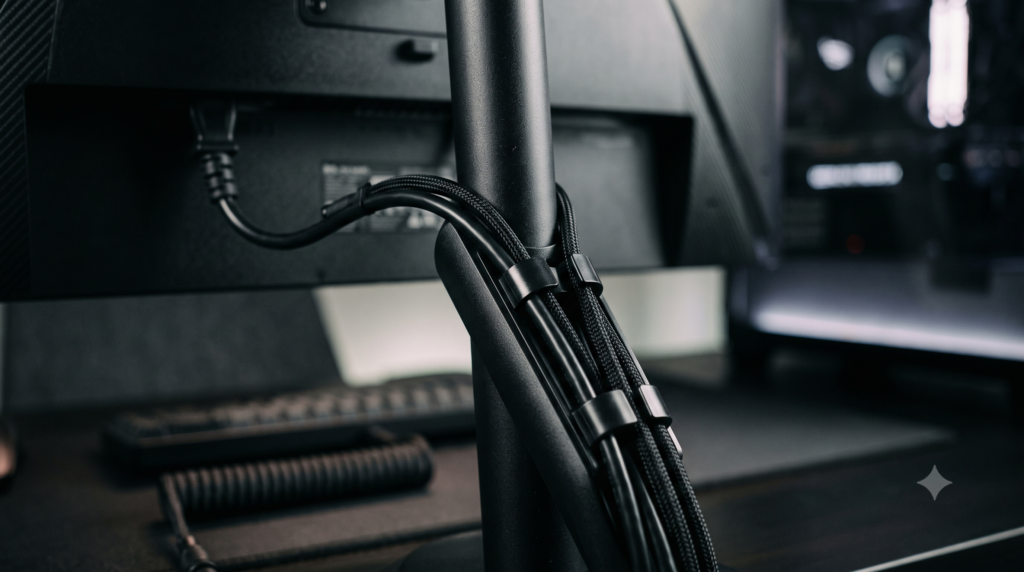
Every arm we tested included some form of cable channel along the pole, but channel capacity varies more than manufacturers advertise. The Ergotron LX has by far the most generous channel, which matters if you’re running a stacked setup with a DisplayPort cable, USB hub, and power brick all sharing the same pole. On a shallow desk, poor cable routing doesn’t just look messy; it also reduces your usable depth further, since loose cable tends to loop forward into your typing space rather than hanging straight down behind the desk monitor arm clamp depth.
Clearance Optimization for Dual Monitor Stacking
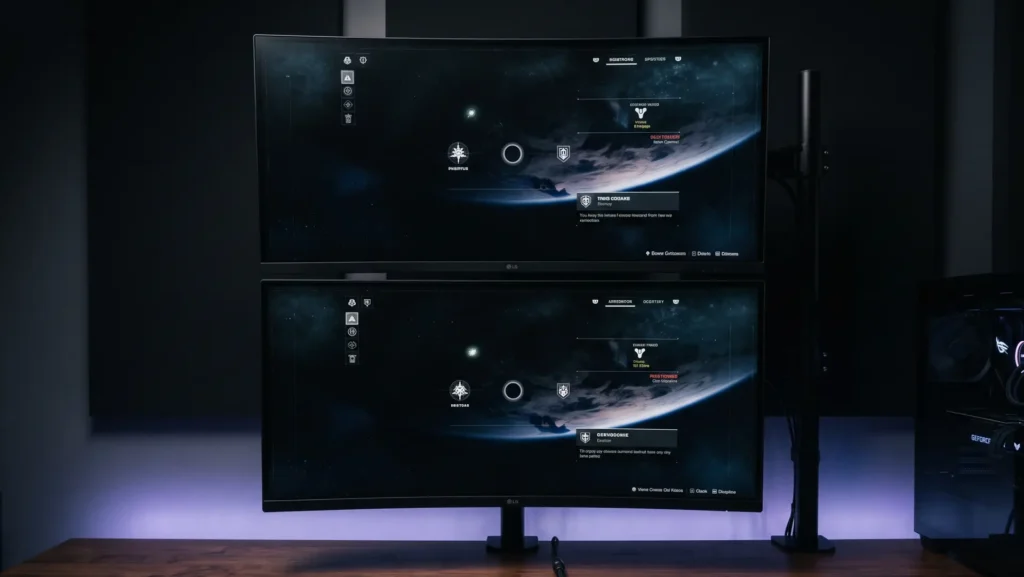
If you’re planning to add a second monitor later, check the arm’s stacking clearance now rather than after you’ve already mounted one screen. The VIVO Dual arm we tested is built for side-by-side use, but if your plan is a vertical stack, you’ll want an arm rated specifically for that orientation. We cover the mechanics of vertical stacking, including how much desk depth you lose when a second screen sits above rather than beside the first,
Structural Execution: What actually goes wrong
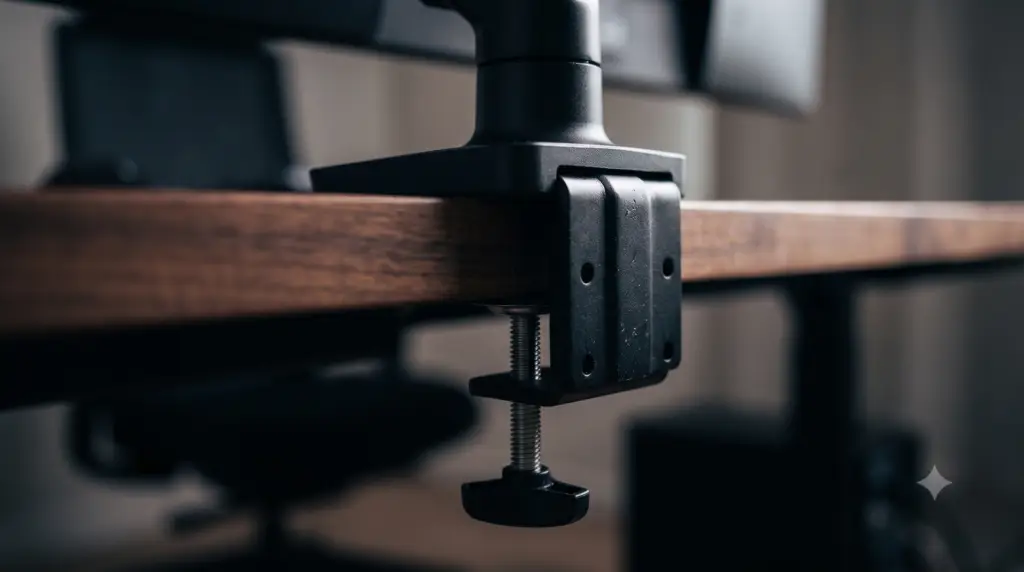
The most common failure mode isn’t the arm breaking; it’s drift, where the monitor slowly tilts downward over weeks of use because the tension mechanism wasn’t set correctly during install. Gas-spring arms like the Ergotron LX use a preset tension based on your monitor’s weight, and if you guess wrong during setup, you’ll see drift within the first month. Clamp-and-pole arms without gas springs, like the HUANUO, rely on friction joints instead, which don’t drift the same way but do require more force to reposition, something to consider if you adjust your monitor angle often.
If your desk itself is part of the problem, not just the arm, it’s worth checking whether a 24-inch deep desk built for this kind of load even has the front lip thickness these clamps are designed for. Thin desktop material, especially on budget particleboard desks, can compress or crack under sustained clamp pressure in a way solid wood or steel doesn’t.
Freeing up the rest of your desk
Removing a monitor stand is usually the first space-saving move people make, but it’s rarely the last one. Once the screen is off the desk surface, a lot of people find they still don’t have room for a full-size keyboard and mouse combo, which is where a smaller board earns its place. We tested exactly how much desk width you get back with a compact layout in and the numbers are larger than most people expect. If your next step is mounting the tower itself off the desk too, our breakdown of under-desk PC mounting and load limits covers what these arms and mounts can safely share in terms of desk edge real estate.
The Bottom Line
Get the VIVO Dual Monitor Desk Mount if you’re on a desk 24 inches deep or shallower and need a low folded profile that won’t crowd your keyboard, and you’re running one or two monitors under 18 lbs. Get the Ergotron LX instead if you have slightly more desk depth to spare and want the smoothest height adjustment for a single larger display. Skip both and stick with a stock stand if your desk is under 20 inches deep, since none of these arms leave enough clearance margin at that depth to be worth the install.
Equipment we have used
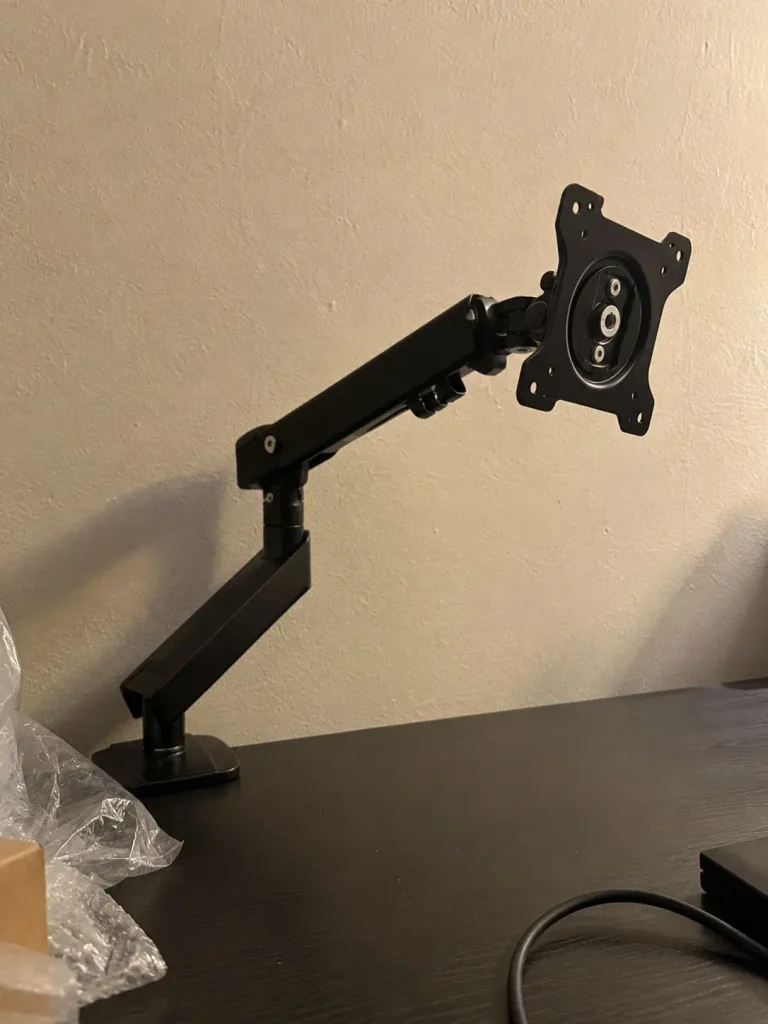
followings are the actual equipment we have used
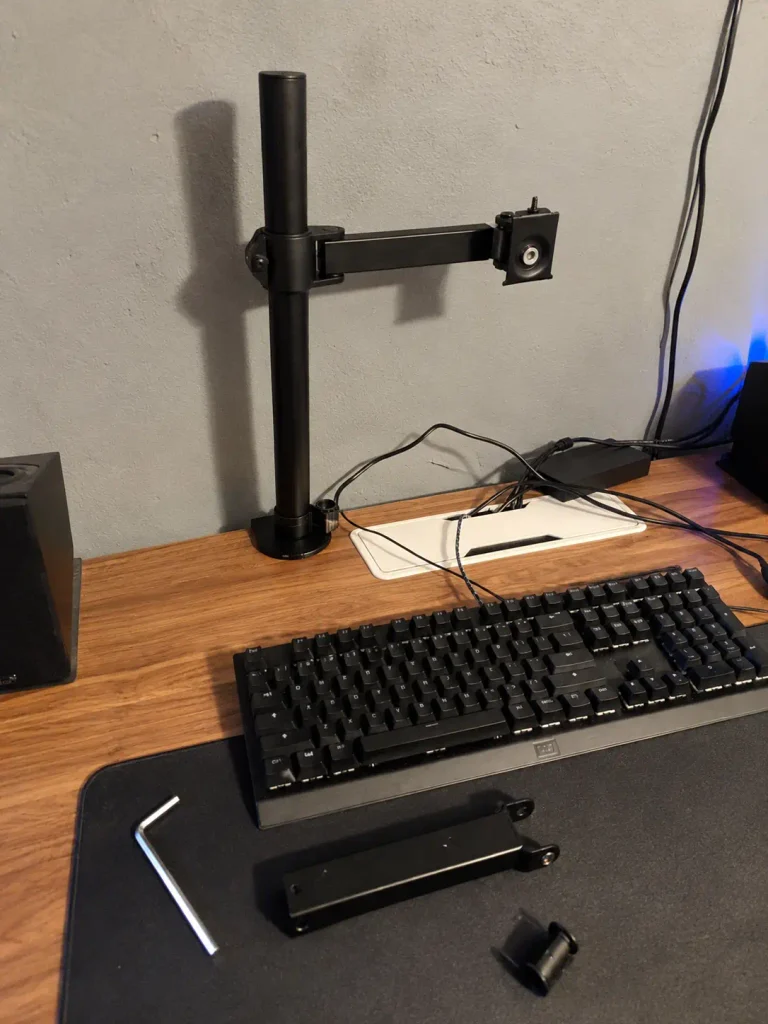
VIVO Monitor Arm
Amazon Basics Monitor Arm
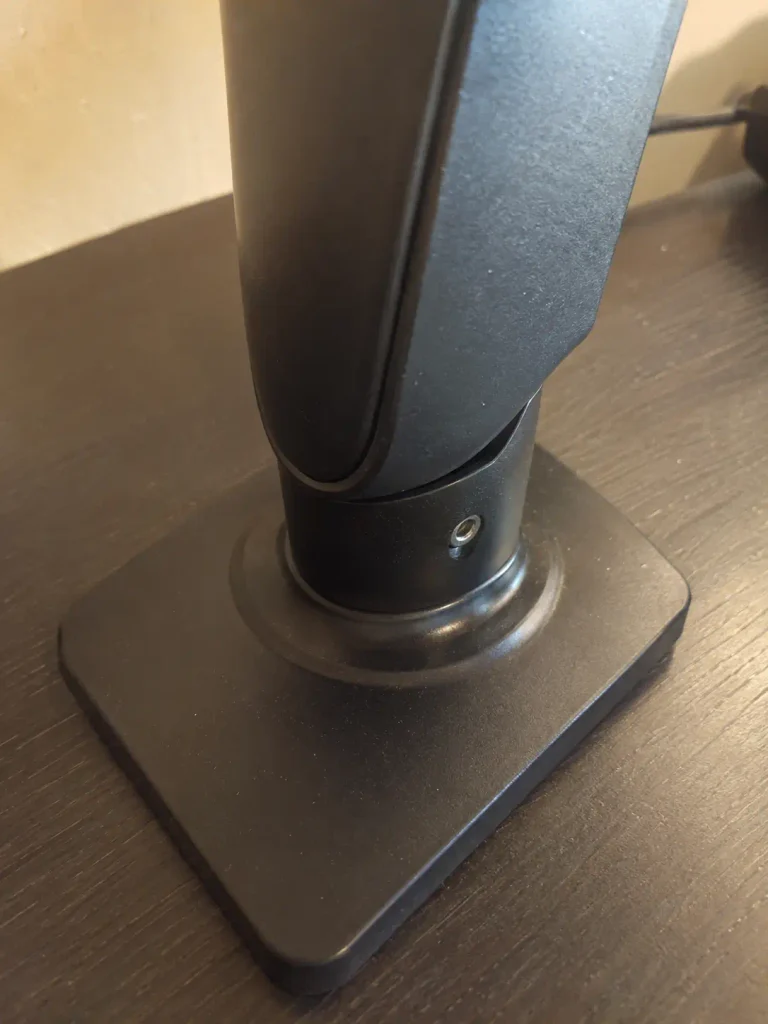
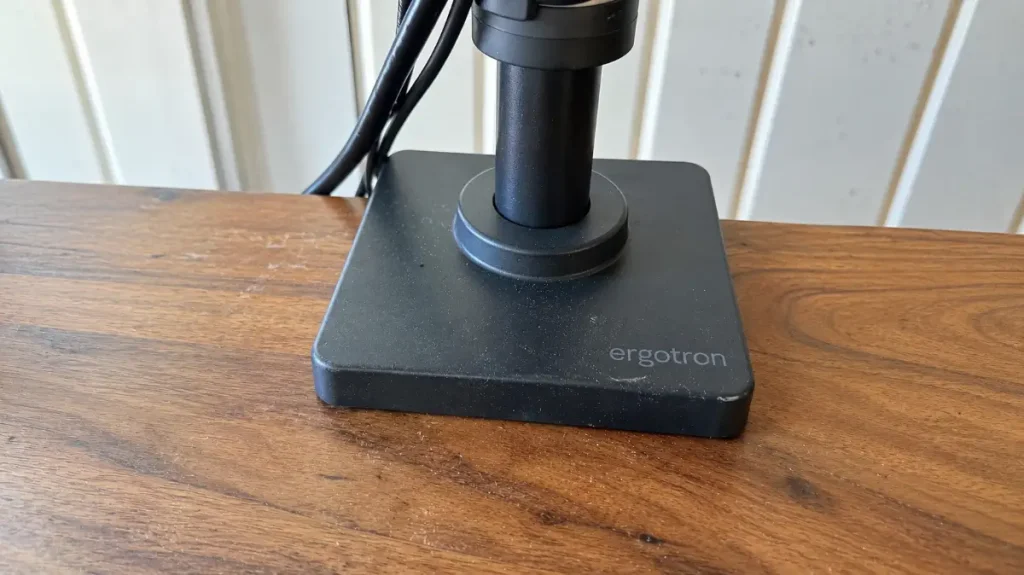
Ergotron Monitor Arm
HUANUO Monitor Arm
More Useful Tools
Vertical Stack Ceiling Clearance Calculator | Monitor Stack Height Tool
Under-Desk Mount Torque Calculator | PC Mount Load Checker
Desk Boundary Bass Gain Estimator | Speaker Boominess Calculator

9 Comments