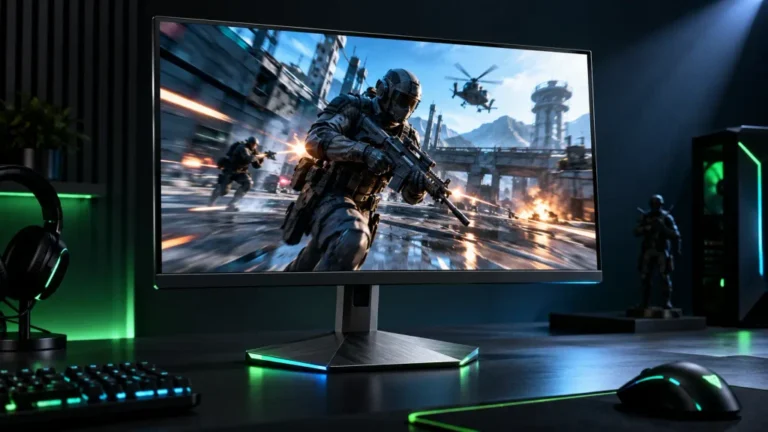
Monitor Stand for Desk: How to Choose the Best Monitor Stand for Your PC Setup
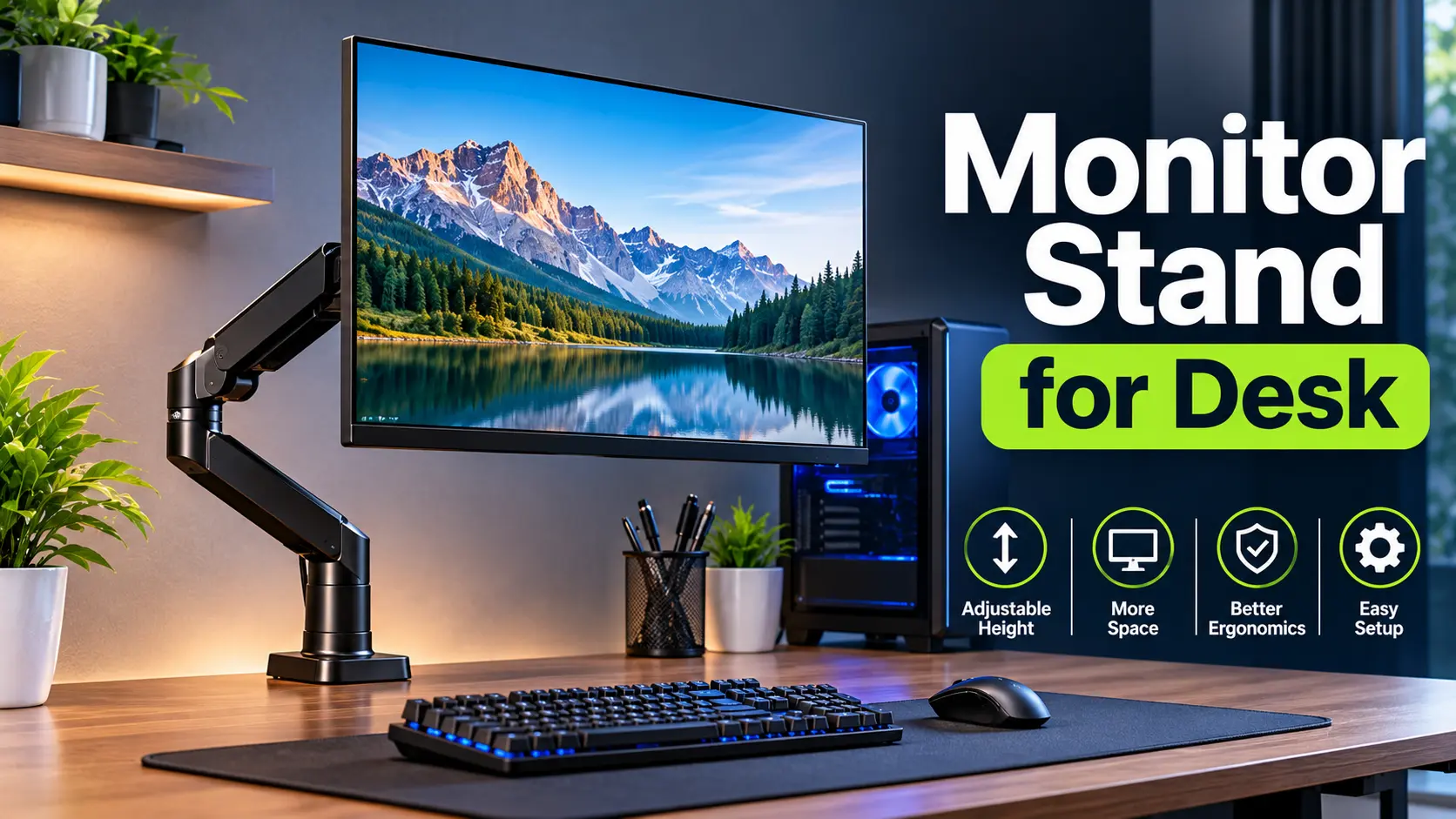
A monitor stand for desk setups is a simple computer accessory that can make a big difference in the way you organize your workspace. Whether you use a desktop PC for gaming, office work, programming, or everyday computing, the right monitor stand can help position your screen comfortably while keeping your desk organized.
Many computer users place their monitors directly on the desk without considering screen height, viewing angle, or available workspace. This can result in a cluttered desk and an uncomfortable viewing position. A suitable monitor stand provides a practical way to raise your display, create additional space, and improve the overall appearance of your PC setup.
Monitor stands are available in different designs, including desktop risers, adjustable monitor arms, dual monitor stands, and wall-mounted solutions. Each type offers different benefits depending on your monitor size, desk dimensions, and personal preferences.
In this guide, we will explain what a monitor stand for desk is, explore its benefits, compare different types, and help you choose the right option for your computer workstation.
What Is a Monitor Stand for Desk?
A monitor stand is a support accessory designed to hold a computer monitor at a suitable height and position on or around a desk.
Most monitor stands elevate the display above the desk surface. Some models also allow users to adjust screen height, tilt, swivel, or rotation.
A monitor stand can serve several purposes:
- Raise the monitor to a more comfortable viewing height
- Improve desk organization
- Create additional space underneath the display
- Support different monitor sizes and weights
- Help create a clean and professional PC setup
- Provide flexibility for multi-monitor configurations
A basic monitor riser offers a fixed height, while an adjustable monitor arm provides more positioning options.
The best choice depends on how you use your computer and the type of workspace you have.
Benefits of Using a Monitor Stand for Desk
A monitor stand is more than a decorative PC accessory. It can improve the functionality and organization of your workstation.
1. Improve Monitor Positioning
One of the primary benefits of a monitor stand is the ability to position your screen at a more comfortable height.
A monitor that is too low may encourage you to bend your neck forward. Raising the screen can help you maintain a more neutral head and neck position.
For many users, the top of the monitor should be at or slightly below eye level. The ideal position also depends on screen size, chair height, and individual comfort.
2. Create More Desk Space
A monitor riser creates usable space underneath the display.
You can use this area to store:
- A keyboard
- A mouse
- Notebooks
- Small PC accessories
- USB hubs
- Other desk essentials
Monitor arms can provide even more free space because they attach to the desk rather than occupying a large area with a base.
3. Improve Desk Organization
A well-designed monitor stand can help create a more organized computer workspace.
Some stands include storage drawers, cable management features, or dedicated spaces for accessories.
This can be particularly useful for users who work with multiple PC accessories and want to maintain a clean desk.
4. Enhance Your PC Desk Setup
Monitor stands are available in various materials and styles, including metal, wood, glass, and plastic.
A stand that matches your desk and computer accessories can improve the appearance of your setup.
For example, a black metal monitor stand may complement a gaming PC, while a wooden monitor riser can create a more minimal office workstation.
5. Support Multiple Monitors
Some monitor stands are designed to hold two or more displays.
Dual monitor stands can help users align their screens at similar heights and organize their workstation.
They are useful for programming, content creation, office productivity, and other tasks that benefit from multiple displays.
However, always confirm that the stand supports the size and weight of each monitor.
Types of Monitor Stands for Desk
There are several types of monitor stands available. Understanding their differences can help you select the most suitable option.
1. Monitor Riser Stand
A monitor riser is a platform that sits directly on the desk and raises the monitor.
It is one of the simplest monitor stand designs because it usually requires no installation.
Monitor risers may be made from wood, metal, acrylic, or other materials.
Best for: Basic PC setups, office desks, and users who prefer a simple monitor elevation solution.
Advantages:
- Easy to install
- Often affordable
- Stable design
- Can provide storage underneath the monitor
Limitations:
- Usually offers fixed height
- Uses some desk surface area
- May not provide screen rotation or extensive adjustment
2. Adjustable Monitor Stand
An adjustable monitor stand allows users to change the position of their display.
Depending on the model, it may support height adjustment, tilt, swivel, or pivot.
This flexibility can be useful when you share a desk with another person or frequently change your seating position.
Best for: Office work, productivity setups, and users who need flexible screen positioning.
3. Monitor Arm for Desk
A monitor arm attaches to the desk using a clamp or mounting system. It holds the monitor on an adjustable arm.
Many monitor arms support multiple adjustments, including:
- Height
- Tilt
- Swivel
- Rotation
- Forward and backward movement
Monitor arms can free up desk space and provide more flexibility than traditional risers.
Best for: Gaming desks, professional workstations, compact desks, and adjustable PC setups.
Before purchasing a monitor arm, check its weight capacity, mounting compatibility, and desk thickness requirements.
4. Dual Monitor Stand
A dual monitor stand is designed to support two computer monitors.
It can use a single base or two adjustable arms.
Dual monitor stands are commonly used by programmers, designers, office workers, and users who need multiple displays.
Best for: Dual-monitor PC setups and productivity workstations.
Make sure the stand supports both monitors individually and has sufficient adjustment range.
5. Wall-Mounted Monitor Stand
A wall-mounted monitor stand attaches the display to a wall rather than the desk.
This can help save desk space and create a clean workstation.
Some wall mounts offer adjustable arms, while others hold the monitor in a fixed position.
Best for: Permanent PC workstations and users who want to maximize desk space.
Wall mounting requires careful installation and confirmation that the wall and mounting hardware can support the monitor.
Monitor Stand Comparison Table
The following table compares common monitor stand types.
| Monitor Stand Type | Best For | Adjustability | Desk Space |
|---|---|---|---|
| Monitor Riser | Simple PC setups | Low | Uses desk surface |
| Adjustable Stand | Flexible workstation | Medium to High | Uses desk surface |
| Monitor Arm | Gaming and office setups | High | Frees desk space |
| Dual Monitor Stand | Multiple displays | Varies | Depends on design |
| Wall Mount | Space-saving setups | Varies | Minimal desk footprint |
How to Choose the Best Monitor Stand for Desk
Choosing the right monitor stand requires considering several factors.
1. Monitor Size
Monitor stands are designed to support different display sizes.
Before purchasing, check whether the stand supports your monitor’s size and weight.
A stand intended for a smaller display may not provide adequate stability for a larger monitor.
2. Weight Capacity
Weight capacity is one of the most important specifications.
Check your monitor’s weight without its original stand if you are purchasing a monitor arm or VESA mount.
Never exceed the stand’s rated weight capacity.
3. Height Adjustment
The height of your monitor should allow you to view the screen comfortably without constantly tilting your head.
An adjustable monitor stand can make it easier to position the display correctly.
4. Desk Size and Thickness
Your desk dimensions can influence which monitor stand is suitable.
A large monitor riser may occupy too much surface area on a small desk. A monitor arm may be a better choice for a compact workstation.
If you choose a clamp-mounted arm, verify that your desk has a suitable edge and that its thickness falls within the clamp’s supported range.
5. VESA Compatibility
Many monitor arms and wall mounts use VESA mounting patterns.
Common patterns include 75 × 75 mm and 100 × 100 mm.
Check your monitor’s specifications to confirm its VESA compatibility before purchasing a mount.
Some monitors do not have standard VESA mounting holes and may require a compatible adapter.
6. Material and Build Quality
Monitor stands are available in different materials.
Metal stands often provide a sturdy structure, while wooden risers can complement a traditional or minimal desk setup.
When evaluating build quality, consider stability, finish, mounting hardware, and whether the stand can support your monitor securely.
7. Cable Management
Cable management features can help keep your PC workstation organized.
Some monitor arms include cable clips or channels that route display and power cables along the arm.
A monitor riser may also create room to organize cables underneath the display.
How to Position a Monitor on a Desk
Proper monitor positioning is an important part of creating a comfortable workstation.
Follow these general guidelines:
- Place your monitor directly in front of your seating position.
- Position the top of the screen at or slightly below eye level.
- Keep the display at a comfortable viewing distance, often around an arm’s length.
- Adjust the screen angle to reduce reflections and improve visibility.
- Keep the keyboard and mouse within easy reach.
- Adjust your chair so your back is supported and your feet are comfortably supported.
The exact position will depend on your monitor size, chair, desk, and individual viewing needs.
A monitor stand can help achieve a suitable display height, but it should be used as part of an overall workstation arrangement.
Monitor Stand for Gaming Desk
A monitor stand can be a useful accessory for a gaming PC setup.
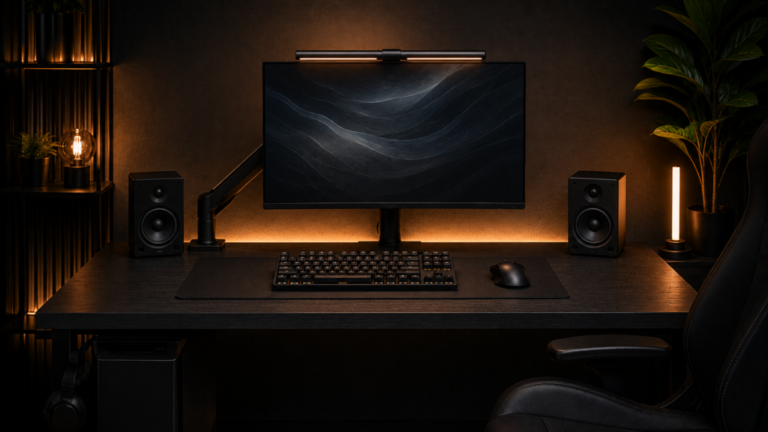
Gaming desks often include a monitor, keyboard, mouse, headset, speakers, and other accessories. A monitor stand can help organize these components while creating a more visually appealing workspace.
A monitor arm may be particularly useful for gaming because it allows flexible screen positioning.
When choosing a monitor stand for gaming, consider:
- Monitor size and weight
- Desk dimensions
- Adjustable height
- Cable management
- Stability during use
- Compatibility with your monitor
For a dual-monitor gaming setup, a dual monitor arm can help align both displays and reduce the amount of desk space used by traditional monitor bases.
However, the stand itself does not improve gaming FPS or graphics performance. Its main purpose is to support and position the monitor.
Monitor Stand for Office Desk
A monitor stand can also improve the organization of an office workstation.
Office users often spend extended periods working with documents, spreadsheets, presentations, and other applications.
An appropriately positioned monitor can help users maintain a more comfortable viewing posture.
For an office desk, a monitor riser with storage may be a practical option. Users who frequently adjust their display may prefer an adjustable monitor arm.
A suitable stand should provide stable support and allow the screen to be positioned according to the user’s needs.
Are Monitor Stands Worth It?
Yes, a monitor stand can be a worthwhile investment if your monitor is too low, your desk is cluttered, or you need more flexibility in your workstation.
A basic monitor riser may be sufficient for users who only need to raise their display.
An adjustable monitor arm may be a better investment for users who want to free up desk space or frequently change monitor positions.
However, if your existing monitor stand already provides comfortable positioning and adequate adjustment, purchasing another stand may not be necessary.
The value of a monitor stand depends on your current setup and the improvements you need.
Final Verdict
A monitor stand for desk setups is a practical accessory for PC and laptop users who want to improve their workstation organization and screen positioning.
Monitor risers are suitable for simple setups, while adjustable monitor arms offer greater flexibility. Dual monitor stands are useful for multi-display workstations, and wall mounts can help reduce desk clutter.
Before purchasing a monitor stand, consider your monitor’s size, weight, VESA compatibility, desk dimensions, and required adjustment range.
For most users, the best monitor stand is one that provides stable support, comfortable screen positioning, and enough workspace for everyday computer tasks.
A properly arranged desk setup can make computer use more comfortable and organized without requiring expensive hardware upgrades.
Frequently Asked Questions (FAQs)
What is the best monitor stand for a desk?
The best monitor stand depends on your needs. A monitor riser is suitable for simple setups, while an adjustable monitor arm is ideal for users who need more flexibility and desk space.
Do monitor stands improve posture?
A monitor stand can help position the screen at a more comfortable height. However, good posture also depends on chair adjustment, desk height, keyboard position, and individual ergonomics.
Is a monitor arm better than a monitor riser?
A monitor arm generally offers more adjustability and can free up desk space. A monitor riser is usually simpler, easier to install, and suitable for fixed-height setups.
Can a monitor stand hold a 32-inch monitor?
Some monitor stands support 32-inch displays, but compatibility depends on the monitor’s weight, dimensions, mounting pattern, and the stand’s specifications.
Are monitor arms compatible with all monitors?
No. Many monitor arms require VESA mounting holes. Some displays need an adapter, while others may not be compatible with certain mounting systems.
Does a monitor stand improve gaming performance?
No. A monitor stand does not directly improve FPS, graphics quality, or processing performance. It helps position and organize the display.
Can I use a monitor stand on a small desk?
Yes. A compact riser or clamp-mounted monitor arm may be suitable for a small desk. Check the available space and mounting requirements before buying.
How high should a monitor stand be?
The ideal height depends on your seating position and monitor size. A general guideline is to place the top of the screen at or slightly below eye level.
Is a dual monitor stand worth buying?
A dual monitor stand can be useful if you regularly use two displays. It can help align the monitors and organize your workstation.
What should I check before buying a monitor stand?
Check monitor size, weight capacity, VESA compatibility, desk thickness, adjustment range, stability, and cable management features.