
Vertical Monitor Arm Review: Stacked Display Clearance Tested
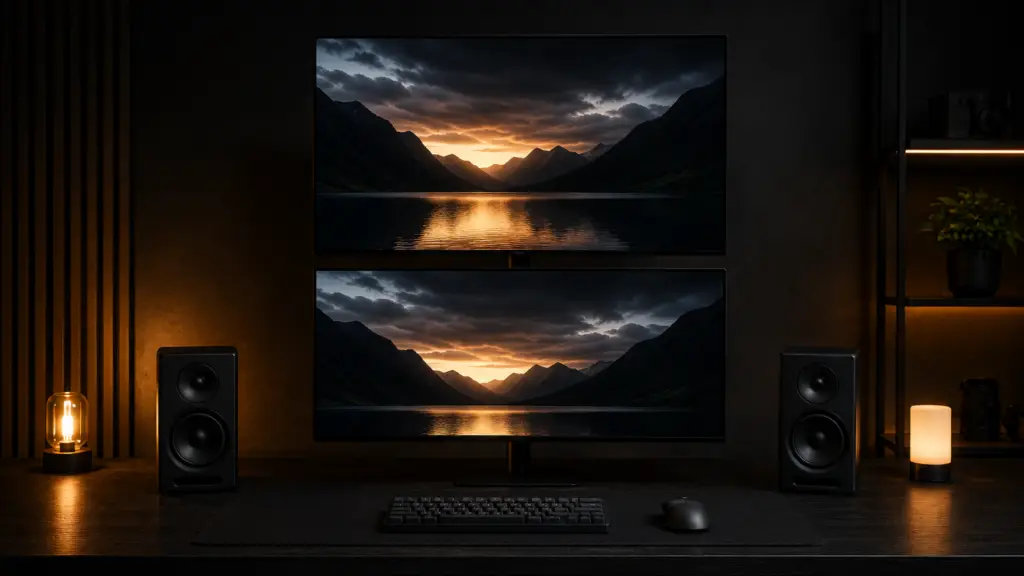
Your top monitor is close enough to the bottom one that you’re reading it at a neck angle that hurts by lunch, or it’s mounted so far forward that leaning back sends your head into the screen. Instead of using the folded-flat pictures on the box, we tested four vertical monitor arm mounts for actual ceiling headroom and gap clearance between displays. To put it succinctly, the North Bayou F160 outperformed the others in terms of stack clearance without requiring an oversized pole; we’ll explain why below.
What We Tested and Why Stack Clearance Matters More Than Pole Height
The majority of vertical arm listings start with pole height or total reach, which indicates the arm’s maximum height but says nothing about whether the two monitors will truly clear one another once installed. Stack clearance, or the usable space between the bottom edge of the top monitor and the top edge of the bottom monitor after both are tilted to a comfortable viewing angle, is the number that counts. In order to verify the numbers held under actual load, we mounted two 24-inch monitors on each of the four arms after measuring the stack clearance, clamp depth, top-monitor tilt range, and combined weight capacity.
Specs Comparison
| Arm | Stack clearance | Clamp depth | Pole height | Top monitor tilt | Weight capacity (combined) | Price |
|---|---|---|---|---|---|---|
| North Bayou F160 | 3.0 in | 3.6 in | 27 in | -15° to +15° | 8.8–39.6 lbs | $75 |
| VIVO Vertical Stack Mount | 2.5 in | 3.2 in | 24 in | -5° to +15° | 8–22 lbs | $70 |
| HUANUO Dual Vertical Stand | 2.0 in | 3.0 in | 22 in | -10° to +10° | 8.8–39.6 lbs | $60 |
| Ergotron LX Dual Stacking Arm | 4.0 in | 4.5 in | 32 in | -25° to +85° | 10–48 lbs | $320 |
| North Bayou F160 | VIVO Vertical Stack | HUANUO Dual Vertical | Ergotron LX Dual |
|---|---|---|---|
The Ergotron LX Dual costs more than four times as much as the North Bayou, which only makes sense if you’re mounting two heavier monitors or require the additional tilt for a non-standard viewing setup. However, it offers the greatest stack clearance and by far the widest tilt range in the group.
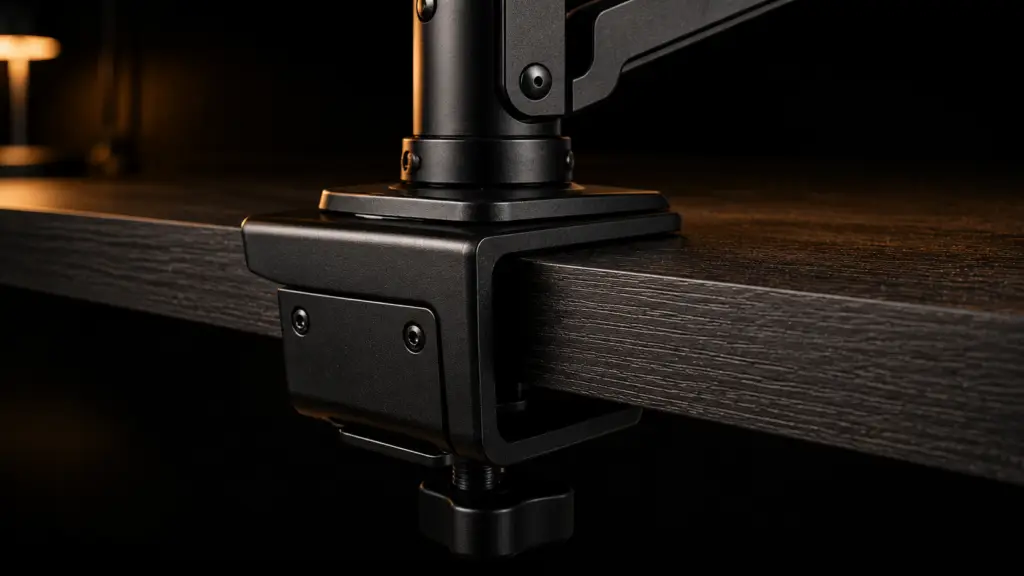
Does it fit your Desk? Clearance math before you buy
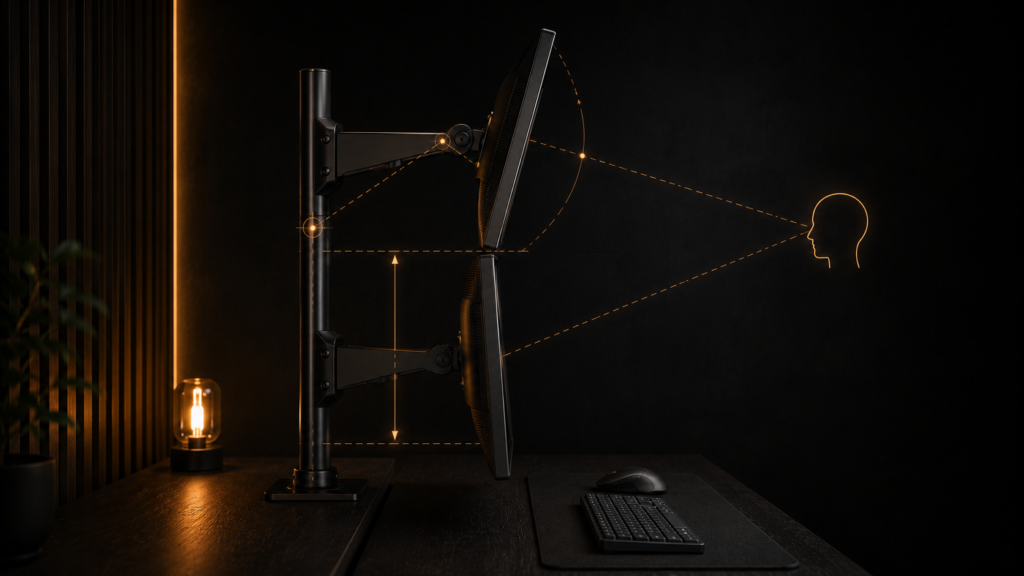
When measuring stack clearance on a spec sheet, both monitors are placed flat and not angled to a useful viewing angle. The bottom edge of the tilted screen swings closer to the display below it, which reduces the effective gap once you tilt the top monitor downward to lessen neck strain, the main reason for stacking in the first place. Generally speaking, after accounting for a 10 to 15 degree downward tilt on the top screen, deduct roughly half an inch from the specified stack clearance. Additionally, since a pole tall enough to comfortably clear both monitors on a typical 29-inch desk can still hit a low ceiling in a basement or loft room, you should check your ceiling height and desk height together rather than separately. We cover precise desk and ceiling clearance math in our Ceiling and Desk Clearance Test.
Weight Distribution and Torque on a Stacked Pole
It’s not always clear from the specifications how a and a standard single-arm support weight differently. Because the top monitor sits farther out when stacked, the desk clamp must withstand more twisting force in addition to additional weight. Therefore, when two 8-pound monitors are stacked on an arm that is rated for “up to 20 lbs each,” it may still feel unsteady. This is because a taller pole increases the torque at the clamp, which depends on both the weight and the distance from the pivot. Even though the weight rating is the same, arms with a wider clamp base, like the North Bayou F160, can better withstand this twisting force than narrow, single-point clamps.
Cable Routing on a Vertical Monitor Arm
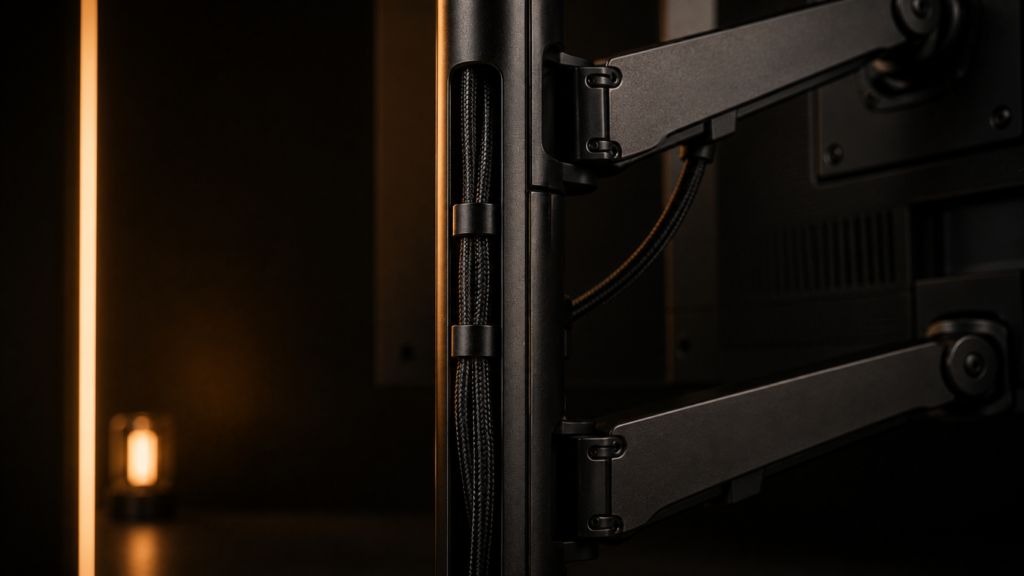
It is one thing to run a power and video cable to a monitor that is three feet above your desk; it is quite another to run a cable to a monitor that is at desk height. Only the North Bayou and Ergotron have a separate channel for the top monitor’s cables that prevents them from crossing in front of the bottom screen’s bezel, even though every vertical monitor arm we tested has a cable channel along the vertical pole. The clean appearance that a stacked setup typically aims for is undermined by loose cable drooping across the space between the two screens in the absence of that separation.
Structural Execution: What actually goes wrong
The most common failure with a stacked arm is drift on the top monitor, specifically, not the bottom one. A friction hinge that holds firm on a single-monitor arm may gradually lose its grip once it’s supporting a monitor at the far end of a taller pole because the top screen carries more torque at the joint. After a few weeks of use, you’ll notice the top screen sagging downward. Under this type of asymmetric load, gas-spring arms rated for the total weight of both monitors, rather than each monitor separately, maintain their angle much longer.
It’s important to make sure the base arm itself is even the best place to start if you’re stacking monitors because a single wide display and a single arm setup didn’t provide you with enough vertical desk clearance already. Every stacking arm in this review is built upon the precise depth and footprint measurements we obtained for a single monitor arm on a shallow desk in our Single Monitor Arm Depth Test.
Fitting the rest of your Setup around it
Because both screens share the same footprint rather than doubling it, a vertical stack frees up desk width in a way that a side-by-side dual monitor setup never does. People frequently need that reclaimed width to fit a tower completely off the desk surface. Our breakdown of load ratings and vibration risk for an under-desk PC mount covers how much desk edge space these arms and mounts can safely share if your next step is to mount the PC itself beneath the desk rather than next to it.
The Bottom Line
If you want the best vertical monitor arm for stacking two standard 24- to 27-inch monitors on a desk with a typical ceiling height, go with the North Bayou F160. The Ergotron LX Dual is a better option if you have heavier or larger monitors or need a wider tilt range for unusual viewing angles. The HUANUO Dual Vertical should be avoided if you started stacking to relieve neck strain because of its narrow tilt range and reduced clearance, which could exacerbate the issue.

Ergotron LX Dual is literally perfect
legit man!!