Desktop Speaker Review: Footprint and Near-Field Output Tested
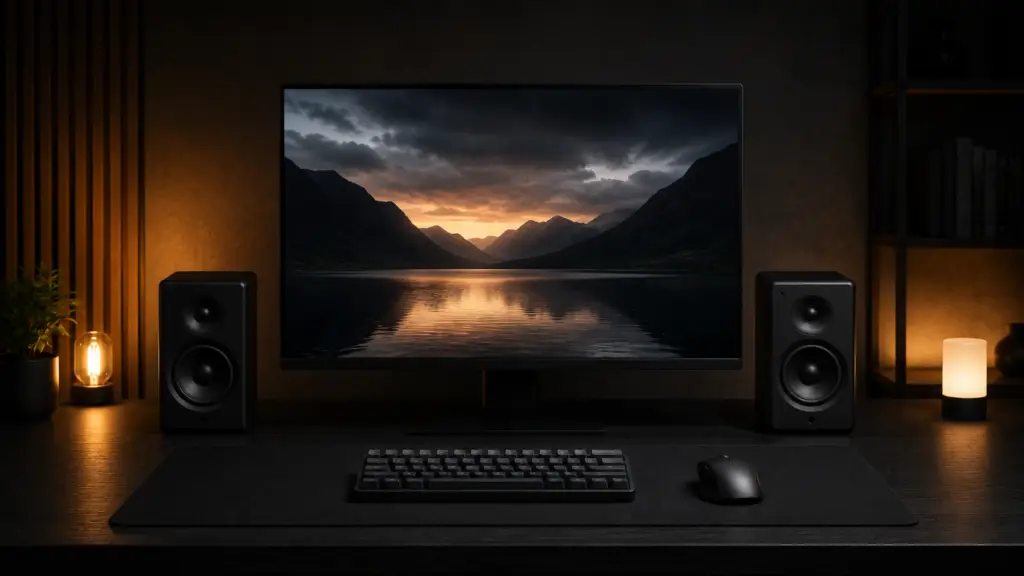
Your bookshelf speakers sound great across a living room, but are boomy and hollow six inches from your face, and each one is eating a chunk of the desk you needed for your keyboard. In contrast to the room-filling specifications listed on the box, we tested four compact desktop speakers for actual near-field accuracy and footprint on a shallow desk. In a nutshell, the Mackie CR3-X outperformed the others in near-field accuracy without having the biggest footprint, and we’ll explain why below.
What we Tested and Why Near-field Response beats Total Wattage
Most desktop speaker reviews lead with RMS wattage, which tells you how loud a speaker can get, not how accurate it sounds three feet from your face. At that distance, a speaker’s off-axis response and how it manages boundary reinforcement from the desk surface are more important than raw output, which completely alters the acoustics. Four compact desktop speakers were measured for footprint, frequency response, RMS power, and actual sound quality at a listening distance of 24 to 30 inches, which is a reasonable range for a desk this size.
Specs Comparison
| Speaker | Footprint (per unit) | Frequency response | RMS power | Bluetooth | Price |
|---|---|---|---|---|---|
| Mackie CR3-X | 5.75 x 5.7 in | 65Hz–20kHz | 50W total | No | $100 |
| Kanto YU2 | 5.7 x 7.6 in | 80Hz–20kHz | 60W total | Yes | $170 |
| Edifier R1280T | 6.7 x 8.7 in | 55Hz–20kHz | 42W total | No | $100 |
| PreSonus Eris 3.5 | 4.5 x 5.7 in | 80Hz–20kHz | 25W total | No | $100 |
| Mackie CR3-X | Kanto YU2 | Edifier R1280T | PreSonus Eris 3.5 |
|---|---|---|---|
| Check price | Check price | Check price | Check price |
On paper, the Edifier R1280T has the deepest bass extension of the group, but when both are actually placed on a 24-inch deep desk next to a keyboard and monitor arm base, its footprint is nearly 40% larger than the PreSonus Eris 3.5.
Does It Fit Your Desk? Footprint and Placement Math
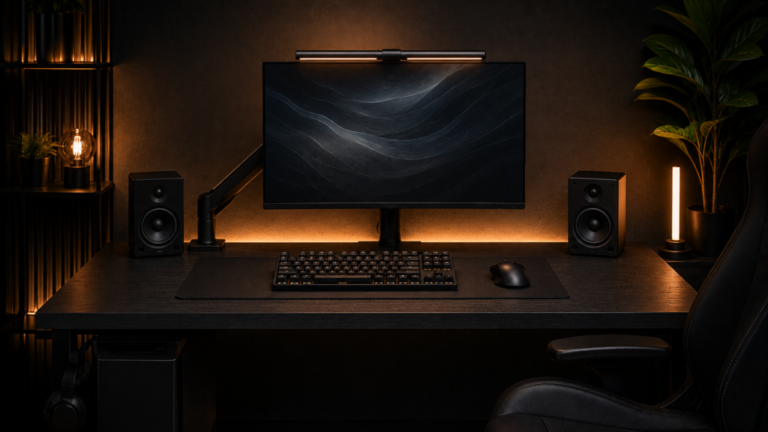
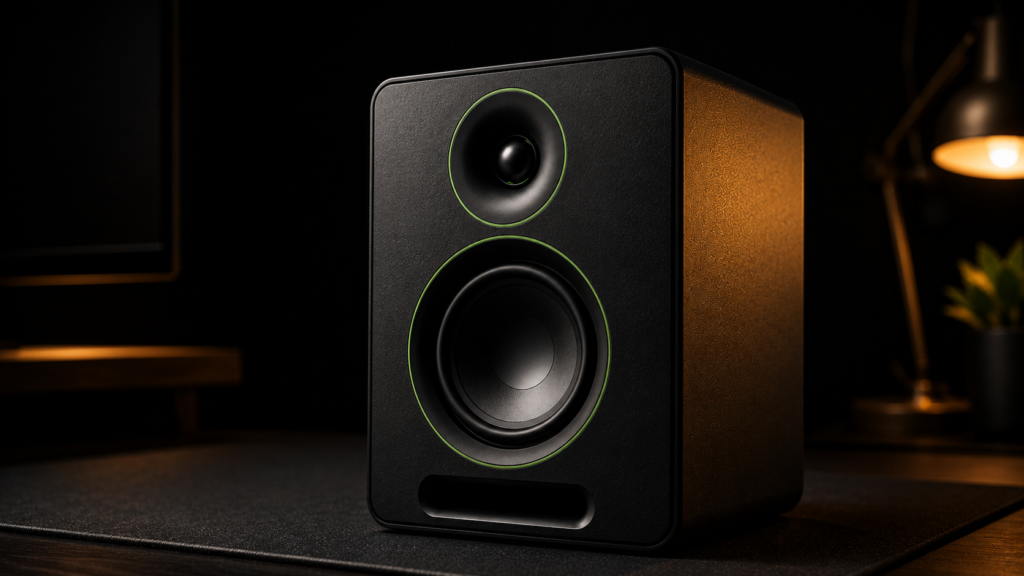
The footprint on a specification sheet only provides the base measurements; it does not indicate the actual desk width required for a stereo pair appropriate toe-in angle and separation are taken into account. Each speaker should be positioned eight to twelve inches outside the edges of your monitor, rather than directly against it, to achieve accurate stereo imaging. Each speaker should also be angled inward toward your listening position and roughly level with your ears. That placement math gets tight quickly on a desk that is precisely 24 inches deep. After accounting for a monitor and arm in our Desk Width For Stereo Imaging Test, we calculate the usable width that remains for stereo spacing.
Boundary Reinforcement and Desk Resonance
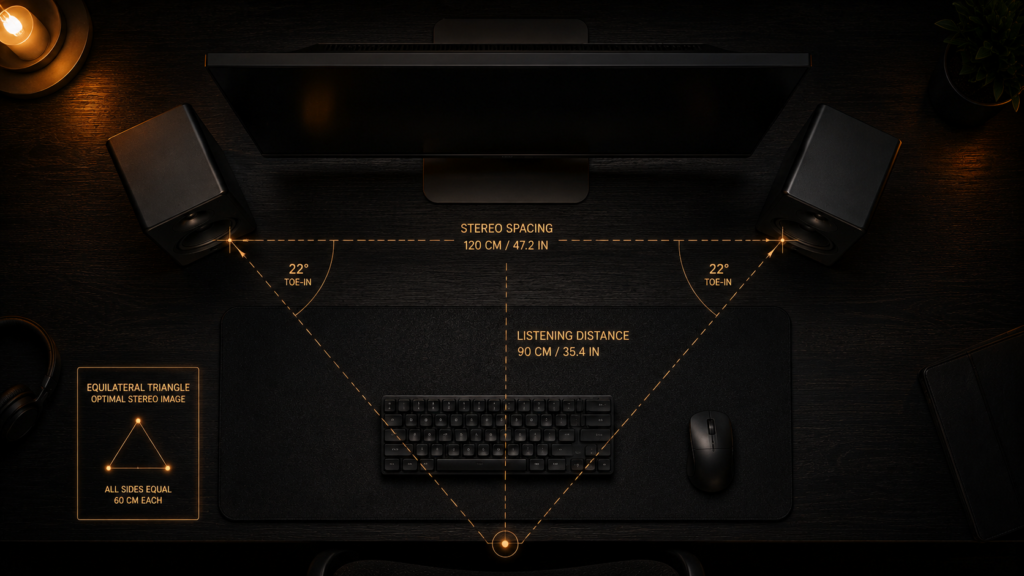
Placing a speaker directly on a hard desk surface adds bass reinforcement from boundary coupling, which sounds like a free upgrade until it turns into boomy, one-note bass that muddies mid-range detail. A set of isolation pads helped all four we tested, reducing low-frequency buildup by about two to three decibels after they were separated from the desk surface. Because the speaker is positioned closer to the back edge of the desk, where reflections off a wall compound the same boundary effect from a second direction, this is more significant on a shallow desk than a deep one.
Cable Routing and Desk Footprint you don’t see
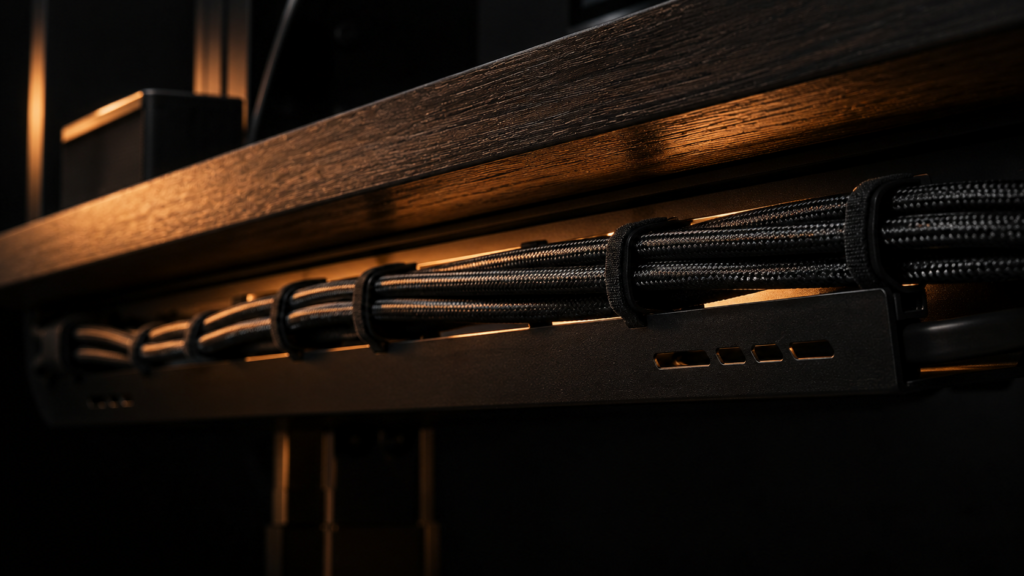
The footprint you measure with a tape measure is only part of the story. Since the Kanto YU2 is the only active-passive pair in the group, that is, one cabinet contains the amplifier and the other does not, it adds a second complete pair of speaker wires. All of the in this test require at least a power cable and an audio input cable. We discuss how much desk space a monitor arm’s clamp and cable channel actually take up in our review of Freeing Desk Space with a Monitor Arm. If your desk already has a monitor arm clamped to the back edge, find out how much of that edge is already claimed before assuming there’s room for two speaker cables and a power brick behind it.
Structural Execution: What actually goes wrong
The most common setup error isn’t speaker selection, but placing both at uneven distances from the listening position, which subtly but persistently distorts the stereo image. On well-recorded material, even an inch or two of asymmetry between the left and right speaker distances can be heard, and it’s a simple error to make on a desk where one side is crowded with a second monitor or a microphone arm while the other is not. We measured precise boom reach and clearance in our Mic Arm Boom Clearance Test. If you’re running a boom arm for a nearby microphone, check its swing radius against your speaker placement first, because a mic arm parked mid-desk can force one speaker farther from center than the other.
With new speakers, driver break-in is a minor but significant factor. Don’t judge a new speaker’s low end in the first listening session because new drivers on a sealed-cabinet design, such as the PreSonus Eris 3.5, measurably tighten up bass response over the first 20 to 30 hours of use as the suspension loosens. Since the port handles more low-frequency work than the driver’s raw excursion, ported designs like the Kanto YU2 and Edifier R1280T exhibit less of this shift.
The Bottom Line
Get the Mackie CR3-X if you are looking for the best for near-field accuracy, and it matters more to you than wireless convenience, and your source is already wired in through a DAC or audio interface. If you want Bluetooth and a built-in volume knob without having to run a separate cable to your source, get the Kanto YU2 instead. If your desk is shallower or 24 inches deep, avoid the Edifier R1280T because its footprint takes up space that you probably don’t have. If footprint is important to you and you don’t mind sacrificing a little bass extension, get the PreSonus Eris 3.5.