8000Hz Polling Rate Explained: Does Your Mouse and Keyboard Actually Need It?
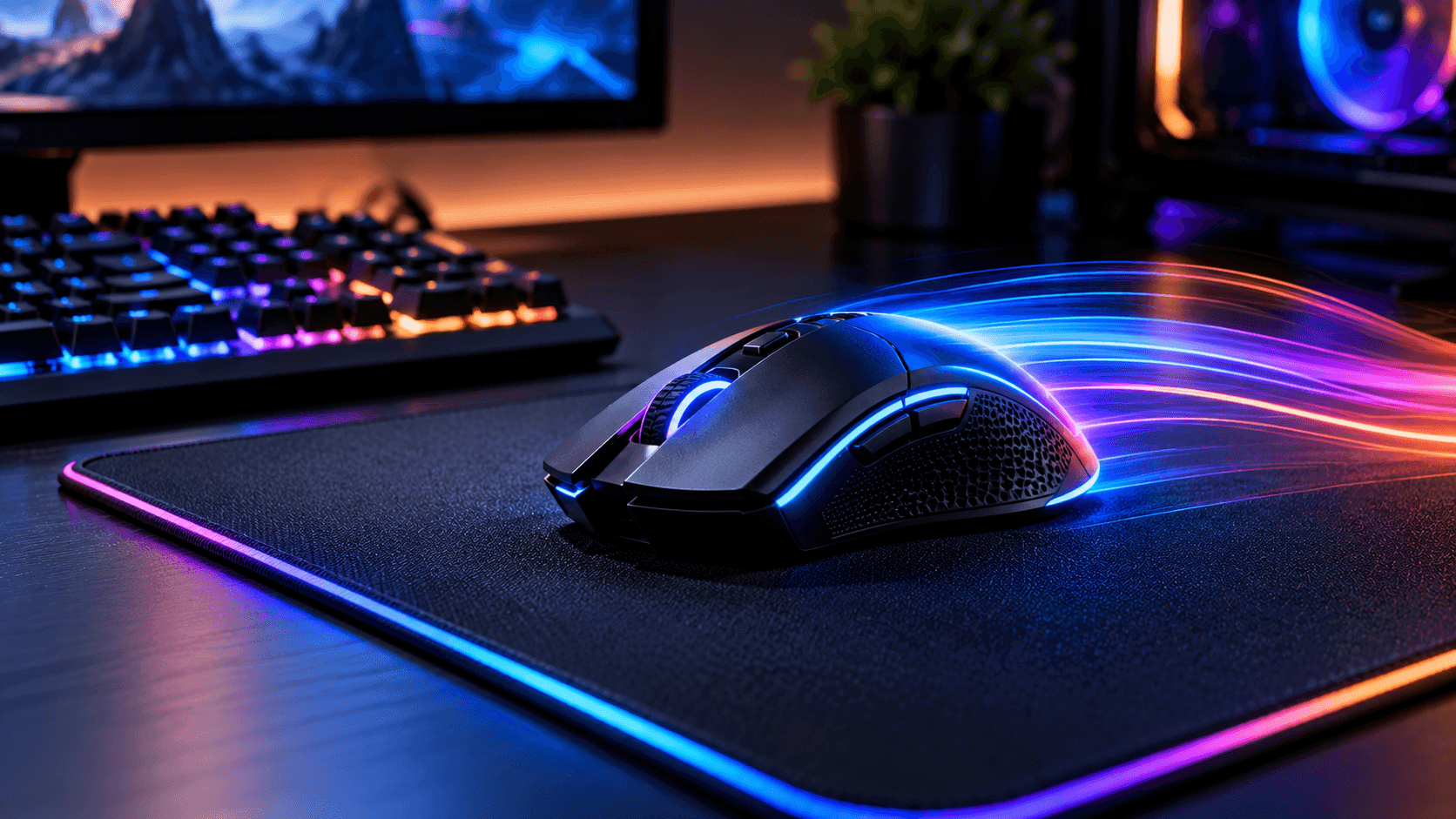
8000Hz Polling Rate, Scroll through gaming gear marketing lately and you will run into one number constantly. 8000Hz. It shows up on mice, keyboards, and the gear pro players and streamers show off, promising lightning fast response times far beyond older standard devices. But a lot of the actual engineering behind this number gets lost in the marketing, and the honest answer about whether you need it is more nuanced than either the hype or the dismissals suggest. Here is what polling rate actually is, what 8000Hz really changes, and who genuinely benefits from it.
What polling rate actually means
Polling rate describes how often a mouse or keyboard sends its data to your PC over USB, measured in Hz, meaning the number of times per second that information gets transmitted. A standard 1000Hz device reports your input 1,000 times every second, roughly once every millisecond, while an 8000Hz device reports 8,000 times per second, once every 0.125 milliseconds. techpowerupevetech(8000Hz Polling Rate)
A simple way to picture this. Think of a 1000Hz device as taking a thousand photos of your actions every second, while an 8000Hz device takes eight thousand. More frequent updates mean your PC gets a more precise, up to date picture of exactly where your mouse is or which key you just pressed, with less time passing between each individual update. evetech
What this actually does to input latency
A higher polling rate means your cursor position and button inputs get updated more frequently, which improves positional accuracy and generally reduces latency, the delay between your physical action and when your PC registers it. This is a real, measurable technical improvement, not purely marketing language. techpowerup
But the actual size of that improvement is where the nuance matters. In real testing, the benefit of 8000Hz compared to a standard 1000Hz polling rate works out to roughly 0.5 milliseconds, a figure that sits well below what the average human can consciously perceive. Independent testing of specific 8000Hz capable mice has shown the actual achieved latency landing extremely close to the theoretical target, confirming the hardware genuinely delivers on its specification, even if the real world benefit over 1000Hz remains quite small in absolute terms. techpoweruptechpowerup(8000Hz Polling Rate)
Why you might not actually be getting the full benefit, even with 8000Hz hardware
This is the detail that trips up a lot of buyers, and it is genuinely important. The 8000Hz figure represents only the maximum possible polling rate a device can achieve. If you are not physically moving your mouse enough to generate a sufficient number of motion events, specifically requiring roughly 8000 pixels worth of motion per second to fully saturate an 8000Hz polling rate, your device will actually transmit fewer updates, resulting in a lower effective polling rate than the number on the box suggests. techpowerup
This means your mouse sensitivity setting actually matters here. A higher turn circumference, which generally corresponds to generating more physical motion as you move the mouse, makes it easier to reach and sustain that full polling rate, while a lower sensitivity setting requires faster physical hand movement to generate enough data points to saturate the full 8000Hz rate. In plain terms, if you play with a low sensitivity setting and make small, careful mouse movements, you may rarely if ever actually reach the full 8000Hz your mouse is technically capable of during real gameplay. techpowerup
The hidden cost: more CPU usage
A higher polling rate does require more processing power, since your PC’s processor needs to communicate with the mouse or keyboard far more frequently than it would at a lower polling rate, and while this additional load is generally not large, it is not zero either. This is specifically worth checking before investing in an 8000Hz device, since the higher polling rate does place additional demand on your CPU, and the benefits are most noticeable only when paired with a genuinely high end PC and a high refresh rate monitor to match. steamcommunityevetech(8000Hz Polling Rate)
This matters because the chain only performs as well as its weakest link. There is little practical point running an 8000Hz mouse if your monitor only refreshes at 60Hz or 144Hz, since the display itself becomes the bottleneck long before the mouse’s extra polling frequency can meaningfully show up in what you actually see on screen.
Can high polling rates actually cause problems in some games
Some game engines, Unreal Engine in particular, have had documented issues handling very high polling rates, which can actually affect game performance negatively rather than improving your experience, something worth being aware of before assuming higher is always strictly better. Because of this, some manufacturers’ configuration software does not support per game profiles for polling rate automatically, meaning players sometimes need to manually lower their polling rate specifically for games known to have compatibility issues with very high reporting rates, rather than leaving every game running at the maximum setting by default. steamcommunitytechpowerup(8000Hz Polling Rate)
What experienced players and reviewers actually think
Opinion among people who have genuinely tested this hardware extensively is refreshingly mixed and honest, which is worth taking seriously rather than dismissing. Some describe the difference as noticeably smoother mouse movement worth the upgrade, while others have called high polling rate specifications close to snake oil, arguing that build quality, sensor quality, actual click response times, and mouse shape matter far more to real world performance than the polling rate number alone. steamcommunity(8000Hz Polling Rate)
A commonly repeated piece of practical advice is straightforward. Getting an 8000Hz capable mouse will not instantly make you a better player on its own, and factors like the mouse’s physical shape and how well it fits your hand and grip style are considered far more important to actual gameplay performance than the polling rate specification by itself. prosettings(8000Hz Polling Rate)
So who actually benefits from 8000Hz hardware
Based on everything above, the honest answer splits fairly clearly along a few lines.
Highly competitive players with a monitor running 240Hz or faster and a genuinely powerful PC are the group most likely to perceive any real benefit from 8000Hz polling, since every other part of their setup is already fast enough not to become the limiting factor before the polling rate improvement can matter.(8000Hz Polling Rate)
Players using low sensitivity settings with small, precise mouse movements are less likely to actually saturate the full 8000Hz rate during real gameplay, meaning the practical benefit they experience may be smaller than the specification on the box implies, even with capable hardware.(8000Hz Polling Rate)
Casual players, and anyone gaming on a standard 60Hz to 144Hz monitor are very unlikely to notice any meaningful difference, since a 0.5 millisecond latency improvement sits well below perceptible range, and a slower monitor becomes the limiting factor in the experience long before polling rate does.(8000Hz Polling Rate)
Anyone budgeting for new gear is often better served putting extra money toward a better quality sensor, a mouse shape that genuinely fits their hand, or additional system memory, rather than specifically chasing the highest polling rate number available, based on how experienced reviewers and players weigh these tradeoffs.(8000Hz Polling Rate)
A practical setting worth knowing
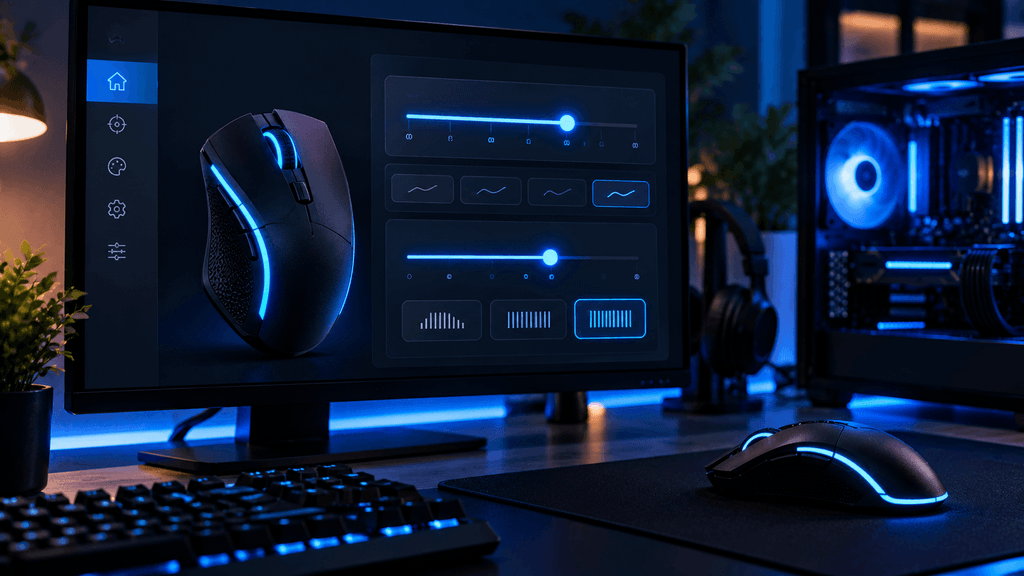
If you do own an 8000Hz capable mouse, you are not locked into running it at the maximum setting. You can always drop the polling rate down to 4000Hz or lower if you run into performance issues or compatibility problems in a specific game, so owning 8000Hz capable hardware does not require using it at full rate all the time. A commonly shared rule of thumb among experienced users is that if your monitor’s refresh rate sits below 250Hz, running your mouse and keyboard polling rate around 500Hz to 1000Hz is a perfectly reasonable setting, rather than always defaulting to the maximum your hardware supports. prosettingssteamcommunity(8000Hz Polling Rate)
The bottom line on 8000Hz polling rate
8000Hz polling rate is genuine, measurable engineering, not a complete marketing fabrication, and devices that advertise it do generally deliver close to their stated specification in independent testing. But the real world benefit over a standard 1000Hz device is small, measured in a fraction of a millisecond that sits below what most people can consciously perceive, and only becomes relevant once your monitor, PC, and playstyle are all fast and precise enough for that tiny difference to matter at all. For a niche, elite tier competitive audience with the rest of their setup already optimized, it is a genuinely worthwhile piece of engineering. For most players, the money is better spent elsewhere. evetech
Have you actually noticed a difference switching to a higher polling rate device, or does it feel more like a marketing number to you? Let us know in the comments.
FAQ: 8000Hz Polling Rate
What is the actual difference between 1000Hz and 8000Hz polling rate?
A 1000Hz device reports input data 1,000 times per second, while an 8000Hz device reports 8,000 times per second. In real testing, this translates to a latency improvement of roughly 0.5 milliseconds, which is below what most people can consciously perceive.
Do I need a special monitor to benefit from an 8000Hz mouse?
Yes, to notice any real benefit. The advantage of a high polling rate is most apparent when paired with a high refresh rate monitor, generally 240Hz or higher, and a powerful PC. On a standard 60Hz or 144Hz monitor, the difference is very unlikely to be noticeable.
Does a higher polling rate use more CPU power?
Yes, slightly. A higher polling rate requires your PC’s processor to communicate with the device more frequently, which does increase CPU usage somewhat, though generally not enough to cause issues on a capable gaming PC.
Can 8000Hz polling rate cause problems in some games?
In some cases, yes. Certain game engines, including some built on Unreal Engine, have had documented issues with very high polling rates affecting performance, so lowering the polling rate for specific games is sometimes necessary.
Will my mouse actually reach the full 8000Hz rate during gameplay?
Not necessarily. Reaching the full polling rate requires enough physical mouse movement to generate sufficient data points. Players using low sensitivity settings with smaller movements may rarely achieve the full advertised polling rate during actual play.
Is it worth paying more for an 8000Hz mouse over a standard 1000Hz one?
For highly competitive players with a fast monitor and PC already in place, it can be a worthwhile, if small, upgrade. For most casual players, factors like mouse shape, sensor quality, and build quality matter more than polling rate alone.
More Useful Tools
Vertical Stack Ceiling Clearance Calculator | Monitor Stack Height Tool
Under-Desk Mount Torque Calculator | PC Mount Load Checker
Desk Boundary Bass Gain Estimator | Speaker Boominess Calculator