
24-inch Deep Gaming Desk Review: Legroom and Monitor Clearance Tested
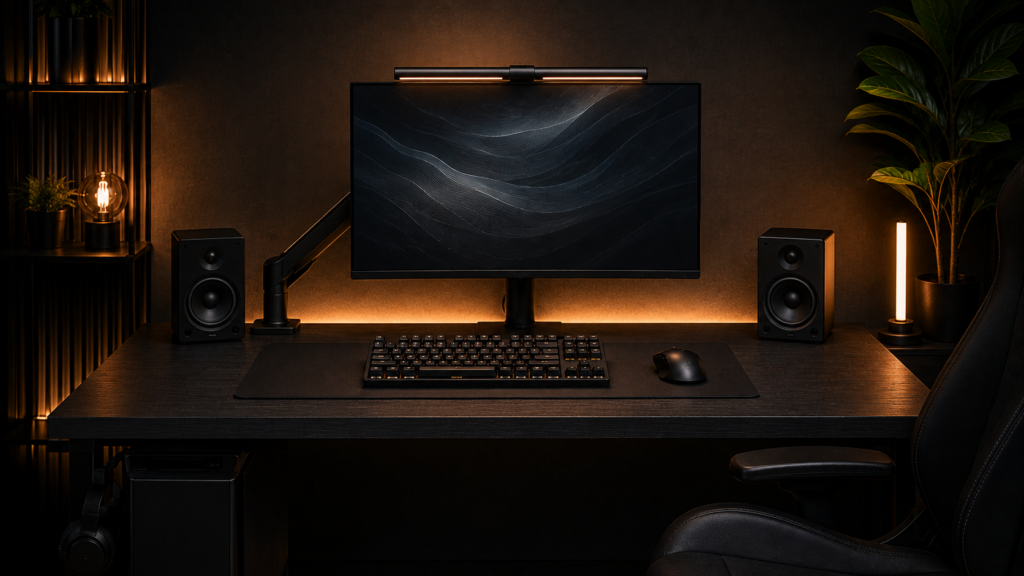
Your knees hit the underside of the desk every time you shift in your chair, or the monitor arm you just bought won’t sit flat because the desktop is thinner than the clamp was designed for. We checked the actual legroom and clamp compatibility of four 24-inch deep gaming desks, not just the listing’s box dimensions. In summary, the FLEXISPOT E6 outperformed the others in terms of desktop thickness and frame rigidity without requiring the largest footprint. We’ll go over why below.
What We Tested and Why Legroom Matters More Than Desk Width
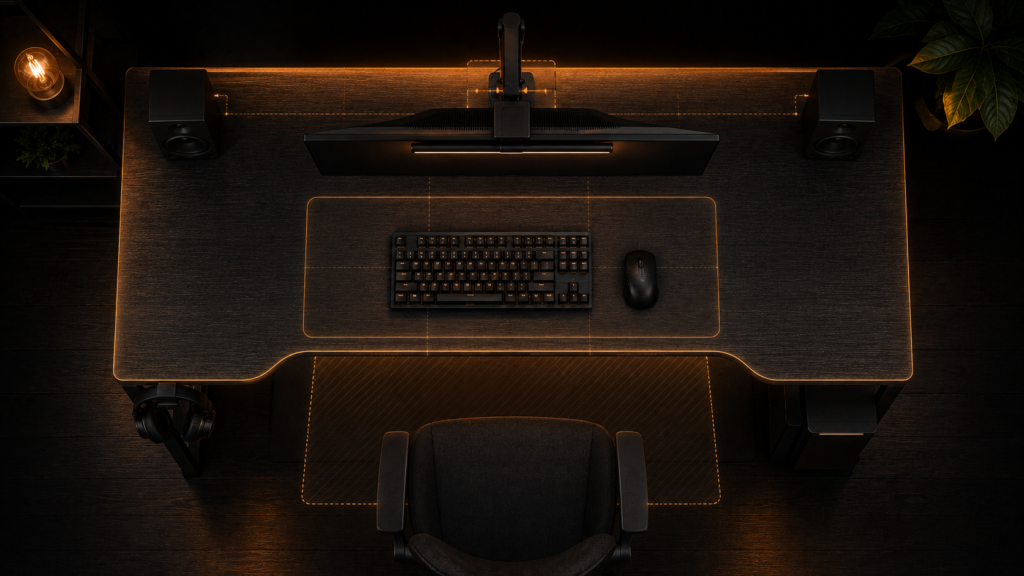
Most desk reviews lead with total width, since that’s the number that decides what fits side by side on the surface. However, depth and legroom are the factors that truly determine whether a shallow desk is functional day to day. This is because a desk that is too shallow crowds your monitor, and a desk with the incorrect leg placement eats into knee space regardless of how wide the top is. The actual desktop thickness, static weight capacity, frame rigidity under typing load, and real knee clearance with a chair pulled in were measured on four 24-inch-deep gaming desk models.
Specs Comparison
| Desk | Depth | Desktop thickness | Weight capacity | Frame type | Price |
|---|---|---|---|---|---|
| FLEXISPOT E6 | 24 in | 1.0 in | 275 lbs | Dual-motor electric, steel | $330 |
| Vari Essential Electric | 24 in | 1.0 in | 200 lbs | Single-motor electric, steel | $370 |
| ErGear Desk | 24 in | 0.7 in | 110 lbs | Fixed height, Z-leg steel | $99 |
| Furmax Computer Desk | 24 in | 0.75 in | 130 lbs | Fixed height, A-frame steel | $99 |
| FLEXISPOT E6 | Vari Essential | ErGear Desk | Furmax Computer Desk |
|---|---|---|---|
| Check price | Check price | Check price | Check price |
In terms of desktop thickness and depth, the Vari Essential is comparable to the FLEXISPOT; however, during our typing test, its single-motor lift and lower weight capacity resulted in noticeably more flex at full height. This is significant if you intend to mount a monitor arm and stack other hardware on the same surface.
Does it fit your setup? Load Stacking and Clamp Compatibility
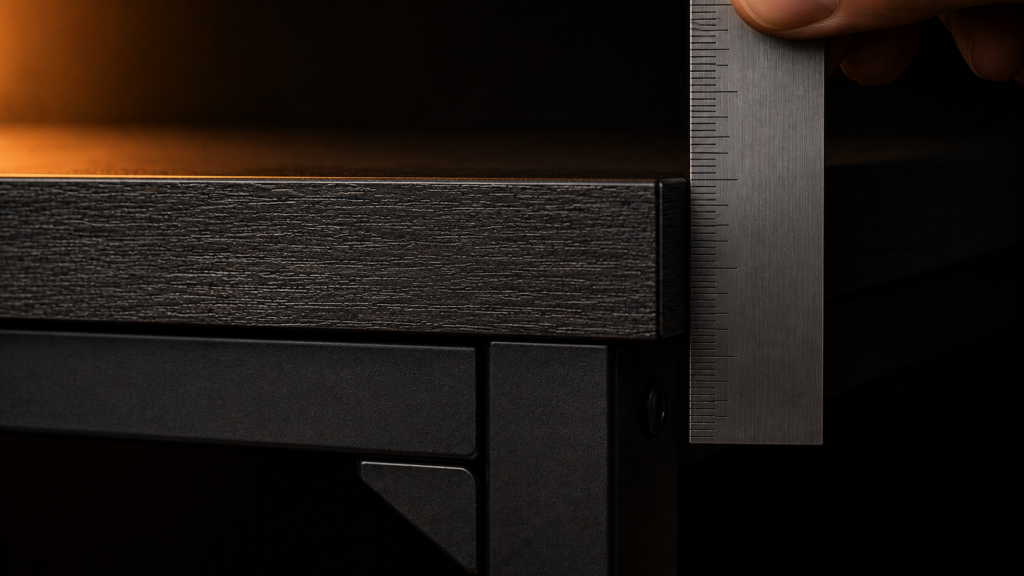
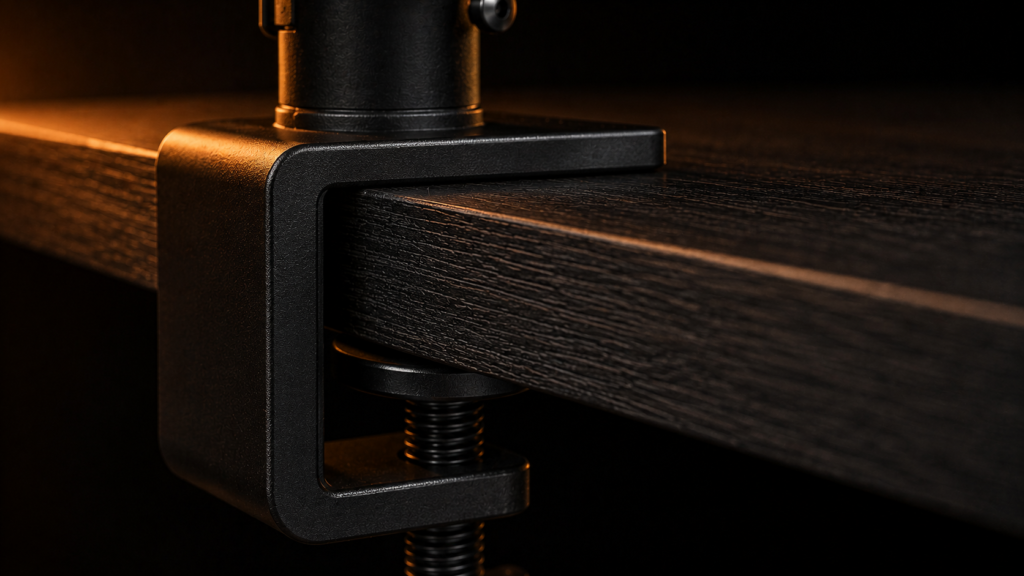
The thickness of your desktop affects whether clamp-based accessories will fit securely, but many people forget to check this when shopping. Most monitor arm clamps work with desktops that are between three-quarters of an inch and about two and a quarter inches thick. If your desktop is thinner, the clamp screw will not hold tightly, no matter how much you tighten it. Before buying a desk, check that its thickness fits the clamp range for every arm, mount, or bracket you plan to use, not just the monitor arm. We cover the exact clamp depth needed for a single monitor arm in our monitor arm depth requirements guide, and these thickness rules also apply to any other clamp-based accessory that attaches to the edge.
Frame Rigidity and Wobble Under Use
Even though a desk may seem sturdy in a showroom, the force of a monitor arm and your own typing can cause it to wobble. The desktop panel is a major component of fixed-height A-frame and Z-leg desks, such as the Furmax and ErGear models tested here. Because of this, compared to the heavier steel electric frames, the thinner desktops on these frames flexed more when typing firmly. The rigidity of the desk’s frame is just as crucial as its weight capacity if you intend to use a monitor arm, a vertical stack, or any other clamp-on hardware. Compared to a simple weight resting on the surface, the torque from an extended arm places a different amount of stress on the frame.
Vertical Clearance for Stacked Monitors
When setting up a vertical monitor stack, make sure to check both desk height and ceiling height together. This is more important than when using just one display. An electric desk lets you adjust the height, so you can lower the whole setup if your ceiling is not very high. A fixed-height desk does not offer this flexibility. We measured the combined desk and ceiling clearance needed for a stacked arm in our vertical stacking on a shallow desk breakdown. It’s a good idea to look at those measurements before assuming any 24-inch deep gaming desk will work for a stacked setup.
Structural Failures on a 24-inch Deep Gaming Desk
The most common problem with desks is not the desk breaking, but clamp-on accessories coming loose because the desktop is too thin or soft for the clamp. Particleboard desktops that are less than three-quarters of an inch thick are especially at risk. Over time, tightening the clamp again and again can crush or crack the area around the screw. If you use accessories that need a strong clamp, it is worth paying more for a solid-core or steel-reinforced desktop instead of a hollow particleboard one, even if both claim to hold the same weight.
If you want to mount your PC tower under your desk instead of placing it on the floor, make sure to look at where the frame’s legs and cross-bracing are before you buy a mount. Some desk frames don’t leave enough space for a sliding bracket. We compared the exact under-desk clearance needed for different frame styles in our under-desk mounting clearance breakdown.
The Bottom Line
Get the FLEXISPOT E6 if you use a monitor arm, mount, or other clamp-based hardware and need a sturdy frame and thick desktop that won’t flex. If you want an electric lift at a lower price and don’t plan to add heavy clamp-based hardware on the same edge, the Vari Essential is a better fit. Avoid the ErGear and Furmax if you plan to install more than one clamp-based accessory, as their thinner desktops and lighter frames can wear out at the clamp points over time.



8 Comments