
Lightweight Gaming Mouse Review: Small Mousepad Sensor Tracking Tested
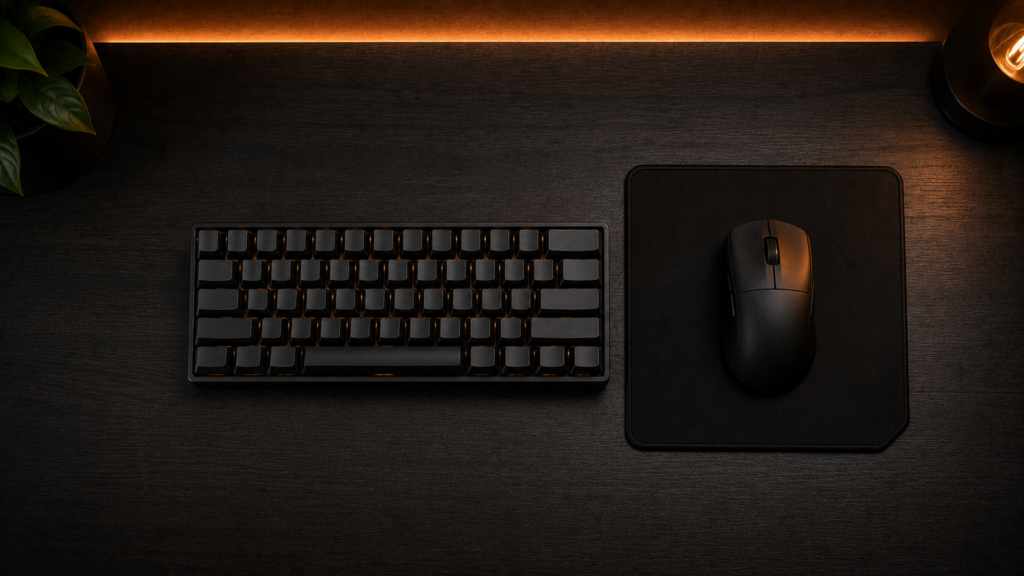
Your cursor slams into the edge of your mousepad mid-swipe, or a fast flick sends the sensor skipping because there’s no room left to reposition. In addition to the raw DPI numbers on the box, we tested four lightweight gaming mouse models for actual sensor tracking on a small pad. In summary, the Logitech G Pro X Superlight 2 outperformed other devices in terms of tracking consistency at the edge of a small pad. We’ll explain why below.
What We Tested and why Liftoff Distance Matters more than Max DPI
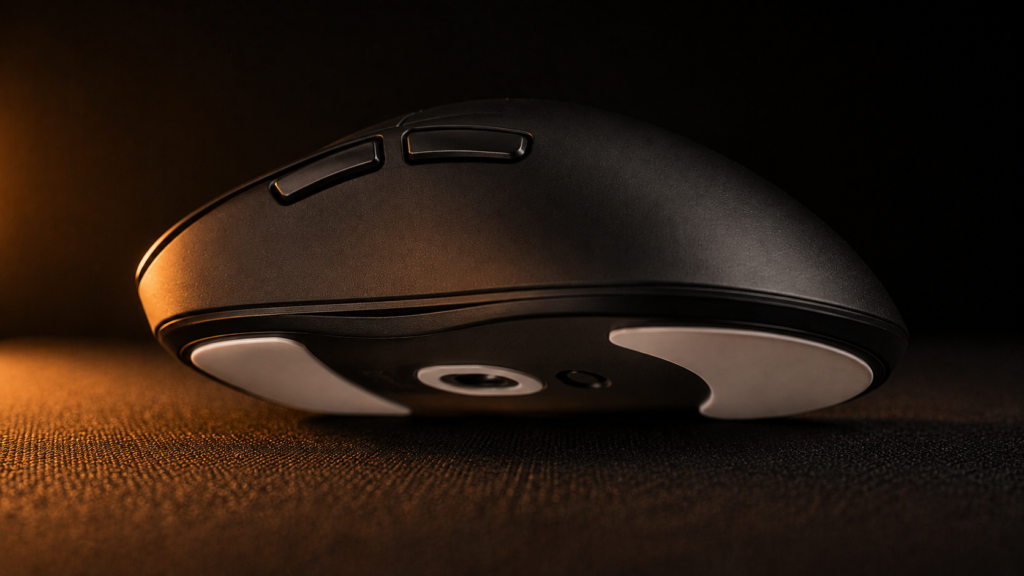
Most lightweight gaming mouse reviews lead with maximum DPI, a number most people will never actually use, since anything past about 3,200 DPI mostly adds sensitivity without adding usable precision. Since a small pad necessitates much more frequent repositioning than a full-size one, liftoff distance, the distance the sensor continues to track once you lift the mouse off the surface to reposition, is the number that truly counts. We evaluated liftoff distance, weight, tracking consistency near the pad’s edge, and each mouse’s response to a quick flick that moved the cursor all the way to the edge of a 12-inch pad.
Specs Comparison
| Mouse | Weight | Sensor | Max DPI | Polling rate | Battery life | Price |
|---|---|---|---|---|---|---|
| Logitech G Pro X Superlight 2 | 60 g | HERO 2 | 32,000 | up to 8,000 Hz | ~95 hrs | $149 |
| Razer Viper V3 Pro | 54g | Focus Pro 35K | 35,000 | up to 8,000 Hz | ~70 hrs | $99 |
| Pulsar X2H | 52 g | PAW3395 | 26,000 | up to 4,000 Hz | ~100 hrs | $129 |
| VXE R1 Pro | 48 g | PAW3395 | 26,000 | 1,000 Hz | ~60 hrs | $49 |
| Logitech G Pro X Superlight 2 | Razer Viper V3 Pro | Pulsar X2H | VXE R1 Pro |
|---|---|---|---|
| Check price | Check price | Check price | Check price |
The G Pro X Superlight 2’s sensor held its tracking line more steadily at the pad’s edge, which matters more on a small pad than a spec advantage you’d only notice in a synthetic benchmark, even though the Razer Viper V3 Pro is lighter and has a higher max polling rate.
Does a Small Mousepad actually limit you?
A small mousepad won’t directly change your mouse’s precision, but it does mean you’ll need to adjust your sensitivity settings, which can make aiming feel less accurate. To move your cursor the same distance on a small pad as you would on a bigger one, you’ll need to use a higher DPI or increase your in-game sensitivity. This causes small hand movements to move the cursor more, making precise aiming tougher. It’s usually better to use a moderate DPI, like 800 to 1,600, and raise your in-game sensitivity instead of just cranking up your mouse’s DPI to make up for the smaller pad. Before choosing a mousepad size, check how much desk space you have for moving your mouse, especially after setting up your keyboard and monitor stand. We measured this in our desk width for mouse swing breakdown.
Weight Distribution in a Lightweight Gaming Mouse
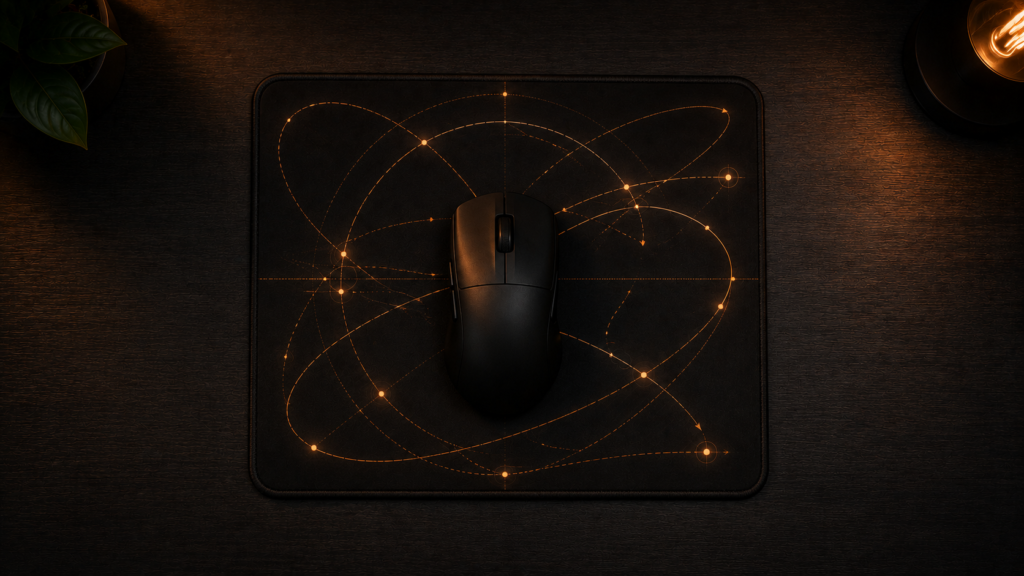
Every mouse in this test has a weight-saving shell, either a honeycomb cutout or a solid shell with internal material removed; the difference between the two is more apparent in balance than in total weight. A honeycomb shell, like the Razer Viper V3 Pro’s, tends to concentrate its remaining weight toward the shell’s edges, which some people find noticeably shifts the center of gravity during fast flicks. In contrast, a solid lightweight shell, like the G Pro X Superlight 2’s, maintains mass more evenly from front to back. If you’ve had wrist fatigue with a honeycomb mouse in the past, a solid shell is worth trying, even at a similar overall weight. But neither approach is clearly better.
Glide Friction and Mousepad Wear
Mouse feet material has a bigger effect on real-world glide than most spec sheets suggest. Pure PTFE feet, used on the G Pro X Superlight 2 and Pulsar X2H, glide with less friction out of the box than the UPE blend feet on the VXE R1 Pro, but PTFE also wears down faster on a rough-textured pad. If you’re already running a hard, low-friction pad, the feet material difference matters less. Still, on a cloth pad with more texture, PTFE’s lower friction becomes a bigger practical advantage, especially for the smaller, faster movements a compact pad forces you into.
Fitting the rest of your setup around it
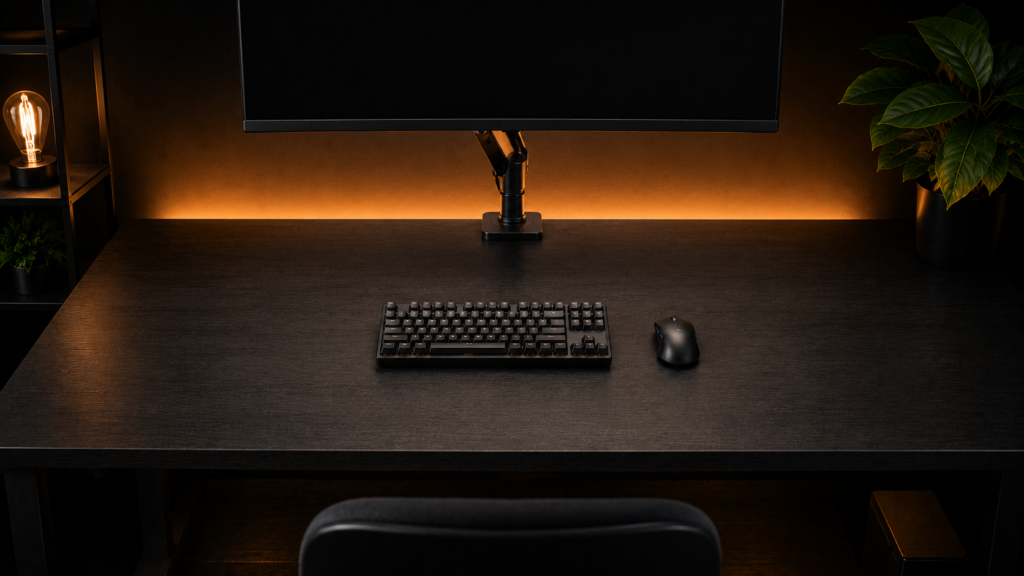
Since the number pad on a full-size board is frequently the largest object between your mouse and more swing room, reclaiming desk space for a larger mousepad usually begins with the keyboard rather than the mouse itself. In our 60% keyboard footprint breakdown, we measured precisely how much width a compact board gives back. This reclaimed space is frequently sufficient to upgrade a full pad size without altering anything else about your desk. In our review of clearing desk space with a monitor arm, we go into detail about how much space a proper arm setup gives back if your monitor’s stand or arm is also taking up space in your mousing area.
Structural Execution: What actually goes wrong
Tracking inconsistency, which actually stems from worn feet rather than the sensor, is the most frequent problem people encounter rather than the mouse itself malfunctioning. The mouse’s glide height above the pad shifts slightly as PTFE feet wear down unevenly, typically more quickly at the corners than the center. This can cause tiny tracking errors that appear to be sensor issues but are actually maintenance issues. Tracking remains consistent for longer than any sensor firmware update when feet are rotated or replaced every few months of heavy use.
Another factor that matters more for a lightweight gaming mouse (wireless) than for a heavier one is the location of the battery. The VXE R1 Pro, the lightest and least expensive mouse in this test, feels relatively rear-heavy during rapid side-to-side movement despite its low total weight because a battery positioned toward the rear of a 50-gram mouse shifts a much larger percentage of the total weight than the same battery would on a 100-gram mouse.
The Bottom Line
Invest in the Logitech G Pro X Superlight 2 if you are more concerned with tracking consistency at the edge of a small pad than with cutting the final few grams. If raw weight and polling rate are important to you and you don’t mind a slightly less forgiving edge-tracking feel, get the Razer Viper V3 Pro instead. If you’re playing competitively, avoid the VXE R1 Pro because its short battery life and rear-heavy balance become noticeable during the fast movements that a small pad already makes more difficult.


One Comment