Best Gaming Router: What Actually Matters Before You Buy One
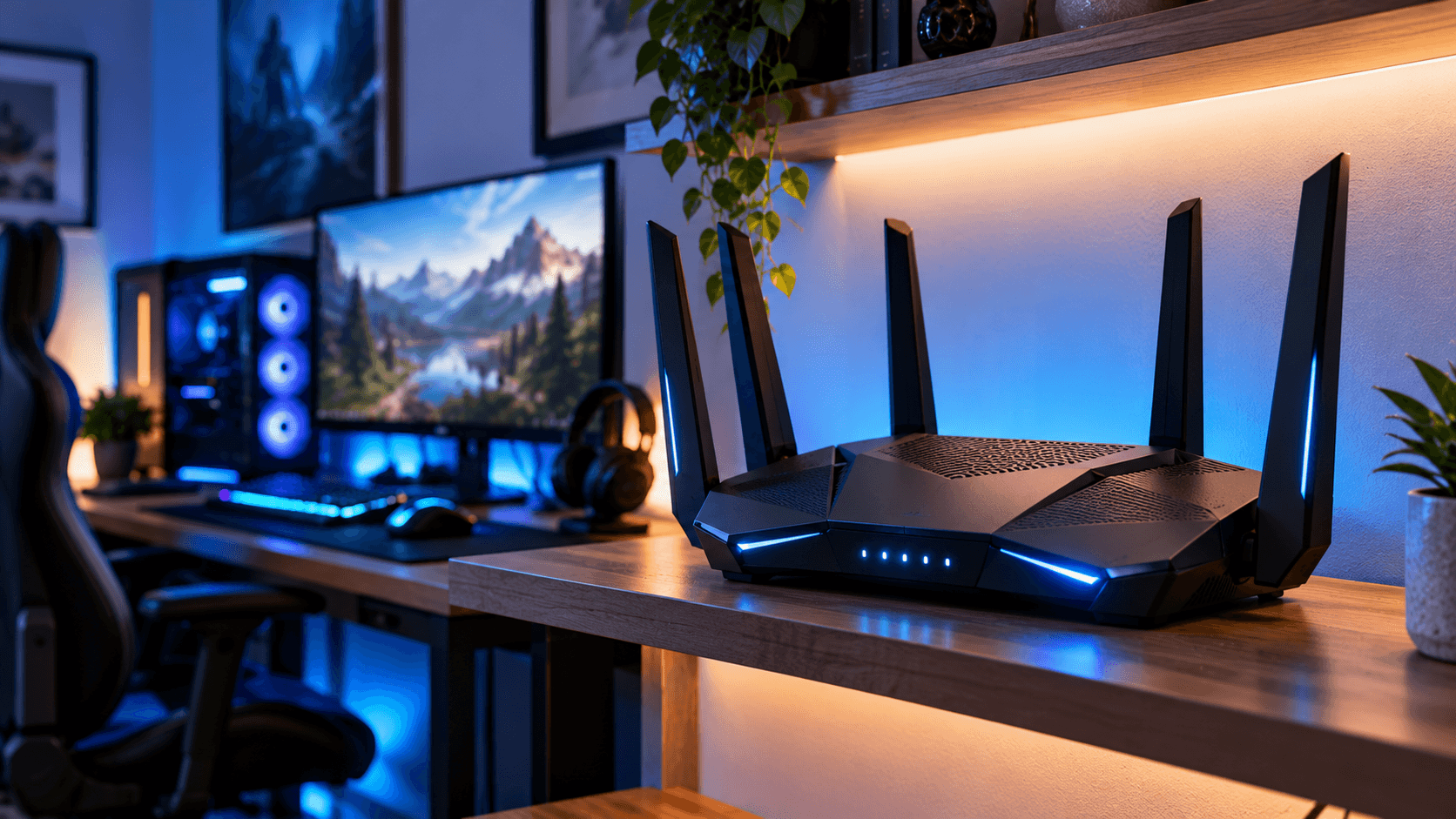
Best Gaming Router, A gaming router promises lower latency, fewer dropped connections, and smoother online matches, and the marketing around them can get genuinely overwhelming fast. Terms like QoS, mesh, Wi-Fi 7, and triple band get thrown around as if any single one guarantees a better gaming experience on their own. Before you spend money chasing the biggest number on the box, here is what actually affects your gaming connection, and what to genuinely look for.
Why a router actually matters for gaming in the first place
Your internet plan sets the ceiling for your raw speed, but your router controls how efficiently that speed actually gets to your device, how quickly small packets of data move back and forth, and how well your connection holds up when other devices in your home are also online at the same time. A powerful internet plan running through a weak or outdated router can still feel laggy and inconsistent, especially in a household with multiple people streaming, downloading, or gaming at once.
The spec that matters more than raw speed: latency
Most router marketing focuses heavily on maximum speed, but for gaming specifically, latency, often shown as ping, matters more day to day than top end bandwidth. Latency is the delay between an action you take and when the game server actually registers it, and a router that handles this efficiently makes a bigger real world difference in competitive games than one that simply advertises a bigger maximum speed number.
Look specifically for routers that mention features built around reducing latency and jitter, not just ones advertising the highest possible top speed, since these are genuinely different things that do not always move together.
QoS: the feature that actually matters most for shared households
Quality of Service, usually shortened to QoS, lets your router prioritize gaming traffic over other activity happening on your network at the same time, like a household member streaming video or a phone backing up photos in the background. Without it, a single large download elsewhere in the house can cause real, noticeable lag spikes during your gaming session, even if your overall internet plan has plenty of raw speed to go around.
A router with genuinely well implemented QoS, ideally one that lets you manually prioritize specific devices or even specific games, is one of the most practically useful features for anyone sharing a home network with other active users.
Wired versus wireless: the decision that matters most
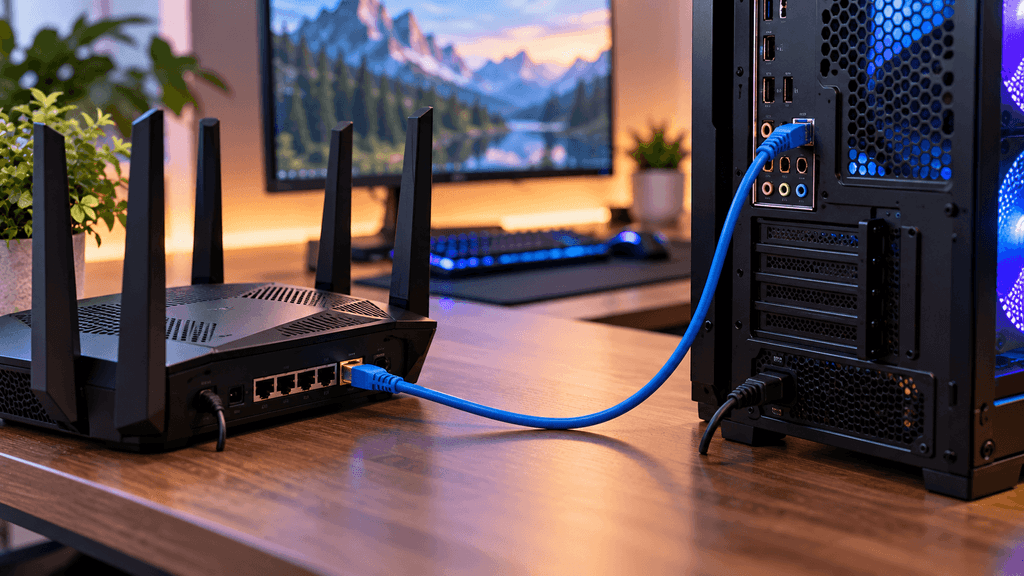
This is worth saying directly, since it gets lost in a lot of gaming router marketing. A wired Ethernet connection will almost always provide a more stable, lower latency connection than even the best wireless setup, since a cable avoids the interference, signal strength drops, and background noise that wireless connections are inherently subject to.
If your gaming setup is anywhere near your router, running a cable is the single most effective thing you can do for connection stability, more impactful than almost any router upgrade. A gaming router genuinely matters most for situations where wiring directly is not practical, whether that is a layout issue, distance from the router, or simply preferring the flexibility of wireless.
Wi-Fi 6, Wi-Fi 6E, and Wi-Fi 7: what the difference actually means for gaming
Each newer Wi-Fi generation generally improves how efficiently a router handles multiple connected devices at once, reduces interference, and can lower latency under heavy network load, not just raw maximum speed. Wi-Fi 6E and Wi-Fi 7 specifically add access to additional wireless frequency bands that tend to carry less interference from neighboring networks and other household devices, which can translate into a more consistent gaming connection, particularly in apartments or densely populated areas with a lot of overlapping wireless signals nearby.

That said, a newer Wi-Fi standard only helps if your gaming device actually supports it too. Check your console, PC, or gaming laptop’s own Wi-Fi capability before paying extra for the newest router standard, since a mismatch means you will not actually get the benefit the newer router is capable of providing.
Do you need a mesh system, or is a single router enough
Mesh systems use multiple connected units placed around your home to extend coverage evenly, which solves a very specific problem, dead zones and weak signal in rooms far from where your main router sits. For gaming specifically, a mesh system is worth it primarily if your gaming setup is in a room with historically weak signal, not as a general gaming performance upgrade on its own.
If your gaming setup already sits reasonably close to your router, or if you can run a wired connection to it, a single capable router is often a simpler, more cost effective choice than a full mesh system, since mesh systems can sometimes introduce a small amount of additional latency as data hops between units compared to connecting directly to one single router.
Features worth prioritizing over marketing buzzwords
Dedicated gaming traffic prioritization, whether branded as QoS, gaming mode, or a similar name, genuinely helps in shared households with multiple active devices.
A strong, stable 5GHz or 6GHz band, since these bands generally carry less interference and better performance for gaming specifically than the more crowded, longer range 2.4GHz band most other household devices default to.
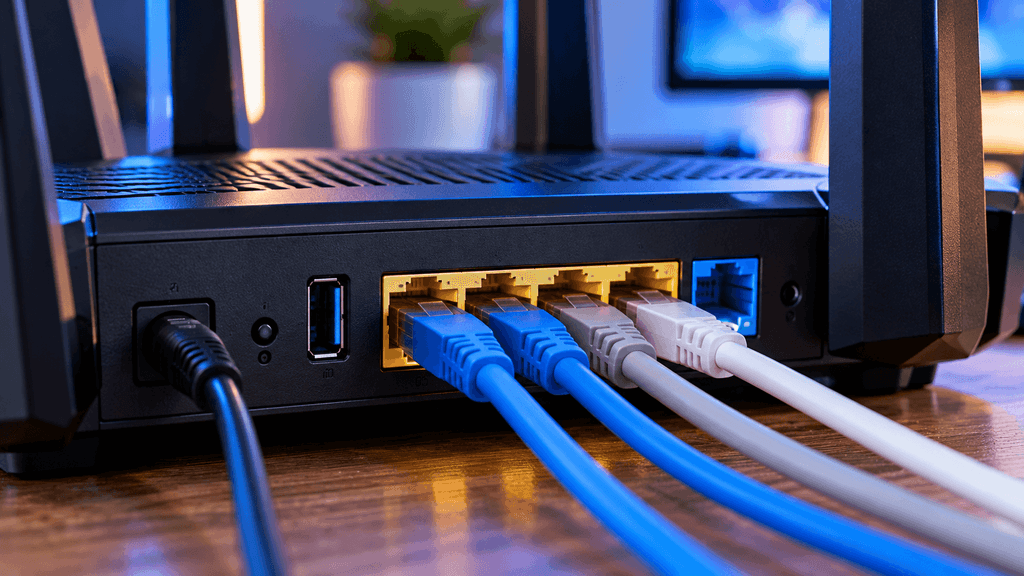
Enough Ethernet ports for your actual setup, including your gaming PC or console, any streaming devices, and anything else you would rather wire directly rather than rely on Wi-Fi for.
Firmware that gets regular updates, since a router that stops receiving security and performance updates becomes a liability over time, regardless of how good its original specifications were at launch.
What marketing terms matter less than they sound
Maximum theoretical speed numbers, the large combined figures advertised on router boxes, rarely reflect real world performance for any single device, including your gaming setup specifically, since that number represents a combined total across every connected device and every available band at once.
Extreme numbers of antennas, while more antennas can help with coverage and multiple device handling, the number alone does not directly translate to better gaming latency, and a well designed router with fewer antennas can easily outperform a cluttered one with more.
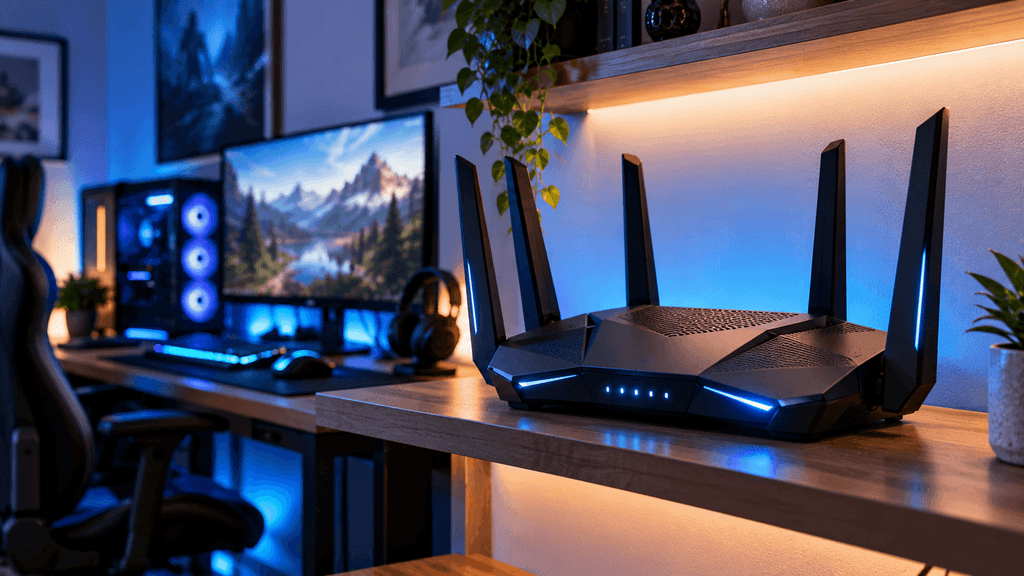
Aggressive gaming branding and RGB lighting, which affects how a router looks on a desk far more than how it actually performs, and is worth treating as a cosmetic bonus rather than a genuine performance indicator.
A realistic way to decide what you actually need
If you can run a wired connection to your gaming setup, prioritize that first, before spending extra on a premium wireless focused gaming router, since the improvement from going wired is almost always larger than any router upgrade alone. If wireless is your only practical option, prioritize strong QoS features, a stable 5GHz or 6GHz band, and genuine Wi-Fi standard support matching your actual gaming device, rather than chasing the highest advertised speed number. If weak signal in your gaming room is a real, ongoing problem, consider whether a mesh system specifically solves that coverage issue before assuming a single more powerful router will fix it on its own.
The bottom line on choosing a gaming router
A genuinely good gaming router is less about chasing the biggest number on the box and more about matching specific features, QoS, a stable band, and real Wi-Fi standard compatibility, to your actual household and setup. For a lot of people, running a single Ethernet cable to their gaming setup solves more of the problem than any router purchase could on its own, and a gaming router becomes most valuable specifically when wiring directly simply is not an option.
Are you currently gaming over Wi-Fi, or have you made the switch to a wired connection? Let us know in the comments.
FAQ: Best Gaming Router
Is a wired connection really better than a gaming router for reducing lag?
Yes, generally. A wired Ethernet connection avoids the interference and signal fluctuations that wireless connections are inherently subject to, making it more stable and lower latency than even a high end gaming router used wirelessly.
Do I need Wi-Fi 7 for gaming, or is Wi-Fi 6 enough?
For most people, Wi-Fi 6 or 6E is still very capable for gaming. Wi-Fi 7 offers further improvements, but only if your gaming device also supports it, so check your console or PC’s Wi-Fi capability before paying extra for the newest standard.
What is QoS and why does it matter for gaming?
QoS, or Quality of Service, lets your router prioritize gaming traffic over other activity on your network, like streaming or downloads happening elsewhere in the house. This helps prevent lag spikes caused by other devices using the connection at the same time.
Do I need a mesh router system for gaming?
Only if weak signal coverage in your gaming room is a genuine problem. Mesh systems solve coverage issues well, but can introduce a small amount of additional latency compared to connecting directly to a single router, so they are not a general gaming performance upgrade on their own.
Does a higher advertised router speed mean better gaming performance?
Not necessarily. Advertised maximum speed numbers represent a combined total across all bands and devices, which rarely reflects the real world performance of your specific gaming device. Latency and QoS features matter more for actual gaming experience.
How many Ethernet ports do I need on a gaming router?
Enough to wire your most important devices directly, such as your gaming PC or console and any streaming devices. Having extra ports available gives you flexibility to wire more devices later rather than relying on Wi-Fi for everything.
More Useful Tools
Vertical Stack Ceiling Clearance Calculator | Monitor Stack Height Tool
Under-Desk Mount Torque Calculator | PC Mount Load Checker
Desk Boundary Bass Gain Estimator | Speaker Boominess Calculator