How to Choose a Laptop in 2026: 7 Things the Spec Sheet Will Not Tell You
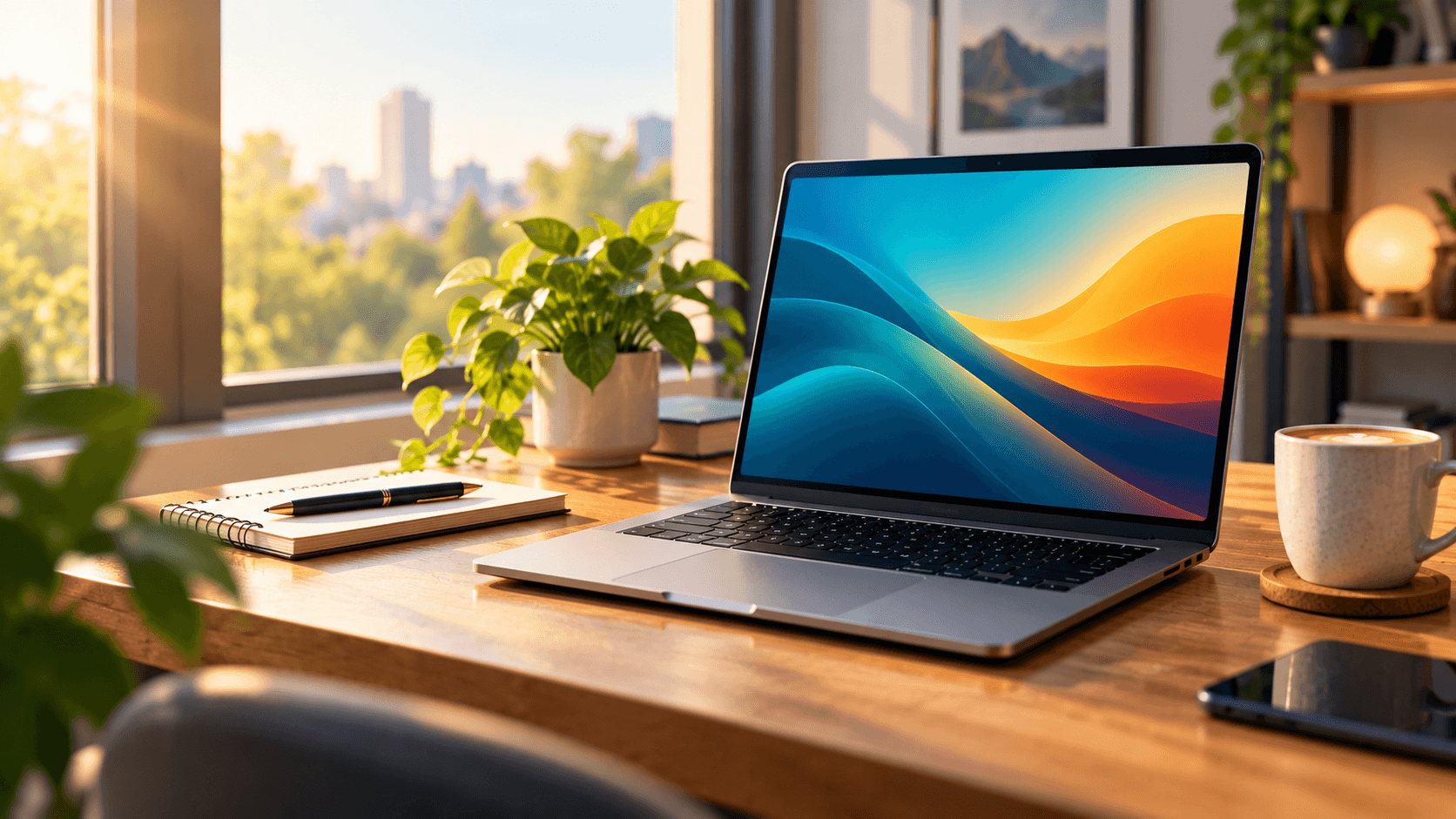
How to Choose a Laptop in 2026. Picking a laptop should be simple. You compare the processor, the memory, the storage, and the price, and then you buy. But anyone who has bought a laptop that looked perfect on paper knows how this goes. Two weeks later, the screen is too dim to use near a window, the fan sounds like a hair dryer, and the battery is gone by lunch.
If you want to know how to choose a laptop that you will still enjoy a year from now, look past the headline specs. Here are seven things that really decide whether you will love it.
1. The screen matters more than the processor
You spend every minute of your laptop time staring at the display, yet it is often the first place brands cut corners. Look for brightness of at least 400 nits if you ever work near windows or outdoors. Check the panel type too. OLED and good IPS screens look far better than the cheap panels that wash out when you tilt them.
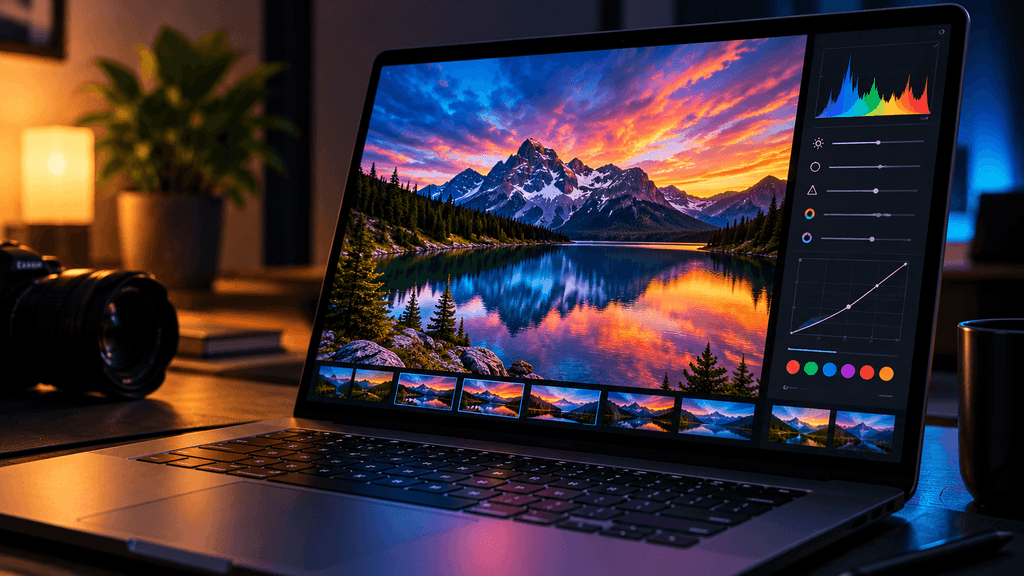
A taller 16:10 screen also gives you more room for documents and browsing than the older widescreen shape. Once you get used to it, going back feels strange.
2. Battery claims are marketing, not promises
A brand might say “up to 18 hours,” but that number usually comes from a lab test with the screen dimmed and nothing running. Real life is messier. Look for independent reviews that test battery life with web browsing and video playback. As a rough guide, check the battery capacity in watt hours. A bigger battery paired with an efficient chip will almost always beat a fancy spec.
3. You will touch the keyboard and trackpad all day
Nobody puts keyboard feel on a spec sheet, but it shapes your whole experience. A mushy keyboard makes long typing sessions tiring. A rattly trackpad makes every click annoying. If you can, try the laptop in a store first. If you cannot, read reviews that talk about typing comfort, not just performance.
4. Ports and charging save you from dongle life
Thin laptops look great until you need to plug in a monitor, a card reader, and a mouse at the same time. Count the ports before you buy. It helps a lot if the laptop charges over USB C, because then you can share one charger between your laptop, tablet, and phone. An HDMI port or an SD card slot can also save you from carrying extra adapters.(How to Choose a Laptop in 2026) read more
5. Check whether you can repair or upgrade it
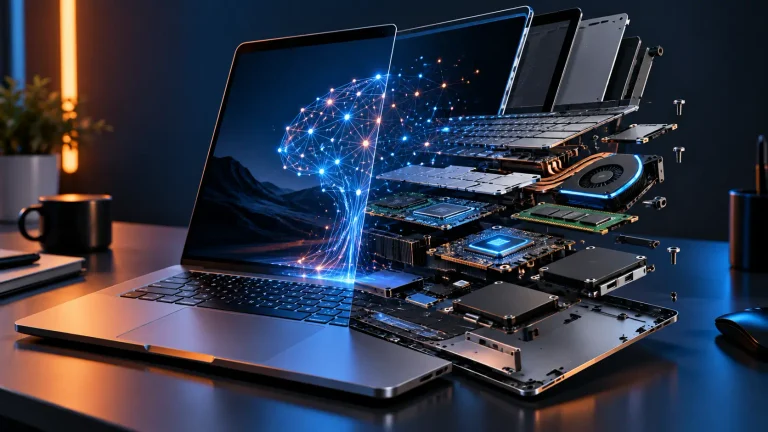
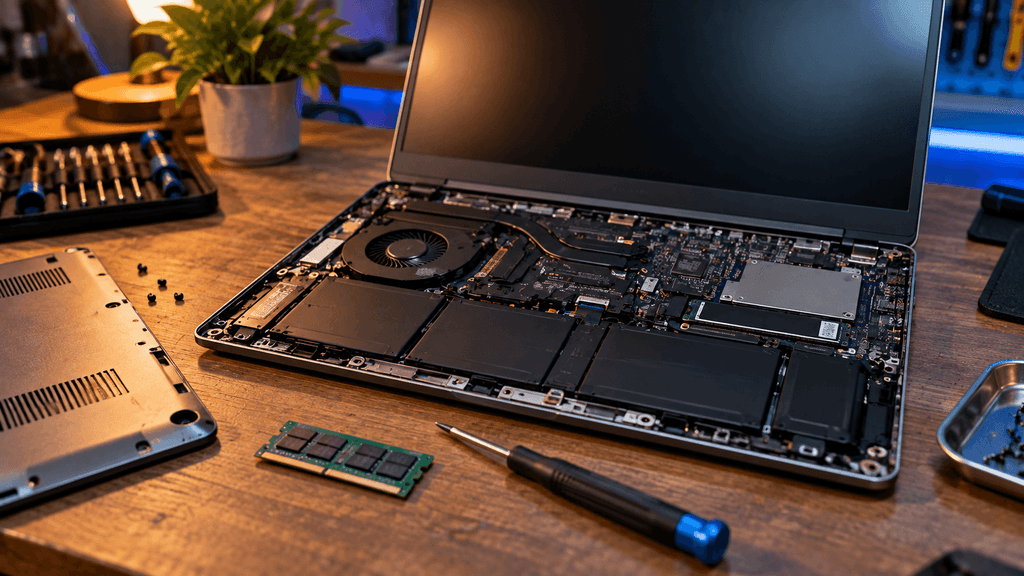
This is one of the biggest debates in tech right now. Many modern laptops solder the memory directly to the board, which means the amount you buy today is the amount you are stuck with. Others let you swap the RAM, the SSD, and even the battery. If you plan to keep your laptop for five years or more, that flexibility can save you real money. When in doubt, buy a little more memory than you think you need. (How to Choose a Laptop in 2026)
6. Thin is not always better
Ultra slim laptops look impressive, but they have less room for cooling. When a chip gets too hot, it slows itself down to protect itself, and you lose the performance you paid for. That is why two laptops with the same processor can feel very different in real use. Look for reviews that measure fan noise and sustained performance, not just short benchmark runs.
7. Software support and warranty are part of the price
A cheap laptop that stops getting updates after two years is not really cheap. Check how long the maker promises security and driver updates, and read the warranty terms before you decide. A slightly higher price with better support often costs less over time.
A quick word on the AI label
Plenty of new laptops now advertise AI features and special neural chips. They can be useful for things like background blur, noise removal, and faster on device tools. But for most people, a great screen, a solid battery, and a comfortable keyboard will improve daily life far more than an AI badge. Buy the AI features if you will actually use them, not because of the sticker. (How to Choose a Laptop in 2026)
The bottom line on how to choose a laptop
The best laptop is not the one with the biggest numbers. It is the one that feels good to use every single day. Start with the screen, battery, and keyboard, then think about ports, repairability, cooling, and support. Get those right, and the processor choice gets much easier.
What is the one thing you wish you had checked before buying your last laptop? Let us know in the comments.
FAQ: How to Choose a Laptop in 2026
Add this at the end of the article, just before the comments prompt. Use the Rank Math FAQ block in the editor, so Google can show these as rich results in search. (How to Choose a Laptop in 2026)
How much RAM do I need in a laptop in 2026?
For everyday work like browsing, documents, and video calls, 16GB is a comfortable starting point. If you edit videos, run heavy software, or keep lots of apps open, 32GB will keep things smooth. Try to avoid 8GB unless the laptop is very cheap and you only need basic tasks.
Is OLED better than IPS for a laptop screen?
OLED gives deeper blacks, richer colors, and better contrast, which is great for movies and creative work. A good IPS screen is usually brighter for outdoor use and has less risk of image retention. If you work near windows a lot, check the brightness rating before choosing either one.
How long should a laptop battery last?
For light use, look for at least 8 to 10 hours in independent tests, not just in the brand’s own claims. Gaming and video editing will drain the battery much faster, sometimes in under two hours. Reviews that test real browsing and video playback are the most reliable guide.
Do I really need an AI laptop?
Not for most people. AI features like background blur, noise removal, and on device tools are nice extras, but they will not replace a good screen, a strong battery, and a comfortable keyboard. Buy an AI laptop only if you know you will use those features regularly.
Should I buy a laptop with soldered RAM?
Soldered RAM often allows thinner designs and better efficiency, but you cannot upgrade it later. If you plan to keep your laptop for five years or more, either buy more memory upfront or choose a model with upgradeable slots.(How to Choose a Laptop in 2026)
How long does a laptop usually last?
Most laptops last between four and six years with normal use. Build quality, cooling, and software support matter a lot. A laptop that keeps getting security and driver updates will stay useful for much longer than one that gets dropped by the manufacturer after two years.
Is a thin and light laptop worth it?
It depends on how you use it. Thin laptops are great for travel and daily carrying, but they often have smaller batteries, fewer ports, and less cooling. If you do heavy work, a slightly thicker laptop can perform better and stay quieter.(How to Choose a Laptop in 2026)
What should I check before buying a laptop online?
Look for the return policy, the warranty length, and how long the brand promises updates. Also read reviews that mention screen brightness, fan noise, and keyboard comfort, since those details are rarely listed on the product page. (How to Choose a Laptop in 2026)
Clilck below link for more guide
Laptop buying guide
Laptop processor comparison
Laptop repairability or teardown article
AI-Native vs Repairable Laptops: What Should You Buy in 2026?
More Useful Tools
Vertical Stack Ceiling Clearance Calculator | Monitor Stack Height Tool
Under-Desk Mount Torque Calculator | PC Mount Load Checker
Desk Boundary Bass Gain Estimator | Speaker Boominess Calculator