Stop Chasing Frame Rates: 6 Upgrades That Actually Make Your Gaming Setup Better in 2026
Stop Chasing Frame Rates, Every gamer knows the feeling. You watch a benchmark video, see a shiny new graphics card pushing huge numbers, and suddenly your perfectly good PC feels ancient. We have been there too. But the more hardware we test, the more one thing keeps coming back: the upgrades that change how a setup feels day to day are rarely the ones getting the most hype.
Here are six upgrades worth your money this year, in the order we would do them.
1. Fix your monitor before your graphics card
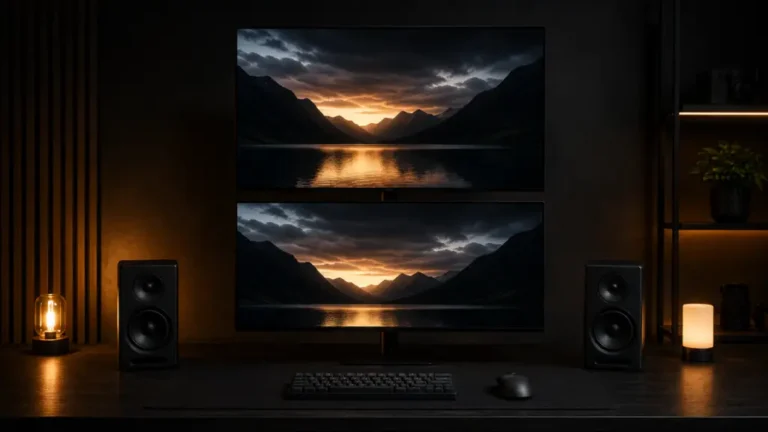
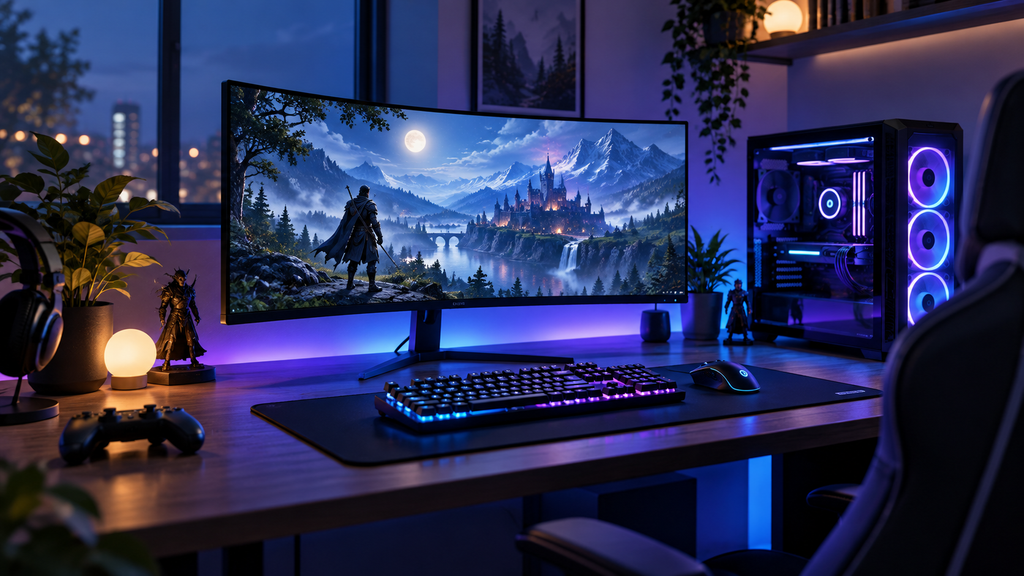
You look at your monitor every second you play, yet it is often the most neglected part of a build. A good display with the right resolution and refresh rate for your hardware can feel like a bigger jump than a new GPU.
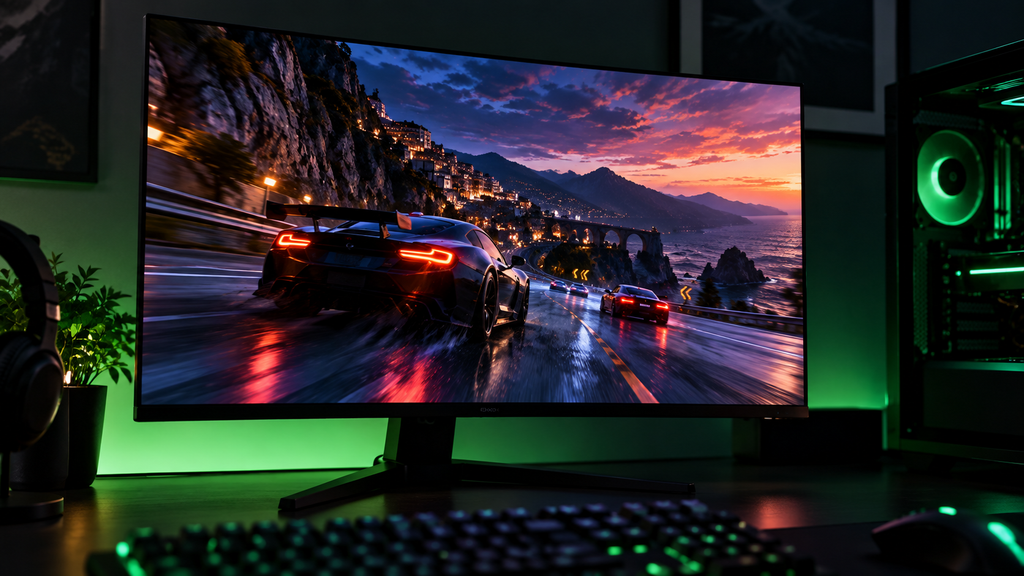
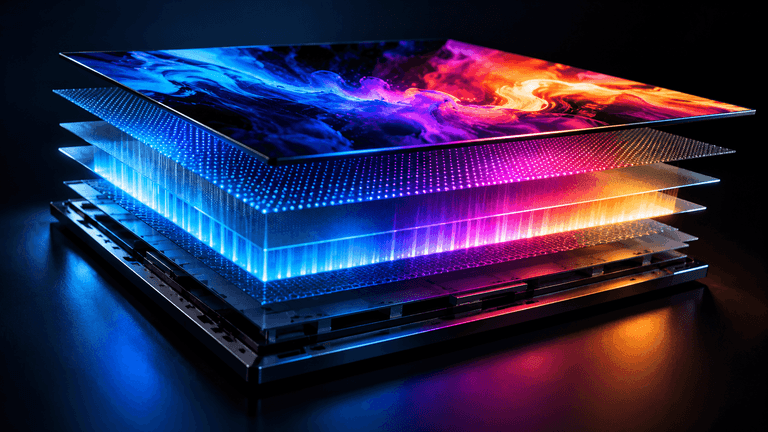
The key is matching the panel to your PC. If your system can only push around 100 frames per second in your favorite games, a 360Hz monitor is money you will never feel. OLED panels have also become much more approachable, and the deep blacks and fast response times are hard to give up once you have seen them. Just be mindful of static desktop elements and use a screen saver or auto hide for your taskbar.
2 Give your games room to breathe, . Stop Chasing Frame Rates,
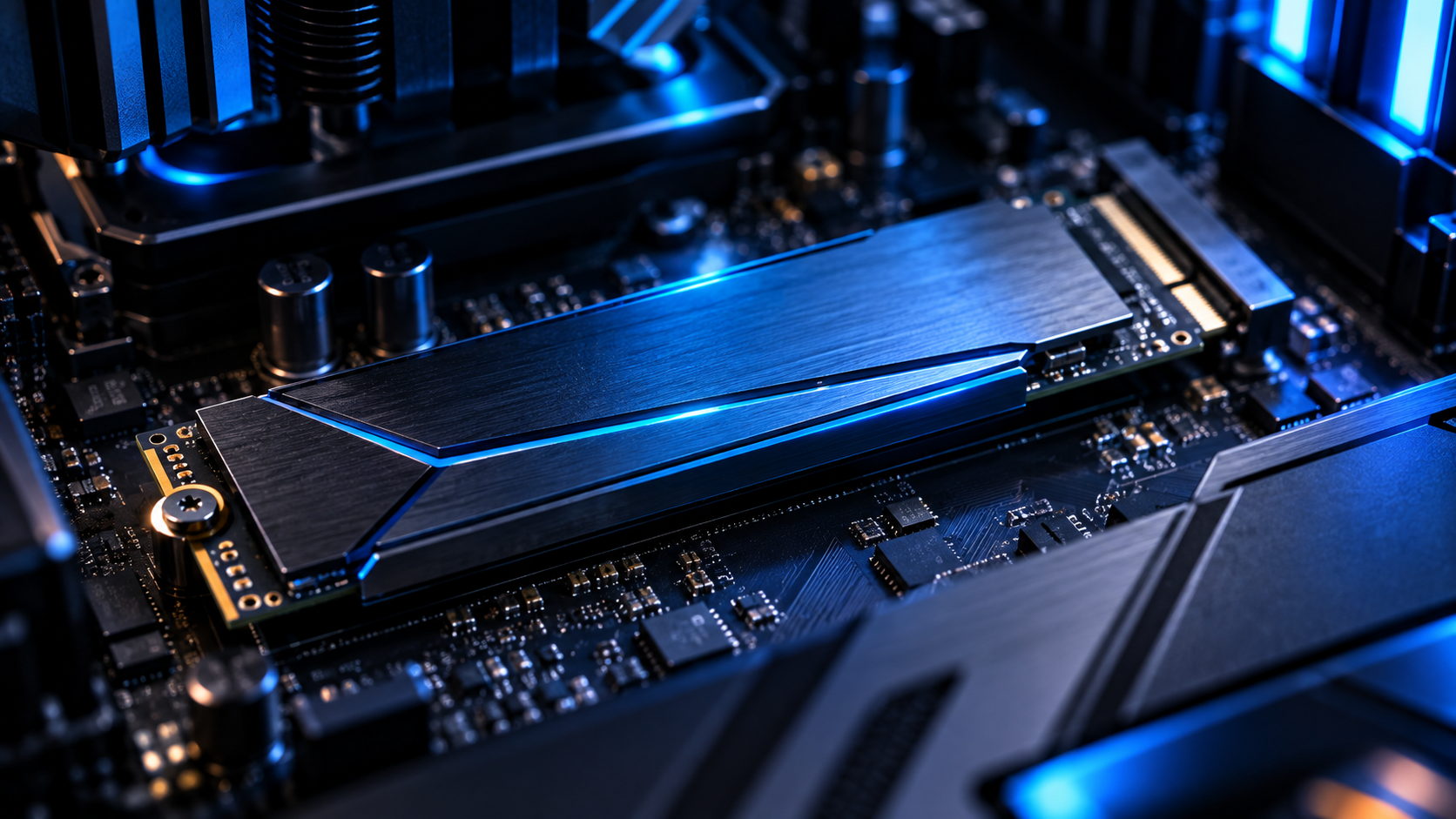
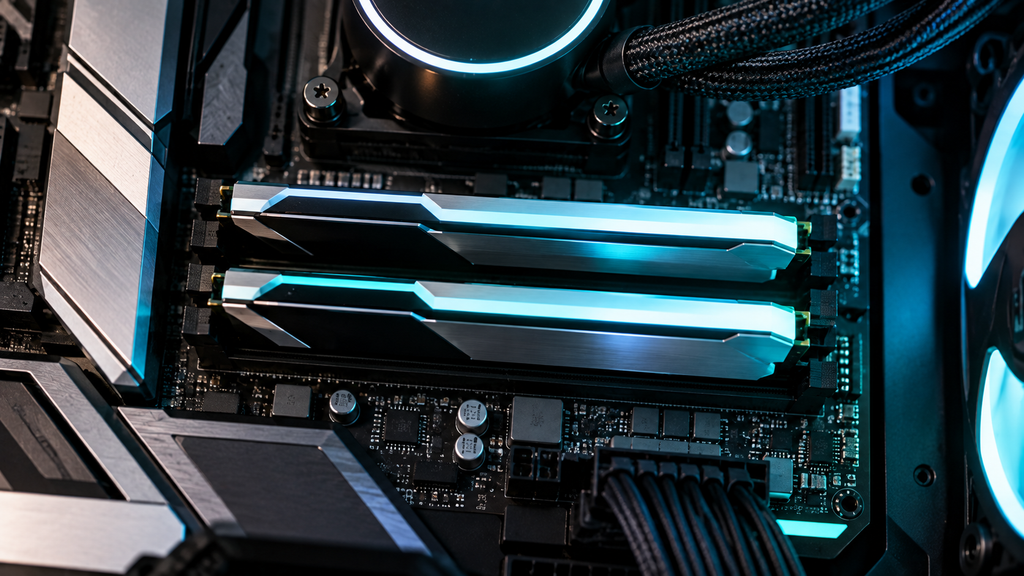
Stop Chasing Frame Rates, Modern games are huge, and many of them ask for well over 100GB each. If you are still juggling installs on a small drive, you are losing time to constant deleting and downloading. A 2TB NVMe SSD has become a very comfortable size for most players. It keeps load times short and your library ready to launch whenever you are.
3. Get your memory right
For plenty of players, 16GB still gets the job done. But if you stream, keep a dozen browser tabs open, or love installing mods, 32GB removes a lot of little headaches.
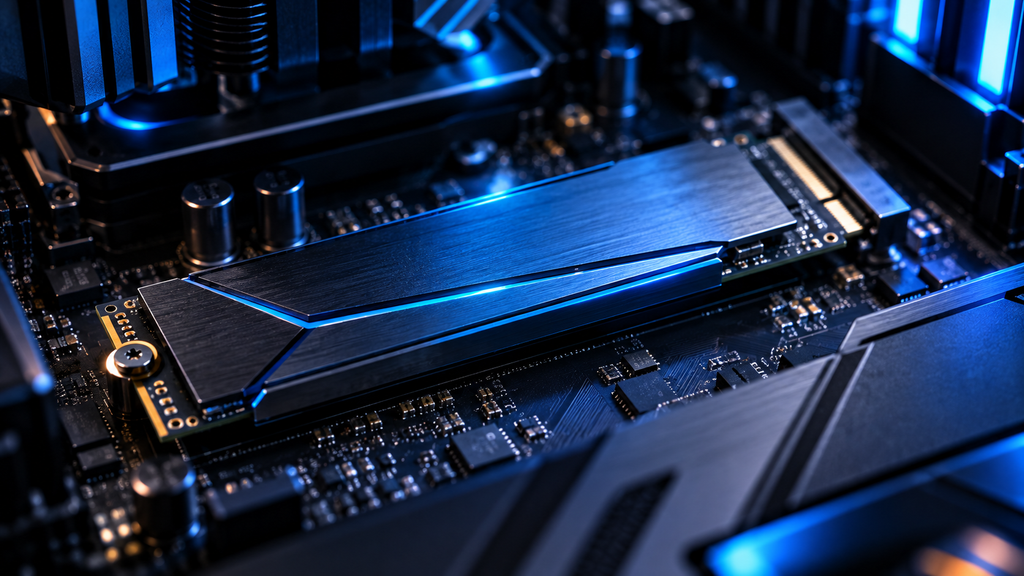
Stop Chasing Frame Rates, Here is a tip that costs nothing. Check that your memory profile (XMP or EXPO, depending on your platform) is actually turned on in the BIOS. A surprising number of people run fast RAM at slow default speeds without ever knowing it.
4. Take airflow seriously
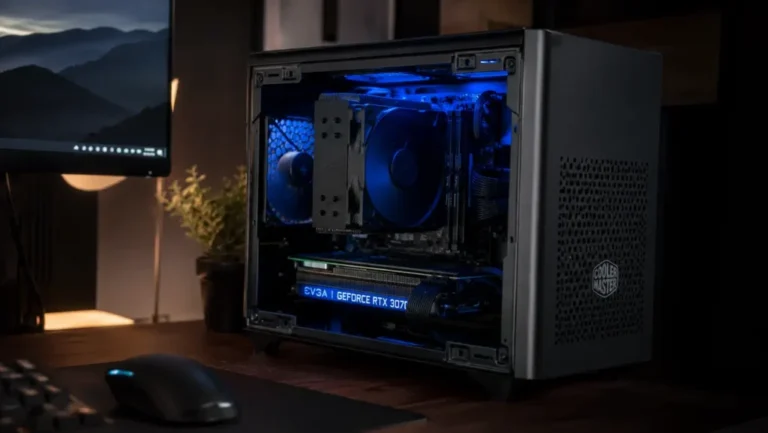
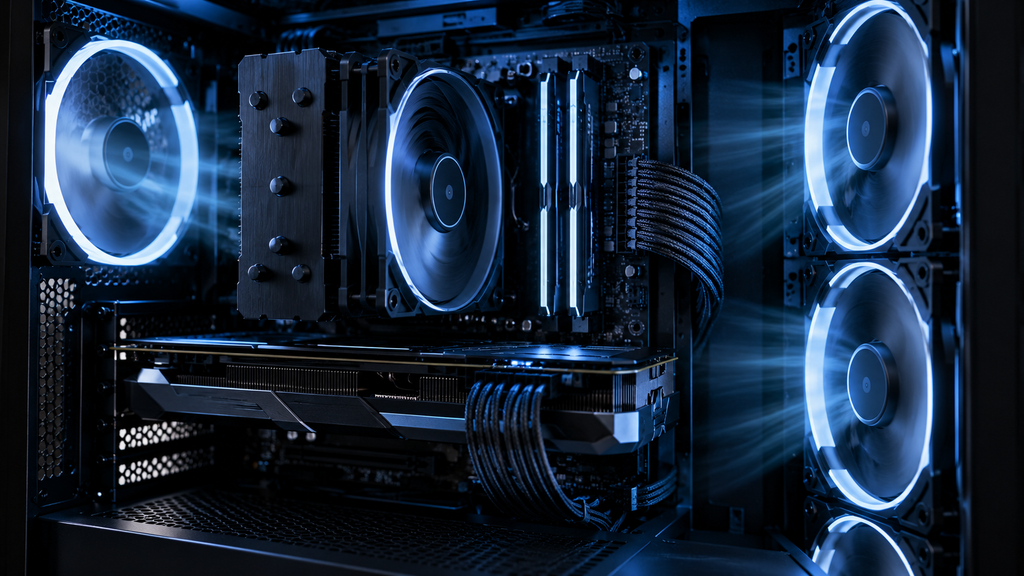
Stop Chasing Frame Rates, A powerful PC that runs hot will slow itself down to protect the hardware. That means lower performance and louder fans, right when you want the opposite. Good case airflow, a decent cooler, and a quick dust cleaning every few months can restore performance you thought you had lost. It is the most boring upgrade on this list, and one of the most effective.
5. Do not ignore your audio
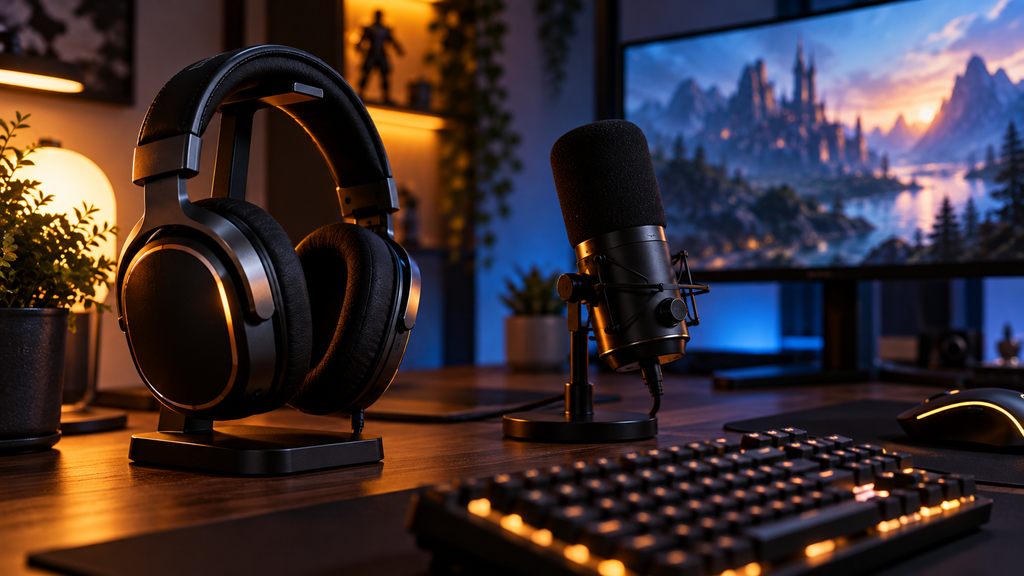
Stop Chasing Frame Rates, Sound is half of the experience. In competitive shooters, a clear headset helps you hear footsteps and direction. In story games, it makes the world feel bigger. You do not need a fancy setup. A well tuned pair of headphones and a clean microphone already put you ahead of most players. click here
6. Upgrade what your hands touch
Stop Chasing Frame Rates,
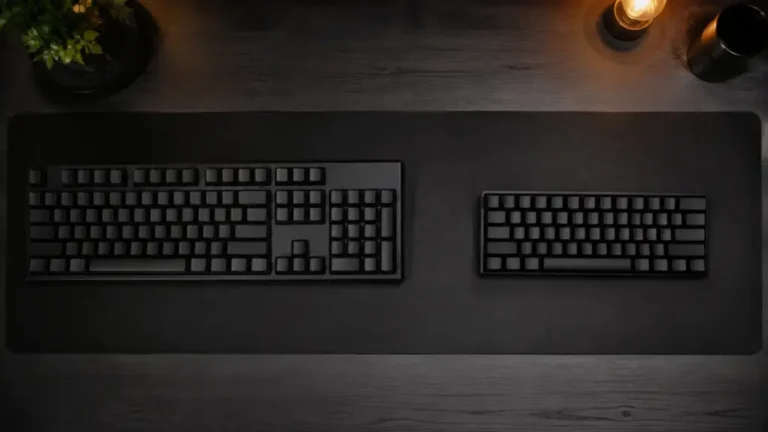
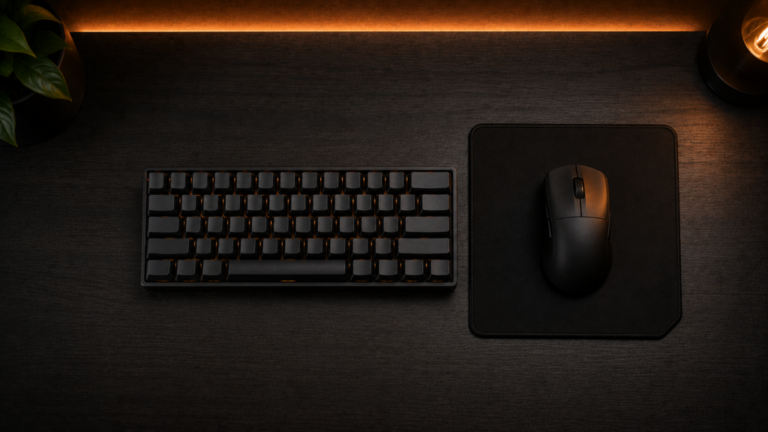
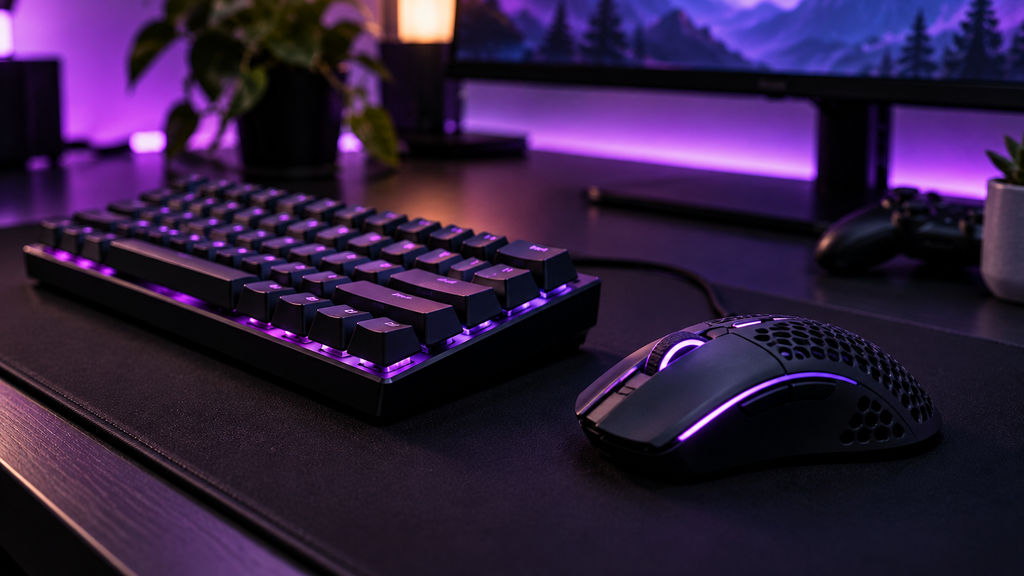
Your mouse, keyboard, and chair are the parts you physically use for hours. A lightweight mouse can reduce fatigue, and magnetic switch keyboards have become a big trend because of their speed and adjustable feel. A comfortable chair might not look exciting in a review, but your back will thank you after a long session. click here
What you can skip
You do not need to buy the newest top tier GPU every generation. Upscaling and frame generation are great tools, but they work best when your base performance is already solid. And more RGB will not make you win more matches, however good it looks.
The bottom line
Stop Chasing Frame Rates,
A great setup is not about the biggest number on the box. It is about how smooth, quiet, and comfortable the whole experience feels when you sit down to play. Fix the weak links first, and your current hardware may surprise you.
What upgrade made the biggest difference in your setup? Tell us in the comments.
Clilck below link for more guide
Laptop buying guide
Laptop processor comparison
Laptop repairability or teardown article
AI-Native vs Repairable Laptops: What Should You Buy in 2026?
More Useful Tools
Vertical Stack Ceiling Clearance Calculator | Monitor Stack Height Tool
Under-Desk Mount Torque Calculator | PC Mount Load Checker
Desk Boundary Bass Gain Estimator | Speaker Boominess Calculator