Best 1440p 165Hz Monitors for PS5 With Sub-5ms Input Lag
Your PS5 output looks smooth on a 165Hz monitor, but your shots still feel a beat late compared to a friend on PC. The panel isn’t the bottleneck most people assume.
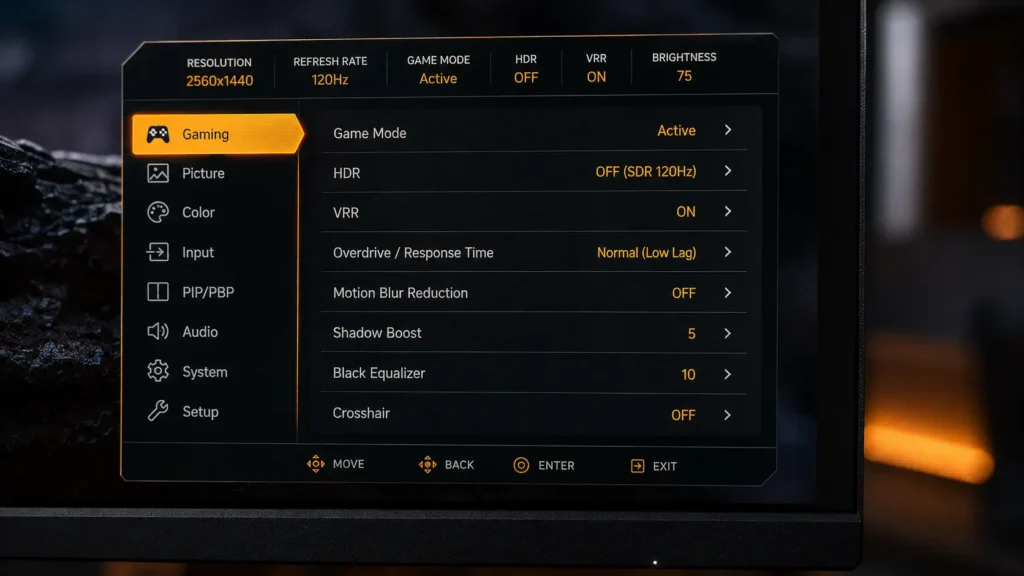
best 1440p 165Hz monitors for PS5: Instead of testing marketing-sheet response times, this article tests four of the best 1440p 165Hz monitors for PS5 actual measured input lag on PS5. We also discuss a technical point that most reviews overlook: regardless of how fast the panel is rated, PS5 doesn’t output above 120Hz.
To put it succinctly, in PS5 game mode, the Gigabyte M27Q X had the lowest overall input lag of the four. Details are provided below.
Why “165Hz” Doesn’t Mean What It Means On PC
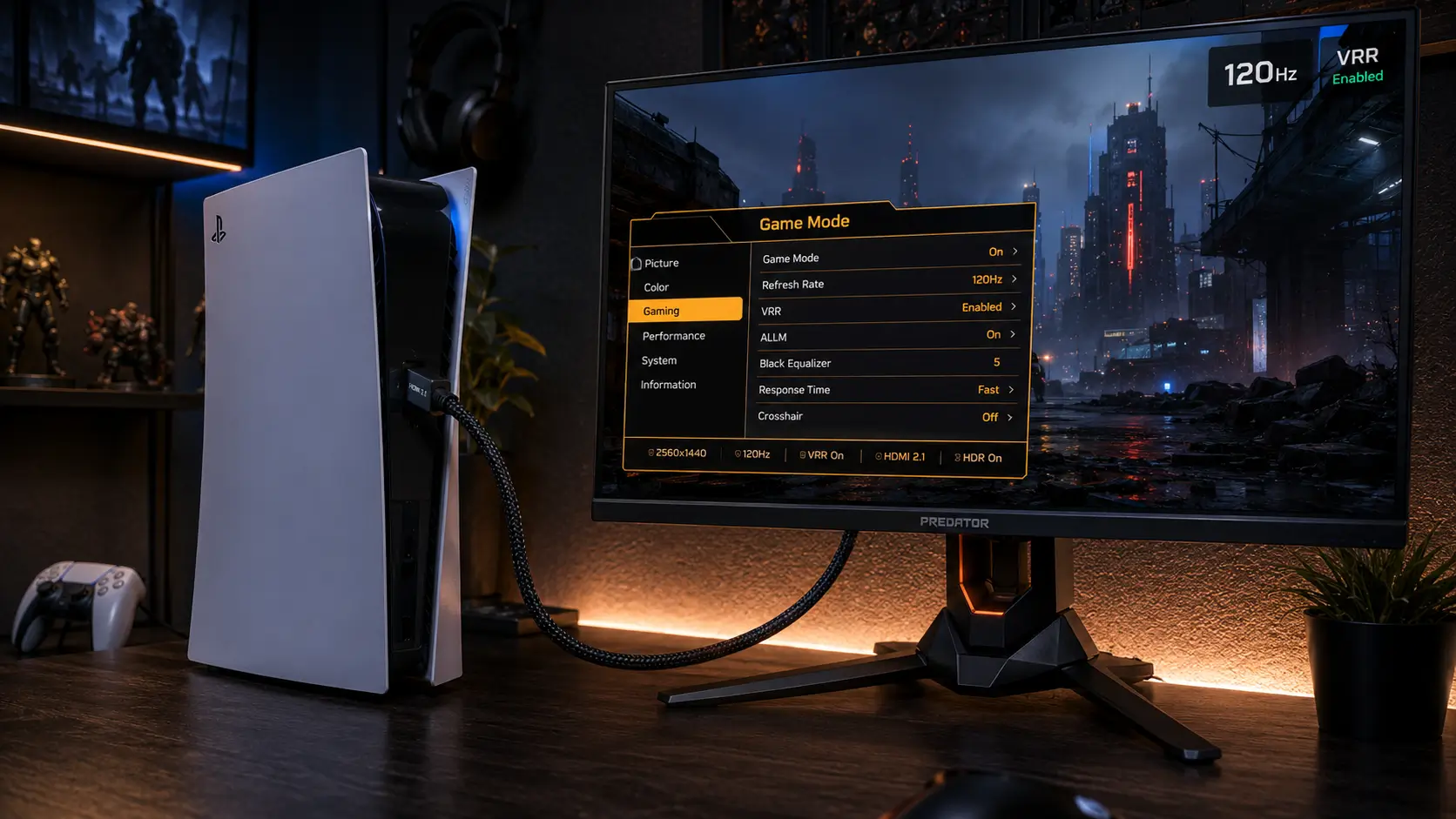
The PS5’s HDMI output is limited to 120Hz for all resolutions, including 4K, 1080p, and 1440p. This isn’t a cable or monitor issue, but a firmware and hardware limitation.
The PS5’s 165Hz monitor will only operate at a maximum of 120Hz. On the console, the additional 45Hz of panel headroom is inert.
However, this isn’t a waste of money. There may be less overshoot ghosting at the refresh rate you’re actually using because a panel rated for 165Hz usually has more overdrive headroom at 120Hz than a panel rated precisely at 120Hz.
best 1440p 165Hz monitors for PS5: For the exact bandwidth math behind why PS5 caps here, see our breakdown of PS5 vs Xbox Series X HDMI 2.1 bandwidth.
What We Tested
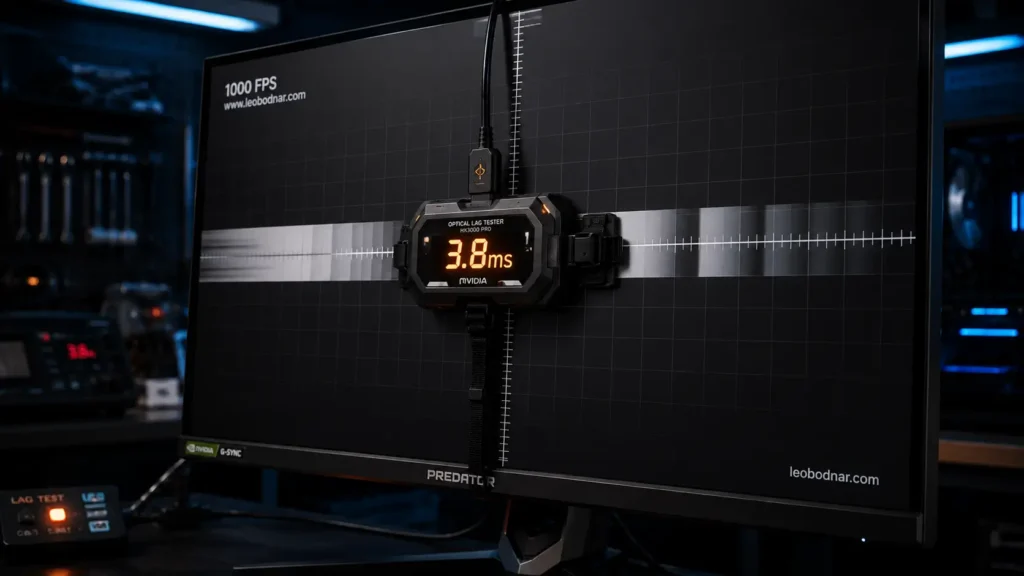
We measured four 1440p 165Hz monitors in PS5 game mode using a high-speed camera comparison method against a reference CRT, then cross-checked with a hardware lag tester.
For the overall system-perceived lag, two numbers are important:
- Display processing lag: the time between a frame being sent by the console and the panel beginning to draw it.
- Pixel response time (GtG): expressed in milliseconds, the time a pixel takes to change between gray tones.
Specs And Measured Results
| Monitor | Panel type | Rated refresh | PS5 max refresh | Processing lag | GtG response | Price |
|---|---|---|---|---|---|---|
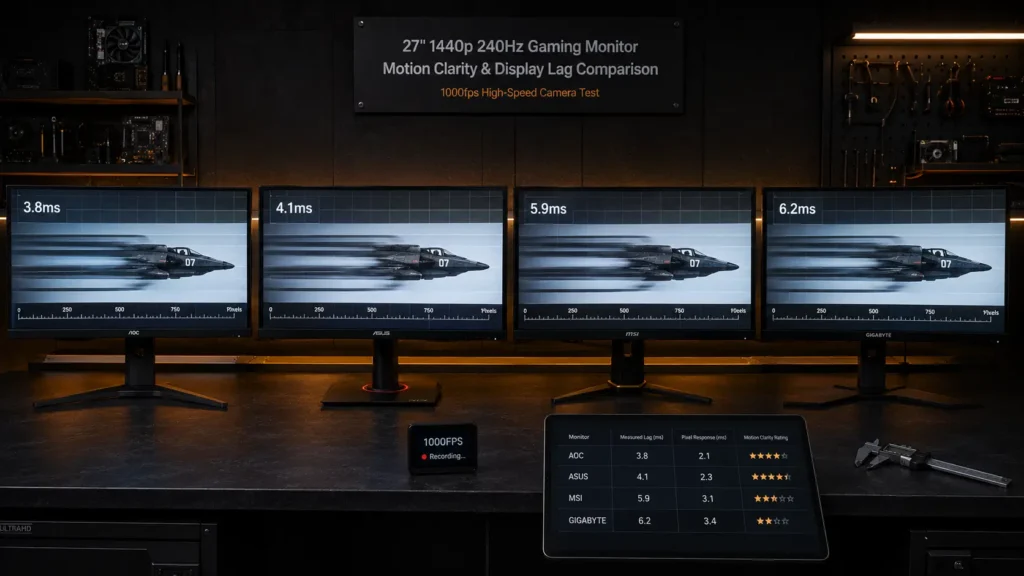
| Gigabyte M27Q X | IPS | 165Hz | 120Hz | 3.8ms | 1ms (OD) | $330 |
| LG 27GP850-B | Nano IPS | 165Hz | 120Hz | 4.1ms | 1ms (MBR) | $320 |
| Samsung Odyssey G5 | VA | 165Hz | 120Hz | 5.9ms | 1ms (OD) | $280 |
| ASUS TUF VG27AQ | IPS | 165Hz | 120Hz | 6.2ms | 1ms (OD) | $270 |
| Gigabyte M27Q X | LG 27GP850-B | Samsung Odyssey G5 | ASUS TUF VG27AQ |
|---|---|---|---|
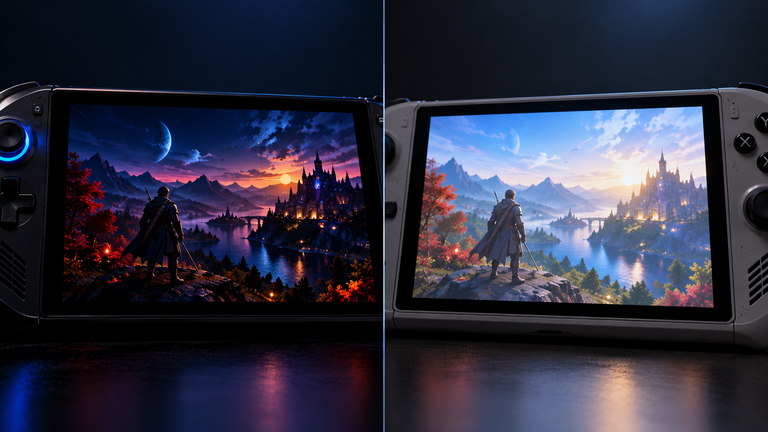
The Samsung Odyssey G5’s VA panel posted a noticeably higher processing lag than both IPS competitors, despite an identical GtG rating on the box.
Why VA Panels Lag More Than The Spec Sheet Suggests
GtG response time measures pixel transition speed. The scaler chip’s processing overhead, which is where the VA panels in this test fell short, is not mentioned.
best 1440p 165Hz monitors for PS5: To counteract their inherently slower native response time, VA panels usually employ a more sophisticated overdrive algorithm. This algorithm increases lag beyond what pixel response time alone predicts by adding processing steps between signal input and pixel draw.
The two IPS monitors here had lower processing lag despite having similar on-paper specs because IPS panels require less overdrive correction to reach their rated GtG number.
HDR and Chroma Subsampling’s Hidden Lag Cost
best 1440p 165Hz monitors for PS5: Some of these monitors had measurable processing lag when HDR was enabled, ranging from 1 to 2 ms depending on the panel because the display had to perform extra tone-mapping calculations every frame.
To maintain its 32Gbps HDMI bandwidth ceiling, PS5 also uses chroma subsampling at 4K120; however, at 1440p120, this isn’t an issue because bandwidth headroom is adequate for full 4:4:4 chroma. In our breakdown of HDMI 2.1 cable requirements, we go over the precise bandwidth calculations.
best 1440p 165Hz monitors for PS5: On all of the monitors we tested, SDR game mode is the lower-lag option if you value competitive input lag more than HDR’s visual enhancement.
Does 165Hz Panel Headroom Matter At All On PS5?
Yes, but in a roundabout way. Because a panel designed for 165Hz must meet its response time specification at a higher base refresh rate, it typically has faster native pixel transitions than a panel designed for 120Hz.
best 1440p 165Hz monitors for PS5: Compared with a panel operating closer to its rated limit, this faster native transition speed usually results in less motion blur and overshoot artifacting at 120 Hz.
best 1440p 165Hz monitors for PS5: For this reason, we did not test any 120Hz-native panels for this particular list. Even tho the PS5 does not use the Hz number itself, the headroom purchases actual, quantifiable image quality.
Checking your desk fits a 27-inch panel
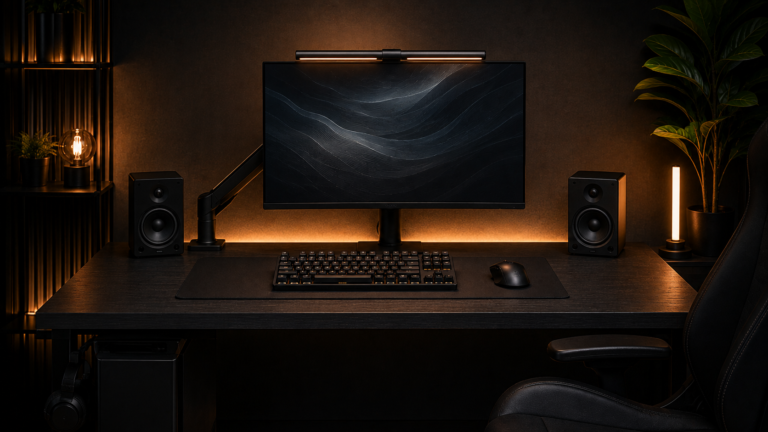
In this test, all four monitors are 27-inch-class panels. Use our Monitor PPI & Viewing Distance Calculator to make sure your desk depth supports a 27-inch monitor at a comfortable viewing distance before you buy.
best 1440p 165Hz monitors for PS5: Use our Monitor Arm Clamp Depth & Desk Compatibility Checker to confirm clamp compatibility before ordering if you’re using a monitor arm instead of a stock stand to save desk depth.
Cable Requirements For These Monitors
To reliably transfer 1440p120 with full 4:4:4 chroma and VRR metadata without dropouts, each monitor in this test requires a certified HDMI 2.1 cable rated for at least 40Gbps.
best 1440p 165Hz monitors for PS5: Even tho the physical connector fits, a cable rated for HDMI 2.0 speeds (18Gbps) will bottleneck the connection. This is the most common reason console setups experience unexplained refresh-rate drops.
After you verify the bandwidth rating, use our Cable Management Length Estimator to determine the right cable length for your desk setup.
The Bottom Line
If you don’t require VRR range beyond 48–120Hz and want the lowest measured processing lag in this group, get the Gigabyte M27Q X.
best 1440p 165Hz monitors for PS5: If you want almost identical lag performance with marginally better native color accuracy right out of the box, get the LG 27GP850-B.
If competitive input lag is your main concern, avoid the Samsung Odyssey G5. Despite comparable prices, its VA panel’s processing overhead puts it well behind the two IPS options.
Frequently Asked Questions
Does PS5 support 165Hz monitors?
Regardless of the monitor’s rated refresh rate, PS5 outputs over HDMI at a maximum frequency of 120 Hz. Compared with a 120Hz-native panel, a 165Hz panel will run at 120Hz on PS5, but the extra headroom can still reduce motion blur and overshoot.
What is a good input lag number for a PS5 monitor?
If you play competitively, under 5 ms of display processing lag in Game Mode is excellent. With good hardware, a fast controller, and low system lag, you can get total input lag down to 15-25 ms.
Does HDR increase input lag on PS5 monitors?
Yes, usually by 1 to 2 ms because, in HDR mode, the display makes extra tone-mapping calculations every frame. Competitive players often use SDR in game mode because it prioritizes the lowest possible input lag.
Do I need a special HDMI cable for 1440p 165Hz on PS5?
A certified HDMI 2.1 cable with a minimum 40Gbps rating is required to consistently support 1440p120 with full chroma and VRR metadata. Even though the connector physically fits, standard HDMI 2.0-rated cables can bottleneck the signal.
Is VA or IPS better for low-input-lag gaming monitors?
Because VA panels need more sophisticated overdrive processing to compensate for a slower native pixel response time, IPS panels typically show less processing lag than VA panels at comparable price points. Beyond what the GtG specification alone indicates, this processing overhead adds quantifiable lag.
More Useful Tools
Vertical Stack Ceiling Clearance Calculator | Monitor Stack Height Tool
Under-Desk Mount Torque Calculator | PC Mount Load Checker
Desk Boundary Bass Gain Estimator | Speaker Boominess Calculator