Is 8GB RAM Enough in 2026? A Complete Guide for PC and Laptop Users
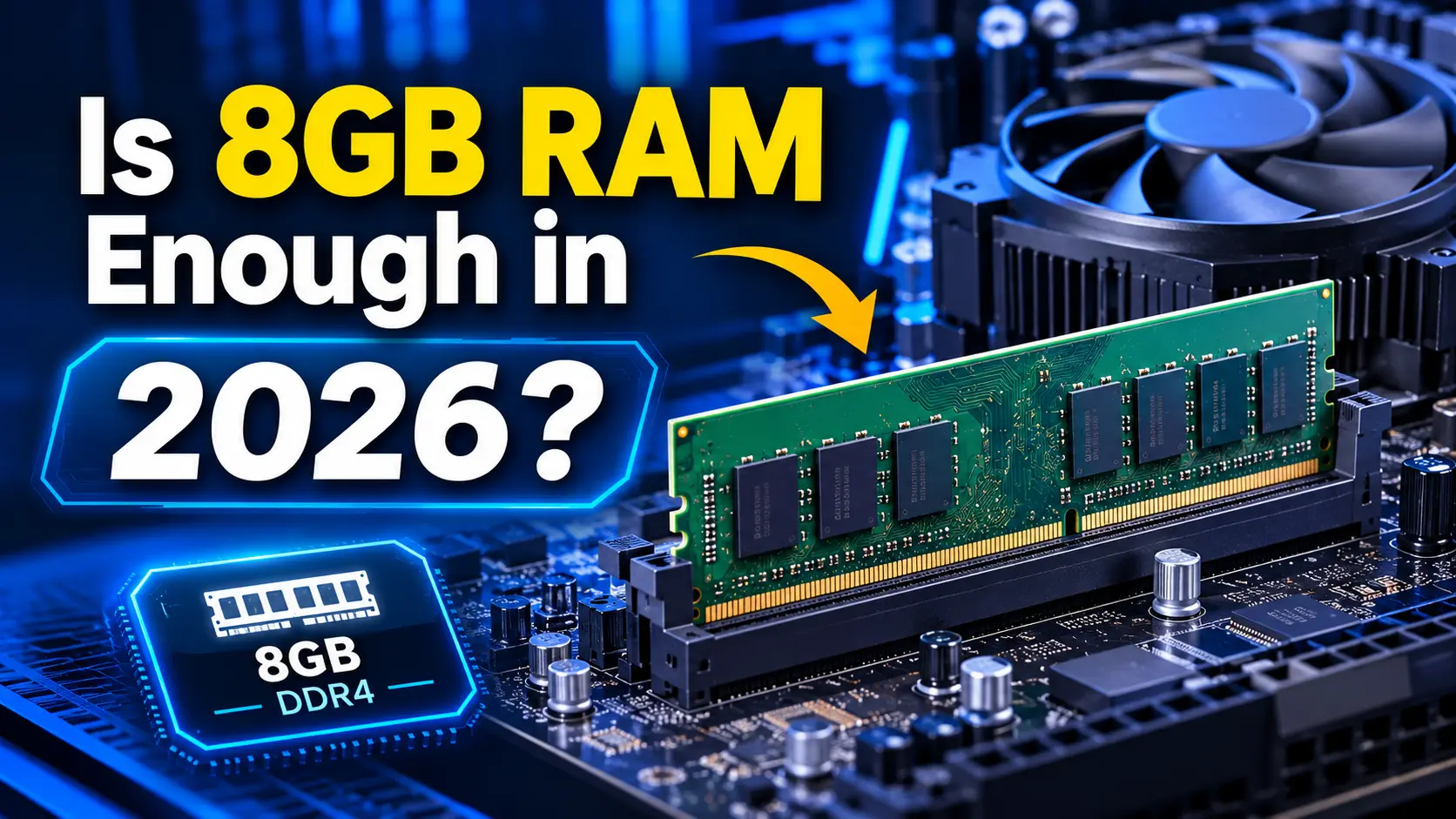
If you are planning to buy a new PC or laptop, one of the most important specifications to consider is RAM. You may have noticed that many budget computers come with 8GB of memory. But is 8GB RAM enough for everyday computing, gaming, multitasking, and productivity in 2026?
The short answer is: 8GB RAM is enough for basic PC and laptop tasks, but it may not provide a comfortable experience for demanding workloads or heavy multitasking. For most users, 16GB RAM is a more practical choice, while 32GB is worth considering for advanced gaming and professional applications.
The right amount of RAM depends on how you use your computer, which applications you run, and whether you plan to upgrade your system in the future.
In this guide, we will explore what 8GB RAM can handle, its limitations, how it compares with 16GB and 32GB, and whether upgrading your computer’s memory is worth it.
What Is RAM and Why Does It Matter?
RAM stands for Random Access Memory. It is the computer’s temporary working memory, which stores data that your processor needs while running applications.
Think of RAM as your computer’s workspace. When you open a browser, launch software, edit documents, or play games, your PC uses RAM to keep the information readily accessible.
When your computer runs out of available memory, it may rely more heavily on storage to manage active data. This can result in slower performance, application delays, or stuttering.
More RAM allows your computer to handle more active applications and tasks simultaneously.
However, RAM capacity is not the only factor affecting performance. Your processor, storage drive, graphics hardware, and software optimization also play important roles.
Is 8GB RAM Enough for Everyday PC and Laptop Use?
Yes, 8GB RAM can be sufficient for everyday computing if your workload is relatively light.
A computer with 8GB RAM can handle many common activities, including:
- Web browsing with a reasonable number of tabs
- Checking emails
- Creating documents and presentations
- Watching online videos
- Attending basic video calls
- Managing files and folders
- Using lightweight applications
- Performing simple school or office tasks
For users who primarily browse the web, write documents, and use a few applications at a time, 8GB RAM may provide an acceptable experience.
However, performance can become less comfortable when several demanding applications are open simultaneously. For example, running a browser with many tabs, a video meeting, a large spreadsheet, and additional background software may put considerable pressure on available memory.
Microsoft describes 8GB as suitable for light browsing and many common tasks, while HP identifies it as an appropriate capacity for basic workloads. Sources: Microsoft and HP. [1][2]
What Can You Do With 8GB RAM?
Here is a practical overview of the tasks an 8GB PC or laptop may handle.
| Task | Is 8GB RAM Enough? |
|---|---|
| Web browsing | Yes, for moderate browsing |
| Email and documents | Yes |
| Online video streaming | Yes |
| School assignments | Usually |
| Basic office work | Yes |
| Light multitasking | Yes, with limitations |
| Heavy multitasking | Not ideal |
| Basic photo editing | Possible |
| Professional video editing | Generally insufficient |
| Modern PC gaming | Depends on the game |
| Gaming while streaming | Not recommended |
| 3D rendering | Generally insufficient |
| Virtual machines | Limited |
| Local AI applications | Often insufficient |
Keep in mind that these are general recommendations. Actual performance depends on the application, operating system, processor, and other hardware specifications.
Is 8GB RAM Enough for Gaming?
8GB RAM can run some PC games, especially older games, lightweight titles, and games with modest memory requirements.
However, modern games can require more memory, particularly when you run additional applications in the background.
Gaming performance may become limited when you:
- Play memory-intensive games
- Keep multiple browser tabs open
- Use voice chat while gaming
- Run recording or streaming software
- Install game modifications
- Play games with large environments or detailed textures
It is also important to understand that RAM does not directly determine your gaming FPS. The graphics card and processor are often more influential.
If a game requires more memory than your computer has available, insufficient RAM can contribute to stuttering, loading delays, and inconsistent performance.
For a gaming PC or laptop, 16GB RAM is a more sensible starting point for many users. Consider 32GB if you regularly play demanding games while multitasking, streaming, or using memory-intensive modifications.
Intel’s gaming guidance also notes that 16GB provides more room for newer games and background applications, while 32GB benefits demanding multitasking and content creation. [3]
8GB RAM vs 16GB RAM vs 32GB RAM
Choosing between different RAM capacities can be confusing. The following comparison explains their practical differences.
| RAM Capacity | Best For | Overall Recommendation |
|---|---|---|
| 8GB | Basic computing, browsing, documents | Budget and light use |
| 16GB | Everyday computing, multitasking, gaming | Best balance for most users |
| 32GB | Heavy gaming, editing, advanced workloads | Recommended for demanding users |
| 64GB or more | Professional rendering, large projects, specialized workloads | Suitable for specific professional needs |
8GB RAM
8GB RAM is a budget-friendly option for basic computing.
It is suitable for users who do not run many demanding applications at the same time. It may also be a reasonable choice for an existing computer that is used primarily for browsing, emails, and documents.
Its biggest limitation is the lack of memory headroom for future applications and demanding multitasking.
16GB RAM
16GB RAM is a practical choice for most PC and laptop users.
It provides more room for browser tabs, productivity software, background processes, and casual gaming.
If you are purchasing a computer for school, office work, everyday productivity, or general-purpose use, 16GB is a strong balance between performance and cost.
32GB RAM
32GB RAM is useful for demanding workloads.
It is worth considering if you regularly use:
- Professional video editing software
- Advanced graphic design applications
- 3D modeling and rendering tools
- Large development environments
- Virtual machines
- Demanding games with background applications
- Memory-intensive creative workflows
You do not necessarily need 32GB RAM for basic computer use. It is most valuable when your applications actually require the additional memory.
Is 8GB RAM Enough for a Laptop?
An 8GB laptop can still be useful for basic computing, but its suitability depends on the type of laptop and its intended workload.
An 8GB laptop may be a reasonable option if you primarily use it for:
- Browsing websites
- Watching videos
- Writing documents
- Checking emails
- Completing basic assignments
- Using lightweight applications
However, if you plan to keep your laptop for several years, 16GB RAM is generally a safer choice.
One important consideration is upgradeability. Some laptops allow users to install additional RAM, while others use memory soldered directly to the motherboard.
Before buying a laptop, check whether its RAM can be upgraded. If the memory is not upgradeable, choosing an appropriate capacity at the time of purchase becomes especially important.
HP’s laptop memory guidance also recommends considering 16GB for broader multitasking needs and notes that some thin laptops have non-upgradeable memory. [2]
Can You Upgrade an 8GB PC to 16GB RAM?
Yes, many desktop PCs and some laptops can be upgraded from 8GB to 16GB RAM.
However, you should check your computer’s hardware specifications before purchasing additional memory.
Consider these factors:
1. Check RAM Compatibility
Your motherboard or laptop must support the RAM type you intend to install.
Common memory types include DDR4 and DDR5. These are not interchangeable, so you must select compatible memory.
2. Check the Maximum RAM Capacity
Some computers support 16GB, while others can accommodate 32GB, 64GB, or more.
Check your motherboard or laptop manufacturer’s specifications.
3. Check Available Memory Slots
Your computer may have:
- One occupied RAM slot
- Two occupied RAM slots
- One available RAM slot
- Soldered memory with no upgrade slot
For example, if your computer has one 8GB RAM module and an available compatible slot, adding another 8GB module may allow you to reach 16GB.
4. Consider Dual-Channel Memory
When supported, using two compatible memory modules can enable dual-channel operation.
This can improve memory bandwidth and may benefit integrated graphics performance.
However, the exact improvement depends on the processor, memory configuration, and workload.
5. Confirm Whether the Upgrade Is Worth It
If your computer frequently slows down because it is running out of memory, upgrading from 8GB to 16GB may improve multitasking and responsiveness.
If the main limitation is an older processor, slow storage, or another hardware component, adding RAM alone may not solve the problem.
Signs Your PC or Laptop Needs More Than 8GB RAM
You may benefit from upgrading your RAM if you regularly experience the following problems:
Slow Performance During Multitasking
Your computer becomes noticeably slower when multiple applications are open.
Browser Tabs Reload Frequently
Your browser may struggle to keep several tabs active when available memory is limited.
Applications Freeze or Respond Slowly
Memory-intensive applications may become less responsive when your system has insufficient RAM.
High Memory Usage
Your computer’s memory usage frequently remains near its capacity during normal work.
Gaming Stuttering
Some games may experience stuttering when the system does not have enough memory for the game and background applications.
These symptoms can also be caused by other hardware or software issues. Check your computer’s resource usage before deciding that RAM is the problem.
Does More RAM Make a PC Faster?
Adding more RAM can improve computer performance when the system is running out of available memory.
For example, upgrading from 8GB to 16GB may help your PC handle more browser tabs, applications, and background processes without relying as heavily on storage.
However, more RAM does not automatically make every computer faster.
If your computer already has enough memory for its workload, adding more RAM may produce little noticeable improvement.
Your processor, storage drive, graphics hardware, and software optimization also affect overall performance.
The best RAM upgrade is one that matches your actual workload.
Is 8GB RAM Enough in 2026?
In 2026, 8GB RAM remains usable for basic PC and laptop tasks, but it is increasingly a limited configuration for users who expect smooth multitasking.
For a budget computer used mainly for browsing, emails, documents, and light applications, 8GB can still be sufficient.
For a new general-purpose PC or laptop, 16GB RAM is a more balanced option. It provides additional room for modern applications and everyday multitasking.
For gaming, video editing, 3D rendering, and other demanding workloads, 32GB may be a better investment.
The decision ultimately depends on your budget, computer specifications, and how you plan to use your device.
Final Verdict: Should You Buy a PC or Laptop With 8GB RAM?
If you only need a computer for basic tasks, 8GB RAM can still get the job done.
However, if you are buying a new PC or laptop and want a comfortable experience for everyday multitasking, 16GB RAM is the recommended choice for most users.
Choose 8GB if your budget is limited and your workload is light. Consider 32GB if you regularly use demanding applications or perform advanced gaming and creative work.
Before making your final decision, also check the processor, storage type, graphics hardware, and RAM upgrade options.
A well-balanced PC or laptop will generally provide a better experience than a system with plenty of RAM but weak overall hardware.
Frequently Asked Questions (FAQs)
Is 8GB RAM enough for everyday use?
Yes. 8GB RAM is sufficient for basic browsing, emails, documents, video streaming, and lightweight applications. Heavy multitasking may require more memory.
Is 16GB RAM better than 8GB?
Yes. 16GB RAM provides more memory headroom for multitasking, productivity applications, and gaming. It is a more balanced option for most users.
Is 8GB RAM enough for gaming?
It can be enough for older, lightweight, or less demanding games. For many modern games and multitasking while gaming, 16GB is a better starting point.
Is 8GB RAM enough for a student laptop?
Yes, for basic assignments, browsing, documents, and online classes. Students who multitask frequently may benefit from 16GB RAM.
Can I upgrade from 8GB to 16GB RAM?
Yes, if your computer supports additional or replacement memory. Check the RAM type, maximum capacity, and available slots before upgrading.
Does 8GB RAM make a laptop slow?
Not necessarily. An 8GB laptop can perform well for basic tasks. It may become slower when several memory-intensive applications are running at the same time.
Is 32GB RAM overkill for everyday use?
For basic browsing, documents, and emails, 32GB is generally more than necessary. It is more useful for demanding gaming, professional applications, and heavy multitasking.
Should I buy 8GB or 16GB RAM in 2026?
If your budget allows, choose 16GB RAM for a new PC or laptop. Choose 8GB only if your workload is light or you need a lower-cost system.
Does RAM capacity affect FPS?
RAM capacity can affect gaming performance when the system does not have enough memory. However, FPS also depends heavily on the processor, graphics card, game settings, and other factors.
Is upgrading RAM better than buying a new PC?
If your current computer is compatible with a RAM upgrade and its processor and other components remain suitable, upgrading RAM may be a cost-effective way to improve multitasking. If several hardware components are outdated, a new computer may provide better overall performance.
More Useful Tools
Vertical Stack Ceiling Clearance Calculator | Monitor Stack Height Tool
Under-Desk Mount Torque Calculator | PC Mount Load Checker
Desk Boundary Bass Gain Estimator | Speaker Boominess Calculator
Speaker Placement Calculator | Near-Field Toe-In Angle Tool
Keyboard Footprint Savings Calculator | 60% vs TKL vs Full-Size
Mousepad Size Calculator | DPI & Sensitivity Fit Checker
Mic Arm Boom Reach Calculator | Clamp Depth & Fit Checker
Mini-ITX Case Volume Comparison Tool | Compare Case Sizes
Case Airflow Calculator | Fan CFM & Air Changes Per Minute Tool
SFF PSU Wattage Calculator | Small Form Factor Power Supply Sizing
CPU Cooler Height Clearance Calculator | Case Fit Checker
GPU Length Clearance Checker | Mini-ITX Case Compatibility Tool
Cable Management Length Estimator | Desk Cable Calculator
Standing Desk Height Calculator | Ergonomic Sit-Stand Tool
Monitor Arm Weight Compatibility Checker
Desk Depth Compatibility Checker | Small Desk Gear Fit Tool
Desk Weight Capacity Calculator | Load & Mounting Estimator
Multi-Monitor Bezel Offset Calculator | Triple Monitor FOV Tool
Stacked Monitor Clearance Calculator | Vertical Arm Fit Checker
Monitor Arm Clamp Depth Checker (Desk Compatibility)
Monitor Viewing Distance Calculator | Monitor PPI Calculator