
Monitor Arm Clamp Depth Checker (Desk Compatibility)
Monitor Arm Clamp Depth & Desk Compatibility Checker
Why Clamp Depth Decides Whether A Monitor Arm Actually Fits
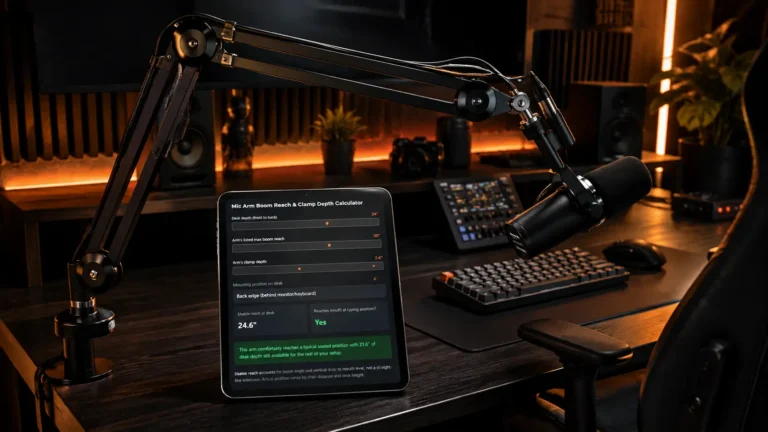
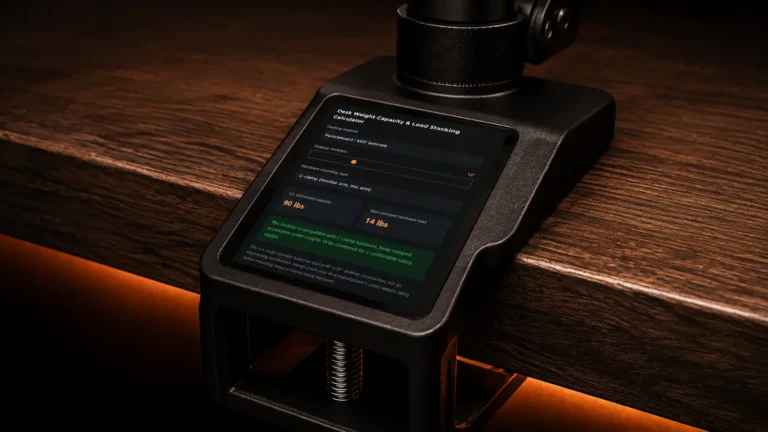
Monitor arm clamp depth checker: A monitor arm’s box lists two numbers that matter more than anything else on the spec sheet, and most buyers skip past both. Monitor arm clamp depth checker: The first is the clamp thickness range, which represents the lowest and maximum desktop thickness that the C-clamp can genuinely hold. Most desks fall within the 0.75 to 2.36 inch range that most clamps are designed for, but a slab-style desk or a thin particleboard top may fall outside that range in either direction. The clamp screw won’t seat against anything solid if you purchase an arm designed for a thicker desktop than yours. The jaws won’t physically close around the edge of your desk if you purchase one designed for a thinner desktop.
Reading The Results and What to Do with Them
Monitor arm clamp depth checker: Look for an arm with a grommet-mount option rather than a clamp if the compatibility check returns “too thin,” as grommet mounts completely avoid the thickness issue by threading through a drilled hole rather than grasping the desk’s edge. Since most arms in this category only differ by an inch or two in clamp depth, pairing the arm with a small keyboard is typically a more practical solution if your desk depth is already tight even before the clamp is installed.
Frequently Asked Questions About Monitor Arm Clamp Depth
1. How much desk depth does a monitor arm clamp need?
Depending on the arm design, a monitor arm clamp usually utilizes a few inches of the desk’s front-to-back depth. To determine how much room is left for your keyboard and mouse, measure the clamp depth after installation and deduct it from the depth of your usable desk.2. How do I know if a monitor arm will fit my desk?
Monitor arm clamp depth checker: Verify three measurements: the depth of your desk, the thickness of your desktop, and the clamp depth and thickness range of the monitor arm. To find out if the clamp fits and how much usable desk space is left, enter these dimensions into the Monitor Arm Clamp Depth Checker.
3. What desk thickness is required for a monitor arm clamp?
The monitor arm determines the necessary thickness. Although the precise range varies by manufacturer, many C-clamps are made for desktop thicknesses between 0.75 and 2.36 inches. Before making a purchase, always compare the thickness of your desk with the clamp range stated by the manufacturer.
4. How much desk space should I leave for a keyboard?
Monitor arm clamp depth checker: Maintaining about 18 inches of useful front-to-back work space is a sensible goal for a comfortable full-size keyboard and mouse configuration. A small or 60% keyboard can be useful if your monitor arm clamp drastically lowers the available depth.
5. What happens if my desk is too thin for a monitor arm clamp?
Monitor arm clamp depth checker: The clamp might not adequately secure the desktop if your desk is thinner than the clamp’s supported range. If your desk has a grommet hole, think about using a grommet-mount arm, a strengthening plate, or a monitor arm with a larger adjustment range.
6. Is clamp depth the same as clamp thickness?
No. The term “clamp thickness” describes the maximum thickness of the desktop at which the clamp can firmly fasten. The amount of front-to-back desk space that the clamp takes up is referred to as clamp depth. When determining whether a monitor and arm are compatible, both measurements are important.
7. Is a grommet mount better for a shallow desk?
Monitor arm clamp depth checker: Because it installs through a hole in the tabletop rather than grasping the back edge, a grommet mount may be a preferable choice when desk-edge clamp depth is an issue. Nonetheless, the desk needs to have sufficient structural strength surrounding it and support an appropriate mounting hole.
8. How can I check monitor arm compatibility before buying?
Monitor arm clamp depth checker: Check the clamp depth and supported thickness range of the monitor arm after measuring the front-to-back depth and desktop thickness of your desk. Before buying the arm, enter those numbers into this calculator to determine compatibility and the amount of usable desk space left.
More Useful Tools
Vertical Stack Ceiling Clearance Calculator | Monitor Stack Height Tool
Under-Desk Mount Torque Calculator | PC Mount Load Checker
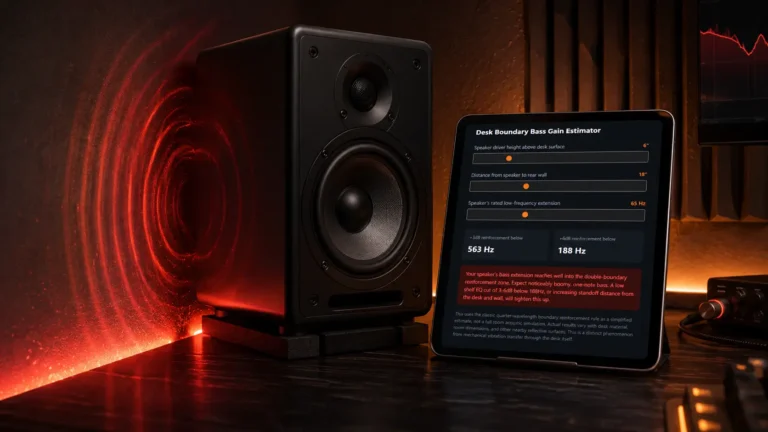
Desk Boundary Bass Gain Estimator | Speaker Boominess Calculator


3 Comments