NVIDIA G-Sync Pulsar Explained: Do You Really Need a 1000Hz Monitor in 2026?
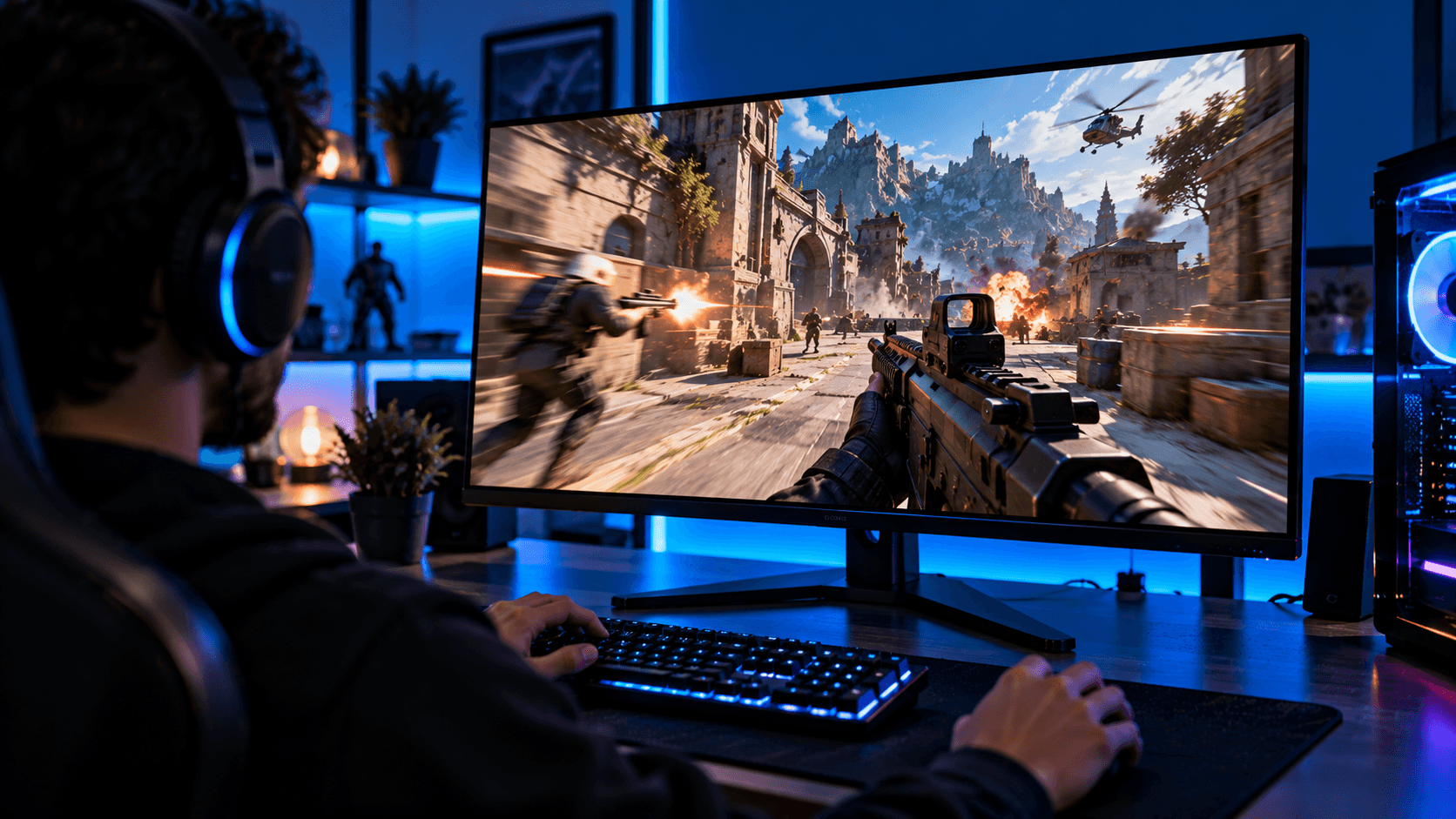
G-Sync Pulsar, For years, the gaming monitor arms race has mostly been about one number getting bigger. 144Hz became 240Hz, then 360Hz, and conversations about competitive gaming gear started sounding like a horsepower contest. NVIDIA’s newest display technology takes a genuinely different approach, and it has quickly become one of the most talked about hardware announcements of the year. Instead of just chasing a bigger refresh rate number, G-Sync Pulsar tries to solve the actual problem that number was always meant to fix in the first place. Here is what it actually does, and whether it is worth caring about.
A quick refresher on why refresh rate chasing started in the first place
Before modern sync technologies existed, gamers had to choose between a smooth, flicker free frame rate using V-Sync, or a more responsive experience that came with visible screen tearing. NVIDIA’s original G-Sync technology, introduced back in 2013, solved that specific tradeoff. Vari (G-Sync Pulsar)
able refresh rate technology allows a monitor to adjust its refresh rate in real time to match whatever your graphics card is actually outputting, rather than refreshing at a fixed interval regardless of what is ready to display, which eliminates screen tearing without introducing the input lag and stuttering that older V-Sync methods were known for. corsaircorsair
G-Sync Pulsar
That innovation mattered enormously, but it did not fully solve a separate, related problem: motion blur. Even with a perfectly synchronized, tear free image, fast moving objects on screen can still appear blurry to the human eye, for reasons that have more to do with how your eyes and brain process moving images than with anything the monitor itself is doing wrong. This is the specific problem G-Sync Pulsar was built to address.(G-Sync Pulsar)
What G-Sync Pulsar actually is
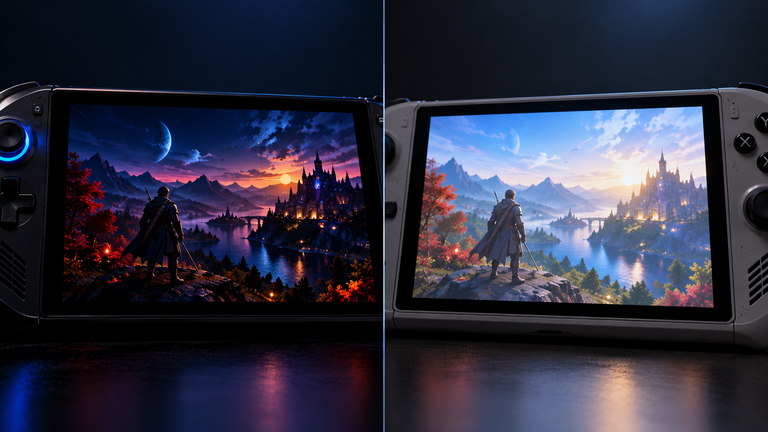
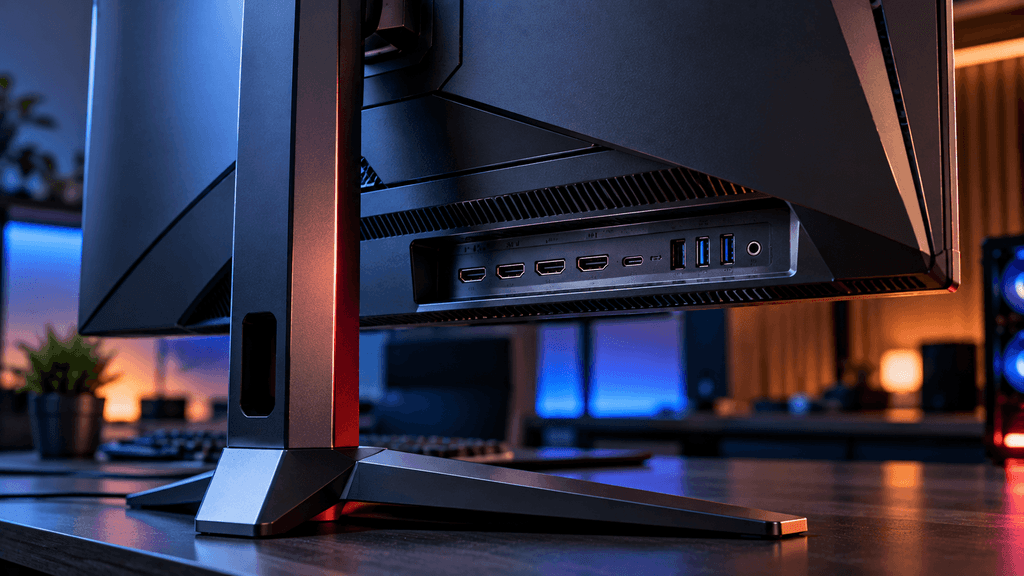
G-Sync Pulsar pairs variable refresh rate technology with synchronized backlight strobing to dramatically improve how clear motion appears to your eyes. Backlight strobing works by briefly limiting how long each image persists on your retina, which is the actual source of a lot of perceived motion blur, even on a technically fast, high refresh rate display. tomsguideharvard(G-Sync Pulsar)
The clever part is combining this strobing technique with variable refresh rate at the same time, something that has historically been difficult to do well, since the two technologies tend to work against each other. Previous attempts at combining strobing with variable refresh rates often introduced flickering or brightness inconsistency. Nvidia’s engineering focus with Pulsar has specifically been making these two techniques work together smoothly rather than fighting each other.(G-Sync Pulsar)
The headline claim: turning 360Hz into “1000Hz”
NVIDIA has stated that G-Sync Pulsar enhances motion clarity on select 27-inch 1440p 360Hz monitors using a rolling backlight scan, delivering motion clarity performance comparable to a theoretical 1000Hz display. To officially carry Pulsar certification, a panel needs to be 27 inches, run at 1440p resolution, hit a 360Hz refresh rate, achieve this 1000Hz-plus perceived motion clarity figure while variable refresh rate is active, and include Nvidia’s G-Sync Variable Overdrive along with a new feature called Ambient Adaptive Technology. tweaktownpcworld(G-Sync Pulsar)
It is important to understand exactly what that 1000Hz figure actually means, since it is easy to misread. The monitor is not physically refreshing one thousand times per second. Instead, Nvidia is describing the effective motion clarity the display achieves, meaning how sharp fast moving objects appear to your eyes, as comparable to what a genuine 1000Hz panel would theoretically look like, achieved through the strobing and synchronization technique rather than brute force refresh rate alone. This distinction matters, because it means Nvidia is solving the blur problem directly rather than simply chasing the raw refresh rate number that monitor marketing has leaned on for years. harvard(G-Sync Pulsar)
Which monitors actually have this technology
The first G-Sync Pulsar equipped monitors to actually reach retailers include Acer’s Predator XB273U F5, AOC’s AGON PRO AG276QSG2, Asus’ ROG Strix Pulsar XG27AQNGV, and MSI’s MPG 272QRF X36, all sharing the same 27 inch, 1440p, up to 360Hz specification. These monitors were announced to start at $599. harvardtomsguide
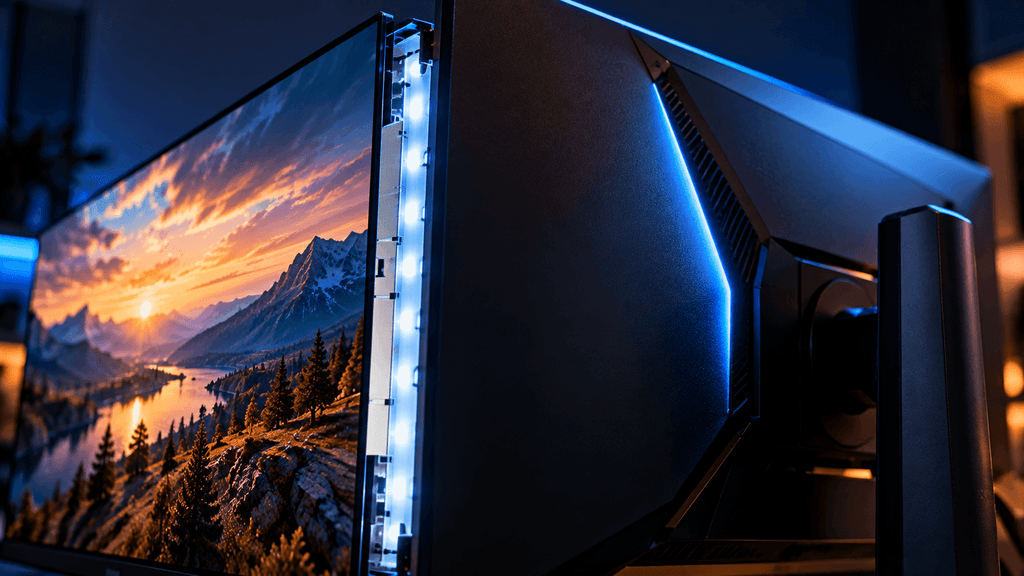
This is worth noting for anyone budgeting for an upgrade. This is not a feature quietly added to existing budget monitors through a software update. It requires specific panel hardware built around it, and currently exists only in a narrow lineup of esports focused displays from a handful of manufacturers, at a price point that sits solidly in the premium gaming monitor tier rather than the entry level.(G-Sync Pulsar)
The extra feature that matters beyond competitive gaming
One detail that is easy to overlook amid all the motion clarity talk is Ambient Adaptive Technology. This feature automatically adjusts the panel’s color and brightness based on the actual ambient lighting conditions in your room. This addition is notable because it gives these monitors genuine everyday usability beyond pure competitive gaming, rather than being a screen you only switch on specifically to improve your performance in a shooter. pcworldtomsguide
This matters because high refresh rate, strobing focused monitors have historically been somewhat niche, often sacrificing color accuracy or everyday usability in favor of pure competitive performance. A monitor that genuinely works well both for competitive play and for general daily use is a more practical purchase for most people than a pure specialist esports display.
Do you actually need this technology
This is the honest, practical question underneath all the impressive sounding numbers. The answer depends heavily on what you actually play.
If competitive shooters and fast paced esports titles are your main focus, motion clarity genuinely affects your ability to track fast moving targets and read the game accurately, and this is precisely the audience Nvidia built Pulsar for. For players at this level, the improvement in motion clarity is not just a marketing claim, it is a real, functional gameplay advantage worth taking seriously.
If you mostly play slower paced, story focused, or less competitively demanding games, the benefits of extreme motion clarity technology are far less noticeable in practice. A highly responsive, tear free display still matters, but the specific blur reduction Pulsar focuses on solving will likely go unnoticed in games that do not involve fast, sustained camera movement or quick target tracking.
If budget is a significant factor, it is worth remembering that Pulsar currently exists only in a narrow set of premium monitors at a price point above many excellent standard high refresh rate displays. A quality 240Hz or even 360Hz monitor without Pulsar specifically still offers a dramatically better experience than an older, slower panel, at a meaningfully lower cost.
How this fits into the bigger picture of recent Nvidia announcements
Nvidia introduced G-Sync Pulsar at the same event where it revealed DLSS 4.5, its newer AI upscaling technology, rather than announcing any new graphics cards. This timing is worth noting, since it reflects a broader pattern in how the company is currently approaching gaming performance. Rather than relying purely on raw hardware power increases, which have become more expensive and harder to scale given current component shortages, a meaningful portion of recent innovation has focused on smarter technology that improves the experience without requiring a completely new graphics card generation. DLSS 4.5 improves image quality and frame rates through smarter upscaling. G-Sync Pulsar improves perceived motion clarity through smarter display synchronization rather than purely chasing a bigger refresh rate number. pcworld
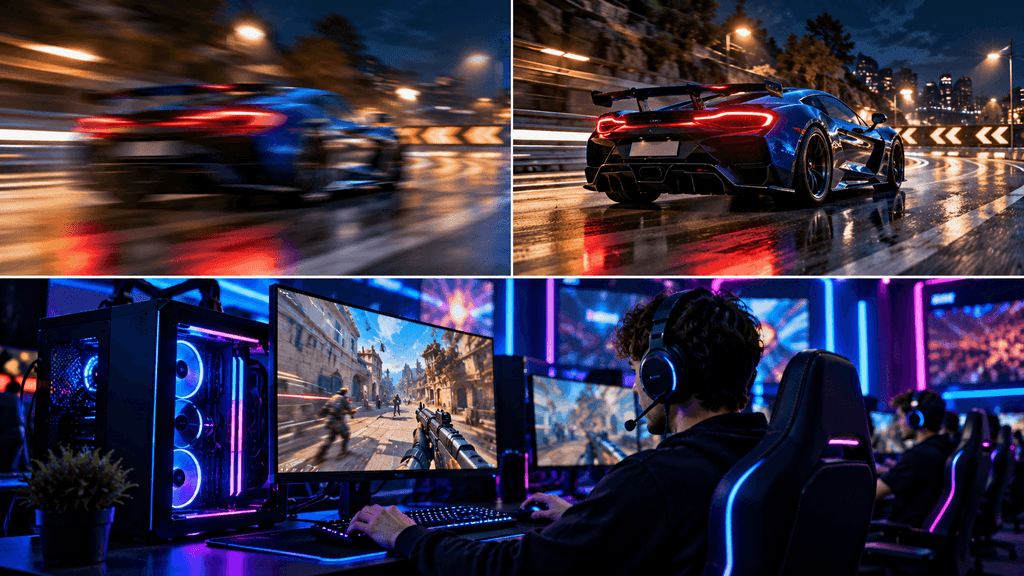
For anyone following PC hardware trends generally, this is a useful pattern to recognize. A lot of the most meaningful recent improvements to the gaming experience are coming from smarter software and synchronization techniques, not just bigger, more expensive silicon.
Is a bigger refresh rate number alone still worth chasing
Nvidia has specifically framed Pulsar’s certification around hitting 360Hz as the physical refresh rate combined with the strobing technology, rather than simply pushing physical refresh rates even higher toward a genuine four digit number. This is a meaningful signal about where meaningful improvement in motion clarity may be headed. Rather than monitor manufacturers endlessly chasing higher raw refresh rate numbers that eventually hit diminishing returns for what the human eye can actually perceive, solving the underlying blur problem directly through smarter technology may prove to be a more practical path forward for the whole display industry, not just this specific Nvidia technology. pcworld
This does not mean raw refresh rate stops mattering entirely, since a higher base refresh rate still generally correlates with lower input lag and smoother base motion. But it does suggest that the industry conversation is shifting from purely chasing a number toward solving the actual visual experience that number was always meant to improve in the first place.
What to check before buying a G-Sync Pulsar monitor
Confirm your graphics card actually supports the variable refresh rate technology these displays depend on, since the benefits specifically require a compatible Nvidia graphics card working alongside the monitor. Check whether the specific panel you are considering is officially Pulsar certified rather than simply using similar sounding marketing language, since the certification guarantees a specific baseline of features and performance that an uncertified high refresh rate monitor may not actually match. Consider your primary use case honestly, since the premium these monitors carry is most easily justified for genuinely competitive, fast paced gaming rather than general use.
The bottom line on G-Sync Pulsar
G-Sync Pulsar represents a genuinely different approach to a problem the gaming monitor industry has mostly tried to solve by brute force for years. Instead of simply pushing refresh rates higher and higher, it directly targets the actual source of perceived motion blur, combining proven display technologies in a way that had historically been difficult to execute well. For serious competitive players, this is a legitimate, meaningful upgrade worth paying attention to. For everyone else, it is an impressive piece of engineering that is worth understanding, even if it is not yet the upgrade your current setup urgently needs.
Would a motion clarity focused monitor like this actually change how you play, or do you think the current generation of high refresh rate displays is already good enough? Let us know in the comments.
FAQ: Nvidia G-Sync Pulsar
Does G-Sync Pulsar actually make a monitor run at 1000Hz?
No. The 1000Hz figure refers to perceived motion clarity, achieved by combining a 360Hz physical refresh rate with synchronized backlight strobing, not an actual 1000Hz refresh rate.
Do I need a specific graphics card to use G-Sync Pulsar?
Yes, since it relies on Nvidia’s variable refresh rate technology working together with the monitor, a compatible Nvidia graphics card is required to take advantage of the feature.
Is G-Sync Pulsar only useful for competitive gaming?
It offers the clearest benefit for fast paced, competitive games where tracking quick movement matters most. However, the added Ambient Adaptive Technology feature also makes these monitors more usable for general everyday use than older pure esports displays.
How much do G-Sync Pulsar monitors cost?
The first wave of Pulsar certified monitors launched starting at $599, positioning them in the premium gaming monitor category rather than as a budget option.
What monitor specs are required for G-Sync Pulsar certification?
Certified panels must be 27 inches, run at 1440p resolution, support up to 360Hz refresh rates, achieve 1000Hz-plus perceived motion clarity with variable refresh rate active, and include G-Sync Variable Overdrive and Ambient Adaptive Technology.
Is it worth upgrading to a G-Sync Pulsar monitor from a standard 240Hz display?
For serious competitive players, the motion clarity improvement is a meaningful, functional upgrade. For casual or non competitive players, a quality standard high refresh rate monitor may offer a better value for the price.
More Useful Tools
Vertical Stack Ceiling Clearance Calculator | Monitor Stack Height Tool
Under-Desk Mount Torque Calculator | PC Mount Load Checker
Desk Boundary Bass Gain Estimator | Speaker Boominess Calculator