
Desk Depth Compatibility Checker | Small Desk Gear Fit Tool
Desk Depth Compatibility Checker
Why One Desk Depth Number Decides Your Entire Accessory List
At first glance, a 24-inch desk may appear sufficiently deep, but as soon as you begin adding hardware, that area rapidly decreases. Each clamp-on accessory, such as a mic arm, monitor arm, or under-desk mount, occupies a portion of the depth. You can’t simply increase the depth to accommodate more equipment, unlike the width. Therefore, adding a microphone arm or another clamp to the same edge can make a desk that can accommodate a monitor arm and a small keyboard feel crowded.
Based on the minimum depth each common accessory category actually requires to operate without taking up too much of your typing space, this checker rates your actual desk depth against six common accessory categories. The thresholds are derived directly from testing clamp footprints, boom reach, and legroom requirements rather than from manufacturer marketing copy, which typically assumes a deeper desk than is typical for a small-space setup.
Reading The Results And Prioritizing Your Setup
When an accessory category receives a “great fit” rating, there is usually enough space left over for a keyboard and mouse without feeling constricted at your desk depth. “Workable, tight” refers to a device that will physically work but have less room for error. To ensure long-term comfort, you’ll probably want a small keyboard or a lower-profile model. “Not recommended” does not imply impossible; rather, it indicates that the typical hardware in that category will compete with your desk for space in a way that will annoy you daily.
The fact that the category ratings are determined separately is important if you intend to combine multiple accessories. Both a mic arm and a monitor arm can be rated as “great fit” on your desk separately, but mounting both to the same back edge creates combined depth that neither rating accounts for on its own. Instead of assuming that each category’s rating applies concurrently and independently, treat a “workable, tight” rating as your realistic ceiling if you’re stacking several clamp-based accessories.
Frequently Asked Questions
How deep does a desk need to be for a monitor arm?
Once the clamp is in place, most monitor arms need at least 18 to 20 inches of desk depth to fit a keyboard and mouse. Low-profile arms can work with less space, but the typing area may feel cramped after a while.
Can you fit a monitor arm and a mic arm on the same small desk?
Yes, but once both clamps are installed, a desk that can easily accommodate either accessory alone may feel crowded because they are vying for the same portion of the desk edge. It is more accurate to check the clamp depth of each accessory separately and add them together rather than treating them separately.
Is a 24-inch deep desk big enough for a gaming setup?
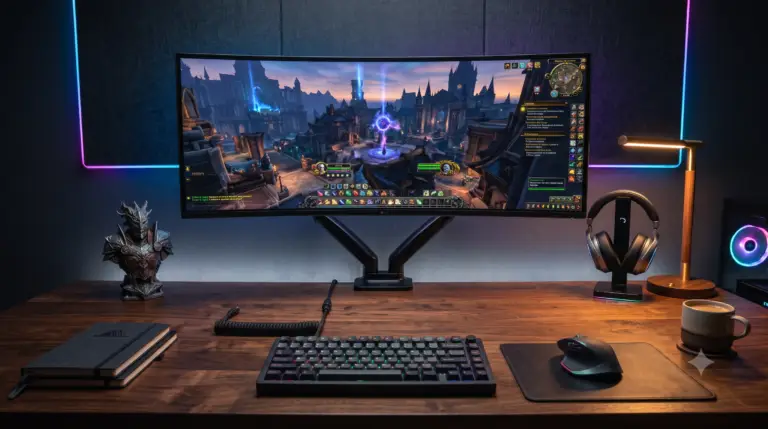
A single monitor arm, a low-profile microphone arm, and a small keyboard with a respectable margin all fit comfortably on a 24-inch desk. When you add a vertical monitor stack or several clamp-based accessories on the same edge at once, it gets tight.
What desk depth do you need for an under-desk PC mount?
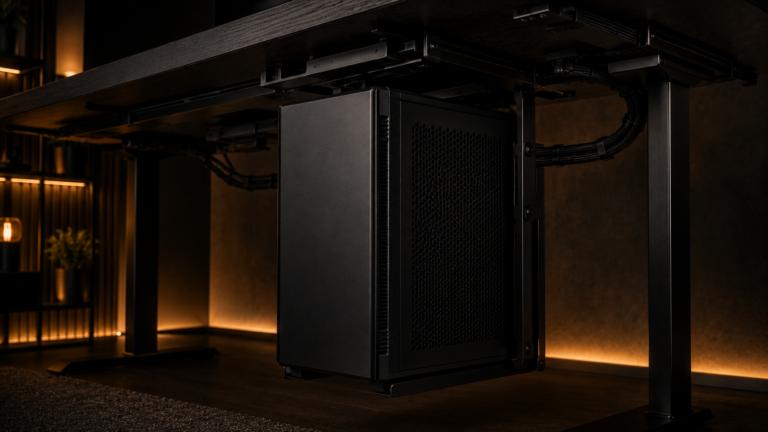
When choosing an under-desk PC mount, it’s more important to think about leg and frame clearance than desk depth. After you install the tower and move it into place, desks that are less than 18 to 20 inches deep usually have less legroom. This is because the tower takes up space where your knees would go.


One Comment