Best Budget 3D Printers: What Actually Matters Before You Buy One
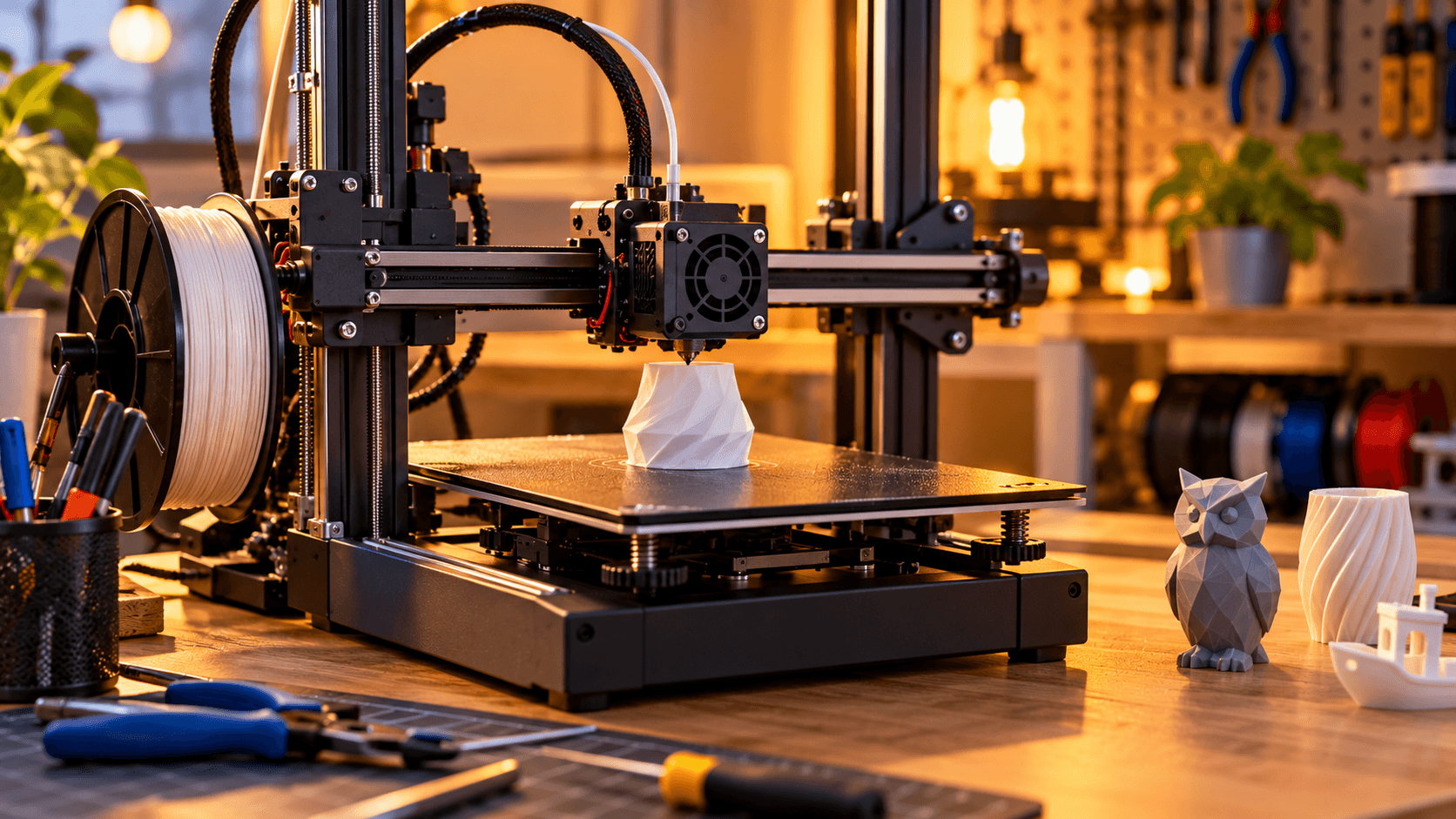
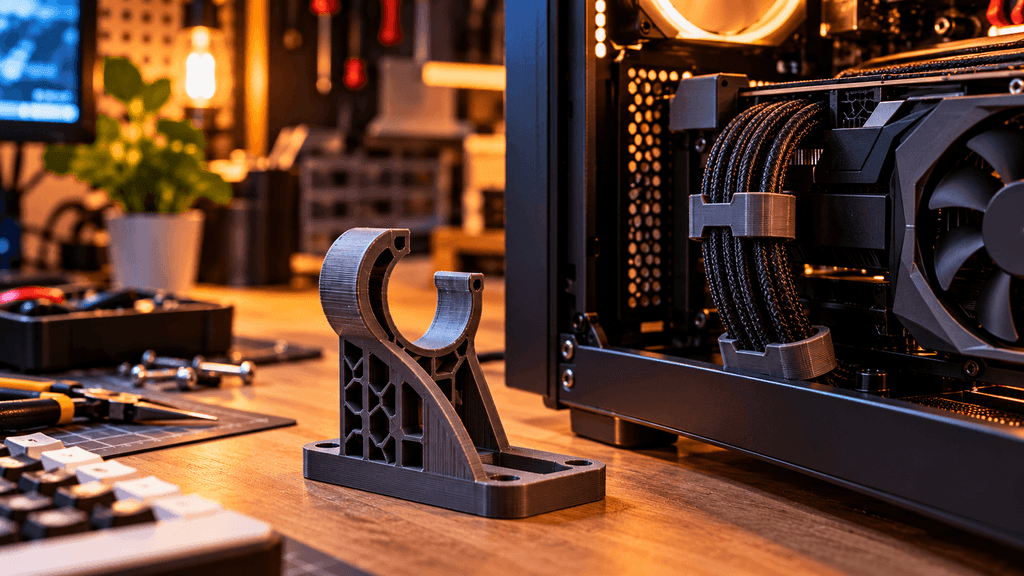
Best Budget 3D Printers, 3D printing has become a genuinely common hobby among PC builders and tech enthusiasts, whether that means printing custom cable combs, GPU support brackets, or entirely custom case parts for a build. But budget 3D printers vary wildly in actual usability, and a cheap price alone does not tell you whether a printer will be a fun, reliable addition to your setup or a frustrating source of failed prints and constant troubleshooting. Here is what genuinely matters when shopping in the budget range.
What counts as a budget 3D printer right now
Budget printers generally sit in a lower price tier that trades away some of the convenience features and print speed of premium models, while still using the same core FDM printing technology, which melts and extrudes plastic filament layer by layer to build an object from the ground up. The goal when shopping in this range is finding a model that keeps the fundamentals solid, print quality, reliability, and ease of setup, rather than chasing every possible premium feature at a price point that was never designed to include them all.
Print quality: what actually affects the finished result
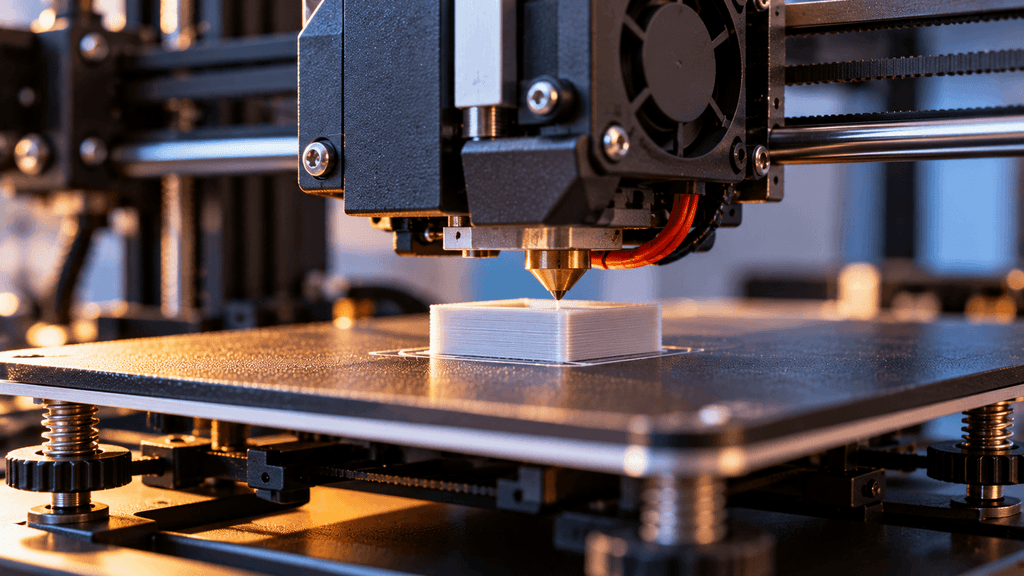
Bed leveling matters more than almost any other single factor for beginners specifically. A print bed that is not properly level relative to the nozzle causes failed prints, warping, and inconsistent first layers, which is one of the most common frustrations new 3D printing hobbyists run into. Many current budget printers now include automatic bed leveling, which genuinely reduces the early learning curve significantly compared to older models that required manual leveling through trial and error.(Best Budget 3D Printers)
A stable frame reduces vibration related print artifacts. Cheaper printers with flimsier frames can show visible ringing or wavy lines on finished prints, caused by vibration during fast movements, which becomes more noticeable at higher print speeds. Checking reviews that specifically mention frame rigidity and print consistency at speed is worth the extra few minutes before buying.(Best Budget 3D Printers)
Nozzle and extruder quality affect both reliability and material compatibility. A direct drive extruder, where the filament feeding mechanism sits close to the nozzle, generally handles flexible filaments and detailed prints more reliably than a Bowden style setup, where the extruder sits further away and pushes filament through a longer tube, though Bowden setups still work fine for standard filament types most beginners start with.
Build volume: bigger is not automatically better
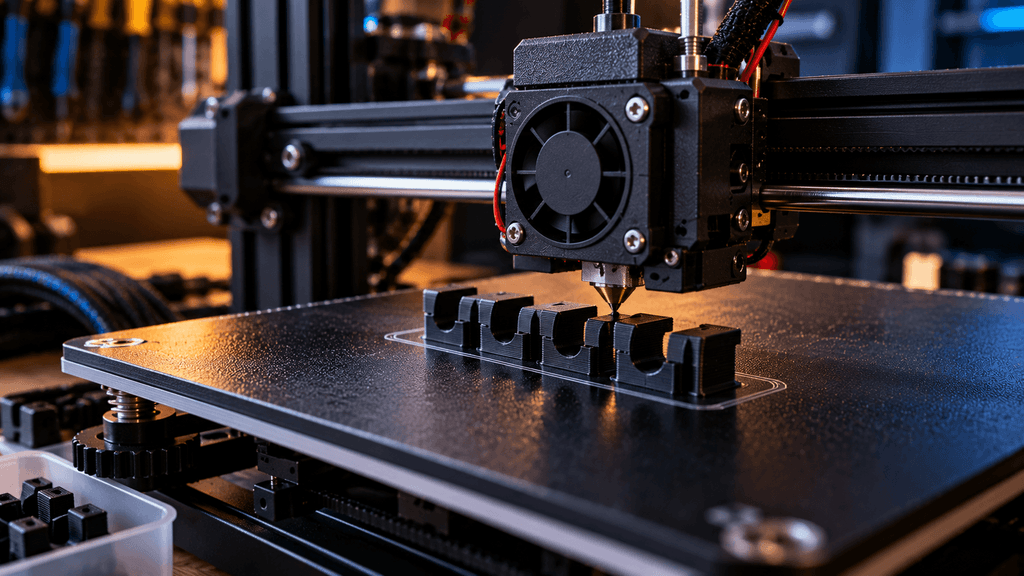
A larger build volume lets you print bigger objects or more objects at once, but it also generally means a bigger footprint on your desk or workbench and sometimes a higher price for the same quality tier. For PC building related prints specifically, things like cable combs, small brackets, fan grills, or custom mounts rarely need a particularly large build volume, so it is worth being honest about what you actually plan to print before paying extra for size you may not regularly use.(Best Budget 3D Printers)
Noise level: easy to overlook, genuinely important
3D prints often take many hours to complete, sometimes running overnight or throughout a workday. A noisy printer, particularly one with loud stepper motors or a poorly cooled power supply fan, can become a genuine annoyance if it shares a room with your desk or your living space. Checking for printers that specifically mention quiet stepper motor drivers is worth prioritizing if the printer will run anywhere near where you work, sleep, or spend regular time.(Best Budget 3D Printers)
Ease of setup and software: where a lot of budget printers differ most
Assembly difficulty varies significantly between models, even within the same price range. Some budget printers arrive mostly pre-assembled, needing only a few steps before your first print, while others require considerably more hands on assembly, which can be a genuine barrier for a first time hobbyist rather than an enjoyable part of the process.
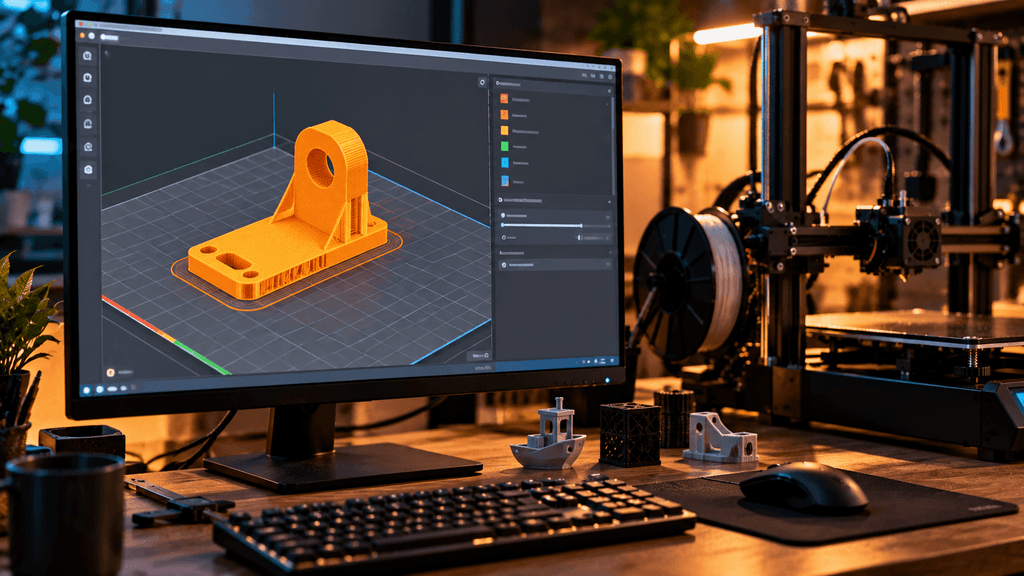
Slicing software quality affects your daily experience more than people expect. The software that converts a 3D model into printer instructions varies in how intuitive and reliable it is, and a printer paired with confusing or unstable slicing software can make even good hardware feel frustrating to use regularly. Checking reviews specifically mentioning software experience, not just print quality, gives a more complete picture.
Community size and available support matter for troubleshooting. A printer from a well established brand with an active online community makes it considerably easier to find answers when something goes wrong, compared to a lesser known brand with little documentation or shared troubleshooting knowledge available.(Best Budget 3D Printers)
Filament compatibility: what you can actually print with it
Most budget printers handle standard PLA filament well, which is the easiest material to work with and the right starting point for almost any beginner. If you plan to print more durable parts, like PC case brackets or anything that will see regular handling or heat exposure, checking whether a specific budget printer reliably handles PETG or ABS filament matters, since these materials generally require more consistent temperature control and sometimes an enclosed printing area, something not every budget model handles equally well.(Best Budget 3D Printers)
What to realistically expect at a budget price point
Budget printers generally trade away some combination of print speed, advanced features like multi-material printing, and premium build materials compared to higher priced models. This does not mean a budget printer cannot produce genuinely good results, but it does mean prints may take longer, and some advanced features and conveniences simply will not be available at this price tier. Setting realistic expectations before buying helps avoid disappointment with a printer that is actually performing exactly as its price tier should.
What to actually check before buying
Automatic bed leveling, since this single feature meaningfully reduces the early frustration most new hobbyists run into.(Best Budget 3D Printers)
Reviews mentioning real world reliability over many prints, not just the quality of a single showcase print, since consistency matters more than occasional impressive results.
Noise level if the printer will share your workspace, particularly for overnight or long duration prints.(Best Budget 3D Printers)
Community size and documentation availability, since troubleshooting support matters enormously for a first time buyer specifically.(Best Budget 3D Printers)
Realistic build volume for what you actually plan to print, rather than paying extra for size you are unlikely to use regularly.(Best Budget 3D Printers)
Who a budget 3D printer actually makes sense for
If you want to start printing practical parts for your PC builds, like cable management accessories, cooling fan mounts, or custom brackets, without committing to the higher cost of professional grade equipment, a solid budget printer with automatic bed leveling and good community support is a genuinely practical entry point. If your projects demand very fine detail work, multiple materials in a single print, or heavy daily use, you will likely outgrow a true budget model faster and may be better served researching mid-range options from the start.(Best Budget 3D Printers)
The bottom line on budget 3D printers
A good budget 3D printer is less about finding the cheapest possible option and more about finding a reliable one that gets the fundamentals right, consistent bed leveling, a stable frame, and reasonable noise levels, even if that means skipping some of the premium features found on pricier models. Know what you actually plan to print, check real reliability over flashy showcase prints in reviews, and a budget printer becomes a genuinely rewarding addition to a PC building or maker setup rather than a source of constant troubleshooting.(Best Budget 3D Printers)
Would you use a 3D printer mainly for PC building accessories, or are you considering it as a broader hobby? Let us know in the comments.
FAQ: Best Budget 3D Printers
Do budget 3D printers need manual bed leveling?
Many current budget models now include automatic bed leveling, which significantly reduces the early learning curve. Older or cheaper models may still require manual leveling, so checking this specific feature before buying is worth it, especially for beginners.
Can a budget 3D printer handle materials other than PLA?
Most budget printers handle PLA reliably, which is the easiest material for beginners. Printing PETG or ABS, which are more durable and useful for PC case parts, requires more consistent temperature control, so check whether a specific model reliably supports these before relying on them.(Best Budget 3D Printers)
How loud are budget 3D printers?
It varies significantly by model. Printers with quieter stepper motor drivers run noticeably quieter than cheaper models with louder motors, which matters if the printer will share a room with your desk or living space during long overnight prints.
Is a bigger build volume worth paying extra for?
Not necessarily. For PC building related prints like cable combs, brackets, or fan mounts, a smaller build volume is usually plenty. Paying extra for a larger build area is only worth it if you actually plan to print bigger objects regularly.(Best Budget 3D Printers)
How long does it take to learn to use a 3D printer?
This varies by person, but printers with automatic bed leveling and good community support generally have a shorter learning curve. Most beginners can produce reliable, usable prints within the first few weeks of regular use.(Best Budget 3D Printers)
Is a direct drive or Bowden extruder better for a budget printer?
A direct drive extruder generally handles flexible filaments and detailed prints more reliably, while a Bowden setup still works well for standard filament types most beginners start with. Neither is strictly necessary for basic PLA printing.(Best Budget 3D Printers)
Do I need to assemble a budget 3D printer myself?
It depends on the model. Some budget printers arrive mostly pre-assembled with just a few setup steps, while others require more hands on assembly. Checking this before buying helps set realistic expectations, especially for a first time buyer.(Best Budget 3D Printers)
More Useful Tools
Vertical Stack Ceiling Clearance Calculator | Monitor Stack Height Tool
Under-Desk Mount Torque Calculator | PC Mount Load Checker
Desk Boundary Bass Gain Estimator | Speaker Boominess Calculator
Speaker Placement Calculator | Near-Field Toe-In Angle Tool
Keyboard Footprint Savings Calculator | 60% vs TKL vs Full-Size
Mousepad Size Calculator | DPI & Sensitivity Fit Checker
Mic Arm Boom Reach Calculator | Clamp Depth & Fit Checker
Mini-ITX Case Volume Comparison Tool | Compare Case Sizes
Case Airflow Calculator | Fan CFM & Air Changes Per Minute Tool
SFF PSU Wattage Calculator | Small Form Factor Power Supply Sizing
CPU Cooler Height Clearance Calculator | Case Fit Checker
GPU Length Clearance Checker | Mini-ITX Case Compatibility Tool
Cable Management Length Estimator | Desk Cable Calculator
Standing Desk Height Calculator | Ergonomic Sit-Stand Tool
Monitor Arm Weight Compatibility Checker
Desk Depth Compatibility Checker | Small Desk Gear Fit Tool
Desk Weight Capacity Calculator | Load & Mounting Estimator
Multi-Monitor Bezel Offset Calculator | Triple Monitor FOV Tool
Stacked Monitor Clearance Calculator | Vertical Arm Fit Checker
Monitor Arm Clamp Depth Checker (Desk Compatibility)
Monitor Viewing Distance Calculator | Monitor PPI Calculator