Ray Tracing in 2026: Is It Finally Worth Turning On?

Ray Tracing, For years, ray tracing had a reputation problem. It looked stunning in trailers, tanked your frame rate the moment you turned it on, and often felt like a feature made for screenshots rather than actual gameplay. That reputation is starting to shift. Hardware has caught up, software has gotten smarter, and more games are built around it from the start rather than bolting it on later. So the real question in 2026 is simple. Should you actually turn it on, or is it still more trouble than it is worth?

A quick refresher on what ray tracing actually does
Traditional game lighting is mostly faked. Developers use clever tricks to approximate how light, shadows, and reflections should look, because calculating real light behavior in real time used to be far too demanding for consumer hardware. Ray tracing changes that by simulating how individual rays of light actually bounce around a scene, which is why reflections look more accurate, shadows fall more naturally, and lighting reacts properly when something in the scene changes.
The tradeoff has always been performance. Simulating light this way takes serious computing power, which is exactly why it struggled to feel practical for so long.
Why 2026 feels different
A few things have lined up at the same time. Graphics cards now include dedicated hardware built specifically to accelerate these lighting calculations, and each generation has gotten noticeably better at it rather than just faster overall. Upscaling technology has also matured a lot, letting games render at a lower internal resolution and intelligently reconstruct a sharper image, which claws back much of the performance ray tracing used to cost. On top of that, frame generation tools can insert extra frames between rendered ones, making the whole experience feel smoother even when the raw rendering workload is heavy.
Put together, these three things mean you can often enable ray tracing today and lose far less performance than you would have just a couple of years ago.
Where ray tracing actually makes a visible difference
Not every type of ray tracing effect matters equally, and knowing the difference helps you decide what is worth turning on.
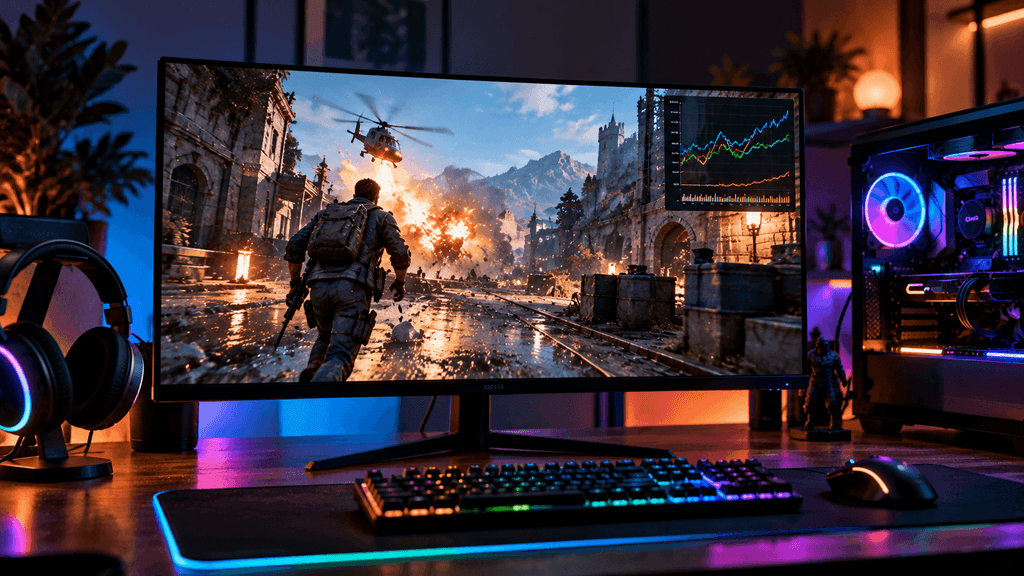
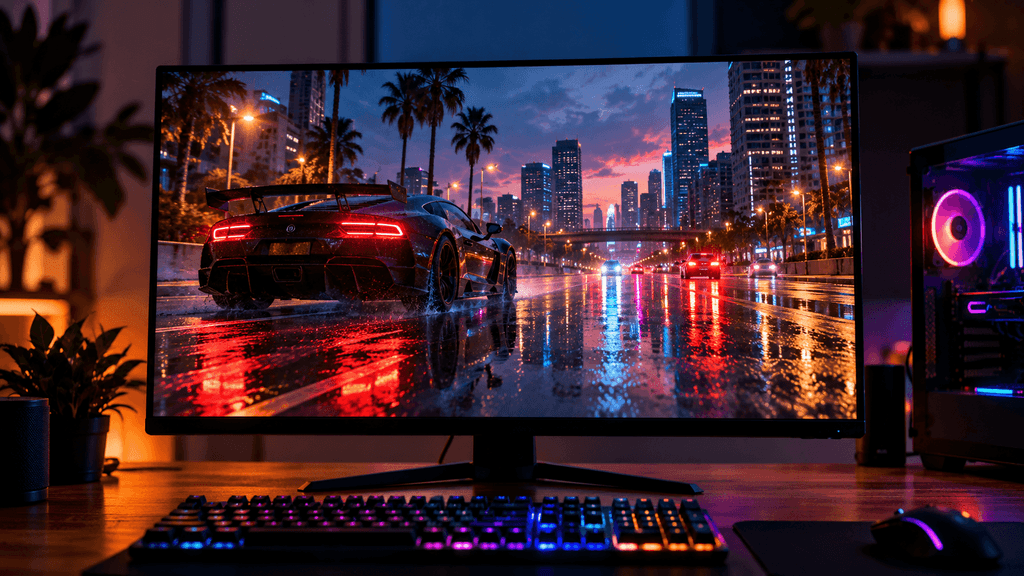
Reflections are where ray tracing tends to be most noticeable, especially in scenes with wet streets, glass, water, or polished floors. Traditional reflection tricks often look flat or simply missing at certain angles, while ray traced reflections behave the way you would expect in real life.
Shadows benefit in a subtler way. Ray traced shadows have more natural soft edges and react correctly when multiple light sources overlap, though the difference is often less dramatic than reflections in fast paced gameplay.
Global illumination, which controls how light bounces and fills a scene indirectly, tends to have the biggest impact on overall atmosphere. Rooms lit by a single window or a torch feel far more believable when the light spreads naturally instead of relying on pre baked approximations.
Full path traced modes, offered in a small number of games, simulate lighting almost entirely through ray tracing rather than blending it with traditional methods. These look the most impressive but also demand the most from your hardware by a wide margin.
Where it barely matters
In fast paced competitive games, especially ones with simple or stylized art styles, ray tracing often adds little you will notice while actually playing. If your focus is on quick reactions and high frame rates rather than admiring lighting, the performance cost may not be worth the visual gain in these specific games.
Similarly, in games designed years before ray tracing existed and patched in afterward, the effect can feel inconsistent or less convincing than in a game built around it from day one.
What hardware you actually need
This is where expectations need to stay realistic. Entry level and older graphics cards can technically turn ray tracing on, but the performance hit is often severe enough that the experience stops feeling smooth. Mid range current generation cards handle moderate ray tracing effects, like reflections and shadows, reasonably well, especially when paired with upscaling. High end cards are where full path traced modes become genuinely playable at strong frame rates.
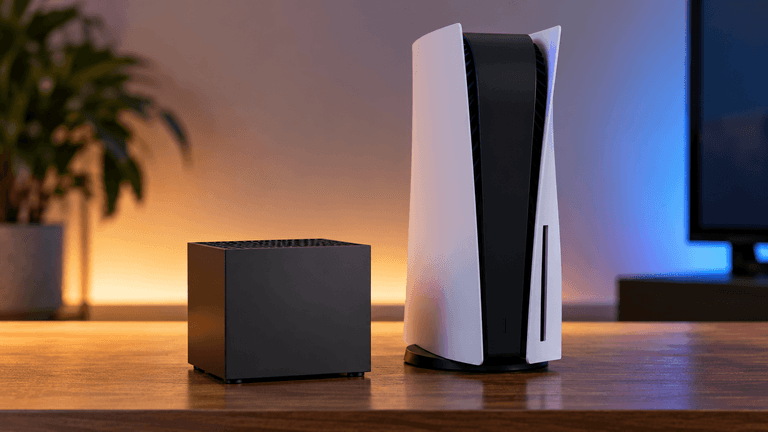
Consoles have also started supporting ray tracing more seriously, though typically with more limited effects and lower resolutions than a high end PC to keep frame rates stable.
Before assuming you need new hardware, check whether your current graphics card supports hardware accelerated ray tracing at all, and look up how it performs specifically in the games you play rather than relying on general marketing claims.
How to actually turn it on without ruining your frame rate
Do not just flip every ray tracing option to maximum and hope for the best. Start with one effect at a time, such as reflections alone, and check how much your frame rate drops before adding more. Turn on your graphics card’s upscaling feature if the game supports it, since this is often the difference between a smooth experience and a slideshow. If your card supports frame generation, test it as well, though be aware it can occasionally introduce slight visual artifacts in fast motion.
Many games also offer a dedicated ray tracing quality preset instead of individual toggles, which can be a good starting point before fine tuning things yourself.
Is ray tracing actually mainstream now
It depends on how you define mainstream. It is no longer a niche feature reserved for the most expensive hardware and a handful of showcase games. A wide range of current releases support it, hardware across most price tiers can run at least some form of it, and upscaling has made it far more practical for everyday use. At the same time, it has not fully replaced traditional lighting techniques, and plenty of well regarded games still ship without it or use it sparingly.
A fair way to put it is this. Ray tracing has moved from an occasional novelty to a normal option you consider, rather than an automatic yes or an automatic no.
The bottom line on ray tracing in 2026
Ray tracing has genuinely improved, and thanks to smarter up-scaling and better hardware support, it is far more usable today than its reputation might suggest. Whether it is worth turning on comes down to the specific game, your hardware, and whether you value visual atmosphere or raw frame rate more in that moment. Try it one setting at a time, trust your own eyes over marketing screenshots, and turn it off without guilt in games where it simply is not worth the cost to you.
Do you play with ray tracing on, or do you turn it off for higher frame rates? Let us know in the comments.
FAQ: Ray Tracing in 2026
Add this using the Rank Math FAQ block, right before the comments prompt.
Does ray tracing actually improve gameplay, or is it just visual?
Ray tracing is primarily a visual improvement rather than a gameplay mechanic. It makes lighting, shadows, and reflections look more realistic, which can improve immersion and atmosphere, but it does not change how a game plays or controls.
Do I need a high end graphics card to use ray tracing?
Not necessarily, but the experience varies a lot by tier. Entry level cards can struggle significantly, mid range cards handle moderate effects reasonably well with upscaling enabled, and high end cards are best suited for the most demanding full path traced modes.
Does upscaling reduce image quality when used with ray tracing?
Modern upscaling technology has improved significantly and often produces results close to native resolution in motion, though very close inspection of still images can sometimes reveal minor differences. Most players find the performance gain well worth the small tradeoff.
Is ray tracing worth it for competitive gaming?
Usually not. Competitive games prioritize high frame rates and quick reactions over visual detail, so most competitive players turn ray tracing off to maximize performance rather than enable it for atmosphere.
Can consoles run ray tracing as well as a gaming PC?
Consoles support ray tracing, but typically with more limited effects and lower resolutions to maintain stable frame rates, compared to a high end gaming PC which can push more demanding ray tracing settings.
Will frame generation cause noticeable visual issues with ray tracing?
It can occasionally introduce slight visual artifacts, particularly during fast motion or rapid camera movement, though the effect is often subtle. Testing it in your specific games is the best way to know if it bothers you personally.
How do I know if a specific game’s ray tracing is worth turning on?
Check independent reviews or comparison videos for that specific game, since the visual impact and performance cost vary significantly from title to title. Testing one effect at a time yourself is also a reliable way to judge whether it is worth the frame rate cost for you.
More Useful Tools
Vertical Stack Ceiling Clearance Calculator | Monitor Stack Height Tool
Under-Desk Mount Torque Calculator | PC Mount Load Checker
Desk Boundary Bass Gain Estimator | Speaker Boominess Calculator