Do You Really Need a New Graphics Card in 2026? Here Is How to Tell
Do You Really Need a New Graphics Card. Every year a new graphics card launches, and every year the same feeling shows up online. People look at benchmark charts, see a big jump in numbers, and start wondering if their PC is suddenly behind. But a graphics card upgrade is one of the most expensive parts you can buy, so it is worth knowing when you actually need one and when your money is better spent elsewhere.
Here is a simple way to figure it out.
1. Look at your actual frame rates, not the marketing numbers
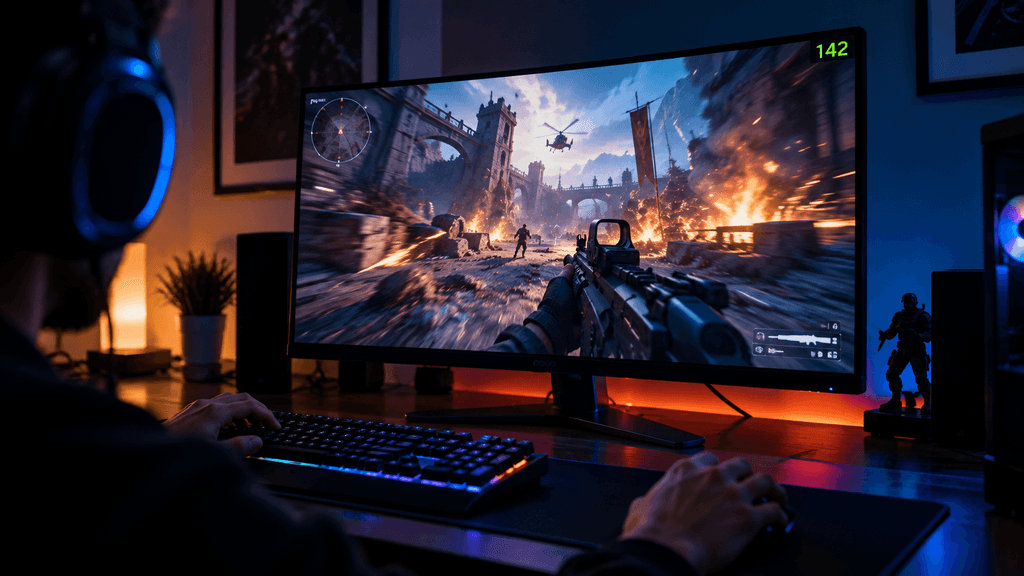
Benchmark charts often show best case results at settings you may never use. What matters is your frame rate, in the games you actually play, at the resolution and settings you actually use. If you are already getting smooth performance in your favorite games, a new card will not change how playing feels, even if the number on a chart looks bigger.
Turn on the frame rate counter in your games for a week and just watch it. That single habit tells you more than any review.
2. Do You Really Need a New Graphics Card. Check if your CPU is holding you back
Sometimes a graphics card upgrade does nothing because the processor cannot feed it fast enough. This is called being CPU bound, and it happens a lot at lower resolutions like 1080p. If your GPU usage sits well below 100 percent while gaming, your processor is likely the real bottleneck, not your graphics card.
3. Think about resolution before raw power
Jumping from 1080p to 1440p or 4K is one of the biggest visual upgrades you can make, often bigger than swapping graphics cards at the same resolution. If you are still gaming at 1080p and happy with your frame rate, a better monitor might give you more satisfaction than a new GPU.
4. VRAM matters more than it used to
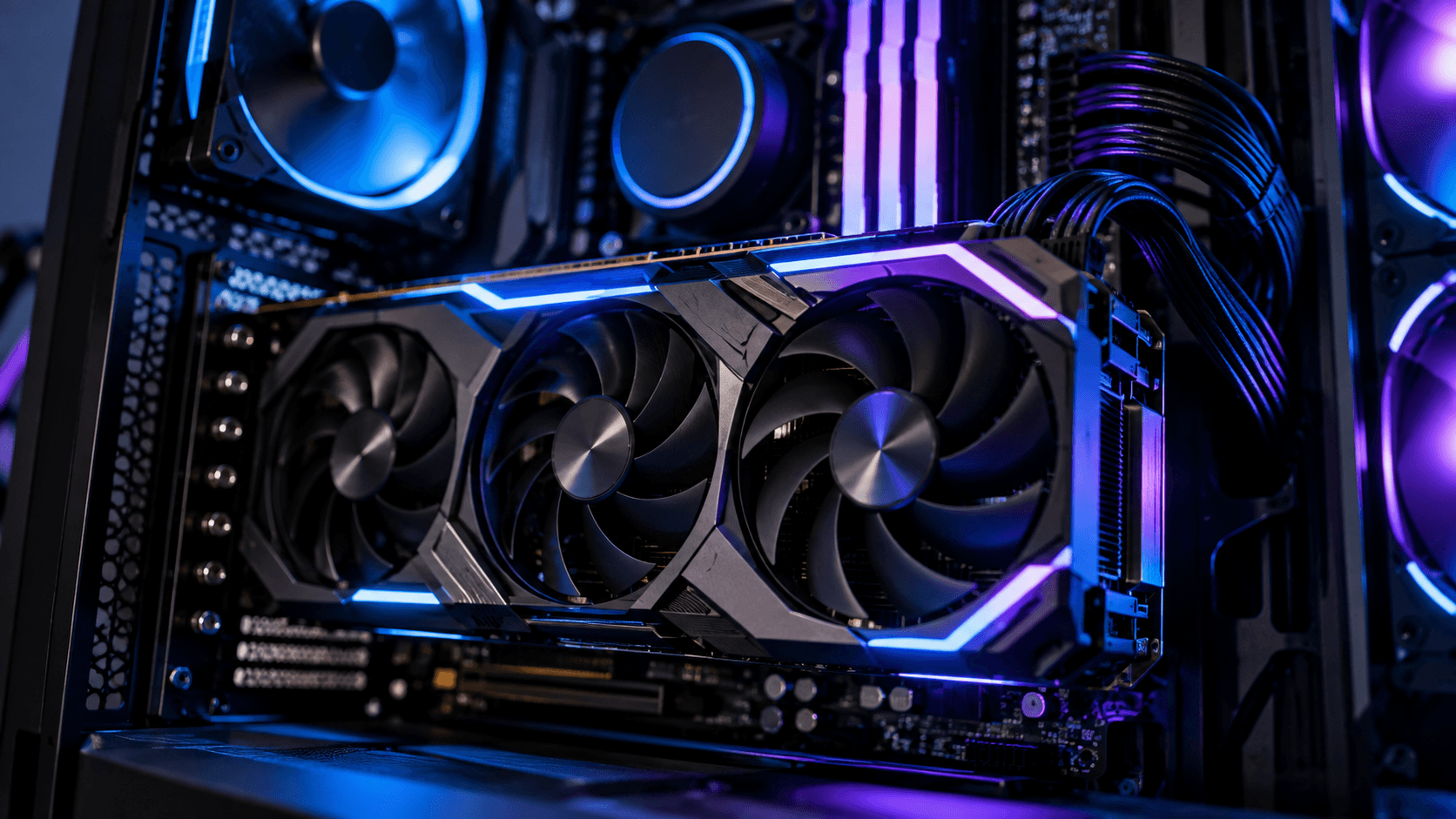
Do You Really Need a New Graphics Card. Newer games are using more video memory, especially at higher resolutions and with texture heavy settings. A powerful card with too little VRAM can stutter in ways that raw performance charts do not always show. If your card has 8GB or less and you play recent releases at high settings, this is a more honest reason to upgrade than chasing a bigger number.
5. Upscaling and frame generation change the math
Do You Really Need a New Graphics Card. Modern up scaling tools have gotten genuinely good, and they can add a lot of extra life to a card that is starting to struggle. Before buying a new GPU, try turning on your card’s up scaling feature in a demanding game. You might be surprised how much smoother things feel without spending anything. read more
6. Power and heat are part of the decision too
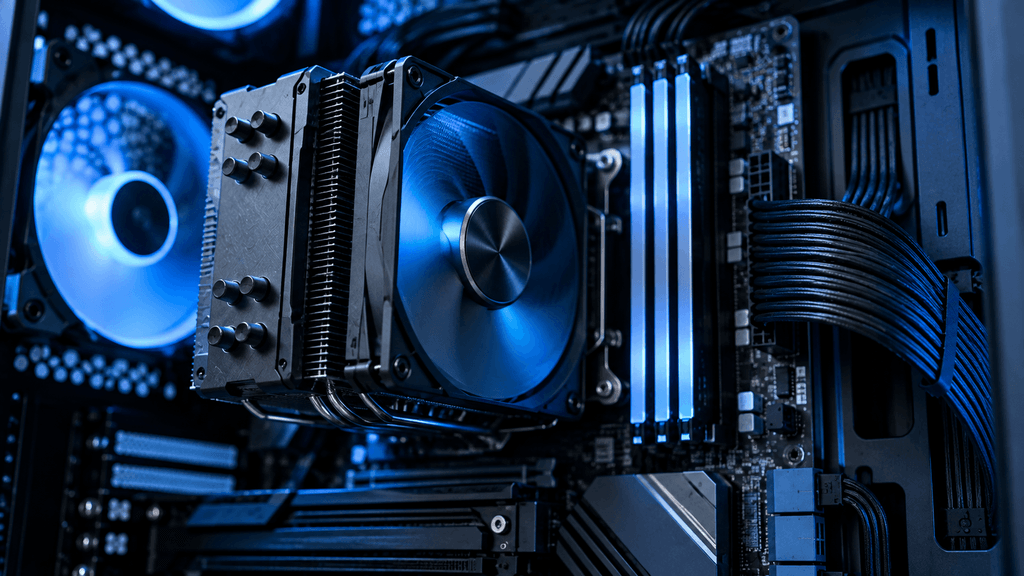
Newer high end cards can use a lot of power and produce real heat, which means you might also need a better power supply or improved case airflow. Factor that extra cost into your budget before you commit, since it can add up quickly.
7. Consider the used market
Do You Really Need a New Graphics Card. A previous generation card, bought used from a reliable seller, can offer a big jump in performance for a fraction of the price of the newest release. Just be sure to check for mining wear, warranty status, and seller reputation before buying.
Signs you should upgrade
- Your frame rates drop noticeably in new releases even at lower settings
- Your GPU usage sits near 100 percent while your CPU usage stays low
- You are running out of VRAM and seeing stutters or texture pop in
- You want to move to a higher resolution or a higher refresh rate monitor
Signs you can wait
- You are happy with your current frame rates in the games you play
- Your CPU is the real bottleneck, not your graphics card
- Upscaling already fixes the performance issues you were having
- You mostly play older or less demanding games
The bottom line on graphics card upgrades
Do You Really Need a New Graphics Card. A graphics card upgrade should solve a problem you actually have, not chase a number on a chart. Watch your real frame rates, understand where your bottleneck actually is, and only then decide if it is time to spend. Sometimes the best upgrade is a new monitor, a cleaned out case, or simply turning on a setting you did not know was there.
FAQ: Do You Need a New Graphics Card in 2026
How do I know if my graphics card is outdated?
Watch your frame rates in the games you actually play. If they are dropping noticeably even at lower settings, or your GPU usage sits near 100 percent constantly, your card is likely struggling. If your games run smoothly, the card is probably still fine.
Is it better to upgrade the CPU or the GPU first?
It depends on your bottleneck. If your GPU usage stays low while your CPU usage is high, your processor is holding back performance, and a new graphics card will not help much. Check your usage numbers before spending money on either part.
How much VRAM do I need in 2026?
For 1080p gaming, 8GB is usually enough for most titles. At 1440p or 4K, especially with high texture settings, 12GB or more is a safer choice to avoid stuttering in newer releases.
Are upscaling features like DLSS and FSR worth using instead of upgrading?
Yes, for many players. Modern upscaling tools can significantly improve frame rates with a small trade off in image quality. Trying these settings first can save you the cost of a new graphics card.
Is buying a used graphics card a good idea?
It can be, if you buy from a trustworthy seller and check the card’s condition and warranty status. A previous generation used card often offers strong performance for much less money than a brand new release.
Do I need a new power supply when I upgrade my graphics card?
Sometimes. Higher end graphics cards can use significantly more power than older models. Check the recommended power supply wattage for the new card before buying, since an under-powered supply can cause instability.
How often should I upgrade my graphics card?
There is no fixed schedule. Upgrade when your actual games are no longer running the way you want, not simply because a new model has released. Many players comfortably go four or more years between upgrades.
Clilck below link for more guide
Laptop buying guide
Laptop processor comparison
Laptop repairability or teardown article
AI-Native vs Repairable Laptops: What Should You Buy in 2026?
More Useful Tools
Vertical Stack Ceiling Clearance Calculator | Monitor Stack Height Tool
Under-Desk Mount Torque Calculator | PC Mount Load Checker
Desk Boundary Bass Gain Estimator | Speaker Boominess Calculator