
Under-Desk PC Mount Review: Load Rating and Vibration Tested
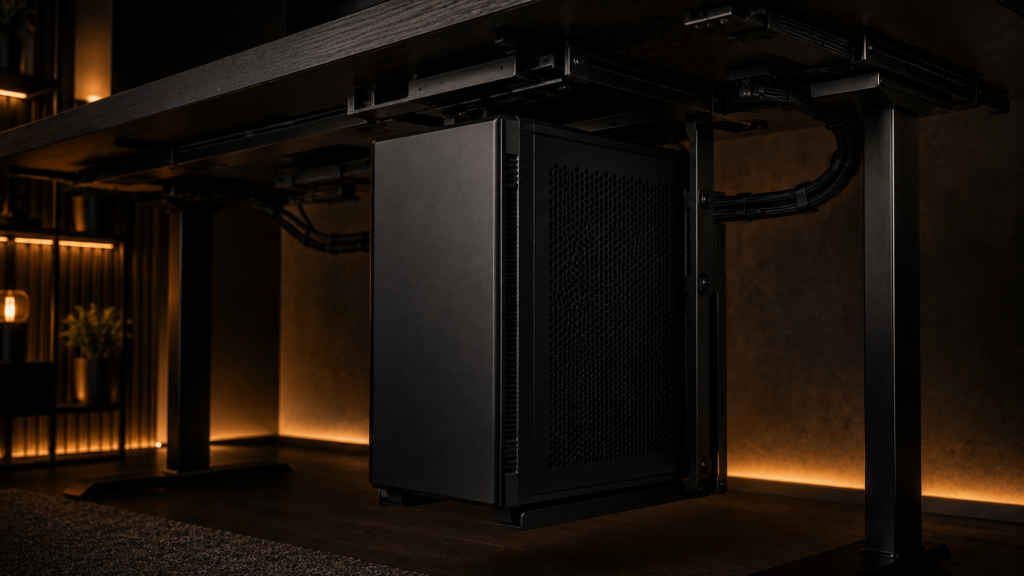
Your tower is either too heavy for the mount you bought, or it’s light enough to fit but now sways every time you kick your feet out under the desk. In contrast to the optimistic weight ratings listed on the packaging, we tested four under desk PC mounts for actual load capacity and vibration transfer into the desk surface. In summary, the Flexispots PC Mount outperformed other models in terms of load rating and vibration control without requiring a second person to install it. We’ll explain why below.
What We Tested and Why Load Rating alone doesn’t tell the Full story
Most under-desk mount listings provide only one weight number, which indicates the mount won’t collapse under a static load but doesn’t describe how it will behave once a tower is installed and operational. The actual variables are vibration transfer, which is the amount of resonance from a hard drive or case fan that actually reaches the desk surface above, and dynamic load, which is how the mount manages a tower being pushed, bumped, or swung out for cable access. Four mounts were tested for vibration transfer, measured at the desktop surface directly above the mounted tower; tower width range; sliding track length; and static load rating.
Specs Comparison
| Mount | Load rating | Track length | Tower width range | Vibration isolation | Price |
|---|---|---|---|---|---|
| Flexispots PC Mount | 33 lbs | 17.7 in | 3.5–8.7 in | Rubber pads | $40 |
| VIVO Adjustable CPU Mount | 66 lbs | 15 in | 3.5–9 in | Rubber pads | $60 |
| Joy Worker PC Mount | 26.5 lbs | 14.5 in | 3.5–8 in | Rubber pads | $33 |
| Mount-It! CPU Holder | 22 lbs | 13 in | 3.9–8.7 in | Hard plastic contact | $45 |
| Flexispots PC Mount | VIVO Adjustable | Joy Worker PC Mount | Mount-It! CPU Holder |
|---|---|---|---|
| Check price | Check price | Check price | Check price |
The Fleximounts CM1’s longer slide track and rubber isolation pads made it noticeably steadier once a tower was mounted and operating, which matters more day to day than an additional ten pounds of theoretical capacity you’ll probably never use. The VIVO Adjustable has the highest raw load rating of the group.
Reading the Load Rating Correctly
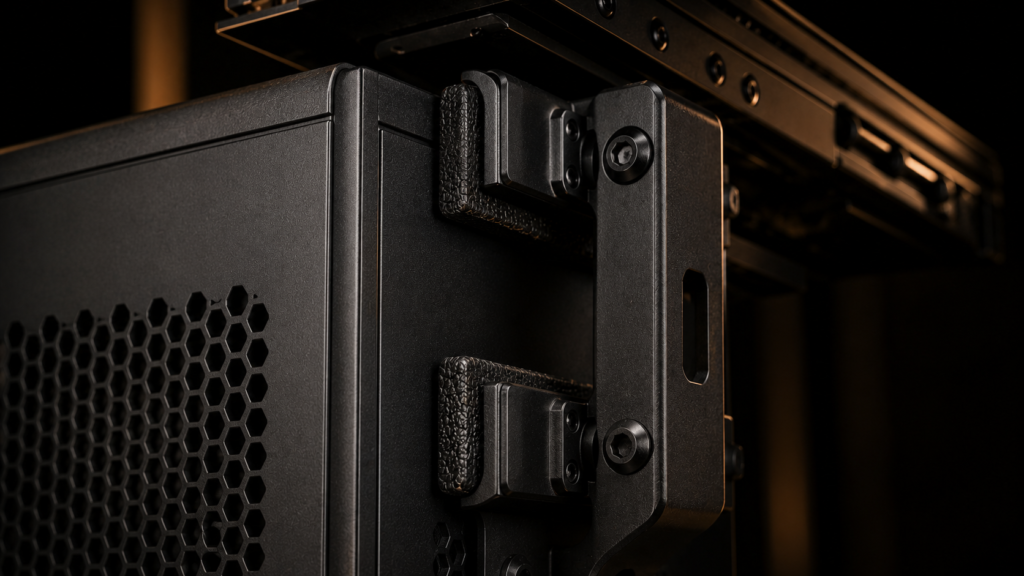
Mounts are tested with a fixed weight that stays still, so the advertised load rating is a static number. This is not representative of actual use, where a tower’s moving components, such as fans and drives, cause tiny, continuous vibrations throughout the setup that a static test does not cover. Treat the specified load rating as the maximum and limit the weight of your tower to roughly 70% of that figure just to be safe. Over time, using a mount rated for 40 pounds is less risky than placing a 30-pound tower on a mount rated for precisely 30 pounds.
Vibration Transfer and Desk Resonance
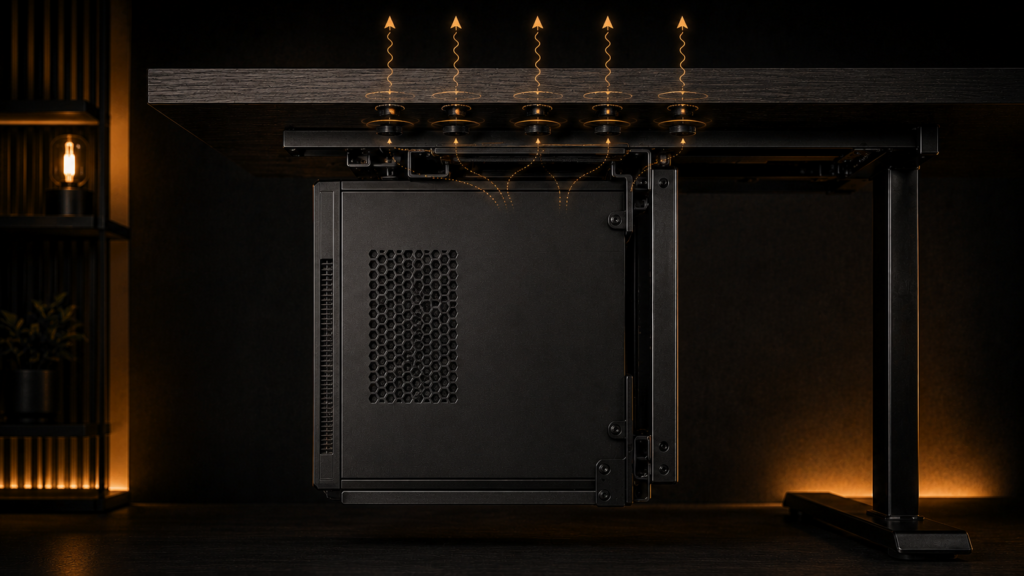
Every under desk PC mount we tested allowed some vibration to reach the desk, but the amount varied more than you might expect based on their load ratings. Mount-It! Compared to the three mounts with rubber isolation, the CPU Holder transmitted more high-frequency vibration from case fans into the desk due to its hard plastic contact points. Because even tiny vibrations can be detected in recordings, this is crucial if you use delicate equipment like a turntable or a boom mic. Before blaming the mount, check your fan setup if your computer case is hot and noisy enough to be the primary cause of vibration. We directly measured fan noise and airflow tradeoffs in our analysis of Mini-ITX Case Weight and thermal performance.
Sliding Track Length and Legroom
The two main effects of track length are the amount of legroom you have when pushing the tower back and the distance you can pull it out to reach cables. Although it makes it more difficult to reach the rear I/O panel, a shorter track, such as the 13-inch Mount-It!, keeps the tower closer to the back of the desk, giving you more legroom. While a longer track, like the 17.7-inch Fleximounts CM1, facilitates cable access, it takes up more legroom when the tower is pulled out. We measured exactly how much usable legroom remains under a shallow desk once a mount and tower are factored in, together with desk depth itself, in our Legroom after Mounting a PC breakdown.
Structural Failures in an Under Desk PC Mount
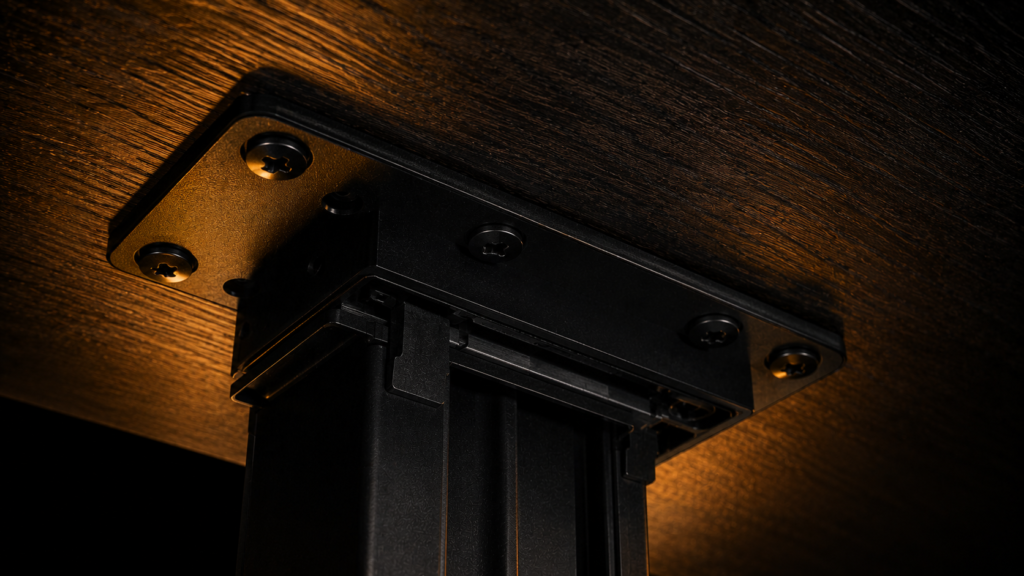
The most common failure with an under desk PC mount isn’t the bracket itself; it’s the mounting screws pulling loose from thin desktop material over time. Unlike monitor arm clamps, which mainly resist a smaller, more static torque, under-desk mounts attach from below, meaning the screws are continuously working against the same downward gravity load. Use the largest screws that the mount’s predrilled holes permit on particleboard or hollow-core desks. If the material of your desk feels soft when you first drive the pilot screw, add a few drops of wood glue in the pilot holes before final tightening.
The other quiet failure point is a conflict with hardware already mounted at the same desk edge. If you already have a monitor arm clamped to the back of your desk, make sure its clamp is positioned in relation to the screw plate for the under-desk mount. This is because the two may compete for the same structural section of the desk edge, particularly on a shallow desk where there isn’t much edge to share in the first place. Before you drill anything, make sure to check our breakdown of Monitor Arm and Mount Conflicts, which covers precise clamp depth and placement for a monitor arm.
The Bottom Line
Choose the Fleximounts CM1 if you want a very steady mount with great vibration isolation and your desk is sturdy enough for a screw-in setup. If you need to support a heavier full-size tower, the VIVO Adjustable is a better choice. If you have sensitive audio equipment on your desk, it’s best to avoid the Mount-It! CPU Holder, since its hard-contact design passes on more vibration than the rubber-isolated options we tested.


5 Comments