Micro ATX Case: Complete Guide to Choosing the Best Compact PC Case
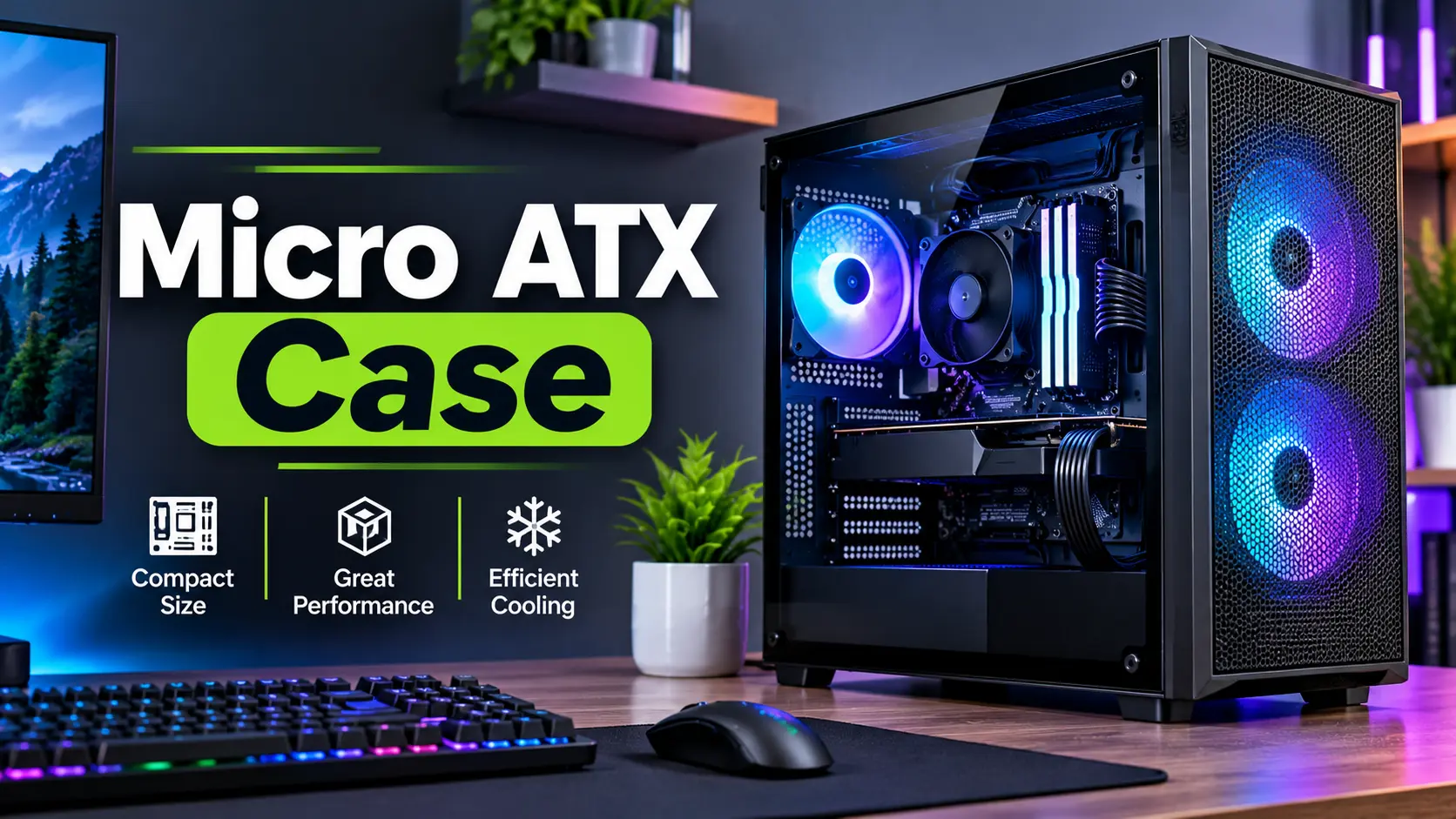
A Micro ATX case is an excellent option for PC users who want a compact, space-saving computer without sacrificing too much performance or hardware flexibility. Whether you are building a gaming PC, an office computer, or a powerful desktop workstation, a Micro ATX case can provide a practical balance between size, compatibility, and functionality.
Unlike large full-tower PC cases, Micro ATX cases are designed around smaller motherboard form factors. They can help reduce the overall size of a desktop PC while still supporting essential components such as graphics cards, storage drives, cooling systems, and standard power supplies in many models.
However, not every Micro ATX case offers the same features. Some focus on compact dimensions, while others provide better airflow, more room for graphics cards, and additional cooling options.
Choosing the right Micro ATX case requires careful consideration of motherboard compatibility, GPU clearance, CPU cooler height, power supply dimensions, airflow, and cable management.
In this guide, we will explain what a Micro ATX case is, explore its benefits and limitations, compare it with other PC case sizes, and help you choose the right case for your computer build.
What Is a Micro ATX Case?
A Micro ATX case is a computer chassis designed to support Micro ATX motherboards, also known as mATX or uATX.
The Micro ATX motherboard form factor has a maximum standard size of approximately 244 × 244 mm (9.6 × 9.6 inches). Micro ATX cases are generally smaller than traditional ATX mid-tower cases, although their external dimensions can vary considerably depending on the design.
Many Micro ATX cases also support Mini-ITX motherboards. Some larger cases may support additional motherboard formats, but compatibility must always be confirmed through the manufacturer’s specifications.
Micro ATX cases are commonly used for:
- Budget gaming PCs
- Compact desktop computers
- Home office workstations
- Everyday productivity systems
- Entry-level and mid-range gaming builds
- Small-space computer setups
The main purpose of a Micro ATX case is to provide a smaller desktop PC enclosure while maintaining practical hardware compatibility.
Benefits of Using a Micro ATX Case
Micro ATX cases offer several advantages for desktop PC builders.
1. Compact Size
One of the biggest benefits of a Micro ATX case is its compact design.
A smaller PC case can fit more easily on a desk, under a desk, or in a workspace with limited room.
This makes Micro ATX cases useful for users who want a desktop computer without the large footprint of a traditional tower.
However, Micro ATX cases do not have a universal external size. Some are compact mini-tower designs, while others are relatively spacious.
2. Lower Cost Potential
Micro ATX cases can be an affordable option for PC builders.
Many models offer basic features such as motherboard support, fan mounting locations, cable routing, and storage mounting at competitive prices.
Micro ATX motherboards are also available across different budget categories, making this form factor attractive for cost-conscious PC builds.
Actual costs depend on the manufacturer, materials, features, and local availability.
3. Gaming PC Compatibility
A Micro ATX case can be suitable for gaming PC builds.
Many models support dedicated graphics cards, gaming processors, multiple storage drives, and aftermarket cooling solutions.
However, the graphics card’s length, thickness, and power connector clearance must be checked before purchasing a case.
A compact case can support a powerful graphics card, but not every Micro ATX chassis is designed for large or high-power hardware.
4. Better Desk Organization
A smaller PC case can help create a cleaner desk setup.
Micro ATX cases are useful for users who want to keep their desktop computer near their monitor without occupying too much workspace.
A compact computer can also be easier to position in certain office environments.
5. Practical Hardware Expansion
Micro ATX motherboards typically provide more expansion flexibility than Mini-ITX boards, although the number of slots depends on the specific motherboard.
This can be useful for users who need additional expansion cards, storage, or connectivity.
Compared with a full-size ATX motherboard, Micro ATX generally offers fewer expansion slot positions.
Micro ATX Case vs ATX Case vs Mini-ITX Case
Understanding the differences between PC case and motherboard form factors can help you choose the right size.
| Feature | Micro ATX | ATX | Mini-ITX |
|---|---|---|---|
| Motherboard Size | Up to 244 × 244 mm | Approximately 305 × 244 mm | 170 × 170 mm |
| Typical Case Size | Compact to medium | Medium to large | Very compact |
| Expansion Flexibility | Moderate | Generally higher | Limited |
| Desk Space | Moderate | More space required | Minimal |
| Gaming PC Suitability | Very good, depending on case | Very good | Good, depending on case |
| Cooling Options | Varies by case | Often more room | Often more restricted |
| Best For | Compact, balanced PC builds | Larger gaming and workstation builds | Small form factor builds |
An ATX case that lists Micro ATX support can generally accommodate a Micro ATX motherboard. The reverse is not true: a Micro ATX case will not necessarily support a full-size ATX motherboard.
Always check the case’s supported motherboard form factors before buying.
How to Choose the Best Micro ATX Case
Selecting the right Micro ATX case involves more than checking its external dimensions.
1. Motherboard Compatibility
The first step is confirming that your motherboard fits the case.
Check the motherboard form factor listed in the specifications.
Most Micro ATX cases support Micro ATX motherboards, and many also support Mini-ITX boards.
If your motherboard uses a special back-connect design, verify that the case explicitly supports it.
2. Graphics Card Clearance
Graphics card compatibility is especially important for gaming PC builds.
Modern graphics cards vary in length, height, and thickness. A card may be too long or too thick for a compact Micro ATX case.
Before purchasing, compare:
- Maximum supported GPU length
- GPU thickness in expansion slots
- Available space for power connectors
- Clearance with front fans or radiators
- Side panel clearance
A case with adequate GPU clearance can prevent installation difficulties and improve the flexibility of your PC build.
3. CPU Cooler Compatibility
Your CPU cooler must fit inside the case.
If you are using an air cooler, check the maximum CPU cooler height.
If you plan to use an AIO liquid cooler, verify the supported radiator sizes and mounting locations.
A case may support a radiator on the front, top, or side, depending on its layout.
Do not assume that every Micro ATX case supports the same cooling hardware.
4. Airflow and Ventilation
Airflow is an important factor when selecting a PC case.
A well-designed Micro ATX case should provide a suitable path for cool air to enter and warm air to leave.
Consider these features:
- Mesh front or side panels
- Fan mounting locations
- Rear exhaust support
- Top exhaust support
- Dust filters
- Space for cable management
A compact case with poor ventilation may struggle to maintain comfortable component temperatures under heavy workloads.
However, a larger case does not automatically provide better cooling. The airflow design, fan placement, and internal layout are also important.
5. Power Supply Compatibility
Many Micro ATX cases support standard ATX power supplies, but compact models may require smaller SFX or SFX-L units.
Check the following specifications:
- Supported PSU form factor
- Maximum PSU length
- Available cable routing space
- GPU power connector clearance
- PSU mounting location
If you are reusing an existing power supply, confirm that it fits the selected case.
6. Cable Management
Cable management can be more challenging in smaller PC cases because there is less internal space.
Look for features such as:
- Cable routing holes
- Rear cable channels
- Cable tie points
- Space behind the motherboard tray
- PSU shroud
- Removable panels
Good cable management can improve the appearance of your PC and help prevent cables from obstructing airflow.
7. Front I/O Connectivity
The front I/O panel provides convenient access to commonly used connections.
Depending on the case, it may include:
- USB Type-A ports
- USB Type-C port
- Headphone jack
- Microphone jack
- Power button
- Reset button
Check the front I/O features if you frequently connect external storage devices, headphones, or other PC accessories.
Is a Micro ATX Case Good for Gaming?
Yes, a Micro ATX case can be an excellent choice for a gaming PC.
The case form factor itself does not determine gaming performance. Your processor, graphics card, RAM, storage, and cooling system have a much greater influence on performance.
A Micro ATX gaming case can support a powerful desktop configuration if it provides sufficient space and cooling for the selected components.
For a gaming build, consider:
- Graphics card clearance
- CPU cooler compatibility
- Airflow
- Fan support
- PSU compatibility
- Cable management
- Available expansion slots
A compact Micro ATX gaming PC can offer a balanced combination of performance and space efficiency.
However, if you plan to install a very large graphics card or multiple expansion cards, a larger case may provide more flexibility.
Is a Micro ATX Case Good for Budget PC Builds?
Micro ATX cases can be a practical option for budget PC builds.
They are often suitable for users who want a desktop computer for everyday computing, school assignments, office work, or entry-level gaming.
A Micro ATX motherboard can provide the features needed for many mainstream PC configurations without requiring a larger motherboard.
For a budget build, prioritize:
- Good ventilation
- Compatible motherboard support
- Adequate GPU clearance
- Reliable construction
- Enough fan mounting locations
- A suitable power supply
Avoid choosing a case only because it is inexpensive. A case with poor ventilation or limited component compatibility may create problems during assembly or future upgrades.
Micro ATX Case Airflow: How to Keep Your PC Cool
Proper airflow is essential for maintaining stable PC performance.
A common airflow arrangement uses front or side intake fans to bring cool air into the case and rear or top exhaust fans to remove warm air.
The exact arrangement depends on the case design and component configuration.
Recommended Airflow Setup
For a typical Micro ATX case, a practical arrangement may include:
- Front intake fans
- Rear exhaust fan
- Optional top exhaust fans
- Clean cable routing
- Unobstructed ventilation panels
Not every case requires the same number of fans. The ideal setup depends on the CPU, graphics card, cooling hardware, and case layout.
If you are building a gaming PC, monitor CPU and GPU temperatures during demanding workloads to evaluate whether the cooling configuration is adequate.
Common Mistakes to Avoid When Buying a Micro ATX Case
Choosing a Case Without Checking GPU Size
A graphics card may exceed the case’s maximum supported length or thickness.
Always compare the exact dimensions of your GPU with the case specifications.
Ignoring CPU Cooler Height
A tower cooler that is too tall may prevent the side panel from closing.
Buying a Case With Poor Airflow
A case with limited ventilation can make cooling more difficult, particularly when using high-performance components.
Forgetting PSU Compatibility
A power supply may be too long or use an incompatible form factor for a compact case.
Focusing Only on Appearance
RGB lighting, tempered glass, and visual design can be attractive, but compatibility, cooling, and build quality should come first.
Assuming All Micro ATX Cases Are Small
Micro ATX describes motherboard compatibility, not a universal external case size.
Some Micro ATX cases are compact, while others are larger and provide more internal room.
Is a Micro ATX Case Worth Buying?
A Micro ATX case is worth considering if you want a desktop PC that balances size, flexibility, and practical hardware support.
It can be a good choice for:
- Gaming PC builders
- Budget computer users
- Home office workstations
- Compact desktop setups
- Users with limited desk space
- Mainstream PC builds
A Micro ATX case may not be the best option for users who require extensive expansion slots, very large cooling systems, or substantial internal space for specialized hardware.
The right choice depends on your component requirements and preferred PC size.
Final Verdict: Should You Choose a Micro ATX Case?
A Micro ATX case is a practical choice for many desktop PC builds. It provides a compact form factor while retaining useful compatibility with mainstream PC components.
For budget gaming PCs, office computers, and everyday desktop systems, Micro ATX can offer an excellent balance between size and functionality.
Before buying, check motherboard compatibility, GPU clearance, CPU cooler height, PSU dimensions, airflow, and cable management.
If you want a smaller desktop PC without moving to an extremely compact Mini-ITX build, a Micro ATX case may be the right solution.
The best Micro ATX case is not necessarily the smallest one. It is the case that fits your components, provides suitable cooling, and offers enough room for your current and future PC needs.
Frequently Asked Questions (FAQs)
What is a Micro ATX case?
A Micro ATX case is a PC chassis designed to support Micro ATX motherboards. It is commonly used for compact gaming PCs, office computers, and everyday desktop systems.
Is a Micro ATX case smaller than an ATX case?
Micro ATX cases are often smaller than ATX cases, but their external dimensions vary. Some Micro ATX cases are relatively spacious.
Can a Micro ATX case support a full-size graphics card?
Yes, some Micro ATX cases support full-size graphics cards. Compatibility depends on the GPU’s length, thickness, and the case’s clearance specifications.
Can I install an ATX motherboard in a Micro ATX case?
Generally, no. A Micro ATX case usually supports Micro ATX and Mini-ITX motherboards, not full-size ATX boards.
Is Micro ATX good for gaming?
Yes. Micro ATX can be suitable for gaming PCs when the case supports the graphics card, processor cooling system, and other required components.
Does a Micro ATX case have good airflow?
Airflow depends on the case’s ventilation, fan mounting locations, and internal layout. A well-designed Micro ATX case can provide good cooling.
Is Micro ATX better than Mini-ITX?
Micro ATX generally offers more expansion flexibility, while Mini-ITX is designed for smaller PC builds. The better option depends on your space and hardware requirements.
Can I use a standard ATX power supply in a Micro ATX case?
Many Micro ATX cases support standard ATX power supplies. However, some compact cases require SFX or SFX-L units. Check the manufacturer’s specifications.
How many fans can a Micro ATX case support?
The number of supported fans depends on the case design. Some compact models support only a few fans, while larger Micro ATX cases may offer several mounting locations.
Are Micro ATX cases good for budget PC builds?
Yes. Micro ATX cases can be a practical option for budget builds because they can provide useful motherboard and component compatibility in a smaller enclosure.