Best Gaming Headset: What Actually Matters Before You Buy One
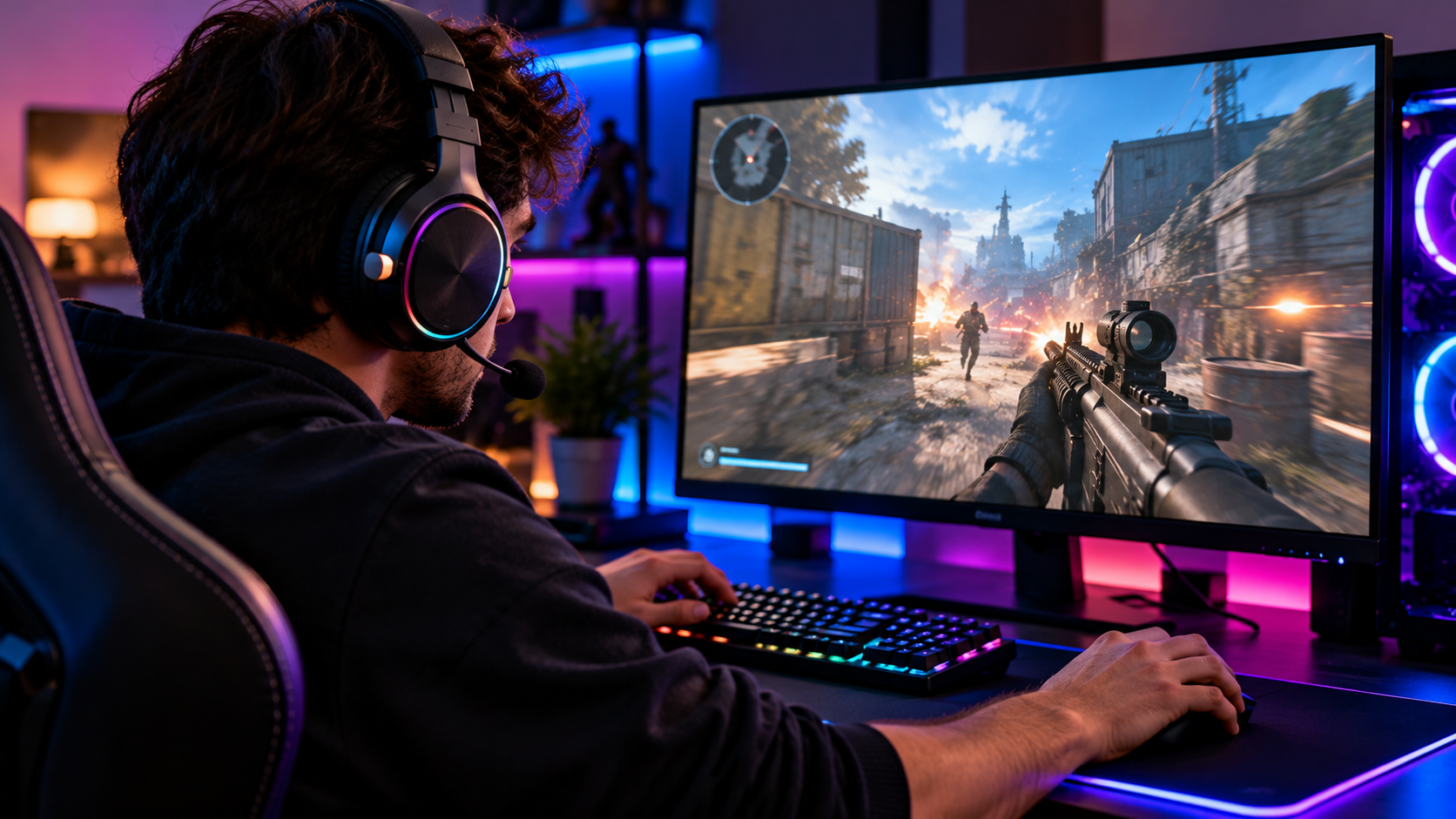
Best gaming headset shopping gets confusing fast, with every brand pushing its own version of virtual surround sound, oversized driver numbers, and RGB lighting as if these alone decide how good a headset actually sounds or feels after a few hours of use. The truth is a smaller handful of real factors separate a genuinely great gaming headset from an average one, and most of them have nothing to do with the flashiest marketing claims on the box. Here is what to actually focus on.
Why headset choice matters more than people expect
Audio affects gaming in two very different ways, and a good headset needs to handle both well. Competitively, hearing footsteps, gunfire direction, and other positional cues clearly and accurately can genuinely improve how you play, especially in shooters and other sound dependent games. On the comfort side, a headset you wear for hours needs to stay comfortable the entire time, since even great sound quality becomes irrelevant if the headset starts hurting your ears or head halfway through a session.
Sound quality: what to actually listen for
Positional accuracy matters more than raw bass for competitive games. A headset that lets you clearly tell where a sound is coming from, left, right, behind, or above, gives you a real practical advantage in games where audio cues matter. Marketing terms like virtual 7.1 surround sound can help with this, but the underlying driver quality and tuning matter more than the specific surround sound label on the box.
Balanced sound serves you better than exaggerated bass for most games. Headsets heavily tuned for deep, boosted bass can sound exciting in short demos but often muddy footstep and directional audio cues during actual competitive play. A more balanced sound profile tends to serve gaming specifically better than a headset tuned primarily to impress during a quick listen.
Driver size alone does not guarantee better sound. Marketing often highlights larger driver sizes as an automatic quality signal, but driver tuning and overall headset engineering matter far more than the raw size number by itself. A well tuned smaller driver can outperform a poorly tuned larger one.
Microphone quality: easy to overlook, hard to live without
If you play with friends, join voice chat regularly, or stream, microphone quality deserves just as much attention as the sound you hear. A muddy, tinny, or background noise picking microphone makes you harder to understand and, frankly, less pleasant to play with regularly.
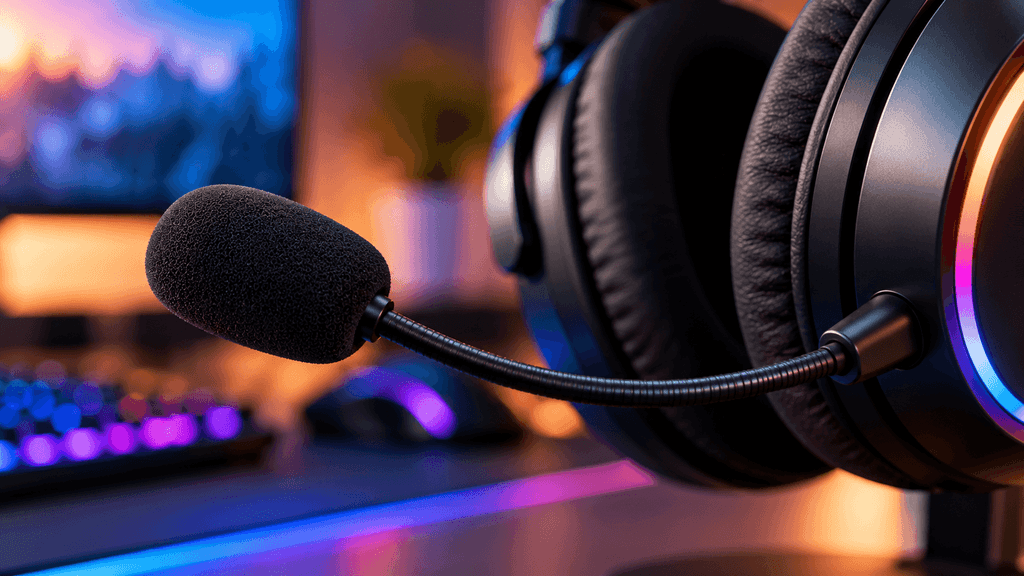
Look specifically for a headset with noise cancelling or noise gating features on the microphone, since this makes a real difference in a noisy room or a shared living space. A detachable or flip to mute microphone is also a genuinely useful practical feature, letting you quickly go silent without fumbling for a software mute button mid game.
Comfort: the spec that matters most for long sessions
Weight and clamping force affect comfort more than almost any other single factor. A headset that feels fine for the first twenty minutes can become genuinely uncomfortable after two or three hours, particularly around the top of your head and the sides pressing against your ears. If possible, check reviews specifically mentioning extended wear comfort, not just initial impressions.
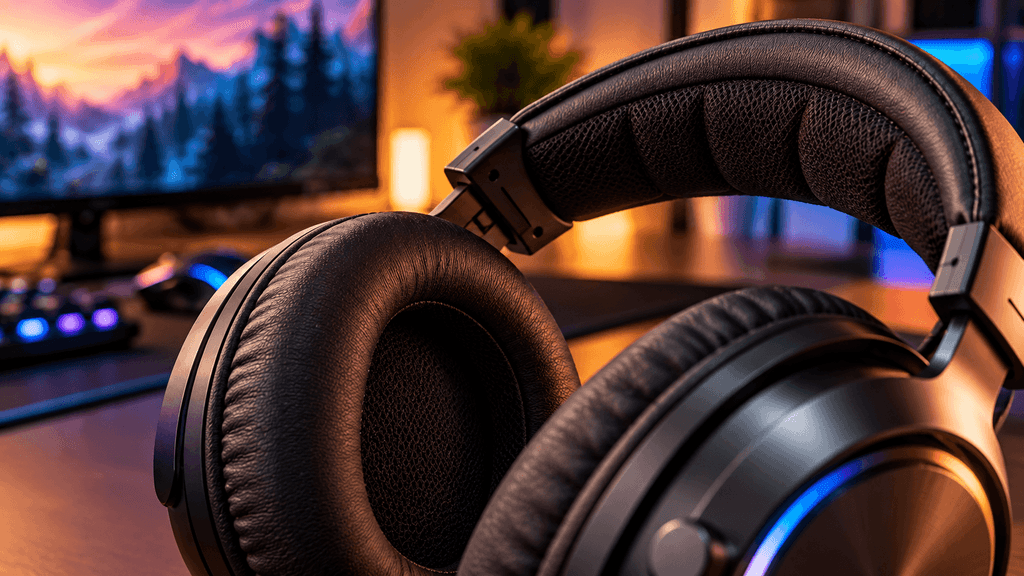
Ear cushion material affects both comfort and heat. Memory foam cushions generally feel plush and comfortable, while cooling gel infused or breathable fabric options help reduce heat buildup during longer sessions, something worth prioritizing if you tend to run warm or play in a room without strong air conditioning.
Headband padding and adjustability matter for different head sizes. A headset that does not adjust well to your specific head shape and size will never feel fully comfortable, regardless of how good its other specifications are, so checking the adjustment range before buying is worth the extra minute.
Wired versus wireless: the real tradeoffs
A wired gaming headset avoids any possibility of connection related latency entirely and never needs charging, making it a reliable, no compromise choice for serious competitive play. A wireless headset offers real freedom of movement and a cleaner desk setup, and modern gaming specific wireless technology has closed much of the latency gap that used to make wired the only serious choice for competitive gamers.
For most players, a quality wireless headset using dedicated low latency gaming wireless technology, not standard Bluetooth, performs close enough to wired that the practical difference is small. For the most demanding competitive players, wired remains the safest, most predictable option, since it eliminates any variable related to wireless connection entirely.
Headset type: over-ear versus on-ear, open-back versus closed-back
Over-ear headsets, which fully surround your ear rather than resting on it, are generally more comfortable for long sessions and tend to block more outside noise, making them the more common choice for dedicated gaming setups.
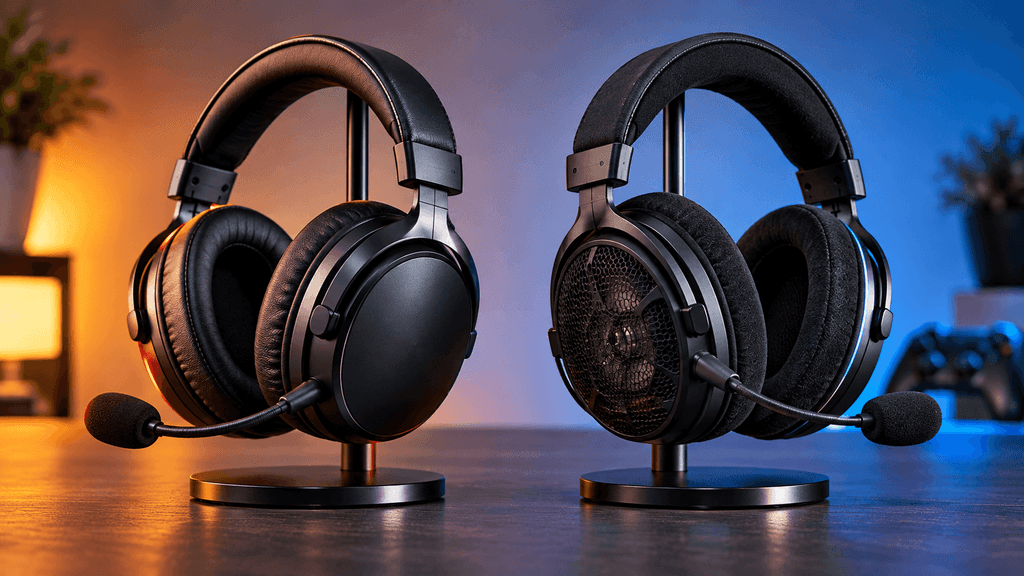
Closed-back headsets keep sound contained within the ear cup, offering better noise isolation and preventing sound leakage, which matters if you share a room or play late at night. Open-back headsets let some sound pass through the ear cup, often producing a more natural, spacious sound signature, but sacrifice noise isolation and let others nearby hear what you are playing, making them a better fit for quiet, private spaces specifically.
What marketing terms matter less than they sound
Extremely high advertised frequency response ranges rarely reflect a meaningful real world difference for gaming specifically, since the practical range most game audio actually uses is narrower than these marketing numbers suggest.
Aggressive RGB lighting affects how a headset looks on camera or on a desk far more than how it sounds or feels, and is worth treating as a cosmetic bonus rather than a genuine quality indicator.
Oversized combined driver or surround channel counts sound impressive on a box but matter far less than how well tuned and balanced the actual sound output is during real gameplay.
What to actually check before buying
Try for comfort if at all possible, since head size and shape vary enough between people that a headset that feels great to one person can feel genuinely uncomfortable to another, regardless of its specifications.
Check independent reviews specifically mentioning extended wear comfort and microphone clarity, rather than relying purely on a brand’s own marketing copy or short demo impressions.
Confirm compatibility with your specific platform, since some wireless gaming headsets are built around a dongle designed for PC specifically and may not connect the same way to a console, or may need a separate adapter.
Consider your actual environment, choosing closed-back for shared spaces or late night sessions, and open-back only if you have a quiet, private room where sound leakage is not a concern.
The bottom line on choosing a gaming headset
The best gaming headset for you balances sound quality that actually helps you hear what matters in your specific games, a microphone that keeps you clear in voice chat, and comfort that genuinely holds up over long sessions, not just the specs that look most impressive on a store page. Prioritize real world comfort and positional audio accuracy over flashy marketing numbers, and check your specific use case, competitive gaming, casual play, or streaming, against the headset’s actual strengths before deciding.
What matters most to you in a gaming headset, comfort, sound accuracy, or microphone quality? Let us know in the comments.
FAQ: Best Gaming Headset
Is wireless as good as wired for competitive gaming now?
For most players using a quality headset with dedicated low latency gaming wireless technology, the difference is small enough to not matter. The most demanding competitive players still often prefer wired to eliminate any possibility of wireless interference entirely.
Does a bigger driver size mean better sound?
Not necessarily. Driver tuning and overall headset engineering matter more than raw driver size alone. A well tuned smaller driver can sound better than a poorly tuned larger one.
What is the difference between closed-back and open-back headsets?
Closed-back headsets contain sound within the ear cup, offering better noise isolation for shared or noisy spaces. Open-back headsets let some sound pass through, often sounding more natural and spacious, but let others nearby hear your audio.
Do I need virtual surround sound for gaming?
It can help with positional accuracy in games where hearing direction matters, like shooters, but the underlying driver quality and tuning matter more than the surround sound label itself. A well tuned stereo headset can still offer excellent positional audio.
How do I know if a gaming headset will be comfortable for long sessions?
Checking independent reviews that specifically mention extended wear comfort, rather than just initial impressions, is the most reliable way to judge this. Weight, clamping force, and ear cushion material all play a bigger role than people expect.
Is a detachable microphone better than a built in one?
A detachable or flip to mute microphone offers practical convenience, letting you quickly go silent or remove it when not needed. Whether it’s better depends on your use case, but it is a genuinely useful feature for anyone who frequently switches between gaming alone and voice chat.
More Useful Tools
Vertical Stack Ceiling Clearance Calculator | Monitor Stack Height Tool
Under-Desk Mount Torque Calculator | PC Mount Load Checker
Desk Boundary Bass Gain Estimator | Speaker Boominess Calculator
Speaker Placement Calculator | Near-Field Toe-In Angle Tool
Keyboard Footprint Savings Calculator | 60% vs TKL vs Full-Size
Mousepad Size Calculator | DPI & Sensitivity Fit Checker
Mic Arm Boom Reach Calculator | Clamp Depth & Fit Checker
Mini-ITX Case Volume Comparison Tool | Compare Case Sizes
Case Airflow Calculator | Fan CFM & Air Changes Per Minute Tool
SFF PSU Wattage Calculator | Small Form Factor Power Supply Sizing
CPU Cooler Height Clearance Calculator | Case Fit Checker
GPU Length Clearance Checker | Mini-ITX Case Compatibility Tool
Cable Management Length Estimator | Desk Cable Calculator
Standing Desk Height Calculator | Ergonomic Sit-Stand Tool
Monitor Arm Weight Compatibility Checker
Desk Depth Compatibility Checker | Small Desk Gear Fit Tool
Desk Weight Capacity Calculator | Load & Mounting Estimator
Multi-Monitor Bezel Offset Calculator | Triple Monitor FOV Tool
Stacked Monitor Clearance Calculator | Vertical Arm Fit Checker
Monitor Arm Clamp Depth Checker (Desk Compatibility)
Monitor Viewing Distance Calculator | Monitor PPI Calculator