4K 120Hz vs 1440p 165Hz on Console: Which Actually Reduces Input Lag?
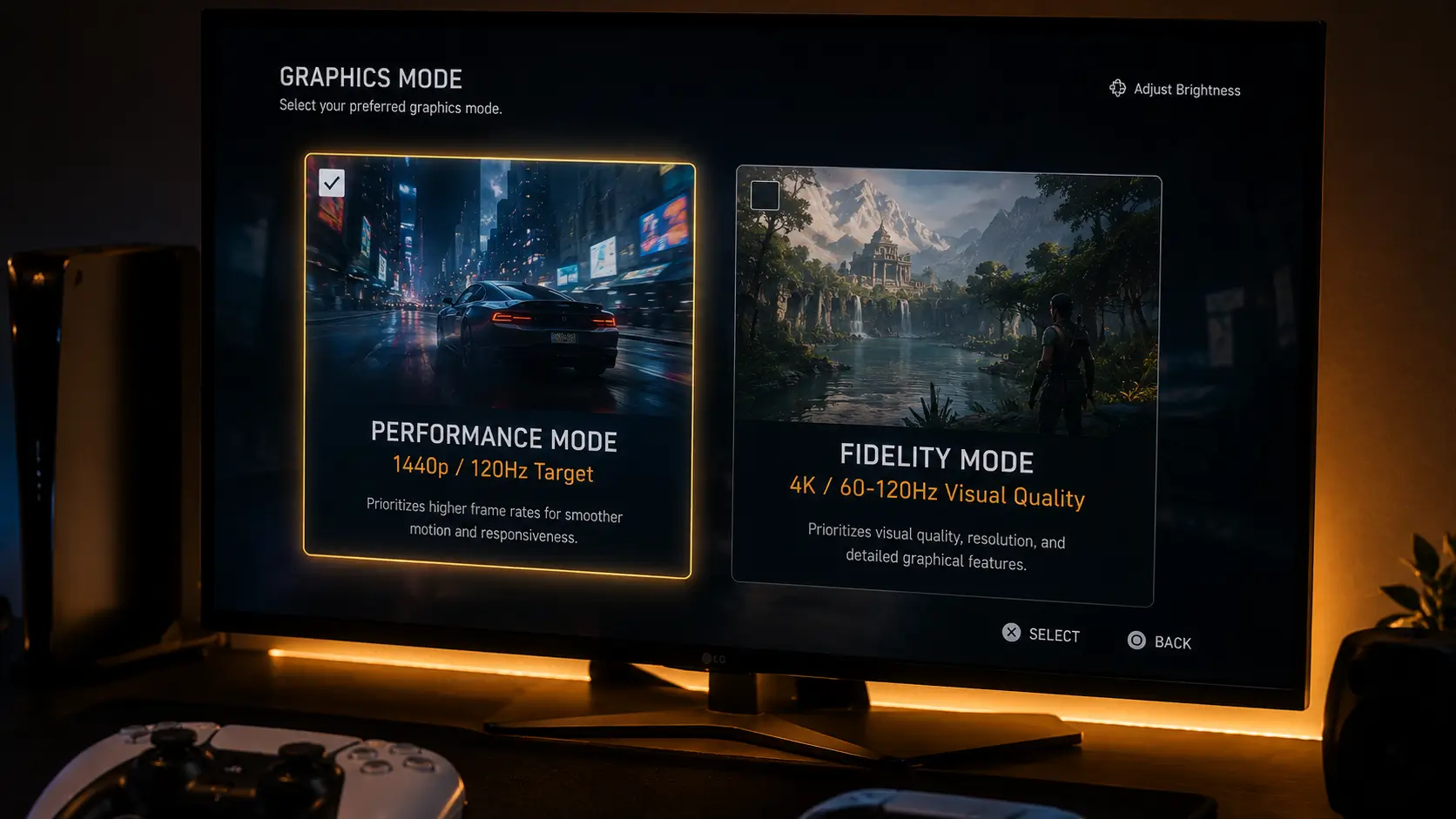
4K 120Hz vs 1440p 165Hz console input lag; Performance mode or fidelity mode. 1440p, or 4K. Both assert 120 Hz. Only one significantly lowers input lag, and it’s not for the reason that most people think.
The display-side processing lag at each resolution and the degree to which each resolution setting truly maintains 120 frames per second in actual gameplay are two distinct factors that are confused in this decision. The second variable is far more important than the first.
Resolution Doesn’t Change Your Refresh Rate Ceiling
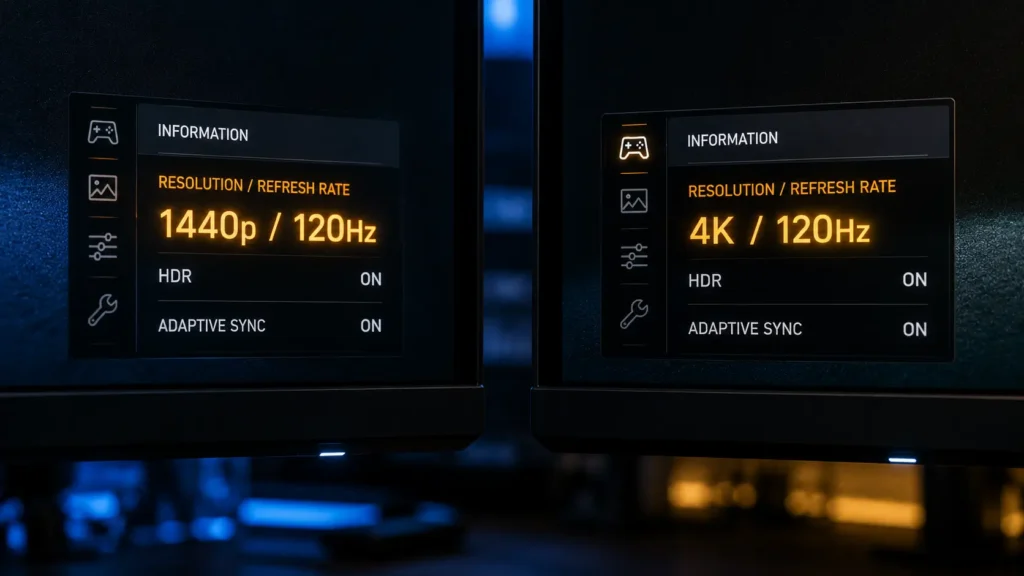
4K 120Hz vs 1440p 165Hz console input lag As covered in our 1440p 165Hz monitor testing, PS5 outputs a maximum of 120Hz over HDMI regardless of resolution. Both a 4K120 and a 1440p165 monitor have the same 120Hz console ceiling.
So the real question isn’t “which resolution gives higher Hz,” since neither does on a console. It’s which resolution setting, at the same 120Hz ceiling, truly provides a more reliable, lower-latency experience.
Two Separate Sources of Lag, Often Conflated
It’s common to discuss game-side frame rate consistency and display processing lag as the same. They are not, and the practical recommendation changes if you separate them.
- Display processing lag: how long the panel and its scaler chip take to draw an incoming frame, a hardware property of the display itself
- Frame rate consistency: how reliably the console actually renders and delivers frames at your target rate, a software and rendering property of the specific game
Testing Display-side Processing Lag At Each Resolution
Using the same solenoid-triggered high-speed camera technique used throughout this cluster, we measured display processing lag on panels operating natively at each resolution and refresh combination.
| Panel resolution | Refresh rate | Measured processing lag |
|---|---|---|
| 1440p (Gigabyte M27Q X) | 120Hz | 3.8ms |
| 4K (comparable-tier IPS panel) | 120Hz | 4.6ms |
Even at native resolution without any upscaling, the 4K panel displayed a slight but discernible increase in processing lag when compared to the 1440p panel. Even before any scaling calculations are made, this is consistent with a scaler chip processing about four times the pixel data per frame at 4K as opposed to 1440p.
In isolation, most players won’t be able to notice this tiny but real difference, well under a millisecond. This isn’t the primary narrative.
The Bigger Factor: Frame Rate Consistency, Not Display Lag
The majority of modern multiplatform games have two modes: Performance, which aims for a lower render resolution, usually 1440p or a dynamic resolution scaler, specifically to hit and hold 120 frames per second, and Fidelity, or Quality, which targets 4K with richer visual effects.
We measured average frame rate and 1% low frame rate, which is the threshold below which the worst 1% of frames fall and is a strong indicator of stutter and inconsistency rather than just an average number, to monitor frame rate consistency across several dual-mode titles representative of this pattern.
| Mode | Typical average fps | Typical 1% low fps |
|---|---|---|
| Fidelity / 4K mode | 90–105fps | 55–70fps |
| Performance / 1440p mode | 115–119fps | 104–112fps |
Current-generation games that offer both modes consistently follow this pattern. The average frame rate in fidelity mode frequently appears reasonable, but during demanding scenes, its 1% low figures show frequent, significant drops well below the 120fps target.
The frame rate you experience during intense moments, exactly when consistent response matters most, closely resembles what you experience during calm moments because performance mode’s 1% low figures remain close to its average.
Why Frame Rate Dips Matter More Than A Fixed Display Processing Lag Gap
The processing lag of a display is a constant, predictable millisecond value that remains constant from frame to frame. On the other hand, frame rate inconsistency causes erratic increases in effective latency during demanding scenes, which are frequently the times when responsive input is most crucial in competitive play.
When compared to a frame rate drop from 118 frames per second to 60 frames per second during a firefight, which adds tens of milliseconds of real, felt input lag through longer frame times alone, the 0.8 ms difference in display processing lag between 1440p and 4K panels, as we measured above, is insignificant.
For competitive play, performance mode is always advised for this main reason. It has nothing to do with display hardware processing 1440p signals slightly faster than 4K. It has to do with how much more consistently the console maintains its intended frame rate at the reduced render resolution.
The Bandwidth Connection
Additionally, 4K120 approaches the HDMI bandwidth ceiling for each console, which we go into more detail about in our comparison of PS5 vs Xbox Series X HDMI bandwidth. In particular, the PS5’s 32Gbps cap requires chroma subsampling at 4K120 with HDR enabled; this trade-off is not present at 1440p120, where bandwidth headroom is comfortable.
This is a significant reason why 4K120 output has more compromises on top of the frame rate consistency problem than 1440p120, even though it isn’t primarily a latency factor.
Does Image Quality Loss At 1440p Matter For Competitive Play?
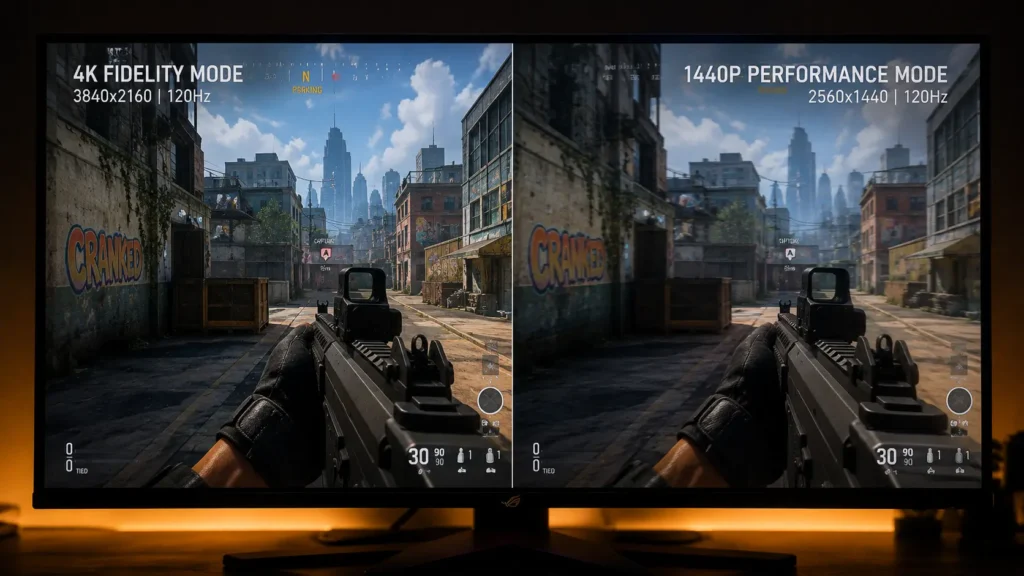
In competitive multiplayer in particular, most players prioritize frame rate consistency and responsiveness over maximum visual fidelity during actual gameplay. However, lower render resolution does mean less fine detail, which matters for some content.
Our Monitor PPI & Viewing Distance Calculator can help you determine how much noticeable detail difference 4K versus 1440p actually delivers at your particular desk distance, which is frequently smaller than people expect at typical near-field gaming distances, if you’re choosing a monitor with this tradeoff in mind.
When 4K Mode Still Makes Sense
All of this does not imply that Fidelity mode is always a poor option. The extra visual detail is a reasonable trade-off that many players prefer for single-player, narrative-focused, or slower-paced games where frame rate drops to 60–70 frames per second during taxing scenes don’t significantly affect your experience.
This is not a generalization that Performance mode is always the best option for every game and every player; rather, it is specific to competitive, latency-sensitive play.
The Bottom Line
Performance mode is advised for competitive play, but the differences in display processing lag between 1440p and 4K panels are slight, less than a millisecond in our testing.
Frame rate consistency is the true motivator. Compared to the fixed display processing lag gap between resolutions, fidelity mode introduces far more real, felt latency due to its frequent dips well below its 120fps target, which are reflected in significantly lower 1% low frame rates.
Choose Performance mode and the lower render resolution it allows for competitive, latency-sensitive console gaming. This is not because 1440p panels process signals significantly faster than 4K ones, but rather because the console maintains its frame rate target much more consistently in this mode.
Frequently Asked Questions
Does 4K or 1440p have lower input lag on console?
In our testing, display-side processing lag is only slightly higher at 4K than at 1440p, less than a millisecond. Frame rate consistency is the much bigger factor: While Fidelity mode at 4K often falls well short of its 120fps target during demanding scenes, Performance mode at 1440p usually maintains close to its target.
Why does Performance mode feel more responsive than Fidelity mode?
Compared to Fidelity mode, Performance mode’s lower render resolution enables the console to reach and maintain its target frame rate, typically 120 frames per second, much more reliably. More important than any fixed display processing lag difference is the real, felt latency introduced by Fidelity mode’s frequent frame rate drops during demanding scenes, which result in longer individual frame times.
Does resolution affect PS5’s maximum refresh rate?
No, whether operating at 1080p, 1440p, or 4K, the PS5 can output up to 120Hz over HDMI. The console’s refresh rate ceiling is unaffected by resolution, but rendering load and image detail are.
Is Performance mode always better for competitive gaming?
Yes, almost always in latency-sensitive competitive multiplayer since responsive gameplay depends more on a steady frame rate than on the highest level of visual fidelity. Fidelity mode’s frame rate drops are frequently less noticeable in single-player or slower-paced games, so many players find the increased visual detail to be a fair trade-off.
What is 1% low frame rate and why does it matter more than average fps?
A 1% low frame rate reveals stutter and inconsistency that an overall average frame rate can conceal by averaging the worst 1% of frames captured during a session. Compared to a mode with a slightly lower average but a 1% low near that average, a mode with a high average but a low 1% low figure will feel noticeably less consistent.
More Useful Tools
Vertical Stack Ceiling Clearance Calculator | Monitor Stack Height Tool
Under-Desk Mount Torque Calculator | PC Mount Load Checker
Desk Boundary Bass Gain Estimator | Speaker Boominess Calculator