
Compact Mic Arm Review: Desk Clamp Reach and Boom Clearance Tested
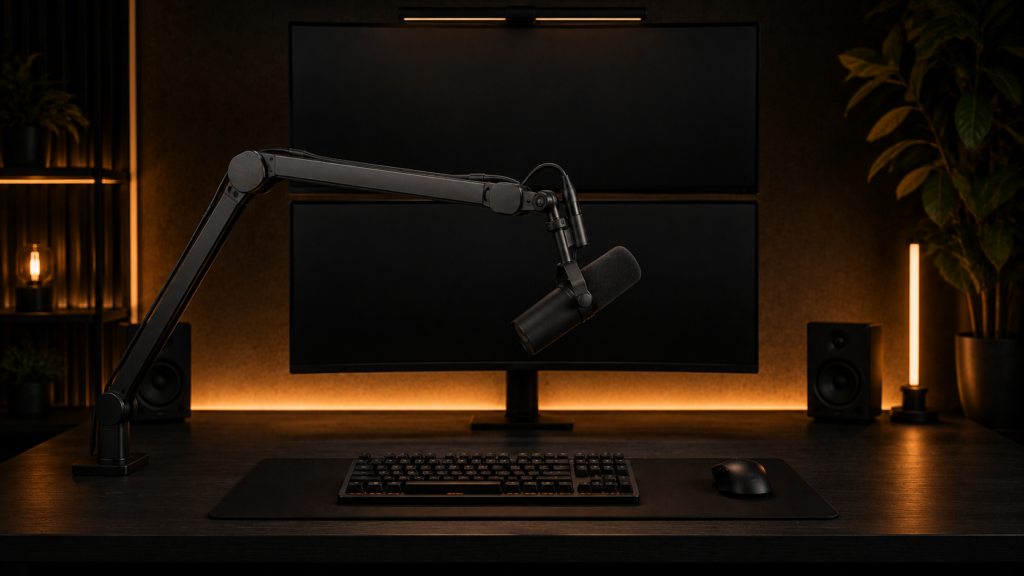
Your compact mic arm’s clamp is eating the last two inches of desk depth you had left, or the boom won’t reach far enough to actually get the mic where you sit. Instead of the fully extended marketing shots on the box, we tested four mic arms for real clamp footprint and real reach once mounted. In a nutshell, the Elgato Wave Mic Arm LP outperformed the others in terms of clamp depth without sacrificing usable reach; we’ll explain why below.
What We Tested and Why Clamp Depth Matters More Than Boom Reach
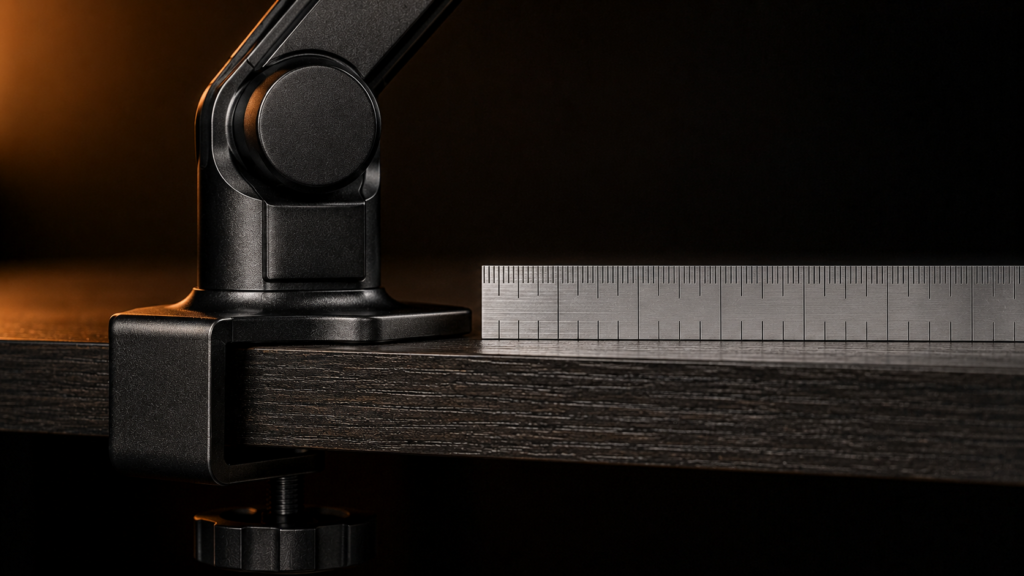
Most compact mic arm listings start with maximum boom reach, which indicates how far the microphone can extend but doesn’t specify the desk depth the clamp claims to be at rest. The clamp footprint on a shallow desk is just as important as reach because it takes up desk edge space whether the boom is swung out of the way or extended toward you. For clamp depth, maximum boom reach, folded footprint, and counterbalance range, the weight of the microphone that the internal spring can genuinely support without sagging, we measured four arms.
Specs Comparison
| Mic arm | Clamp depth | Max boom reach | Folded footprint | Counterbalance range | Internal cable routing | Price |
|---|---|---|---|---|---|---|
| Elgato Wave Mic Arm LP | 2.4 in | 30 in | 3.0 in | 0.3–1.3 lbs | Yes | $89 |
| Rode PSA1+ | 3.5 in | 32 in | 4.0 in | 0.5–1.5 lbs | Yes | $112 |
| Blue Compass | 3.2 in | 29 in | 3.8 in | 0.4–1.4 lbs | Yes | $79 |
| InnoGear Boom Arm | 3.0 in | 27 in | 3.5 in | 0.4–1.1 lbs | No | $39 |
| Elgato Wave Mic Arm LP | Rode PSA1+ | Blue Compass | InnoGear Boom Arm |
|---|---|---|---|
| Check price | Check price | Check price | Check price |
On a desk where every inch of depth is already taken, the Elgato Wave LP’s clamp depth is almost an inch and a half deeper than the Rode PSA1+’s, despite the latter having the group’s longest reach.
Does it fit your Desk? Reach and Swing Radius Math
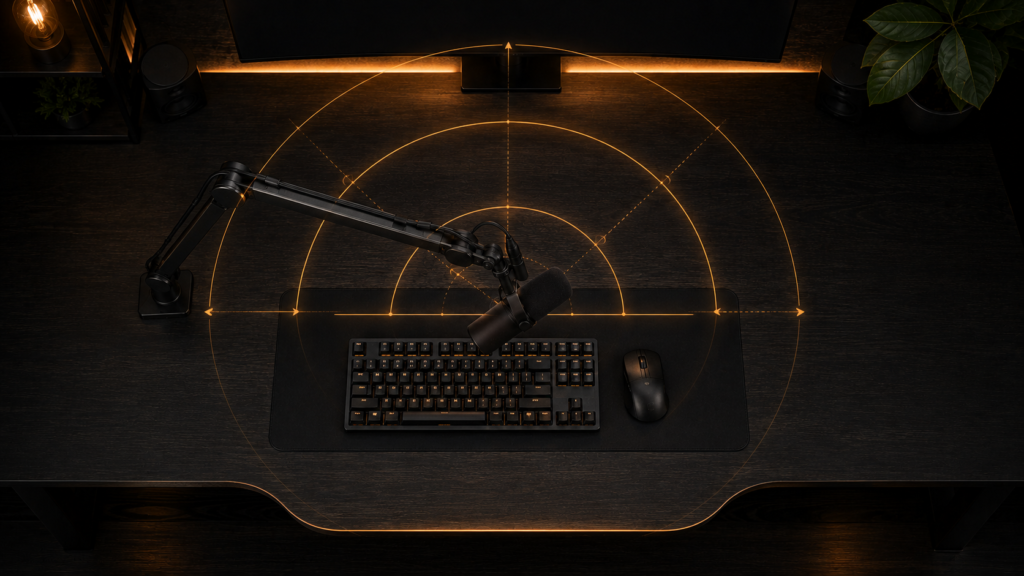
The reach listed for a boom arm on a spec sheet is measured when the arm is fully straight, but that’s not how you’ll usually use it over a keyboard at a comfortable speaking distance. Because of the angle and the drop needed to bring the microphone to your mouth, the real usable reach is often four to six inches less than the maximum. You should also check how much space the boom takes up on your desk, since a fully extended arm can use more room than you might think. If you have a keyboard on a slide-out tray, make sure the boom can clear it when the tray is at its lowest. We measured the exact tray clearance needed in our keyboard tray space for our boom arms breakdown.
Counterbalance Tuning and Cable Weight
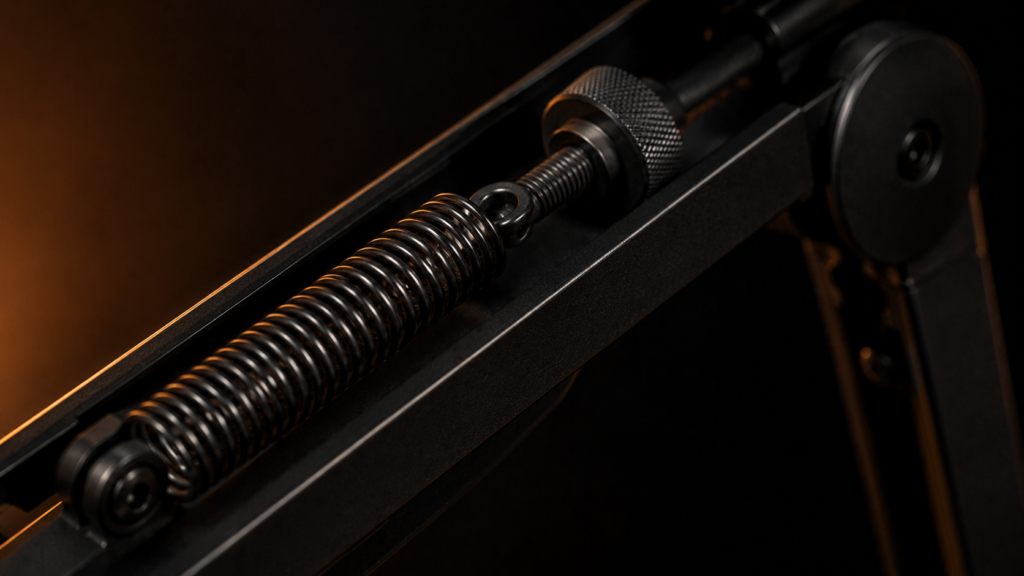
All the compact mic arms in this test use an internal spring to balance the microphone’s weight, and each spring is designed for a specific weight range listed on the spec sheet. But the spec sheet doesn’t account for the weight and drag from the cable. If you use a stiff XLR cable or don’t clip it along the boom, the extra resistance can work against the spring. The most common reason a mic arm starts to droop after a few days, even if it seemed fine in the store, is when the microphone is at the top of the arm’s weight range, and the cable isn’t clipped. Some arms, like the Elgato Wave LP and Rode PSA1+, have internal cable routing, so the cable runs inside the boom instead of hanging off it. This helps prevent drooping.
Clamp Footprint and Desk Edge Conflicts
The clamp for a compact mic arm requires its own portion of the desk edge, and on a shallow desk, that portion may end up competing with other clamps. Before assuming that two clamps will coexist peacefully if you have a monitor arm clamped to the same edge, check the combined footprint of both clamps side by side. This is because two clamps placed too close to one another can each lose some of their grip strength on thinner desktop material. In our monitor arm and mic arm clearance breakdown, we discuss the precise clamp depth and spacing for a monitor arm as well as the amount of combined edge space that two clamps actually require.
Structural Failures in a Compact Mic Arm
The most common long-term failure isn’t the clamp slipping; it’s spring sag from a mic that’s underrated for the arm’s counterbalance range. Even a well-tuned spring loses tension more quickly over time if your microphone is positioned at or above the top of an arm’s rated weight than if it is operating comfortably within its range. Before purchasing, check the weight of your particular microphone, including the shock mount, against the arm’s counterbalance range, rather than after you’ve noticed the boom drifting downward over several months of use.
Cable strain at the boom’s pivot points is the other quiet failure. The cable flexes at the same one or two joints each time the arm swings, and over months, this repeated flex can wear down the internal wiring of a cheap cable long before the arm itself exhibits any wear. Instead of pulling your cable taut at each pivot, route it with a little slack to prevent tension at the flex point.
The Bottom Line
Choose the Elgato Wave Mic Arm LP if you need a clamp that takes up very little space and your desk depth is limited. If you want the longest boom reach and have enough desk space for a larger clamp, the Rode PSA1+ is a better choice. For heavier microphones, it’s best to avoid the InnoGear Boom Arm since its counterbalance range is smaller and it lacks internal cable routing, which can cause sagging over time.



One Comment