Best Portable Monitors: What Actually Matters Before You Buy One
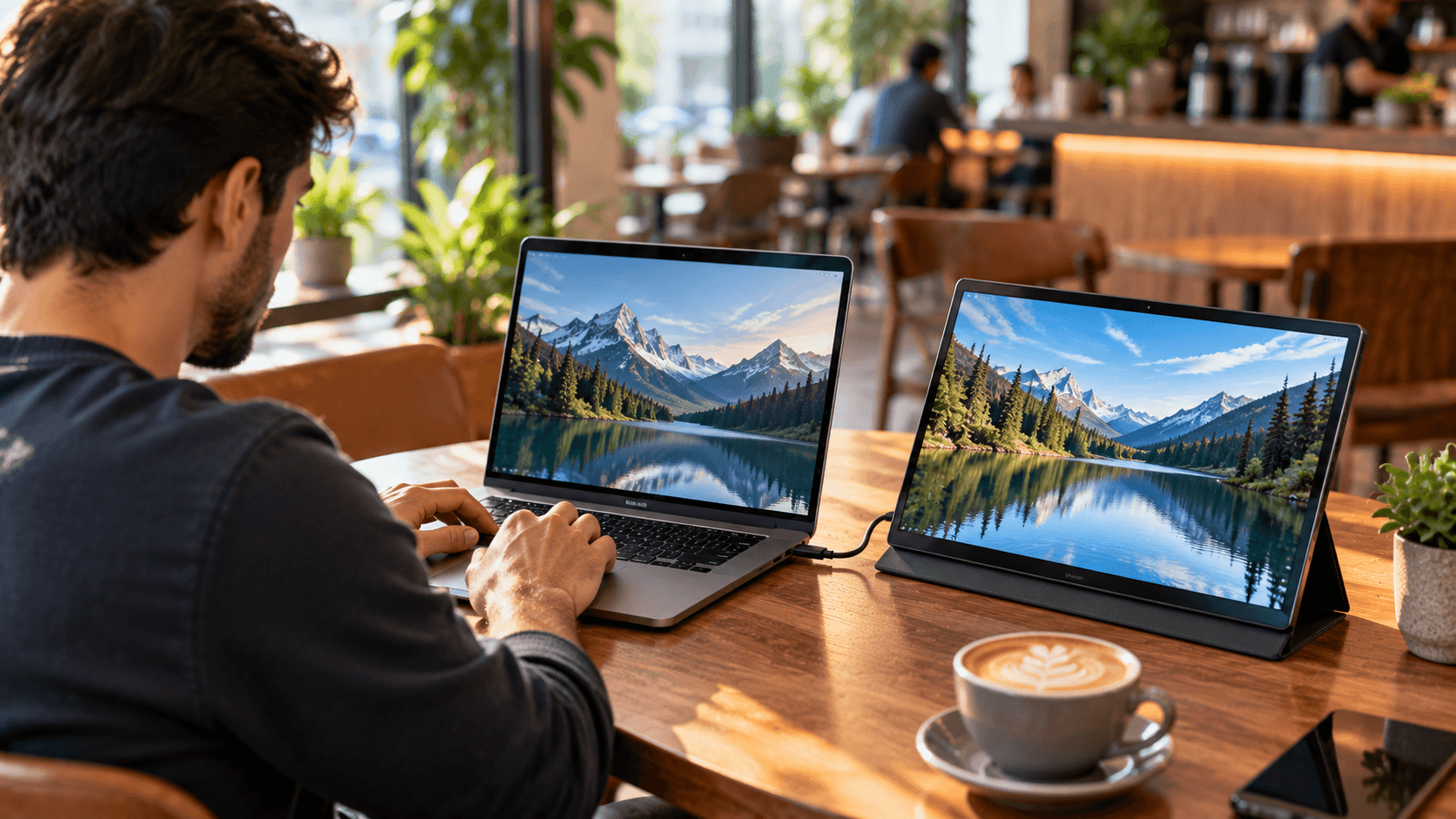
Best Portable Monitors, A portable monitor sounds like a simple idea. A second screen that folds up and travels with you. But the category covers a surprisingly wide range of quality, and the difference between a genuinely useful travel monitor and a frustrating one comes down to a handful of specs that are easy to overlook while comparing prices and screen sizes. Here is what actually matters, so you can judge any specific portable monitor on its real merits rather than its marketing photos.
What a portable monitor actually is
A portable monitor is a thin, lightweight external display, usually between 13 and 17 inches, designed to connect to a laptop, phone, or gaming console through a single cable, most commonly USB-C, without needing a separate power source in a lot of cases. The goal is extending your screen real estate anywhere you go, whether that means a second monitor on a work trip, a bigger display for a console in a hotel room, or simply more room to work from a coffee shop table.(Best Portable Monitors)
The spec that matters most: single cable power delivery
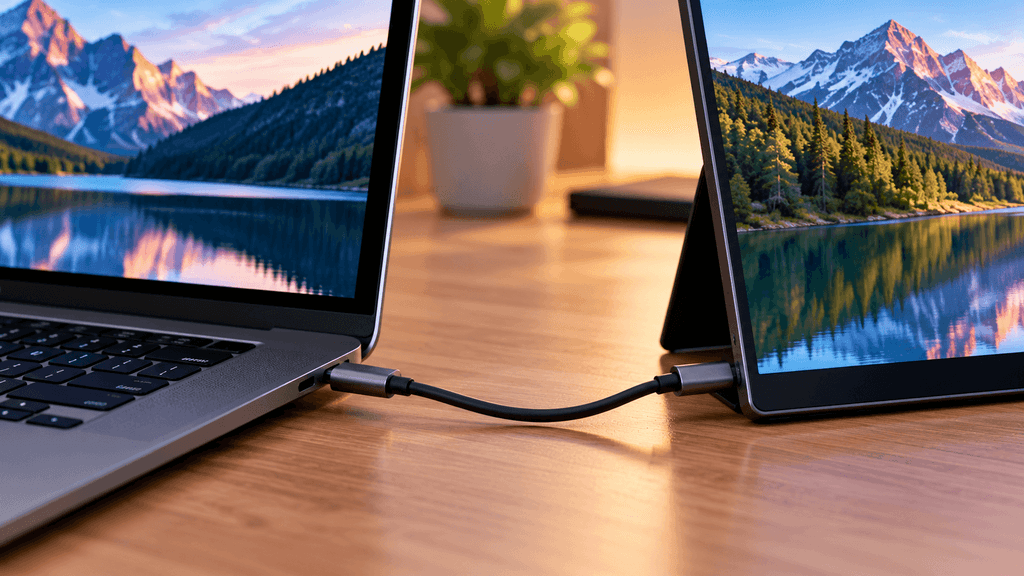
This is the single biggest factor separating a genuinely convenient portable monitor from an annoying one. The best portable monitors run entirely off a single USB-C cable connected to your laptop, carrying both the video signal and enough power to run the screen at the same time, meaning you pack one cable instead of two separate ones for video and power.
Not every portable monitor manages this cleanly. Some models, especially larger or brighter ones, require a separate power cable in addition to the video connection, which defeats a lot of the simplicity that makes a portable monitor appealing in the first place. Before buying, check specifically whether a model runs on single cable power from a laptop, or whether it needs its own separate power brick to function properly.(Best Portable Monitors)
Why your laptop’s actual USB-C port matters more than the monitor’s spec sheet
This trips up a lot of buyers. Not every USB-C port on every laptop supports video output and sufficient power delivery through a single cable, even though the physical connector looks identical across different laptops. Before buying a portable monitor, confirm your specific laptop supports video output over USB-C, sometimes called DisplayPort Alt Mode, since a portable monitor that works perfectly with one laptop can fail to display anything at all when connected to another, purely because of this hidden port capability difference.
Screen quality: what to actually look for
Resolution matters, but so does size relative to that resolution. A 1080p portable monitor at a smaller 13 to 14 inch size looks noticeably sharper than the same resolution stretched across a larger 17 inch panel, so consider pixel density together with raw resolution rather than resolution alone.(Best Portable Monitors)
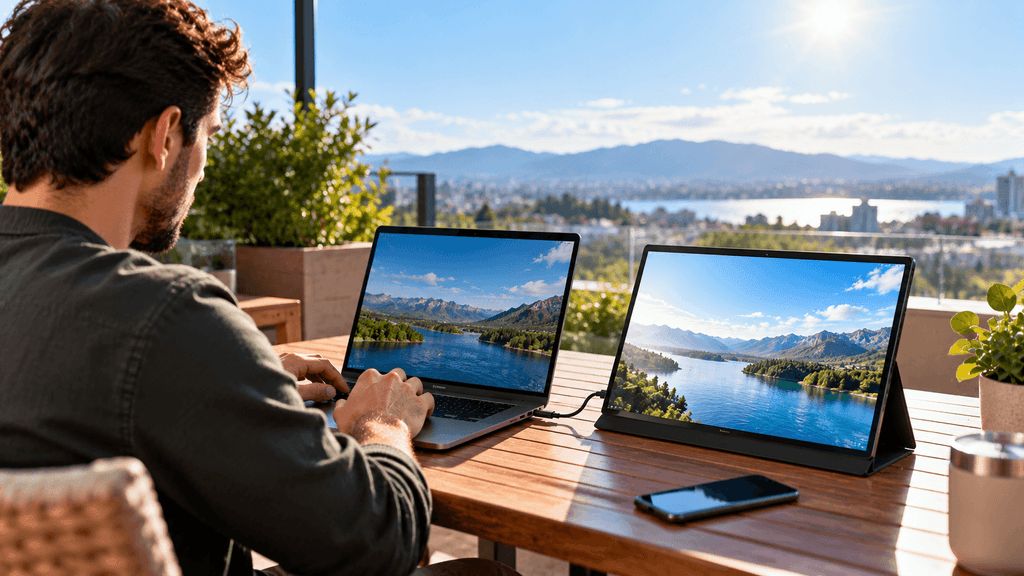
Brightness is a real limiting factor for portable monitors specifically. Because these screens are designed to be thin and light, many portable monitors run notably dimmer than a standard desktop monitor, which becomes a genuine problem if you plan to use one outdoors or in a brightly lit room. Checking a model’s peak brightness rating, ideally from independent reviews rather than marketing copy alone, matters more for a portable monitor than it typically does for a monitor that stays at a fixed indoor desk.(Best Portable Monitors)
Panel type affects color and viewing angles. IPS panels generally offer better color accuracy and wider viewing angles than cheaper panel types, which matters if you plan to show the screen to someone else or work with color sensitive tasks like photo editing while traveling.
Build quality and the stand: easy to overlook, hard to live without
A portable monitor’s built in stand or cover often doubles as its only means of standing upright, and the quality here varies enormously between models. Some use a simple folding smart cover similar to a tablet case, which can feel flimsy on an uneven surface like a hotel bed or airplane tray table. Others include a proper kickstand or a more rigid folding case, which tends to feel more stable in genuinely portable, unpredictable use environments.
Weight and actual physical durability matter here too. A portable monitor is going into a bag regularly, potentially alongside other items, so checking for a model with a genuinely protective included case, not just a thin cosmetic cover, is worth prioritizing over a slightly lighter weight spec on paper.(Best Portable Monitors)
Touchscreen: worth it, or an unnecessary expense
Some portable monitors include touchscreen functionality, which can be genuinely useful for creative work, presentations, or simply navigating without a mouse in cramped travel spaces. But touchscreen models typically cost meaningfully more and are not necessary for most portable monitor use cases, like simply extending a laptop screen for extra workspace. Consider honestly whether you would actually use touch input regularly before paying the premium for it.
Connectivity beyond USB-C
While single cable USB-C connectivity is the main draw for most buyers, checking whether a portable monitor also includes a Mini HDMI or full HDMI port adds real flexibility, particularly for connecting to a gaming console, an older laptop without USB-C video support, or any device that cannot provide power delivery through its USB-C port the way a modern laptop typically can.(Best Portable Monitors)
What to actually check before buying
Confirm single cable compatibility with your specific laptop, ideally by checking your laptop’s exact model specifications for USB-C video output support, rather than assuming any USB-C port works the same way.(Best Portable Monitors)
Check real world brightness ratings from independent reviews, especially if you plan to use the monitor outdoors or in bright environments regularly.(Best Portable Monitors)
Look at the included stand or case quality specifically, since this affects daily usability more than almost any other spec once you are actually using the monitor away from a stable desk.(Best Portable Monitors)
Verify the actual weight and folded size, since a portable monitor that is genuinely inconvenient to carry defeats its own purpose, regardless of how good the screen itself is.
Check for additional ports beyond USB-C if you expect to connect to a gaming console or an older device without modern USB-C video support.(Best Portable Monitors)
Who actually benefits most from a portable monitor
If you travel regularly for work and want a genuine second screen without checking a bag specifically for it, a quality portable monitor with reliable single cable power delivery is a real productivity upgrade worth the investment. If you occasionally want extra screen space at a coffee shop or while working from different rooms at home, a portable monitor is a convenient, if not strictly necessary, addition. If your main use case is gaming with a console while traveling, prioritize a model with good HDMI support and solid brightness specifically, since gaming consoles do not always use the same simple USB-C single cable approach a modern laptop does.
The bottom line on choosing a portable monitor
The best portable monitor for you is not necessarily the one with the biggest screen or the flashiest marketing. It is the one that actually works reliably with your specific laptop over a single cable, holds up to real travel conditions with a genuinely sturdy stand or case, and offers enough brightness for wherever you actually plan to use it. Check these details against your own setup before buying, and a portable monitor becomes a genuinely convenient tool rather than something that ends up staying in the bag more than on your desk.
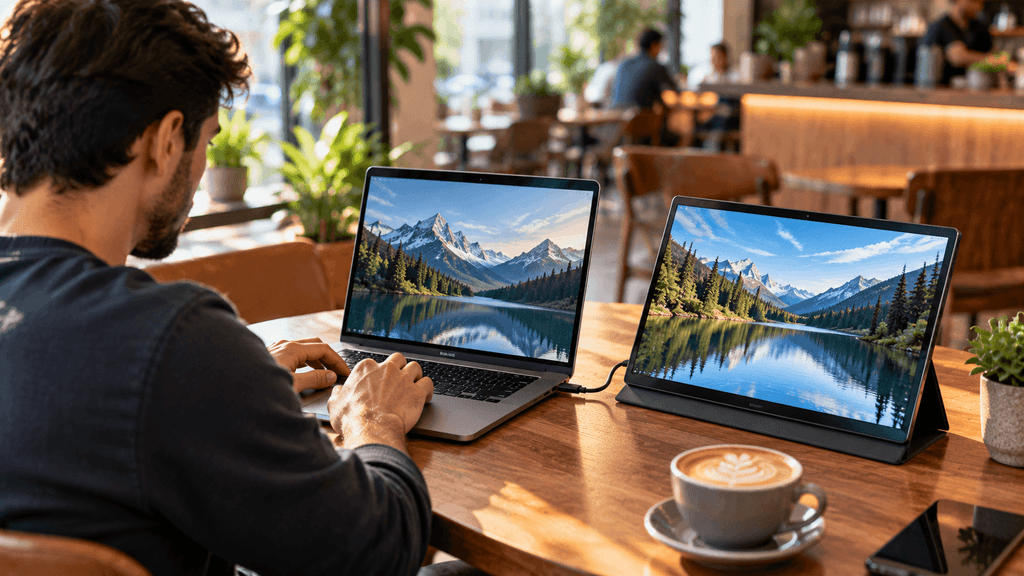
Do you already travel with a portable monitor, or is this something you are considering for the first time? Let us know in the comments.
FAQ: Best Portable Monitors
Will any portable monitor work with my laptop using just one cable?
Not always. Single cable operation requires your laptop’s USB-C port to support both video output and power delivery, sometimes called DisplayPort Alt Mode. Check your specific laptop’s specifications before assuming any USB-C port will work this way.
Why do some portable monitors need a separate power cable?
Larger or brighter portable monitors sometimes require more power than a laptop’s USB-C port can provide through video output alone, so they include a separate power cable to run reliably. This is worth checking before buying if single cable simplicity matters to you.
Are portable monitors bright enough to use outdoors?
It varies significantly by model. Because portable monitors are built to be thin and light, many run dimmer than standard desktop monitors, so checking a specific model’s peak brightness rating is important if you plan to use it outdoors or in bright rooms regularly.
Do I need a touchscreen portable monitor?
Not for most use cases. Touchscreen models cost noticeably more and are mainly useful for creative work, presentations, or navigating without a mouse. For simply extending your laptop screen, a non touchscreen model is usually the more practical choice.
Can I use a portable monitor with a gaming console?
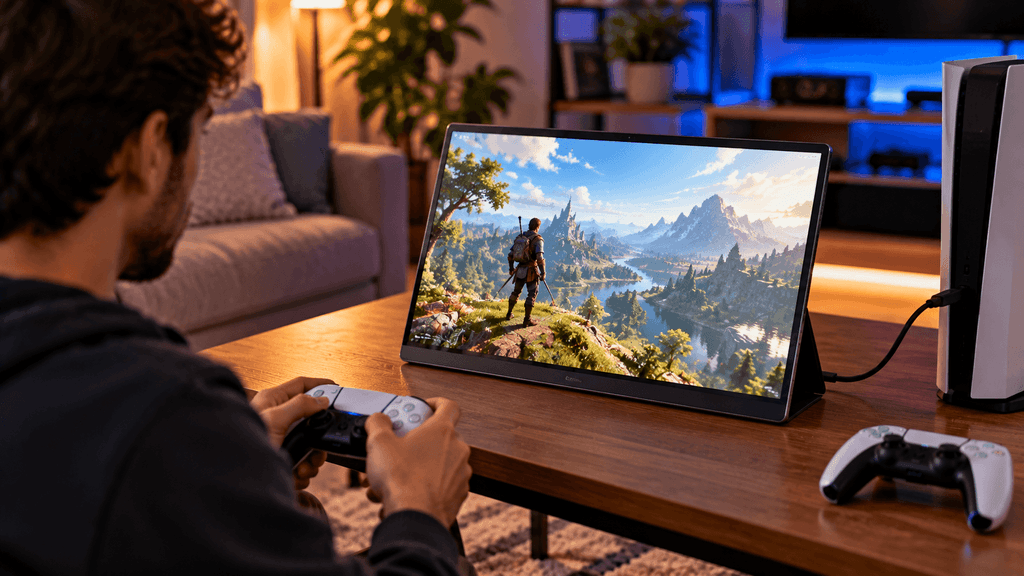
Yes, many portable monitors include an HDMI port specifically for this purpose, since consoles do not always support the same single cable USB-C approach laptops use. Checking for HDMI support is important if console gaming is your main use case.
How much does a portable monitor’s stand or case actually matter?
More than it seems on paper. A flimsy folding cover can feel unstable on uneven surfaces like a hotel bed or tray table, while a sturdier kickstand or case holds up much better in real travel conditions, so it’s worth checking this detail specifically before buying.
Is a higher resolution always better for a portable monitor?
Not necessarily on its own. Resolution should be considered alongside screen size, since the same resolution looks sharper on a smaller panel than stretched across a larger one. Pixel density matters more than the raw resolution number alone.
More Useful Tools
Vertical Stack Ceiling Clearance Calculator | Monitor Stack Height Tool
Under-Desk Mount Torque Calculator | PC Mount Load Checker
Desk Boundary Bass Gain Estimator | Speaker Boominess Calculator
Speaker Placement Calculator | Near-Field Toe-In Angle Tool
Keyboard Footprint Savings Calculator | 60% vs TKL vs Full-Size
Mousepad Size Calculator | DPI & Sensitivity Fit Checker
Mic Arm Boom Reach Calculator | Clamp Depth & Fit Checker
Mini-ITX Case Volume Comparison Tool | Compare Case Sizes
Case Airflow Calculator | Fan CFM & Air Changes Per Minute Tool
SFF PSU Wattage Calculator | Small Form Factor Power Supply Sizing
CPU Cooler Height Clearance Calculator | Case Fit Checker
GPU Length Clearance Checker | Mini-ITX Case Compatibility Tool
Cable Management Length Estimator | Desk Cable Calculator
Standing Desk Height Calculator | Ergonomic Sit-Stand Tool
Monitor Arm Weight Compatibility Checker
Desk Depth Compatibility Checker | Small Desk Gear Fit Tool
Desk Weight Capacity Calculator | Load & Mounting Estimator
Multi-Monitor Bezel Offset Calculator | Triple Monitor FOV Tool
Stacked Monitor Clearance Calculator | Vertical Arm Fit Checker
Monitor Arm Clamp Depth Checker (Desk Compatibility)
Monitor Viewing Distance Calculator | Monitor PPI Calculator