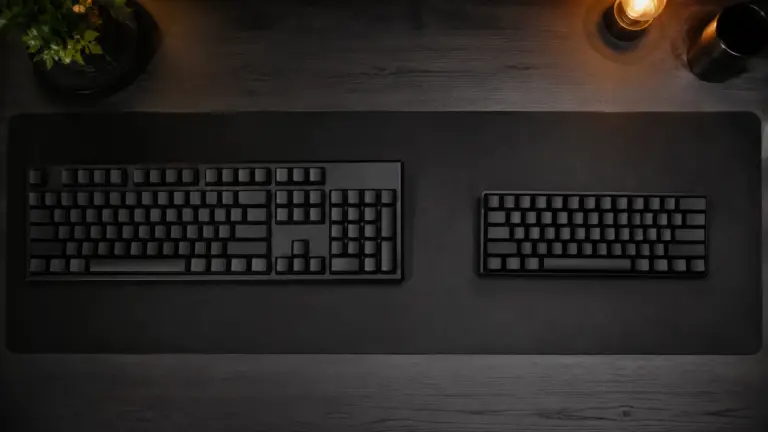
Micro ATX Cases: The Sweet Spot Builders Keep Rediscovering in 2026
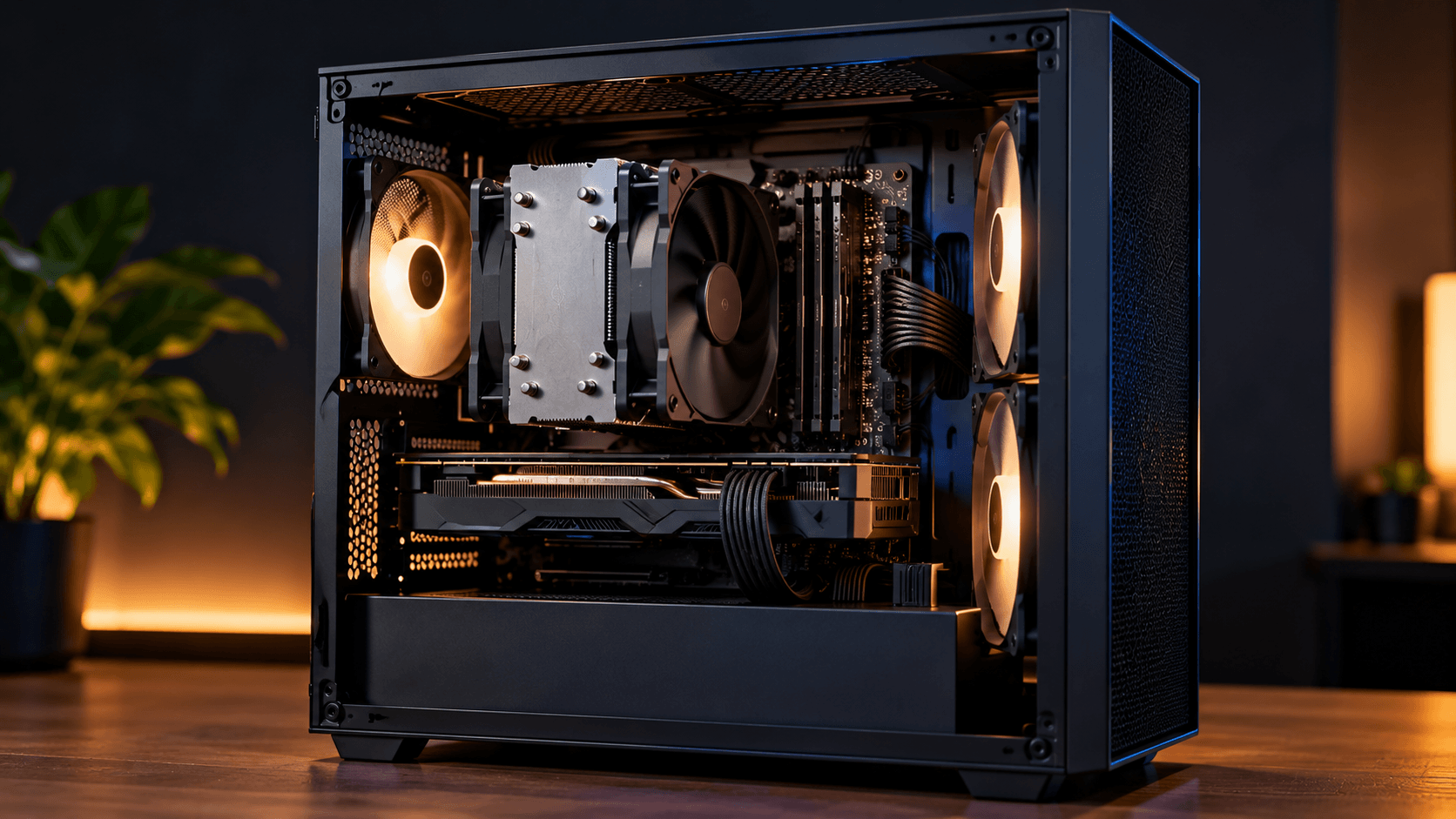
Micro ATX Cases, Full size towers used to be the default starting point for almost every PC build, and tiny mini ITX cases got all the attention from anyone chasing a compact look. Somewhere in between sits Micro ATX, a format that never fully went away and has quietly become one of the more popular choices again as builders look for something smaller than a full tower without the real compromises that come with going fully mini. If you are trying to decide what size case actually fits your next build, here is what Micro ATX genuinely offers, and where it still falls short.
What Micro ATX actually is
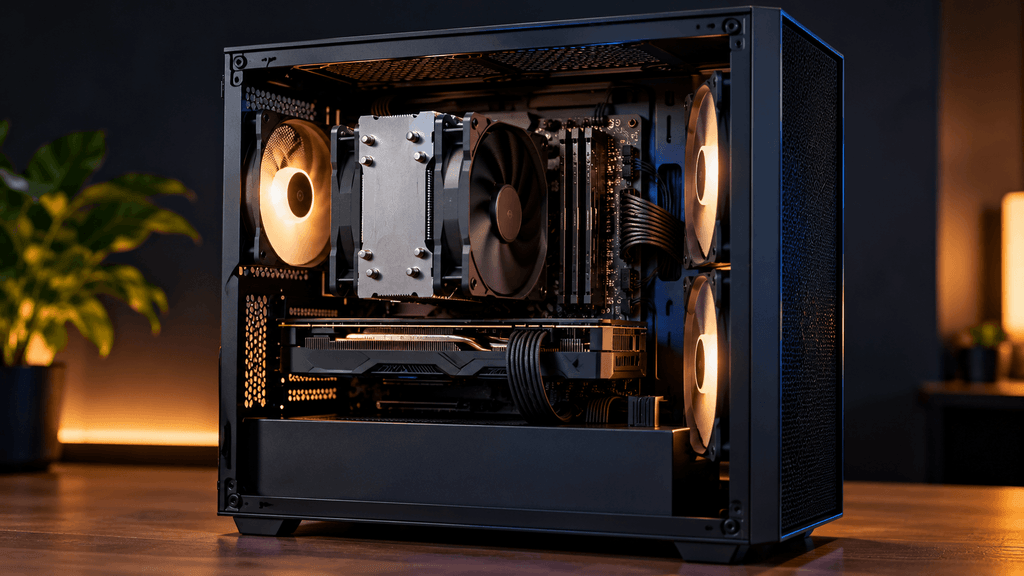
Micro ATX, often shortened to mATX, is a motherboard and case form factor roughly 20 to 25 percent smaller than standard ATX. A Micro ATX motherboard measures about 9.6 by 9.6 inches, compared to the 12 by 9.6 inches of a full ATX board, and cases built around that smaller board shrink down accordingly. The simplest way to think about it is a size category that sits directly between a full size ATX tower and a truly compact Mini ITX build, aiming to keep most of the practical benefits of a full size build while meaningfully reducing the footprint on your desk or floor.
Why builders keep coming back to this size
You give up far less than Mini ITX forces you to. A Micro ATX motherboard typically includes more memory slots, often four instead of the two commonly found on Mini ITX boards, along with more expansion slots for additional cards. This matters more than it sounds for anyone who wants the option to add a second storage controller, a capture card, or extra memory down the line without hitting a hard physical limit immediately.
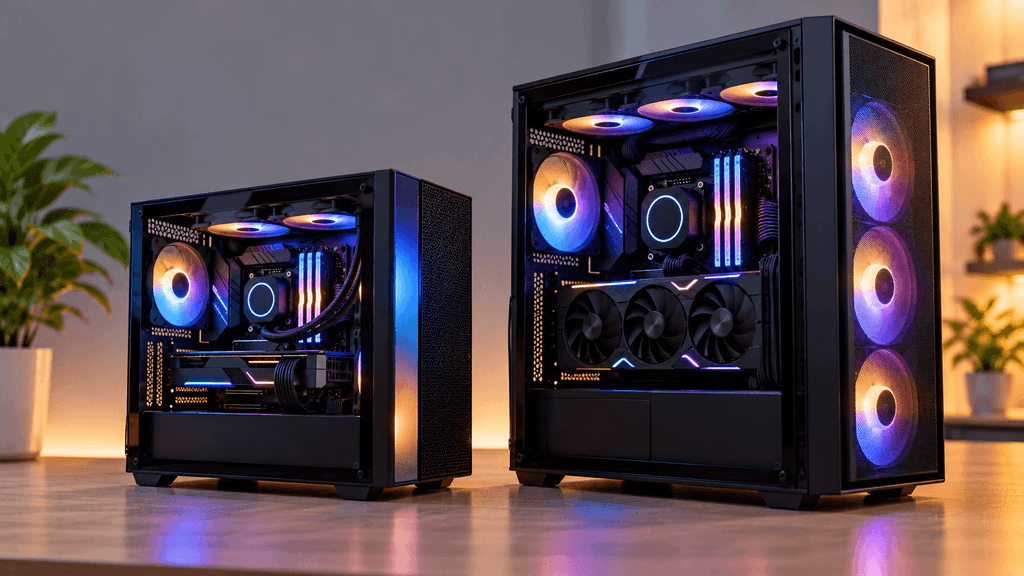
Airflow and cooling stay more forgiving. Mini ITX builds often require careful component selection just to avoid serious heat problems, since everything is packed so tightly together. Micro ATX cases generally have enough internal space to fit a full size air cooler, a reasonably sized radiator, and standard case fans without the same level of careful planning Mini ITX demands.
Component compatibility is simpler. Graphics cards, power supplies, and coolers rated for standard ATX builds almost always fit a Micro ATX case without issue, since the reduction in size mainly affects motherboard width and overall case dimensions, not the clearance needed for these other components. Mini ITX builds frequently require checking specific clearance measurements before buying a graphics card or cooler, a step Micro ATX builders can usually skip.
The price gap compared to full towers is often small. Since Micro ATX motherboards and cases are not dramatically more complex to manufacture than their full size counterparts, the cost savings compared to a standard ATX build are often modest rather than dramatic, especially once you compare similarly equipped cases at a similar feature tier.
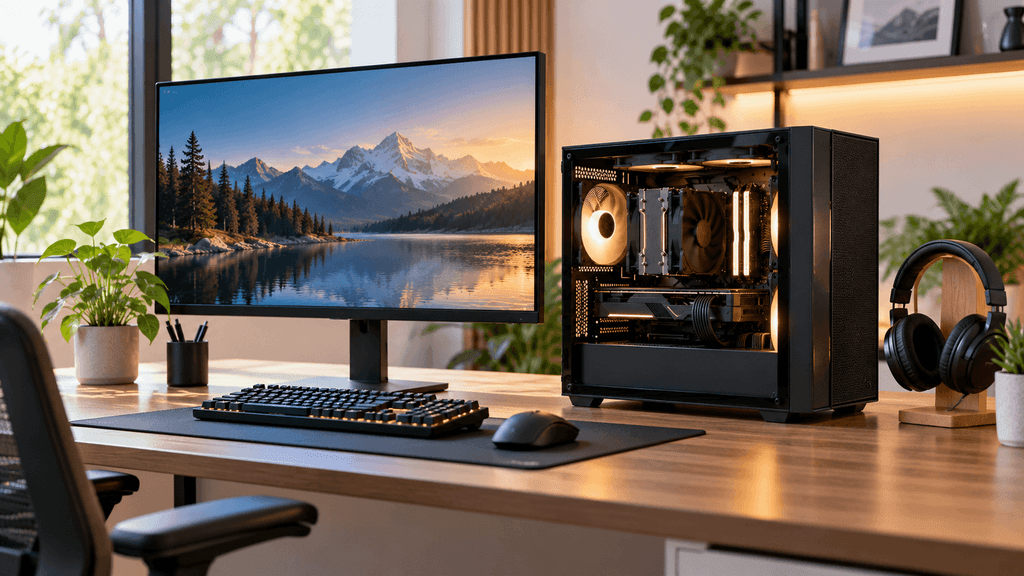
Where Micro ATX still falls short
You will not match a full tower’s maximum expansion room. If you genuinely need more than four memory slots, a large number of drive bays, or multiple expansion cards running simultaneously, a full ATX tower still offers more room to grow than Micro ATX can comfortably provide.
It is not as small as true Mini ITX builds. If your main goal is the smallest possible footprint, for a dedicated home theater setup or a build you plan to carry somewhere regularly, Mini ITX remains meaningfully smaller, and Micro ATX will not satisfy that specific goal.
Cable management can be tighter than expected. Some Micro ATX cases, especially budget focused ones, reduce the space behind the motherboard tray meant for routing and hiding cables, which can make an otherwise clean looking build harder to keep tidy without some extra planning and patience.
What to actually check before buying a Micro ATX case
Graphics card clearance. Even though Micro ATX cases generally fit full size graphics cards, always check the maximum supported card length listed for the specific case against the graphics card you plan to use, since this varies more between individual case models than people expect.
Radiator support. If you are considering any form of liquid cooling, check exactly which radiator sizes the case supports and where they can be mounted, since Micro ATX cases vary significantly here depending on their specific internal layout.
Power supply size and placement. Confirm the case supports a standard ATX power supply, and check whether there is a dedicated shroud to hide it, since this affects both cable management and the overall finished look of the build.
Front panel ports and airflow design. Since Micro ATX cases prioritize a smaller footprint, front panel connectivity and intake fan placement can vary more than in larger cases, so checking this specifically against your own needs, like how many USB ports you actually use regularly, is worth the extra minute.
Who Micro ATX actually makes sense for
If you want a build that is noticeably smaller and tidier than a traditional full tower without taking on the real compromises and careful component shopping that Mini ITX demands, Micro ATX is very likely the better fit for you specifically. It suits gamers who want a capable, upgradeable system without dominating a desk, home office builds where desk space matters but raw expansion room still occasionally gets used, and anyone building a second or secondary PC where a full tower would simply be more case than the build actually needs.
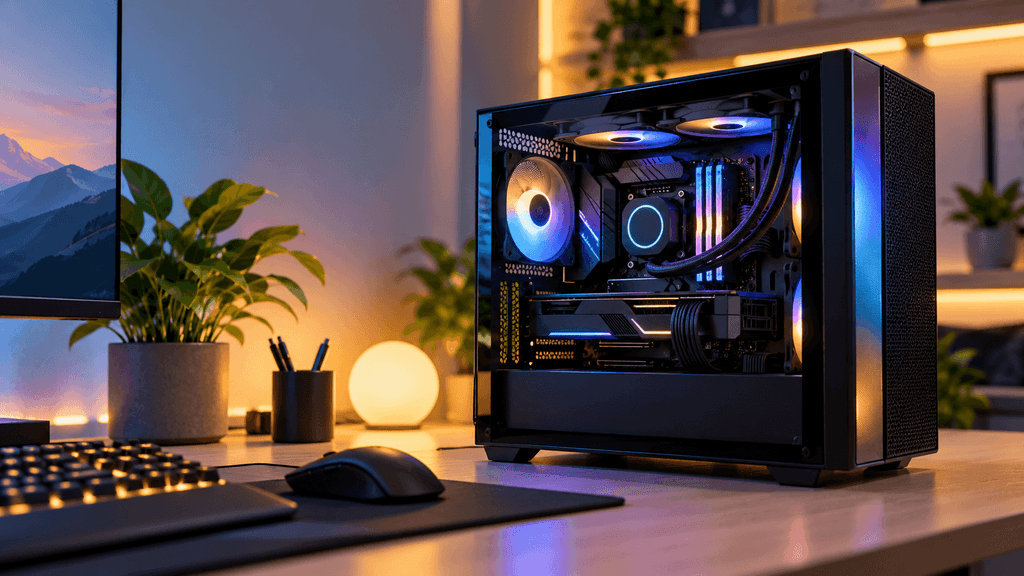
If your plans genuinely require extensive expansion room, multiple drives, or several add in cards running at once, a full ATX tower remains the safer long term choice. If minimizing size is your single biggest priority above everything else, Mini ITX will get you further in that specific direction, even with the added planning it requires.
A quick note on building in a Micro ATX case for the first time
Plan your component order before you start, since the tighter internal space rewards a bit of extra sequencing, generally installing the power supply and routing its main cables before mounting the motherboard, rather than after. Keep your cooler choice realistic for the case’s actual clearance rather than assuming the biggest cooler you can find will fit, and double check radiator and graphics card length against the specific case’s listed maximum before ordering anything, not just after the parts have already arrived.
The bottom line on Micro ATX cases
Micro ATX has earned its renewed popularity honestly. It is not the smallest option available, and it is not the roomiest either, but for a large number of builders, that middle ground is exactly the point. You get a noticeably smaller, more manageable build than a full tower, while avoiding most of the real compatibility headaches and careful component shopping that true Mini ITX builds still demand. Know what you actually need room for, check the specific case’s clearances against your parts list, and Micro ATX becomes less of a compromise and more of a genuinely smart middle choice.
Have you built in a Micro ATX case before, or are you still deciding between case sizes for your next build? Let us know in the comments.
FAQ: Micro ATX Cases
Is a Micro ATX case significantly smaller than a full ATX tower?
Yes, typically around 20 to 25 percent smaller in motherboard size, which generally translates to a noticeably more compact case overall, though the exact size reduction varies between specific case models.
Can I fit a full size graphics card in a Micro ATX case?
In most cases, yes, since graphics card clearance is determined by the case’s internal dimensions rather than the motherboard size specifically. Always check the maximum supported graphics card length for your specific case before buying.
Does Micro ATX support liquid cooling?
Many Micro ATX cases support all in one liquid coolers, though radiator size support varies significantly between models, so checking the specific case’s radiator compatibility is important before planning a liquid cooled build.
Is Micro ATX cheaper than building with a full ATX case?
The price difference is often smaller than people expect, since Micro ATX motherboards and cases are not dramatically simpler to manufacture than full size ATX components at a similar feature and quality tier.
Should I choose Micro ATX or Mini ITX for a small build?
Micro ATX offers more expansion room, easier cable management, and simpler component compatibility, while Mini ITX achieves a smaller final footprint but often requires more careful component selection and planning.
How many expansion slots does a typical Micro ATX motherboard have?
Micro ATX motherboards commonly include more expansion slots than Mini ITX boards, often supporting additional cards beyond just a graphics card, though exact slot count varies by specific motherboard model.
More Useful Tools
Vertical Stack Ceiling Clearance Calculator | Monitor Stack Height Tool
Under-Desk Mount Torque Calculator | PC Mount Load Checker
Desk Boundary Bass Gain Estimator | Speaker Boominess Calculator