what is an NPU, AI PCs and NPUs Explained: Do You Actually Need One in 2026?
what is an NPU, If you have shopped for a new laptop or processor recently, you have probably run into the term “AI PC” more than once. Every major chip maker now talks about built in AI acceleration, and the term NPU, short for neural processing unit, has quietly become a standard line item on spec sheets right next to the processor and memory. But a lot of buyers are left wondering what this actually does for them, and whether it is worth paying attention to or just the latest marketing label.
What is an NPU
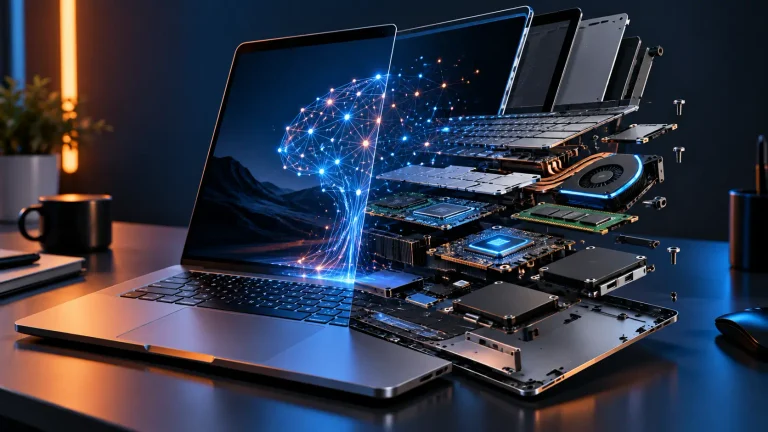
A neural processing unit is a small, specialized piece of hardware built directly into a modern processor, designed specifically to handle the kind of math used in AI and machine learning tasks. Your processor’s main cores are built to be flexible and handle a huge variety of general tasks well. A graphics card is built to handle massive parallel visual calculations efficiently. An NPU sits in a different lane entirely, built narrowly and efficiently for AI workloads specifically, which lets it run those tasks using far less power than asking your main processor or graphics card to do the same job.
This matters because a lot of AI features people now use daily, background blur in video calls, voice transcription, photo enhancement, and writing assistance tools, involve constant, repeated small AI calculations. Running those on a dedicated, efficient chip instead of your main processor keeps your laptop cooler, quieter, and considerably easier on battery life.
Why this has become such a big deal in 2026
Software makers, operating system developers, and chip manufacturers have all converged on building more of their everyday features around this dedicated hardware over the past couple of years, rather than treating AI as an optional add on running occasionally in the cloud. Features like real time translation, smarter search across your files, automatic photo organization, and live captioning increasingly expect to find an NPU to offload that work to, running locally on your device rather than requiring an internet connection and a remote server.
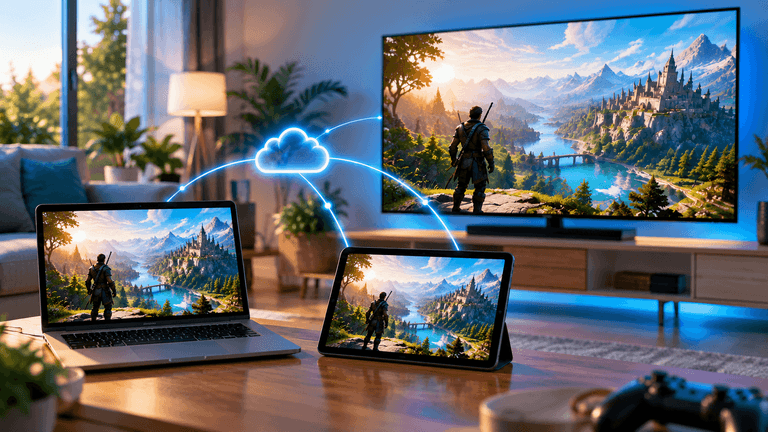
This shift toward handling more AI processing directly on your device, rather than sending it off to a cloud service, is also being driven by privacy concerns and by the sheer cost and infrastructure strain of running everything through remote servers at the scale modern AI features now demand.
What running AI locally actually gives you
Speed without waiting on the internet. A feature that runs entirely on your device responds instantly and does not depend on your connection quality or a remote server being available and responsive at that moment.
Privacy stays on your device. Tasks like transcribing a private conversation or analyzing personal photos never need to leave your laptop when handled locally, which matters to a growing number of people as AI features touch more sensitive, personal content.
Lower battery drain for AI heavy tasks. Because the NPU is built specifically for this kind of work, it handles these tasks using meaningfully less power than running the same calculations on your main processor, which matters directly for how long your laptop lasts away from a charger.
Features that work without an internet connection. Live captioning, certain writing tools, and some photo editing features can keep working even without a connection, since the processing genuinely happens on your own hardware rather than relying on a remote service.
What an NPU is not good for
This is the part that gets lost in a lot of marketing. An NPU is not a replacement for a graphics card when it comes to gaming performance, and it will not meaningfully speed up traditional, non AI tasks like video editing export times, general multitasking, or everyday application responsiveness. It is a specialized tool for a specific category of work, not a general performance upgrade across the board.
It is also worth knowing that the most demanding AI tasks, like generating a complex image from scratch or running a very large AI model, still generally exceed what a laptop’s NPU can handle on its own, and those tasks often still rely on either a powerful graphics card or a cloud service behind the scenes, even on a device marketed heavily around its AI capabilities.
How to actually tell if a feature uses the NPU or not
This is where things get genuinely confusing for buyers, because the label “AI powered” gets applied loosely across a huge range of features, some that genuinely use local NPU hardware and some that quietly send your request to a cloud server instead and just present the result the same way. There is no simple universal way to tell from the outside which is which without checking a feature’s specific documentation.
A practical test is connectivity. If a feature stops working the moment you disconnect from the internet, it is very likely relying on a cloud service rather than your NPU, regardless of how it is marketed. If it keeps working offline, it is a strong sign the processing is genuinely happening on your device.
Do you actually need one
This depends heavily on how you use your laptop day to day, not on how much AI marketing you have seen recently.
If you rely regularly on video calls with background effects, voice dictation, live captioning, or photo organization tools, a capable NPU can genuinely improve battery life and responsiveness for those specific tasks, and the improvement is real rather than purely theoretical. If your daily use is mostly browsing, documents, and traditional applications without heavy reliance on these specific AI features, the presence of an NPU will have very little practical effect on your experience, regardless of how prominently it is advertised.
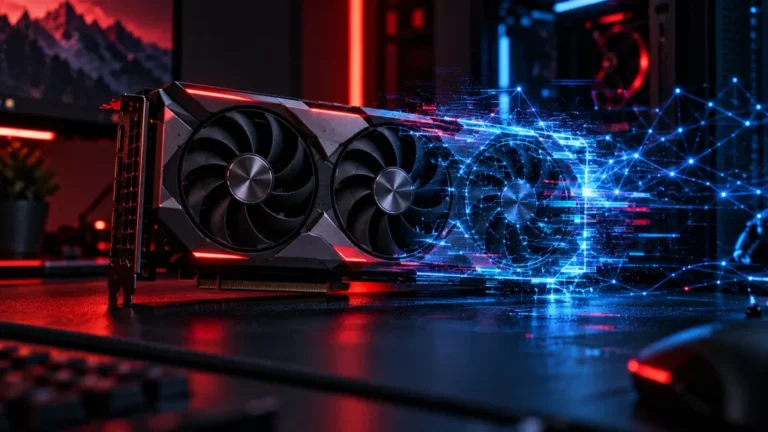
Gamers specifically should not expect an NPU to meaningfully affect gaming performance, since that workload is still handled primarily by your graphics card and main processor rather than the AI accelerator.
Should it influence your next laptop or PC purchase
A strong NPU should not be the single deciding factor in a purchase, but it is reasonable to treat it as one factor among several, particularly if you already know you rely on AI assisted features regularly. Prioritize the fundamentals first, a good screen, sufficient memory, solid battery life, and comfortable build quality, since these affect your daily experience far more consistently than AI acceleration specifically.
If two otherwise similar laptops differ mainly in NPU capability and you genuinely use AI assisted features often, it is a reasonable tiebreaker. If you rarely touch these features, do not pay a meaningful premium chasing a bigger NPU number that will not actually change your day to day experience.
A quick word on “AI Native” marketing specifically
Some manufacturers have started branding entire product lines around being built AI first, sometimes at the expense of other things buyers have traditionally valued, like easily repairable or upgradeable hardware. It is worth evaluating these claims the same way you would evaluate any other marketing term, by checking what the device actually includes and how those features perform in independent reviews, rather than assuming a bigger marketing push means a meaningfully better experience for your specific use case.
The bottom line on AI PCs and NPUs
NPUs represent a genuine, useful shift in how modern devices handle a specific category of everyday tasks, offering real benefits in speed, privacy, and battery life for the people who actually use AI assisted features regularly. They are not a universal performance upgrade, they will not help with gaming or traditional heavy workloads, and a lot of what gets marketed as AI powered still quietly depends on the cloud rather than your device’s own hardware. Know what you actually use day to day, test whether a given feature works offline to understand where it really runs, and let that guide how much weight you give this spec, rather than the marketing term alone.
Do you actually use AI features on your laptop regularly, or is it mostly marketing noise for your daily use? Let us know in the comments.
FAQ: AI PCs and NPUs
What is the difference between an NPU and a graphics card?
A graphics card is built for massive parallel visual processing, mainly for gaming and rendering. An NPU is a smaller, specialized chip built specifically for efficient AI calculations, using far less power for that narrow task than a graphics card or main processor would.
Does an NPU improve gaming performance?
No, gaming performance is still handled primarily by your graphics card and main processor. An NPU is built for AI specific tasks and does not meaningfully affect traditional gaming workloads.
How do I know if a feature is actually using my laptop’s NPU?
A practical test is checking whether the feature works without an internet connection. If it stops working offline, it is likely relying on a cloud service rather than your device’s own NPU, regardless of how it is marketed.
Is it worth paying more for a laptop with a stronger NPU?
It depends on your usage. If you regularly rely on features like video call effects, voice dictation, or live captioning, a stronger NPU offers a real, noticeable benefit. If you rarely use these features, it is not worth prioritizing over other specs like battery life or screen quality.
Can an NPU run large AI models entirely on my laptop?
Generally no. The most demanding AI tasks still typically rely on a powerful graphics card or a cloud service, even on devices marketed around AI capabilities. NPUs are built for smaller, repeated everyday AI tasks rather than large scale processing.
Do all new laptops and processors include an NPU now?
Many current generation processors from major manufacturers now include some form of NPU, but capability varies significantly between models, so checking the specific NPU performance rating is worthwhile if this matters to your use case.
More Useful Tools
Vertical Stack Ceiling Clearance Calculator | Monitor Stack Height Tool
Under-Desk Mount Torque Calculator | PC Mount Load Checker
Desk Boundary Bass Gain Estimator | Speaker Boominess Calculator