Mini PC Worth It in 2026? What They Are Actually Good For
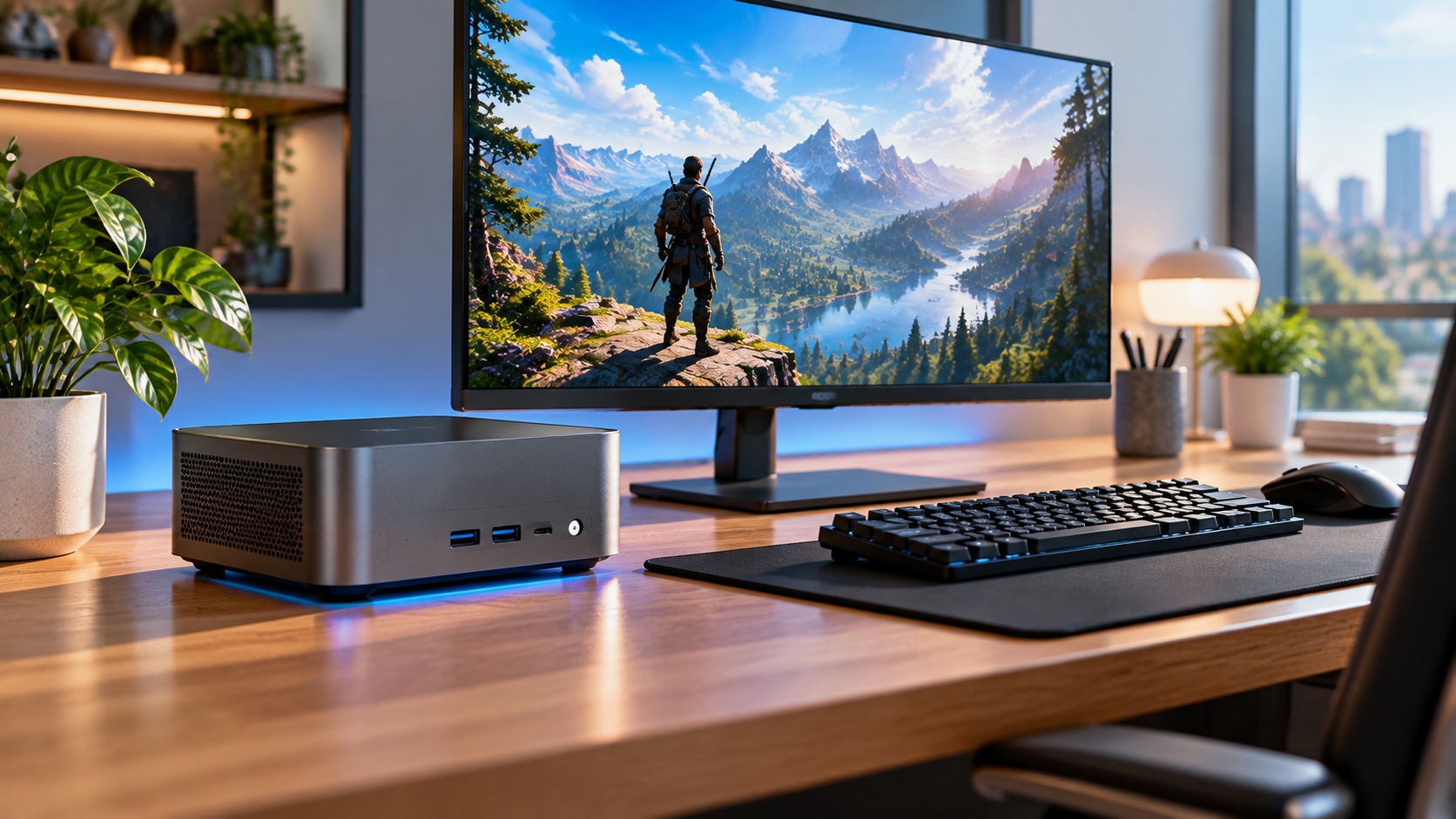
Mini PC Worth It in 2026? Mini PC have quietly become one of the more interesting corners of the PC market. They are small enough to sit behind a monitor or tuck into a bag, yet powerful enough to handle real work for a lot of people. But a mini PCs is not a universal replacement for a full desktop, and knowing where it fits matters before you buy one.
What a mini PC actually is
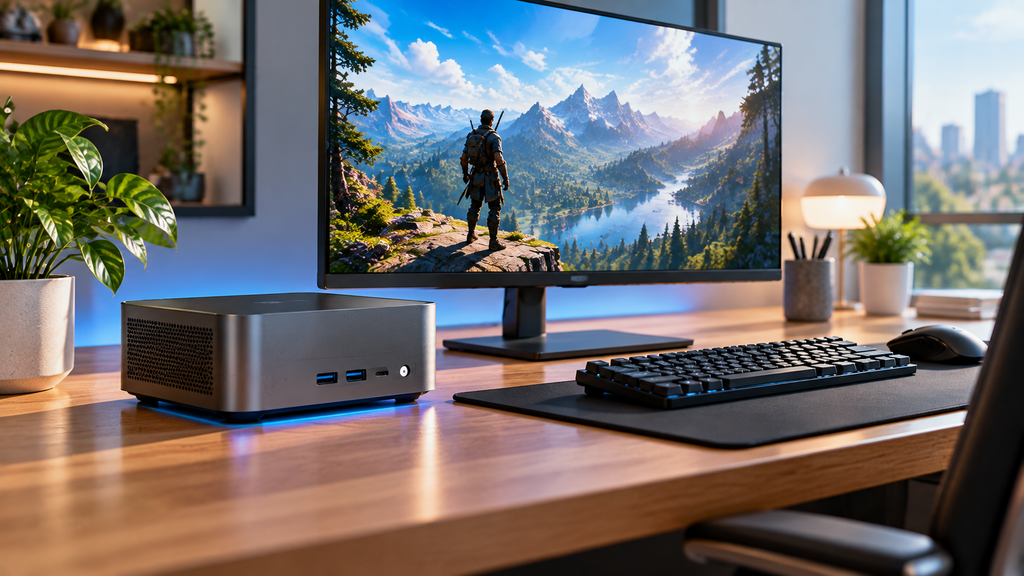
A mini PCs is a small, complete computer housed in a compact case, often not much bigger than a paperback book. Despite the size, many current models use the same processors found in modern laptops, giving them enough power for browsing, office work, streaming, and even light creative tasks.
Where mini PC genuinely shine
Desk space is the obvious win. A mini-PCs frees up huge amounts of room compared to a full tower, which matters a lot in small apartments, shared spaces, or minimalist setups.
Portability is another real advantage. Some mini-PCs are small and light enough to move between rooms or even take on a short trip, something a full desktop simply cannot do.
Efficiency also stands out. Min-PC typically use far less power than a full gaming tower, which can matter for a home office running for hours every day or an always on media center.
Where they fall short
Upgrading is limited. Many mini-PC have soldered memory and storage, meaning what you buy is largely what you are stuck with for the life of the device. Always check upgrade options before buying if this matters to you.
Heavy gaming and demanding creative work are not their strength. Most mini-PCs use integrated graphics rather than a dedicated graphics card, which is fine for light gaming but struggles with modern, demanding titles at high settings.
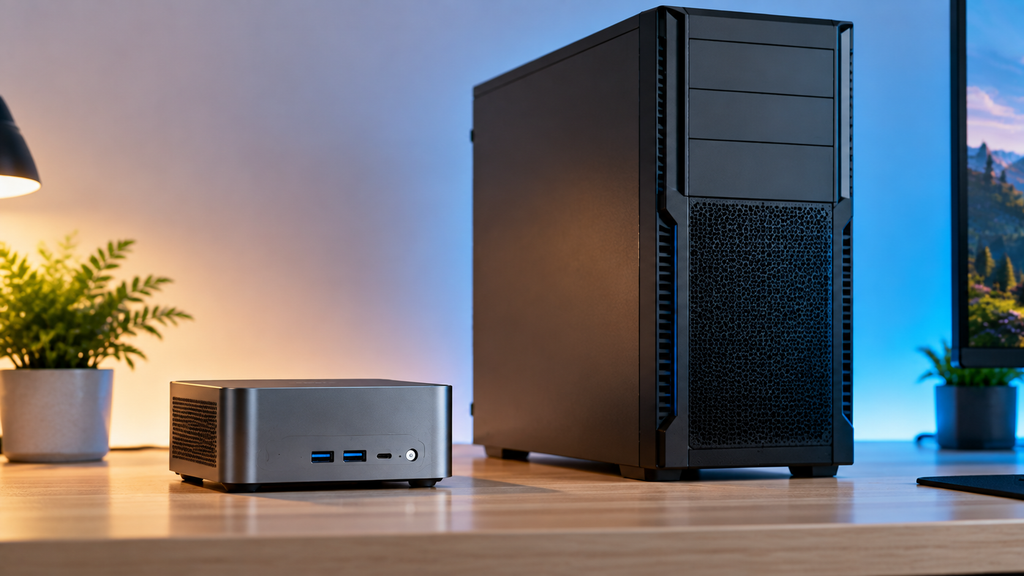
Cooling in a small case has real limits. Under sustained heavy workloads, a mini-PCs can throttle its performance to manage heat more aggressively than a larger tower would need to.
Who a mini-PCs actually makes sense for
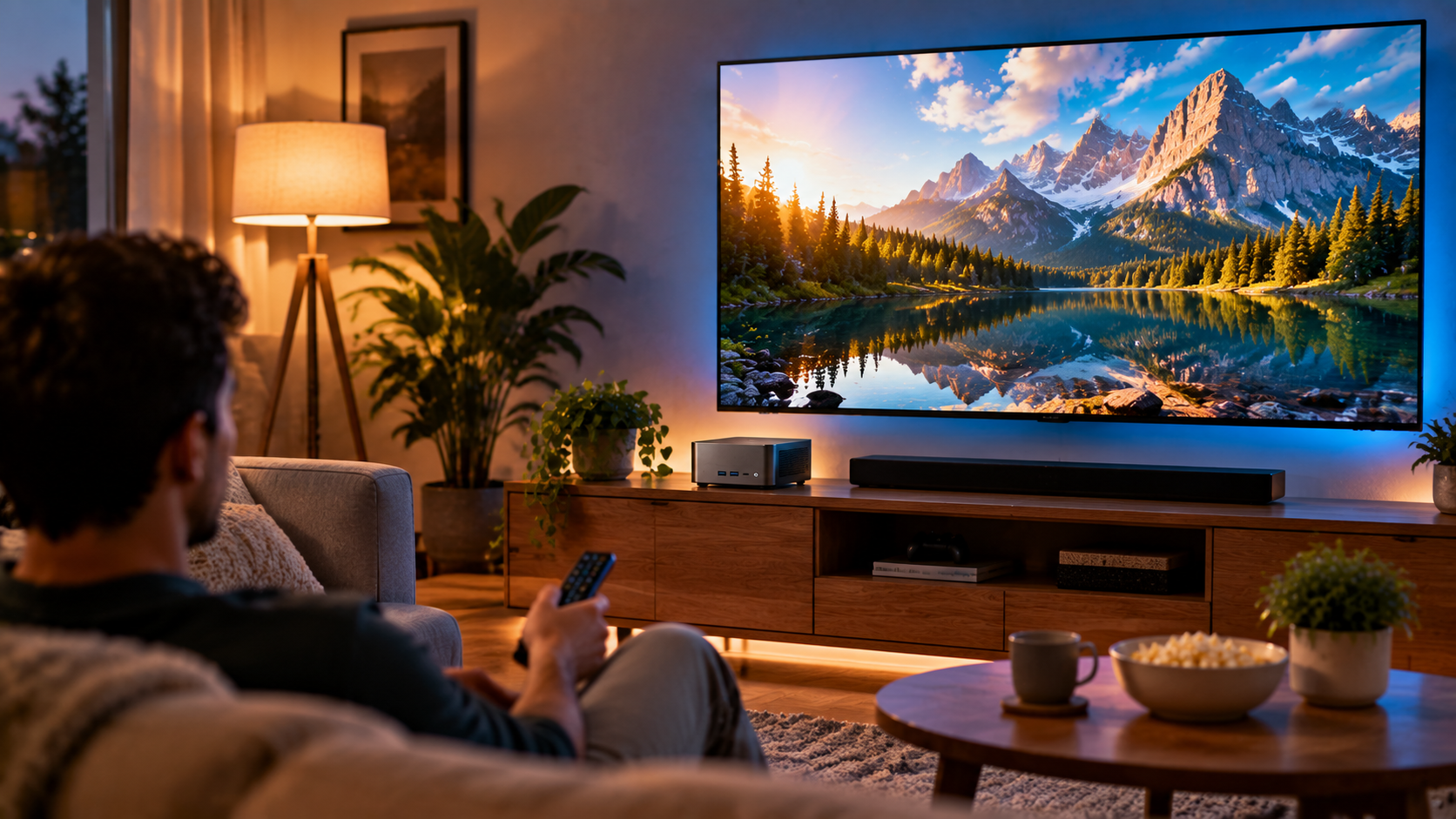
If your daily use is mostly browsing, documents, video calls, and streaming, a mini-PCs can comfortably replace a full desktop while saving space and power. If you are setting up a home theater or media center, a mini-PC is often a great quiet, low profile choice. If your main goal is high end gaming or heavy video editing, a mini-PC will likely leave you wanting more, and a traditional desktop remains the better choice.
What to check before buying one
Confirm the exact processor and whether it includes a dedicated graphics chip if gaming matters to you. Check the memory and storage configuration carefully, since many models cannot be upgraded later. Look at the port selection, since a small case sometimes means fewer connections than a full desktop offers.
The bottom line on mini PC
A mini-PC is not about squeezing out maximum performance. It is about getting real, everyday computing power into a space and power footprint a full tower could never match. Know what you actually use your PC for, check the specs that matter for your use case, and the size becomes a genuine advantage instead of a compromise.
Would a mini-PC fit your setup, or do you need the extra power of a full tower? Let us know in the comments.
FAQ: Mini PC
Can a mini PC handle gaming?
Light and older games generally run fine, but most mini PC rely on integrated graphics, which struggle with demanding modern titles at high settings. A small number of mini PC include dedicated graphics chips built for gaming specifically.
Are mini PC upgradeable?
It varies. Some models allow memory and storage upgrades, while many compact models solder these components directly to the board. Always check the specific model’s upgrade options before buying if this matters to you.
Is a mini PC cheaper than a full desktop?
For similar performance levels, mini PC are often priced close to comparable small desktops, though you are paying partly for compact size and efficiency rather than raw power for the price.
How much power does a mini PC use compared to a desktop?
Mini PC typically use significantly less power than a full desktop tower, especially one with a dedicated graphics card, making them a more efficient choice for always on or long running tasks.
Can I connect multiple monitors to a mini PC?
Many mini PC support two or more monitors, but always check the specific port count and types on the model you are considering before assuming it matches your setup.
More Useful Tools
Vertical Stack Ceiling Clearance Calculator | Monitor Stack Height Tool
Under-Desk Mount Torque Calculator | PC Mount Load Checker
Desk Boundary Bass Gain Estimator | Speaker Boominess Calculator