3 Monitor Setup: Is It Actually Worth It in 2026
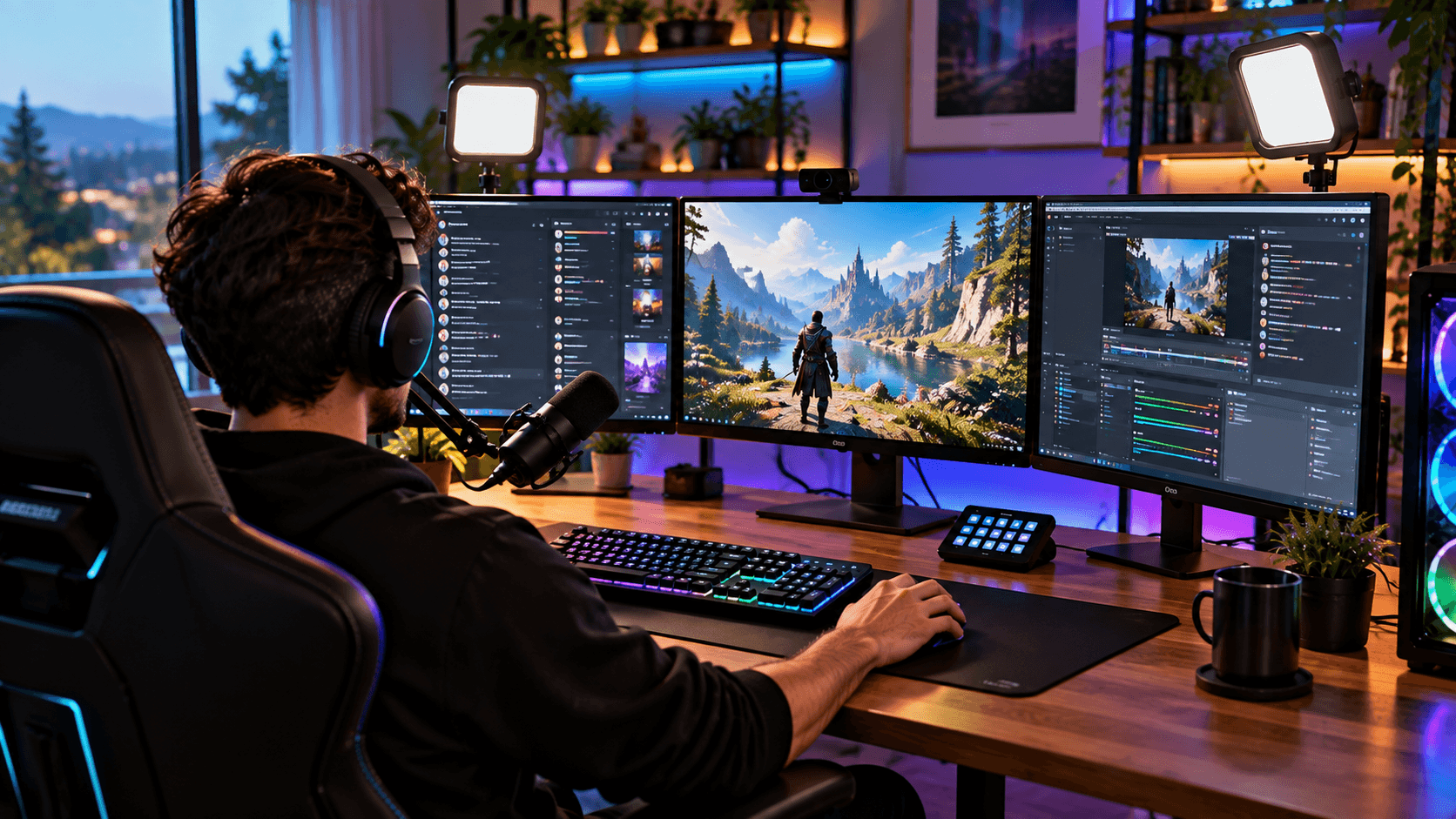
Somewhere along the way, one monitor stopped being enough for a lot of people. First it was two screens. Now walk into any serious home office or streaming setup and there is a good chance you will see three monitors lined up side by side. It looks impressive, but before you spend the money, it is worth understanding what a three monitor setup actually gives you, and what it does not.
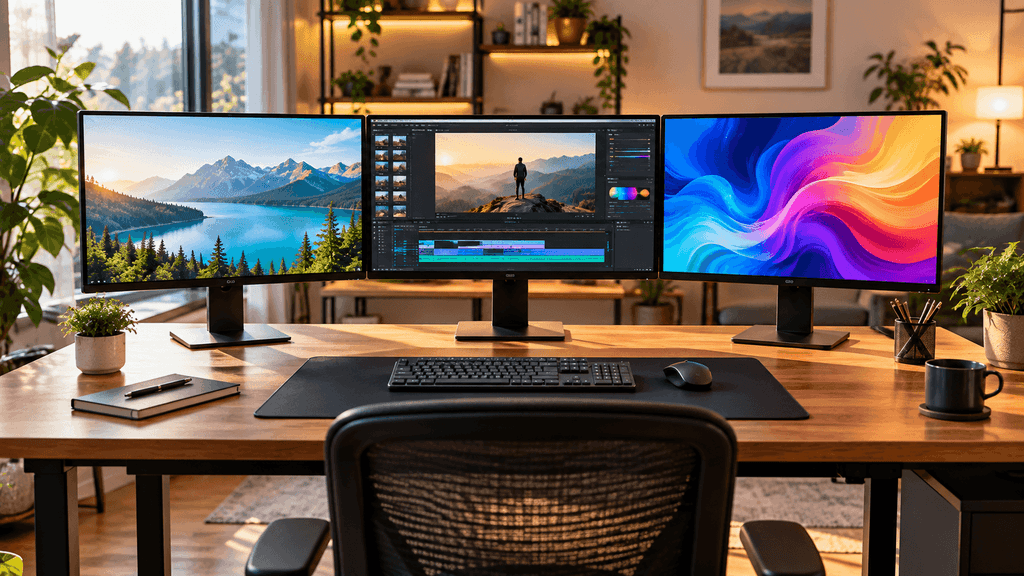
What a 3 monitor setup is actually good for
The honest answer is that it depends entirely on what you do at your desk.
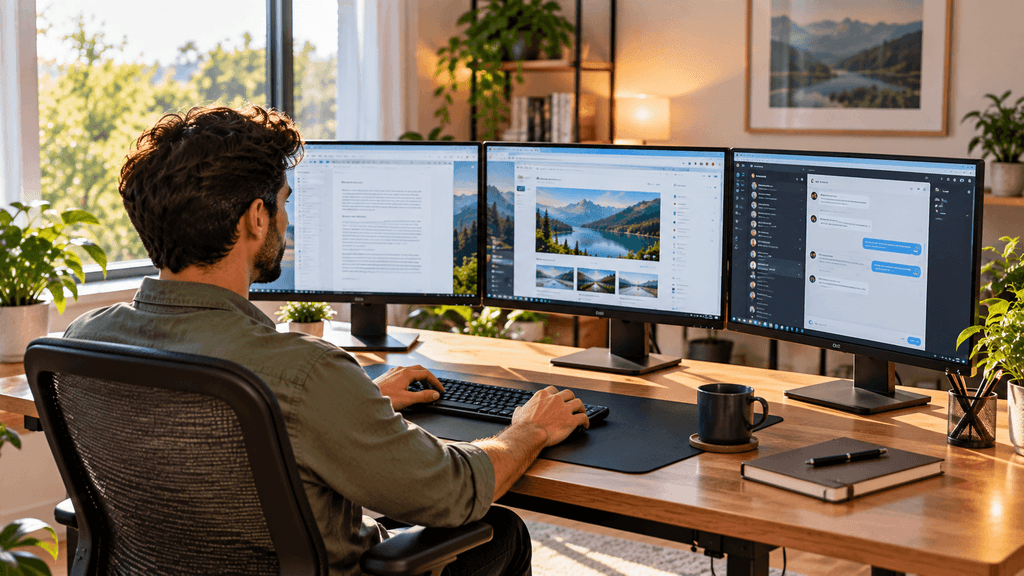
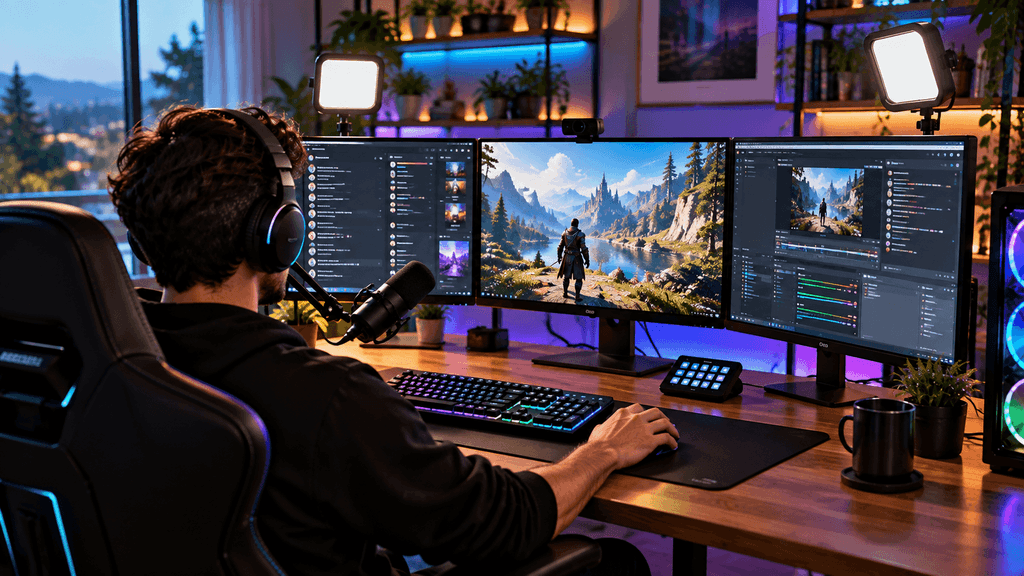
For multitaskers, three screens mean you can keep a browser open on one side, your main work on the center screen, and communication apps like email or chat on the other side, all visible at once without constant window switching. For traders and data heavy work, extra screen space means more charts, more spreadsheets, and less scrolling. For streamers and content creators, a third screen is often used purely for chat, alerts, and stream software, keeping it separate from the game or work happening in the middle.
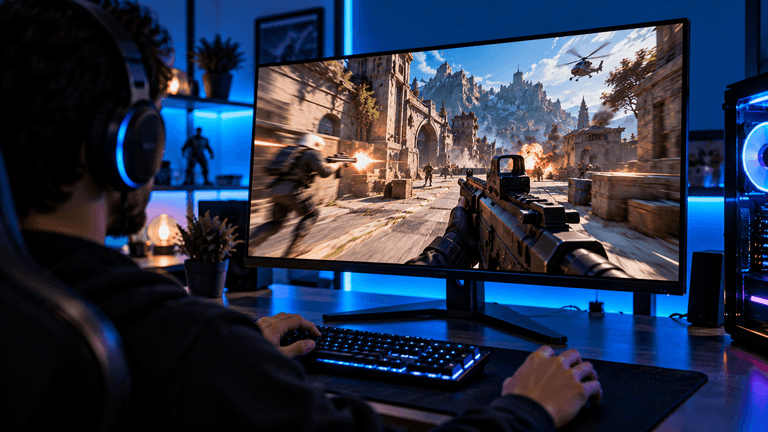
For gaming specifically, it depends on the game. Some games support true multi monitor wide views that genuinely widen your field of vision. Many others simply are not built for it, and the side screens end up being used for chat, Discord, or a browser instead.(3 Monitor Setup)
The setup basics
Your graphics card needs enough outputs. Most modern cards support two or three monitors, but check your specific card before assuming. Also check the port types. You may need a mix of HDMI and DisplayPort cables, or an adapter, depending on what your monitors support.
Matching monitors makes life easier. Three identical monitors, or at least three with the same resolution and refresh rate, will look and feel far more consistent than mismatched ones. Mixing resolutions can also cause scaling issues where text looks a slightly different size across screens.
Desk space adds up fast. Three monitors, even smaller ones, take up more width than people expect. Measure your desk before ordering, and think about whether monitor arms would work better than standard stands to save desk surface space.
Monitor arms versus stands
This is where a lot of three monitor setups either look great or turn into a cluttered mess. Standard monitor stands each need their own base, which eats up desk space fast when you have three of them side by side. A triple monitor arm, or three separate arms mounted to the back of your desk, frees up all that space underneath and lets you angle each screen exactly how you want.
If your desk allows it, monitor arms are almost always the better long term choice for a three monitor setup, even though they cost more upfront.(3 Monitor Setup)
Curved versus flat for the side screens
Some people angle their flat monitors inward manually to create a wraparound feel. Others prefer ultrawide curved monitors specifically because the curve does that angling automatically and more comfortably. There is no single right answer here. It comes down to how much desk depth you have and how far back you typically sit.
The downsides nobody mentions in the unboxing videos
Neck strain is real. If your side monitors are angled wrong or placed too far to the sides, you will end up twisting your neck more than you realize, especially over a full workday.
More cables, more clutter. Three monitors mean three sets of power and video cables at minimum. Cable management becomes a real project, not an afterthought.
Higher power use and heat. Three monitors running for hours a day add up in electricity use and desk heat, especially in a small room.(3 Monitor Setup)
Not every task needs it. If most of your day is spent in one main application, a single large ultrawide monitor can sometimes give you a similar benefit with far less desk clutter and cost.
Do you actually need three monitors
Ask yourself honestly how often you find yourself switching between more than two windows throughout the day. If the answer is constantly, a three monitor setup will likely save you real time and frustration. If you mostly focus on one task at a time with occasional glances at something else, two monitors, or even one large one, might give you almost the same benefit for less money and less desk space.(3 Monitor Setup)
The bottom line on a 3 monitor setup
A three monitor setup is not about looking impressive on camera. It is genuinely useful for people who multitask constantly, need extra visible workspace, or separate their main task from chat and monitoring tools. For everyone else, it can just become an expensive way to add clutter and neck strain. Think about how you actually work before you buy, not just how the setup looks in photos.
Do you run a multi monitor setup, or do you prefer keeping things simple with one screen? Let us know in the comments.(3 Monitor Setup)
FAQ: 3 Monitor Setup
Do I need a powerful graphics card for a 3 monitor setup?
Not necessarily. Running three monitors for everyday tasks like browsing, documents, and chat does not require a high end graphics card, since most modern cards handle multiple displays easily. A powerful card only becomes necessary if you plan to game across all three screens at once.(3 Monitor Setup)
Can any graphics card support three monitors?
Most modern graphics cards support at least three outputs, but always check your specific card’s port count and types before buying monitors. You may need adapters if your monitors and card use different connection types.
Is a 3 monitor setup better than one ultrawide monitor?
It depends on your workflow. Three monitors give you clearly separated windows, which suits heavy multitaskers. An ultrawide monitor offers a more seamless view without bezels interrupting the screen, which some people prefer for immersive work or gaming. Neither is universally better.
Do all three monitors need to be the same size and resolution?
They do not have to be, but matching them makes the setup feel far more consistent and avoids scaling issues where text and icons appear different sizes across screens. If budget allows, identical monitors are the easiest choice.
Are monitor arms worth the extra cost for a triple setup?
For most people, yes. Monitor arms free up significant desk space, make cable management easier, and let you adjust each screen’s height and angle precisely, which standard stands usually cannot match.
Can a 3 monitor setup cause neck or eye strain?
It can, especially if the side monitors are angled incorrectly or placed too far to the sides. Positioning your main monitor directly in front of you and angling the side screens slightly inward helps reduce strain over long sessions.
Is a 3 monitor setup good for gaming?
It depends on the game. Some titles support true multi monitor wide views that expand your field of vision, while many others do not support it at all. In non supporting games, the side monitors are usually better used for chat, browsing, or Discord rather than the game itself.
Clilck below link for more guide
Laptop buying guide
Laptop processor comparison
Laptop repairability or teardown article
AI-Native vs Repairable Laptops: What Should You Buy in 2026?
More Useful Tools
Vertical Stack Ceiling Clearance Calculator | Monitor Stack Height Tool
Under-Desk Mount Torque Calculator | PC Mount Load Checker
Desk Boundary Bass Gain Estimator | Speaker Boominess Calculator