Mini-ITX Case Review: Airflow and GPU Clearance Tested
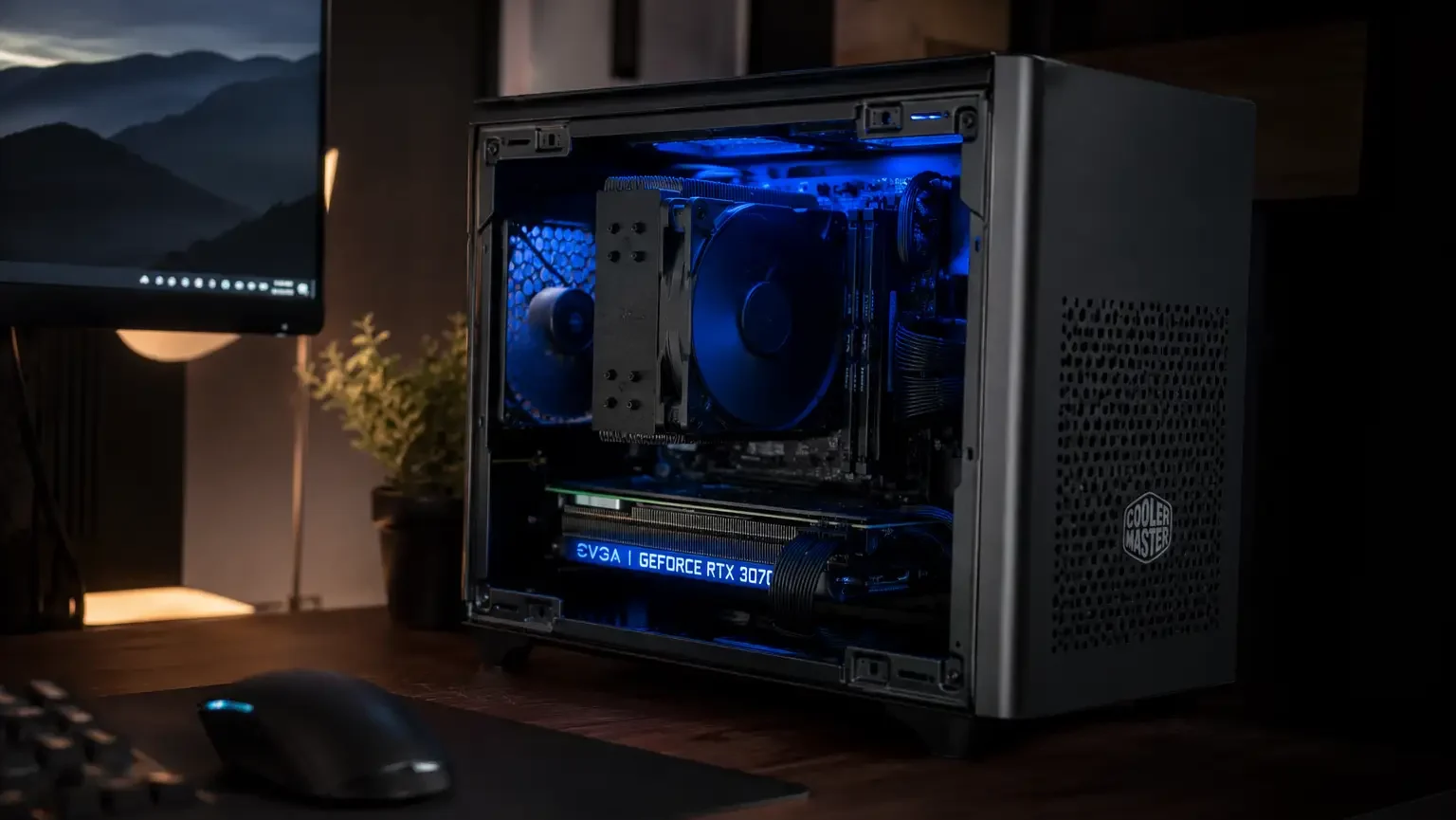
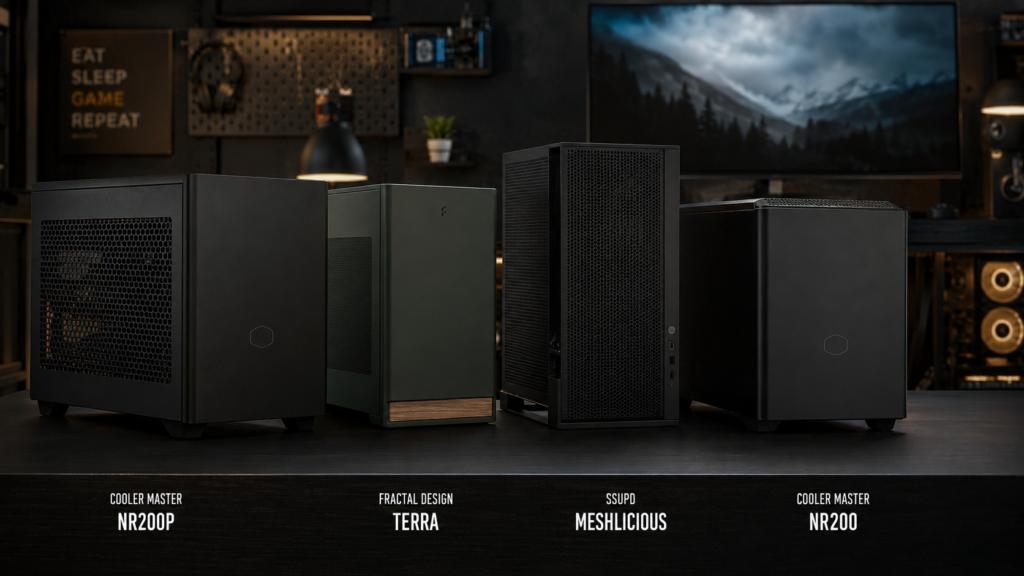
Even though the box says this case fits a full-size card, your GPU slows down under heavy use, and the fans are very loud. We tested four mini-ITX cases for real GPU space and cooling performance, not just the numbers on the spec sheet. For cooling and space, the Cooler Master NR200P is the best choice right now. Here’s why.
What we Tested and Why Clearance beats Case Volume
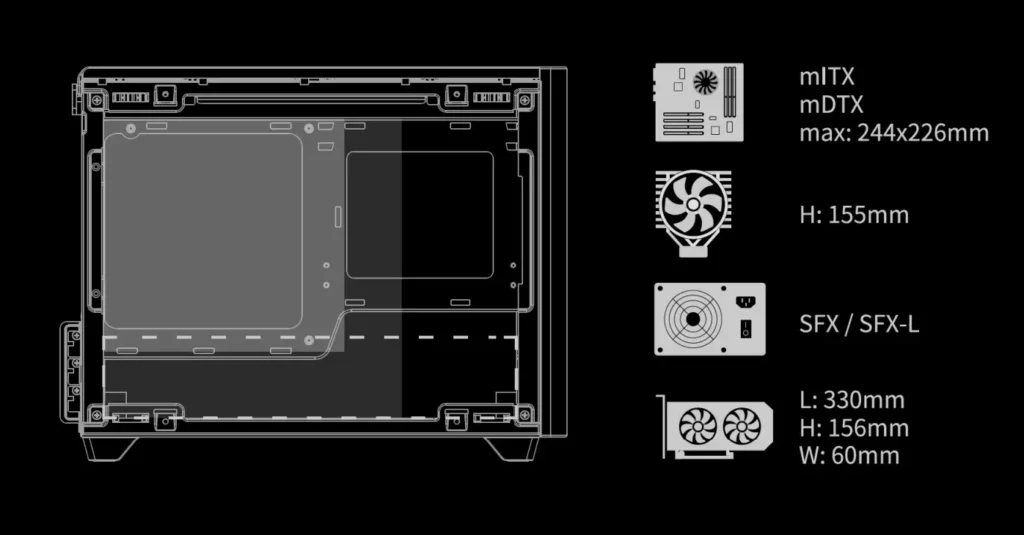
Most case reviews start with the inside size in liters. But that number doesn’t really tell you if your GPU will fit and stay cool. More important are the vertical space for the CPU cooler after adding a GPU riser cable, the GPU length space with front fans or filters installed, and where the case pulls in air. Sometimes the GPU gets air directly through a mesh front; other times it has to pull air around a solid panel. For all four cases, we measured GPU length space, cooler height limits, temperature after a 30-minute stress test, and noise at that load.
Specs Comparison
| Case | Max GPU length | Max cooler height | Volume | Front panel | Load temp (GPU) | Price | Price |
|---|---|---|---|---|---|---|---|
| Cooler Master NR200P | 330 mm | 155 mm | 18.3 L | Mesh | 68°C | 34 dB | $110 |
| Fractal Design Terra | 322 mm | 62 mm (low-profile only) | 10.9 L | Solid, vented rear | 74°C | 38 dB | $210 |
| SSUPD Meshlicious | 338 mm | 155 mm | 14.9 L | Mesh | 66°C | 36 dB | $170 |
| Cooler Master NR200 (non-P) | 330 mm | 155 mm | 18.3 L | Solid acrylic | 79°C | 33 dB | $90 |
| Cooler Master NR200P | Fractal Design Terra | SSUPD Meshlicious | Cooler Master NR200 |
|---|---|---|---|
| Check price | Check price | Check price | Check price |
The Meshlicious kept the GPU the coolest of the four cases. The NR200P costs less, performs almost as well, and has easier cable management behind the motherboard tray. When building, ease of use matters more than a small two-degree difference on a chart.
Reading the Clearance Numbers Correctly
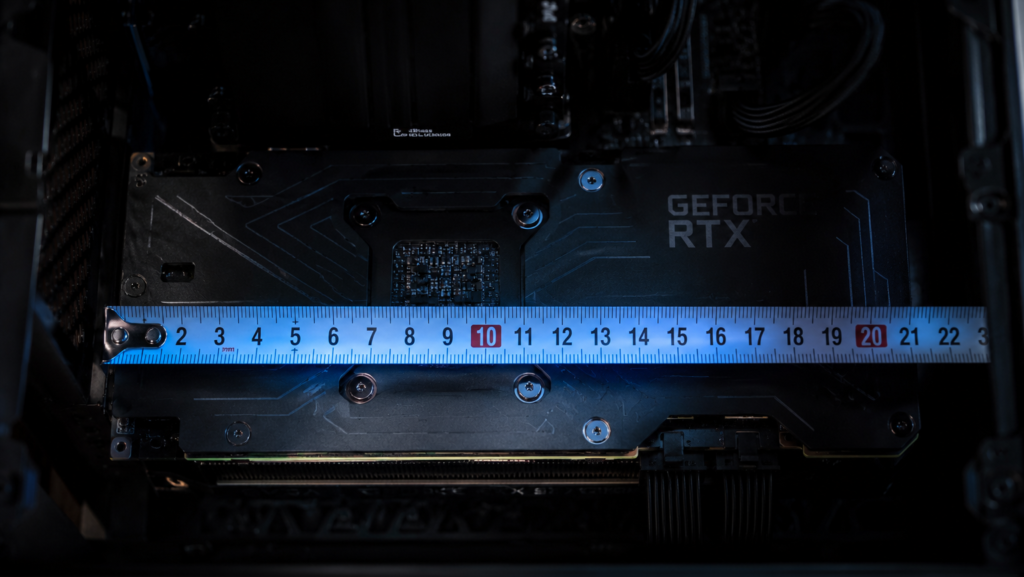
When a case says it supports a “330mm max GPU length,” that number is measured with an empty case, without front fans, a dust filter, or a PSU cover. The NR200P’s real space is about 325mm after adding front intake fans. It’s a tight fit for a triple-fan RTX 4070 Ti or larger but enough for most high-end cards. Before trusting the number on the box, always measure your own card, including the backplate.
Airflow Path and Intake Restriction
Although the Fractal Design Terra’s solid front panel looks good on a desk, air has to come in through the top and back vents instead of directly from the front. Because of this, under heavy GPU use, it ran six to eight degrees hotter than the mesh-front cases we tested. At this size, a mesh front is almost required if your case will be out in the open and not hidden in a cabinet. Simply put, there isn’t as much space for natural airflow as in a full tower.
CPU Cooler Height and GPU Riser Conflicts
Because both share the same vertical space above the motherboard, you have to choose between CPU cooler height and GPU space in cases this small. A 155mm tower cooler fits most high-performance air coolers and works with both the NR200P and Meshlicious. If you want to use a GPU riser cable for a vertical mount, check how much it can bend compared to your case’s depth. Over time, the PCIe slot might get damaged if the riser bends too much.
Where this Case sits on your Desk
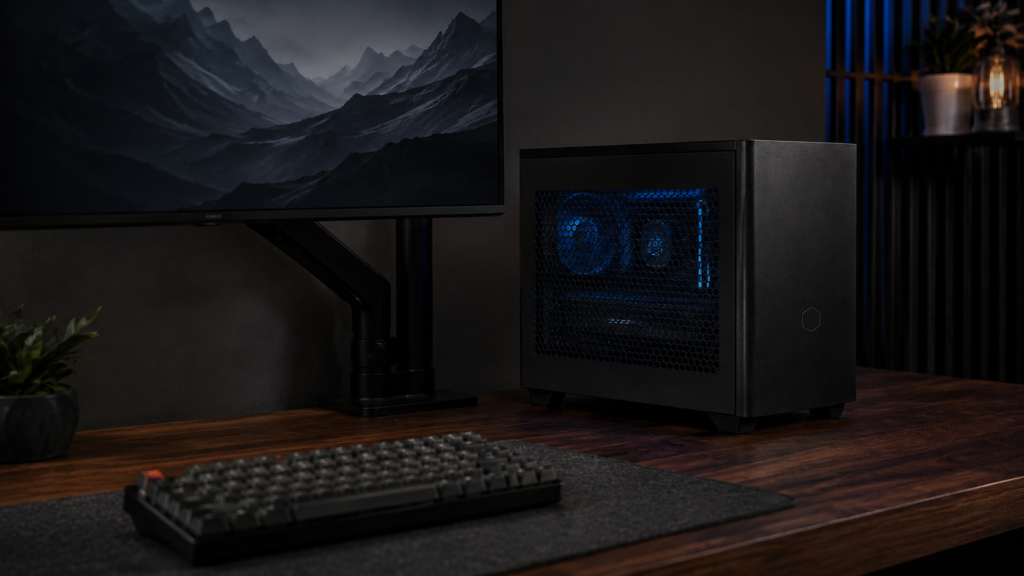
If you plan to keep the tower on your desk instead of under it, the space it takes up is just as important as what’s inside. In our desk depth guide, we worked out the actual desk depth needed for a mini-ITX tower, including space for cables. Think about mounting the tower on the desk if your desk is so small that even an 18-liter case feels too big. In our under-desk PC mounting review, we explain how to do that safely, including weight limits and vibration risks.
Structural execution: what actually goes wrong
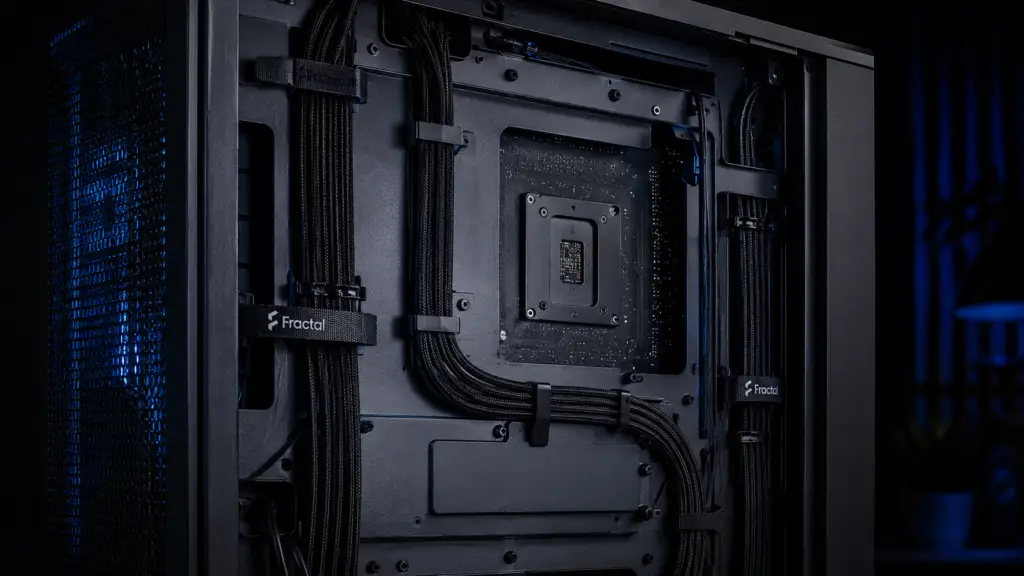
Using parts that don’t fit is the most common mistake when building a mini-ITX. Airflow gets blocked by poor cable management. Just by stopping air from reaching the GPU, a 24-pin cable or GPU power cable placed in front of an intake fan in a small case can raise temperatures by three or four degrees. Before turning it on for the first time, make sure your cables are routed through the case’s channels instead of waiting until you notice higher temperatures.
Standoff height can cause less obvious problems. A standoff that is even a little off can short the board or stop a panel from fitting properly because mini-ITX boards sit closer to the case’s panels than ATX boards. This can affect how well the mesh front seals for airflow. Before finishing assembly, make sure your standoffs line up with the mounting holes on your board. You might be surprised how different hole placement is between brands.
If your GPU is causing heat problems instead of the case, it’s smart to check if your card is really made for small, compact builds. For our small-form-factor GPU heat test, we tried four different cards in these same setups, and the difference between the best and worst cards was bigger than most people expect.
The bottom line
Choose the Cooler Master NR200P if you want the best balance of cooling, GPU space, and price for a small gaming PC. Even though it’s a bit harder to set up, pick the SSUPD Meshlicious if you care most about the lowest temperatures under load. If your case will be out in the open, avoid the Fractal Design Terra because its solid front panel makes it run hotter. Also, unless saving twenty dollars matters more than keeping your system cool under load, skip the standard NR200.