How to Clean a Mousepad the Right Way Without Ruining It
how to clean a mousepad? Here is the right method for cloth, hard, and RGB mousepads, step by step., A mousepad is one of those things nobody thinks about until it starts looking visibly dirty, feeling sticky under your palm, or making your mouse glide less smoothly than it used to. The good news is that cleaning one properly is simple and takes just a few minutes. The bad news is that cleaning it the wrong way can actually damage the surface, warp the edges, or wreck the coating that makes it glide well in the first place. Here is how to do it correctly, based on the type of mousepad you actually own.
Why your mousepad gets dirty faster than you think
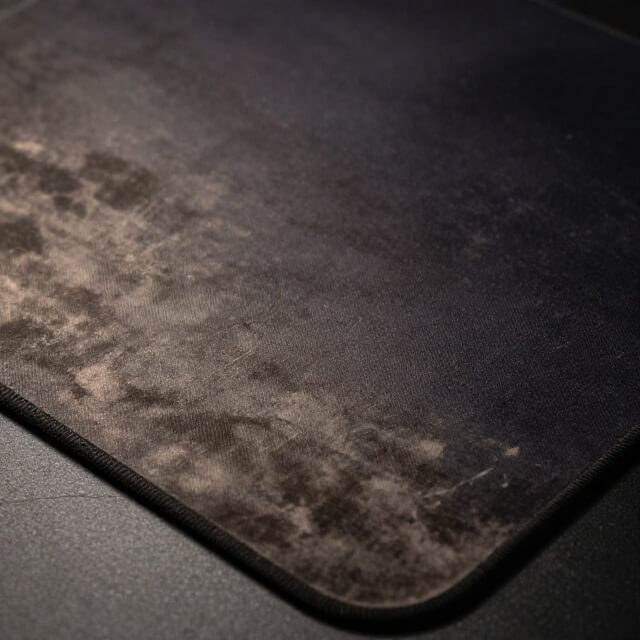
Your hand rests on this surface for hours every day, and skin naturally produces oil and sweat the whole time. Add in dust that settles from the air, crumbs from snacks at your desk, and the general grime that builds up in any space you spend a lot of time in, and it becomes clear why a mousepad gets dirty surprisingly quickly, even if it never looks obviously filthy at first glance.(how to clean a mousepad?)
Beyond just looking a little worn, a dirty mousepad can genuinely affect your mouse performance. Built up oil and grime can make the surface sticky or inconsistent, which throws off how smoothly your mouse glides, something competitive gamers in particular tend to notice quickly.(how to clean a mousepad?)
Know what type of mousepad you have first
This matters more than people expect, since the cleaning method that works perfectly for one type can genuinely damage another.(how to clean a mousepad?)
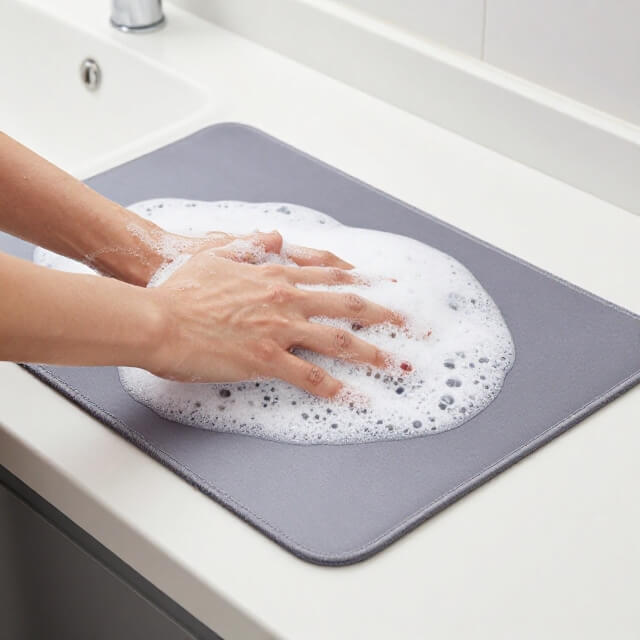
Cloth mousepads, the soft fabric covered kind most common in gaming setups, are generally the easiest and safest to clean thoroughly, including a full wash.
Hard plastic or aluminum mousepads need a different approach, since soaking them or using harsh scrubbing can damage the surface coating or cause warping, especially around the edges.(how to clean a mousepad?)
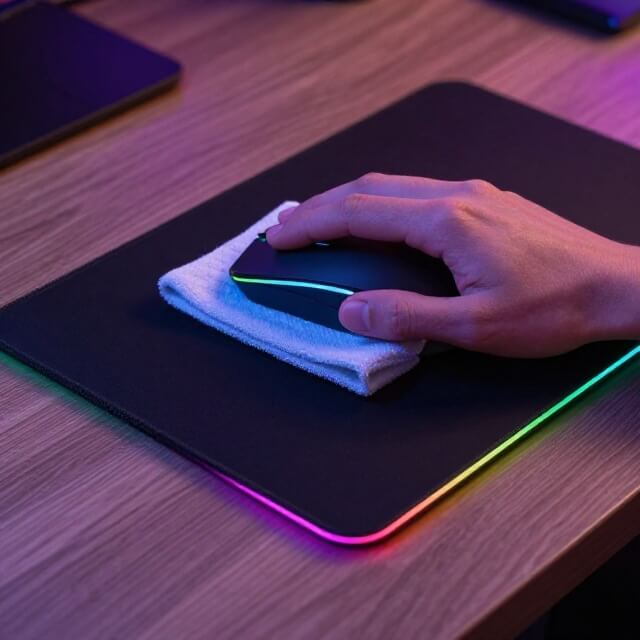
Mousepads with RGB lighting or built in wireless charging need the most caution of all, since these contain electronics that cannot get wet, meaning a full wash is completely off the table regardless of the outer material.(how to clean a mousepad?)
How to clean a cloth mousepad
Start by shaking off loose dust and crumbs over a trash can or outside, which removes a surprising amount of surface debris before you even introduce any liquid.
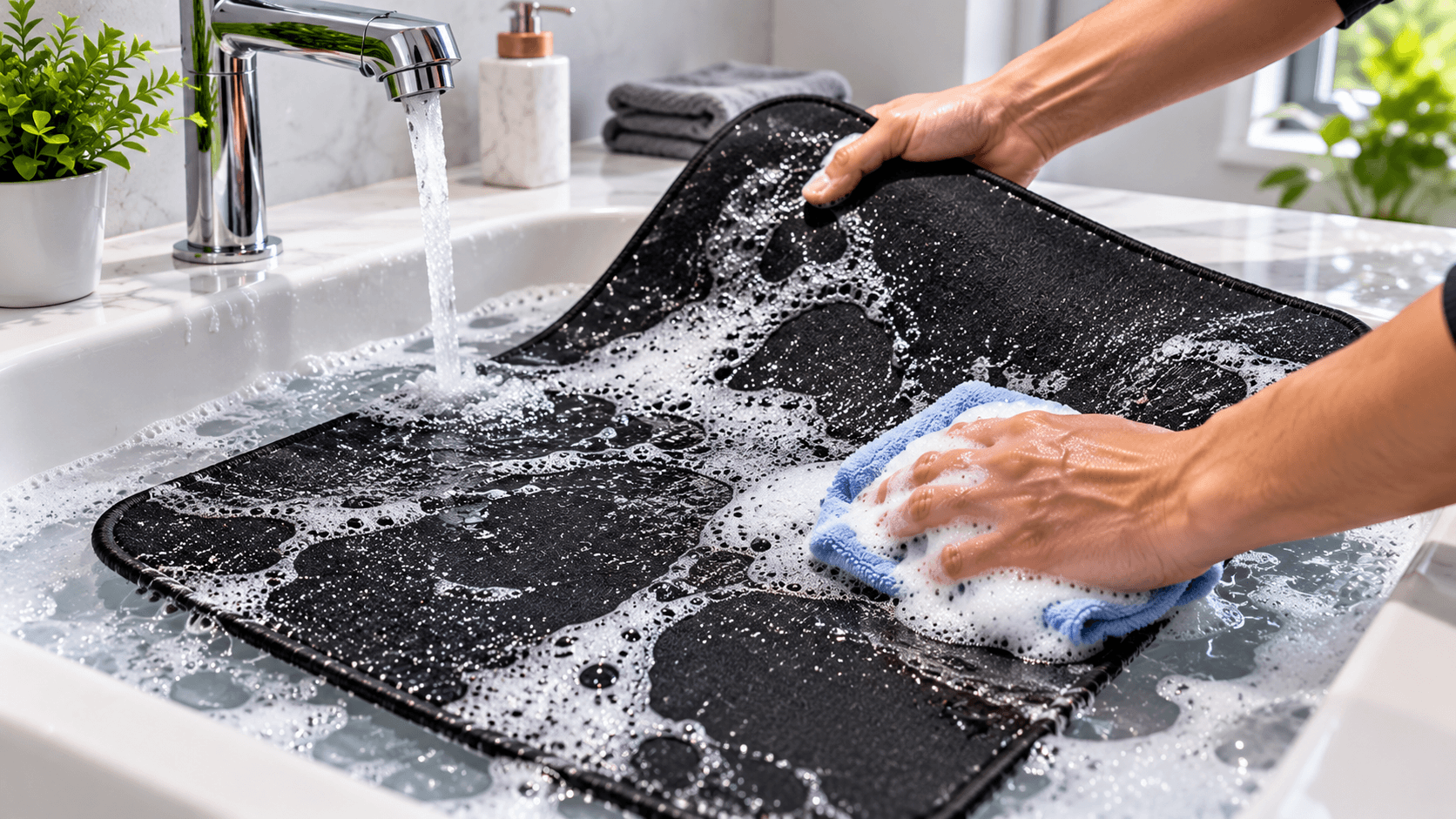
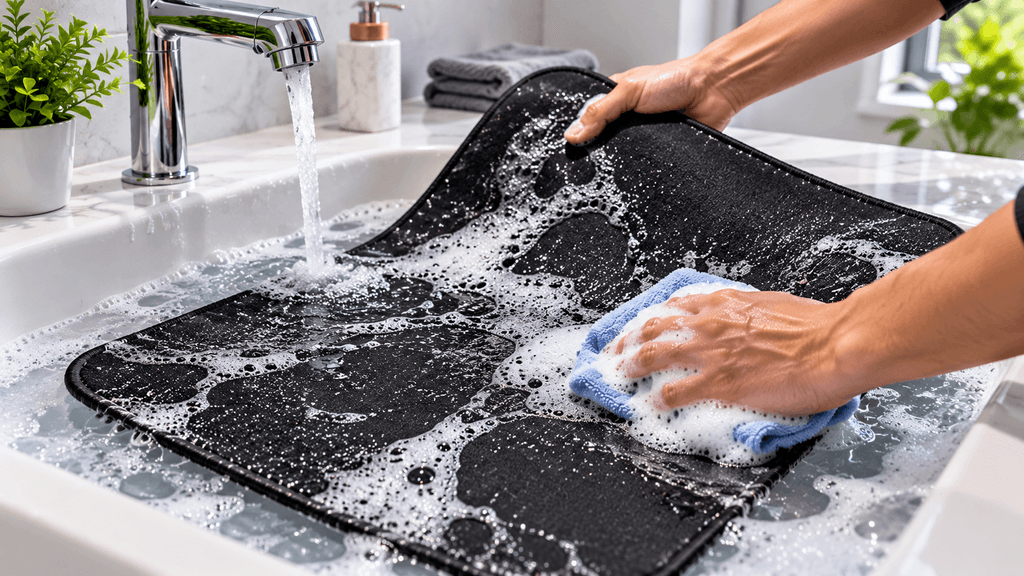
For a deeper clean, most cloth mousepads can be gently hand washed. Fill a sink or basin with lukewarm water and a small amount of mild soap, then submerge the pad and gently rub the surface with your hands or a soft cloth, focusing on any visibly dirty or stained areas. Avoid hot water, since heat can damage the rubber backing underneath the fabric surface over time.(how to clean a mousepad?)
Rinse thoroughly under lukewarm running water until no soap residue remains, since leftover soap can leave the surface feeling sticky once it dries, which defeats the purpose of cleaning it in the first place.(how to clean a mousepad?)
Lay the mousepad completely flat on a clean, dry towel to air dry, away from direct sunlight and away from any heat source like a radiator or heating vent. Never wring it out or hang it to dry, since both can warp the shape or damage the rubber backing permanently.
How to clean a hard plastic or aluminum mousepad
Wipe the surface down with a slightly damp microfiber cloth, using only a small amount of water or a gentle all purpose cleaner rather than soaking the pad directly. Avoid anything abrasive, including rough sponges or strong cleaning chemicals, since these can scratch or strip the smooth coating that makes the surface glide well.(how to clean a mousepad?)
For stubborn grime or sticky spots, a mixture of water and a small amount of mild dish soap on a soft cloth usually does the job without needing anything harsher. Dry the surface immediately with a separate clean, dry cloth rather than letting it air dry, since lingering moisture sitting on a hard surface for too long can sometimes affect the coating underneath.
How to clean an RGB or wireless charging mousepad
This type requires the most careful approach, since you are working around real electronics inside the pad. Always unplug or power down the mousepad completely before cleaning it, and never submerge it in water or use enough liquid that it could seep into the internal components.(how to clean a mousepad?)
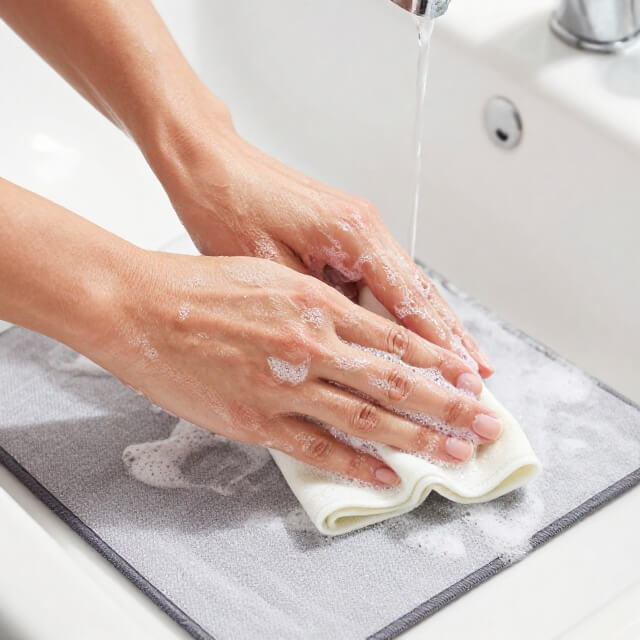
Wipe the surface gently with a barely damp microfiber cloth, using as little moisture as possible, and follow up immediately with a separate dry cloth to remove any remaining dampness. If the surface has stubborn grime that a damp cloth alone will not remove, a very small amount of mild soap on the cloth, never applied directly to the pad itself, can help, as long as you are extremely careful to keep the amount of liquid minimal.
How often should you actually clean it
For most people, a quick wipe down every week or two keeps everyday buildup from accumulating too much, while a deeper clean every month or so handles anything a simple wipe does not fully remove. If you eat at your desk regularly, have pets nearby, or notice your mouse starting to feel less smooth than usual, cleaning a bit more often is worth the extra few minutes.(how to clean a mousepad?)
Common mistakes that damage mousepads
Using the washing machine or dryer. Even for cloth mousepads that can handle a hand wash, machine washing and drying can warp the shape, damage the rubber backing, and cause the fabric surface to peel away from the base over time.(how to clean a mousepad?)
Scrubbing too aggressively. Hard scrubbing, especially with anything abrasive, can wear down the surface texture that controls how your mouse glides, permanently changing how the pad feels and performs even after it dries.(how to clean a mousepad?)
Using harsh chemical cleaners. Strong cleaning products, especially anything containing bleach or strong solvents, can discolor the surface or break down the materials holding the pad together, particularly on cloth and coated hard pads.(how to clean a mousepad?)
Drying in direct sunlight or near heat. This can cause fading, warping, or cracking, especially on larger mousepads where unexpected shrinkage or uneven drying can leave the surface with a slightly wavy, uneven shape.(how to clean a mousepad?)
Not drying it completely before using it again. Using a mousepad while it is still slightly damp can trap moisture underneath, sometimes leading to a musty smell or mold developing over time, particularly with thicker cloth pads.(how to clean a mousepad?)
Signs it might be time to just replace it instead
If the surface feels permanently rough or inconsistent even after a thorough cleaning, if the edges have started fraying or peeling away from the base, or if cleaning no longer actually improves how your mouse glides across it, these are signs the pad has reached the end of its useful life rather than needing another cleaning attempt.
The bottom line on cleaning a mousepad
A clean mousepad is a small, easy habit that keeps your setup feeling fresh and your mouse gliding the way it is supposed to. The key is matching your cleaning method to the actual type of pad you own, cloth, hard surface, or electronic, since treating all three the same way is what leads to accidental damage. A few minutes every week or two is all it really takes to keep it in good shape for a long time.(how to clean a mousepad?)
How often do you actually clean your mousepad, or did this remind you it has been a while? Let us know in the comments.(how to clean a mousepad?)
FAQ: How to Clean a Mousepad
Can I put my mousepad in the washing machine?
It is not recommended, even for cloth mousepads that can otherwise be hand washed. Machine washing and drying can warp the shape, damage the rubber backing, and cause the fabric to peel away from the base over time.
How often should I clean my mousepad?
A quick wipe down every week or two helps prevent buildup, with a deeper clean every month or so for most people. Cleaning more often is worth it if you eat at your desk, have pets nearby, or notice your mouse gliding less smoothly.
Is it safe to get an RGB mousepad wet?
Only with extreme caution. Always power it down first and use as little moisture as possible with a damp cloth, drying it immediately afterward. Never submerge an RGB or wireless charging mousepad in water.
Why does my mouse feel less smooth even after cleaning my mousepad?
This can happen if the surface coating has worn down over time from heavy use or past aggressive scrubbing. If a thorough cleaning does not restore smooth gliding, the pad may simply be nearing the end of its usable life.
Can I use regular soap to clean a cloth mousepad?
Yes, a small amount of mild soap in lukewarm water works well for cloth mousepads. Avoid hot water and make sure to rinse thoroughly, since leftover soap residue can leave the surface feeling sticky once dry.
How long does it take for a mousepad to air dry?
This depends on thickness and humidity, but most cloth mousepads take several hours to a full day to dry completely when laid flat in a well ventilated area away from direct heat or sunlight.
More Useful Tools
Vertical Stack Ceiling Clearance Calculator | Monitor Stack Height Tool
Under-Desk Mount Torque Calculator | PC Mount Load Checker
Desk Boundary Bass Gain Estimator | Speaker Boominess Calculator